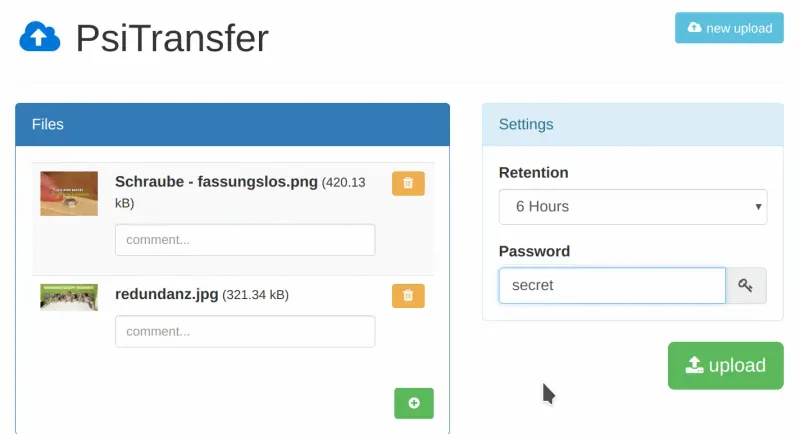
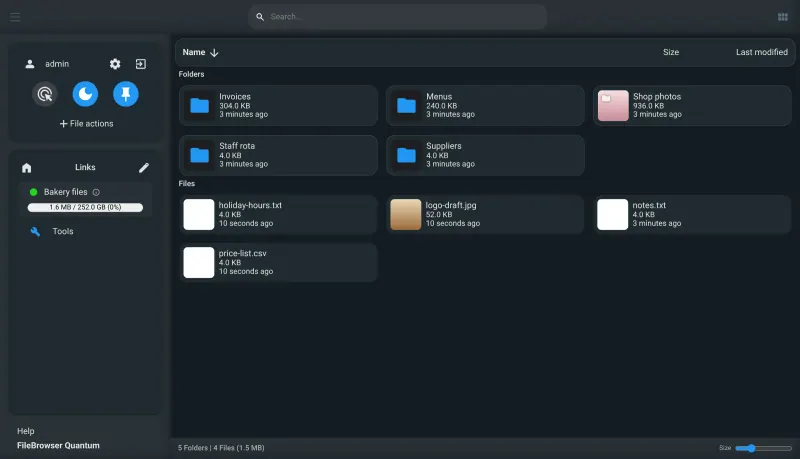
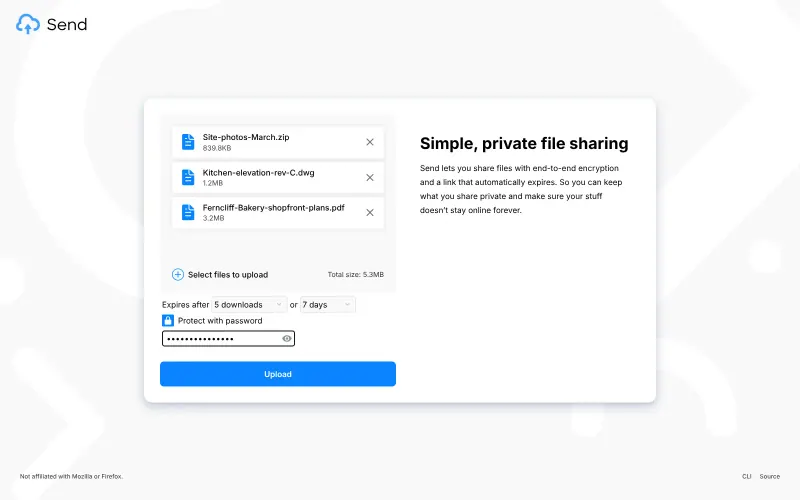
There is nothing to move: transfers are temporary, so let open WeTransfer links run out. With PsiTransfer, give the upload password to the people on your team who send files. Share each link by copying it, showing its QR code or using the email button, which opens your own mail program. To receive files from a client, give them the upload password too, since there is no separate request page. With FileBrowser Quantum, make a folder for outgoing files, upload what you want to send, then create a share with an expiry time and, if it is private, a password, and send the link by email or chat. To collect files from clients, create an upload-only share on an empty folder and send that link instead. Delete files from the folder once they have been collected, because FileBrowser Quantum has no storage quotas or trash bin yet. With Send, give the address only to your team, since it has no accounts: drop in files, choose how many downloads or how long the link lasts, add a password if you like, and copy the link or show its QR code.
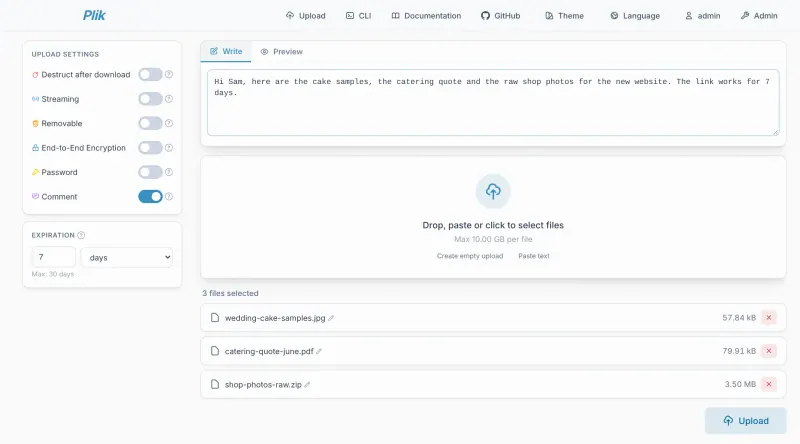
With Plik, sign in as admin and create an account on the Admin page for each colleague who sends files; there is no self sign-up. Each upload gets one link, plus a QR code and per-file links, to send by email or chat. Turn on end-to-end encryption for confidential files and send the passphrase separately.
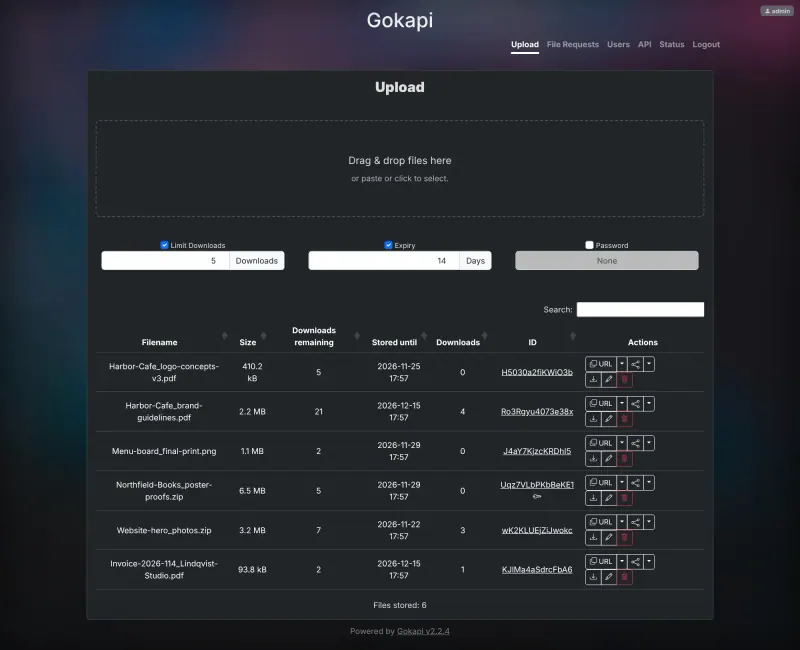
With Gokapi, sign in as admin with the password from the app's variables page, change it, and add an account for each colleague who sends files. Upload files, set how many downloads or days each link lasts and an optional password, and send each file's link; to collect files from a client, create a file request and send its upload link.
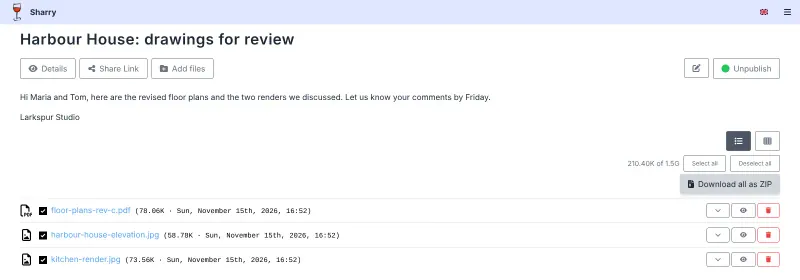
With Sharry, invite the people who send files, then create a share for each transfer with its expiry and password, publish it and send the link or its QR code. To collect files from a client, create an alias page and send them its link.
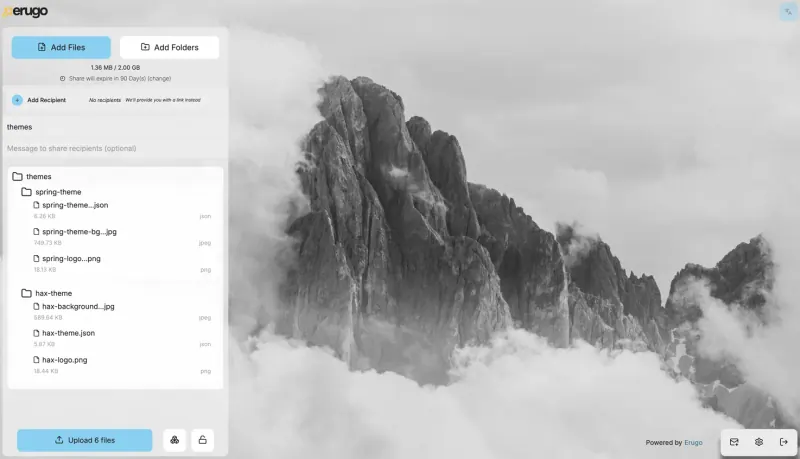
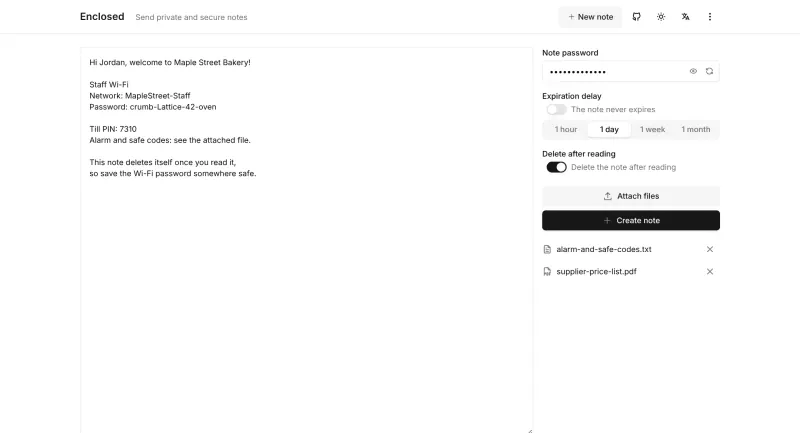
With Erugo, create your admin account right after setup, add your logo, enter your email account in the settings so it can send links and download alerts, raise the size and expiry limits if you need to, and invite the people who send files. Use Enclosed only for small confidential files: attach them to a note, set a password and send the link.
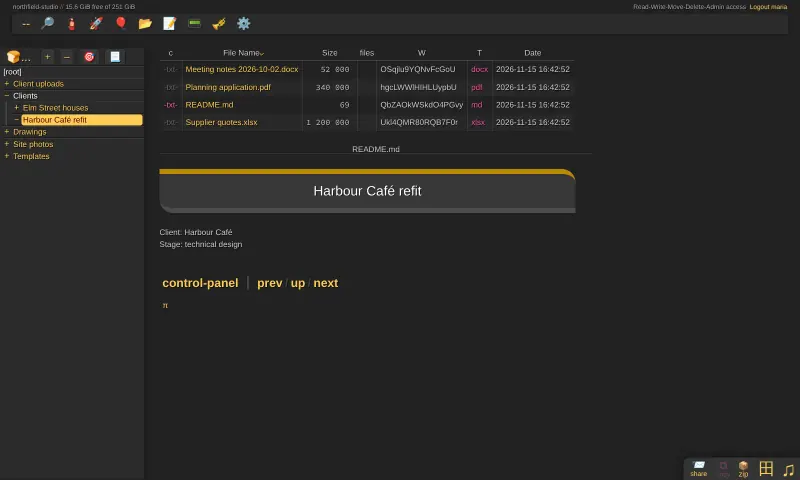
With copyparty, upload into a folder, select the files and create a share with a password and an expiry time, then send the link. To collect files, make a write-only share or folder, where people can drop files without seeing anyone else's.
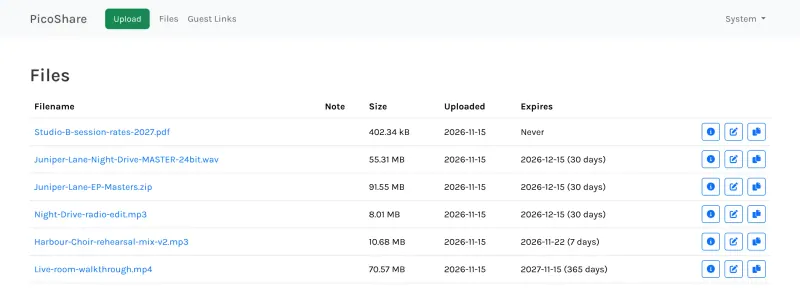
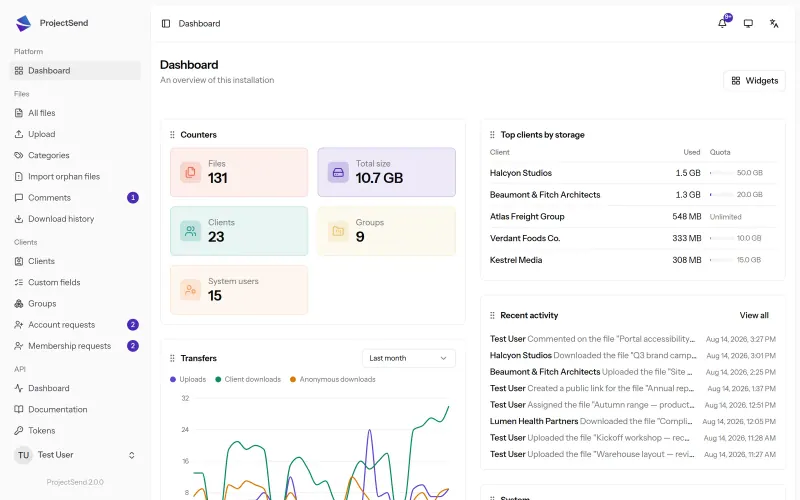
With PicoShare, upload each file, pick when its link expires and send the link; zip a folder first, since it sends one file per link, and send clients a guest link to collect their files. With ProjectSend, add the clients you send to often so they get their own page, and use public links with an expiry date for everyone else.
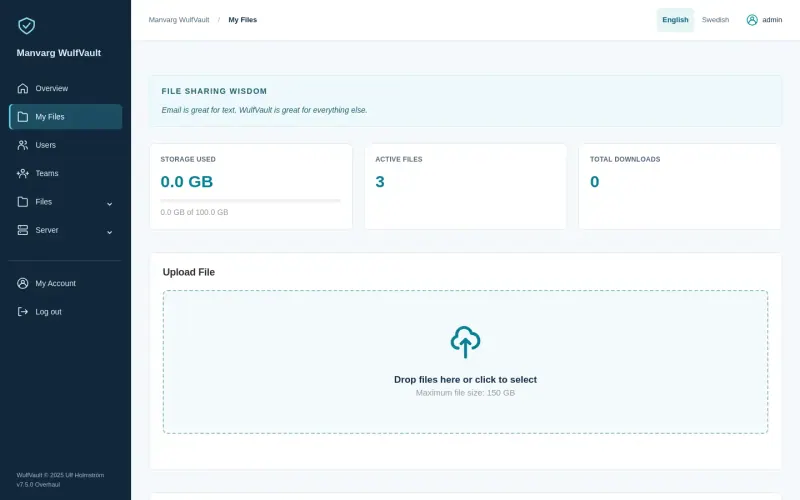
With WulfVault, sign in with the admin email you entered and the password from the app's variables page, change it, add your logo and colours, and add colleagues or teams with their storage limits. Raise the 5,000 MB file size limit in the admin settings if you send larger files. Upload each file with a password and an expiry, choose whether recipients download straight from the link or with a download account, and send an upload request link to collect files from clients.