





Open-source alternatives to Box

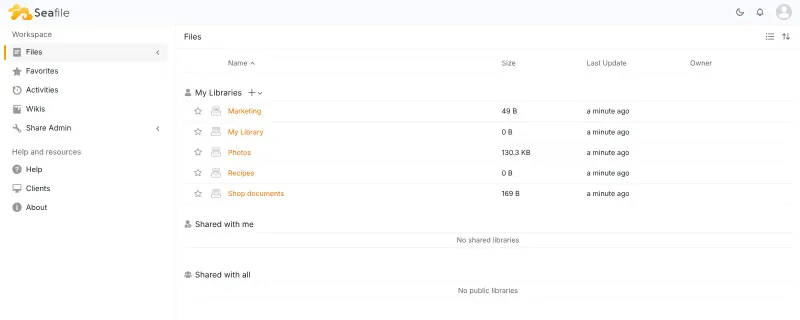
Seafile is a free, open-source Box alternative for business file sync and sharing, with share links, groups, permissions and file history on your own server. Box business plans are charged per user, with a minimum of three users and a file size limit on each plan; self-hosted Seafile has no per-user price.

7 alternatives Free apps Our pick: Seafile

At a glance

App Good for Code Ease of use
Seafile Teams that want fast, dependable file sync and sharing without a full office suite Code Open source Easy
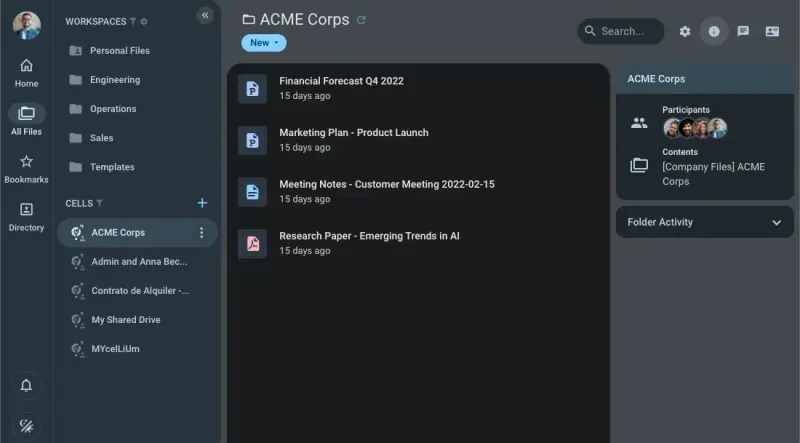
Pydio Cells Organisations that share files with clients and partners and want shared spaces per project with fine permissions Code Open source Easy
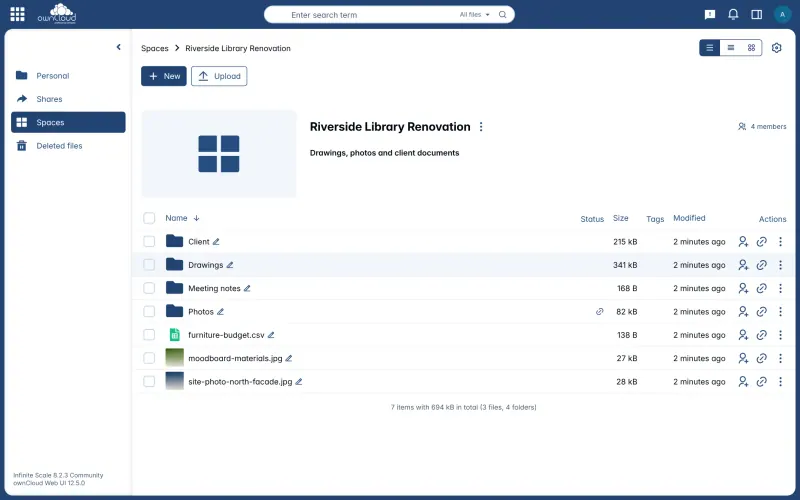
ownCloud Infinite Scale Teams that want shared project drives and sync apps, without the extra apps of Nextcloud Code Open source Some setup
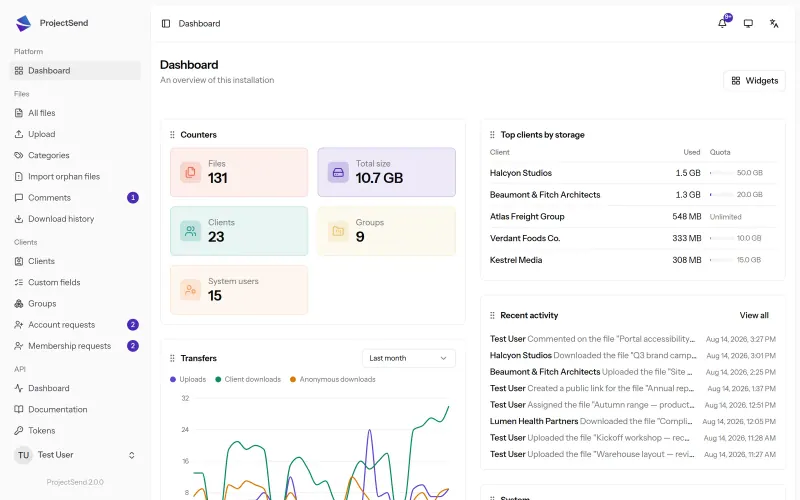
ProjectSend Accountants, law firms and agencies sending files to clients through a private portal Code Open source Some setup
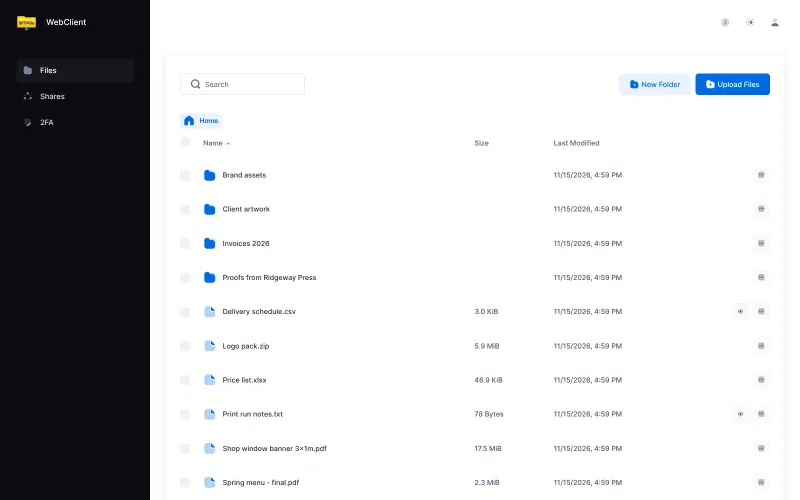
SFTPGo Businesses that swap files with clients and partners and want one account and folder for each Code Open source Some setup
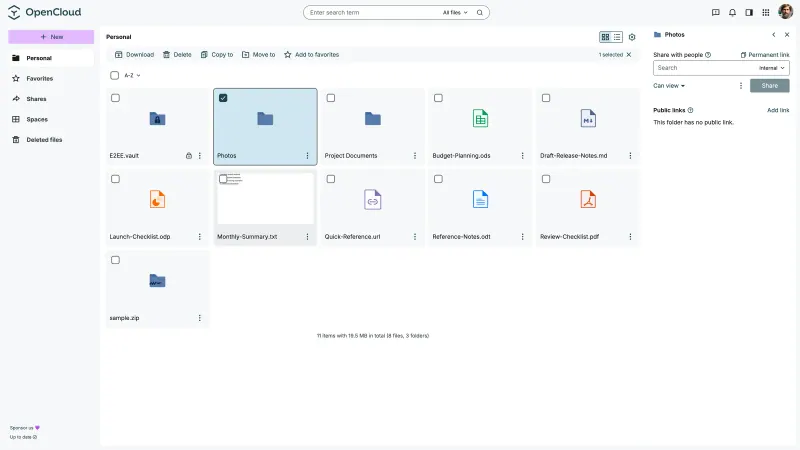
OpenCloud Teams that want fast, focused file sync and shared team drives on a small server Code Open source Easy
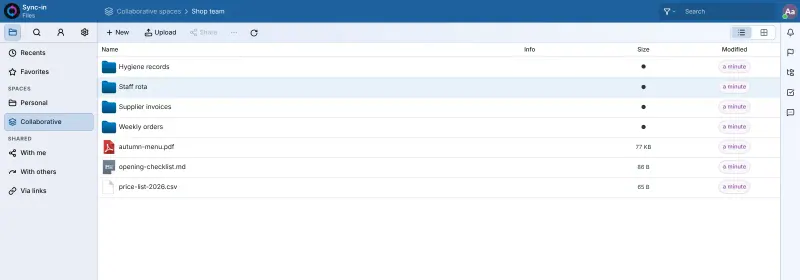
Sync-in Small teams that want a shared drive with tightly controlled share links, without a full office suite Code Open source Easy

Why look for an alternative to Box?

Box is cloud file sharing for businesses: shared folders, permissions, links for people outside the company, and integrations with many other tools.

Businesses look for an alternative because Box is charged per user, with at least three users on its business plans and a file size limit on each plan. Some also want their files on a server they control. Seafile, OpenCloud, ownCloud Infinite Scale and Sync-in sync and share files for a team on your own server, with no price per user. Pydio Cells is built for sharing with clients and partners in project spaces. For swapping files with clients and partners, SFTPGo gives each one their own account and folder, and ProjectSend gives each client a private portal.

The alternatives, compared

Seafile

Our pick

Fast, self-hosted file sync and sharing for your team.

Gives a team libraries of files that sync to every computer, sharing with users and groups by permission, share links with passwords, expiry dates and upload links, and file history with a trash bin. Box adds e-signatures, workflows and many integrations; Seafile's free edition has no file locking, no audit log and searches file names only.
Easy Open source

File sharing with team workspaces and client links.

Shares business files with fine permissions: team workspaces, plus project Cells that mix files from several workspaces with people inside and outside the company and can close on their own when the work ends, with share links, upload-only links, file versions, tags and phone apps. Box adds e-signatures, workflows and many integrations; Pydio's free Cells Home leaves single sign-on, two-step sign-in and audit logs to its paid editions, and this template has no desktop sync.

What you gain
  • No price per user, and storage is limited only by your server's disk
  • Your files and client shares stay on a server you control
  • Project Cells can include outside people and close on their own when the work ends
What is different
  • Single sign-on, two-factor sign-in, audit logs and office editing in the browser are in Pydio's paid editions, not in the free Cells Home
  • Pydio calls its desktop sync app a test version, and this template doesn't set it up, so you work in the browser, on your phone or over WebDAV
  • The admin settings are extensive and take some time to learn
Easy Open source

File sync and sharing, with shared Spaces for each team.

Organises business files into Spaces, shared drives for each team or project with their own members, roles from view-only to manage, and storage quota, so files stay put when people leave. It shares by link with a password or as an upload-only drop folder, keeps versions and a trash bin, and has desktop and phone apps. Box adds e-signatures, workflows and many integrations; full-text search and office editing need extra services.

Some setup Open source

A private client portal for sending files, on your own server.

Covers the client side of Box: each client signs in to a private page to download what you share and upload their own files, and a log shows every download. It is a portal, not a team drive: there is no desktop sync, no phone app, no editing and no shared folders for your staff.

Some setup Open source

Exchange files with clients and partners, each in their own folder.

Fits one part of Box: sharing files with clients and partners outside the company. Each partner gets an account and a private folder in the browser, and you send links with a password, an expiry date and a use limit, or upload-only links. It has no desktop sync, phone apps or office editing, so it does not replace Box as your team's own drive.

Some setup Open source

File sync and sharing, with shared drives for each team.

Built around Spaces, shared drives for each team or project with viewer, editor and manager roles, where files belong to the Space rather than a person. It has desktop sync, phone apps, share links with passwords and expiry dates, file-drop links for clients and file versions, on a small server with no database. Box adds e-signatures, workflows and many integrations; this template has no office editor or full-text search.

Easy Open source

File sharing and sync for your team's shared drive.

Covers Box's everyday business sharing: shared spaces with managers and permissions for each member, guests and groups, comments, file locking, search inside documents, and share links with a password, an expiry date and an access limit. It is light to run and keeps files as ordinary files on your server's disk. It has no version history yet and no phone app of its own.

Easy Open source

Moving from Box

Download your Box folders, or sync them with Box Drive, then install the Seafile desktop app and sync a library for each team or project. Move the files into those folders and Seafile uploads them. Recreate groups and share libraries with them, and send new share links to anyone outside your company.

With OpenCloud, create a Space for each Box team folder, add its members with the right role, and move the files in through the desktop app. With ownCloud Infinite Scale, create a Space for each team or project, add its members with their roles, and sync the Space with the ownCloud desktop app to move your files in. With Sync-in, create a shared space for each team folder, add its members with their permissions, and move the files in through its desktop app or over WebDAV. With Pydio Cells, create a workspace for each Box team folder, upload whole folders in the browser or copy them over WebDAV, then set up a Cell for each client project and invite the outside people to it.

For sharing with clients and partners: with SFTPGo, create an account and folder for each outside partner in its admin pages, upload the files you share with them, and send them their sign-in details or a share link. With ProjectSend, add each client, upload the files they should see, and send them their sign-in.

Questions

What is the best open-source alternative to Box?

Start with Seafile. All 7 are free and open source.

Can I share files with people outside my company?

Yes. Seafile share links can have a password, an expiry date and download or preview-only access, and upload links let others send you files.

Should I choose Seafile, OpenCloud, ownCloud Infinite Scale or Sync-in?

Choose Seafile for proven, fast sync of many files with encrypted libraries. Choose OpenCloud or ownCloud Infinite Scale if you think in team drives: both keep files in Spaces that belong to the team, not a person, with roles for each member and no database to run. OpenCloud is a fork of ownCloud Infinite Scale, so the two work in much the same way. Choose Sync-in for a light shared drive with closely controlled share links, guests and file locking, if you can do without version history.

Which app suits sharing files with clients rather than a team?

Pydio Cells, SFTPGo or ProjectSend, depending on how you work with clients. Pydio Cells suits shared project spaces where your team and outside people work on the same files with careful permissions. SFTPGo gives each client or partner their own account and folder, with secure links. ProjectSend is a simple portal where each client signs in to download and upload files, with every download on record. SFTPGo and ProjectSend have no sync app, so pair them with a drive such as Seafile if your team also needs one.

Is Seafile's free edition enough for a business?

For syncing and sharing, yes. Full-text search, file locking, an audit log and SAML single sign-on are in Seafile's paid Professional Edition, which this template does not install.

Are these Box alternatives really free?

Yes, Seafile, Pydio Cells, ownCloud Infinite Scale, ProjectSend, SFTPGo, OpenCloud and Sync-in are free. To run them you need Cloudgate and a server. Use hosted Cloudgate, which can also provide the server, or install Cloudgate on a server of your own for free. Cloudgate's plans and prices are at cloudgate.octabyte.io/pricing. One server can run several apps.

Do I need a developer to replace Box?

No. Cloudgate installs the app you choose on your server and gives it a secure web address, and you use it in your browser instead of Box.