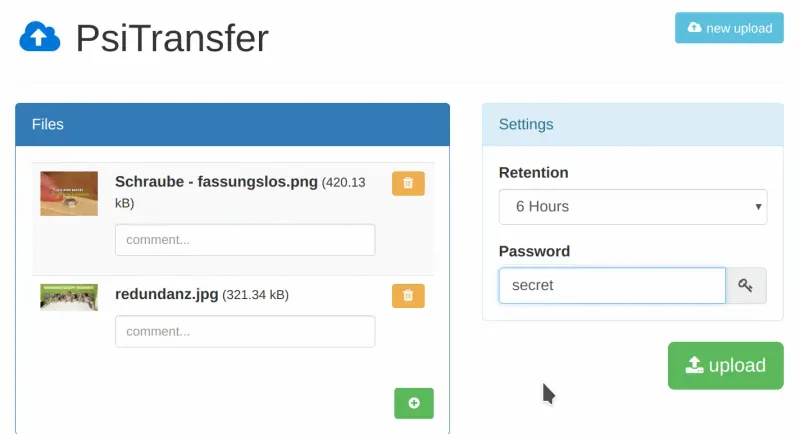
Nothing needs to move: Dropbox Transfer sends copies, and the originals stay in your Dropbox. Upload the files you want to send to PsiTransfer, set how long the link lasts and, if needed, a download password, then share the link by copying it or with the QR code. Keep the upload password for your team only.
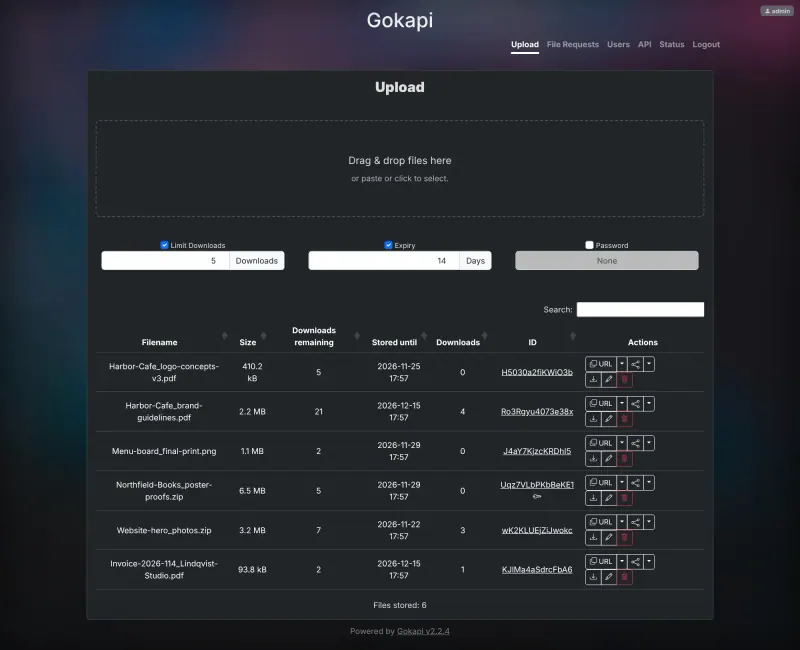
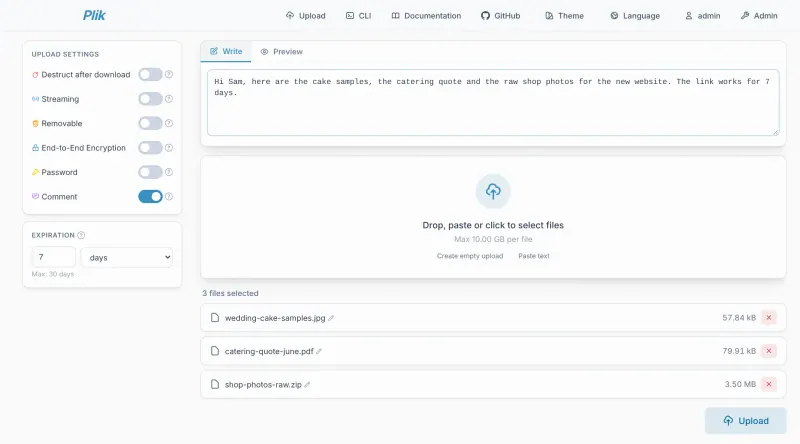
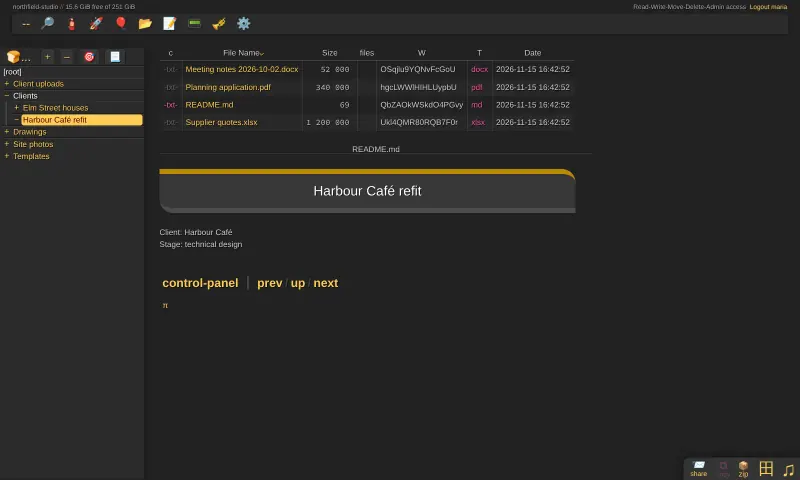
With Gokapi, sign in as admin with the password from the app's variables page, upload each file, set its download and day limits and an optional password, and share its link; use a file request when someone needs to send files to you. With Plik, the admin creates an account for each colleague rather than sharing an upload password, and each upload gets its own link with the expiry you choose, up to 30 days. With copyparty, upload the files to a folder, create a share with an expiry time and, if needed, a password, and send its link; delete the files once they have been collected.
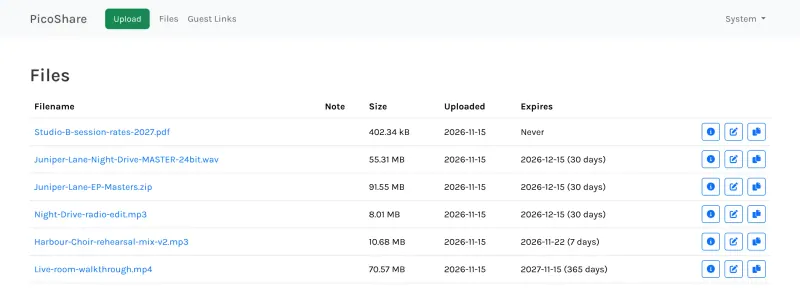
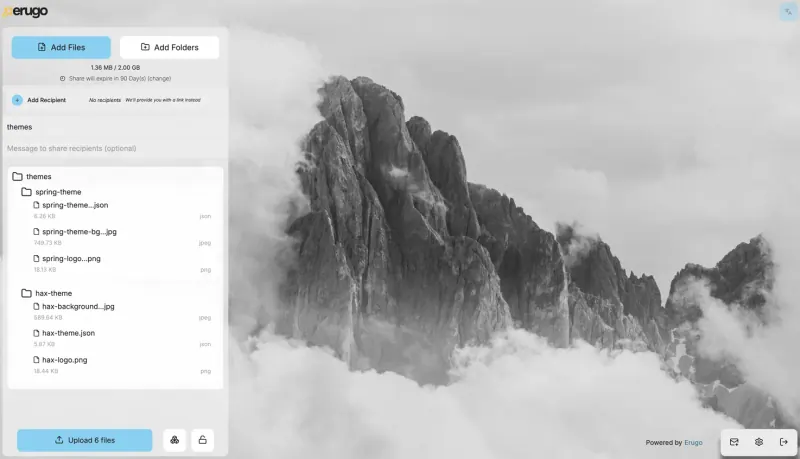
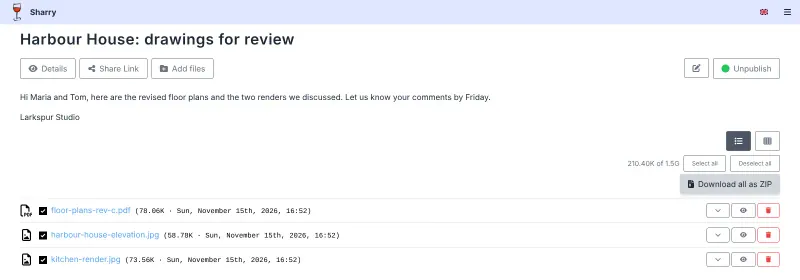
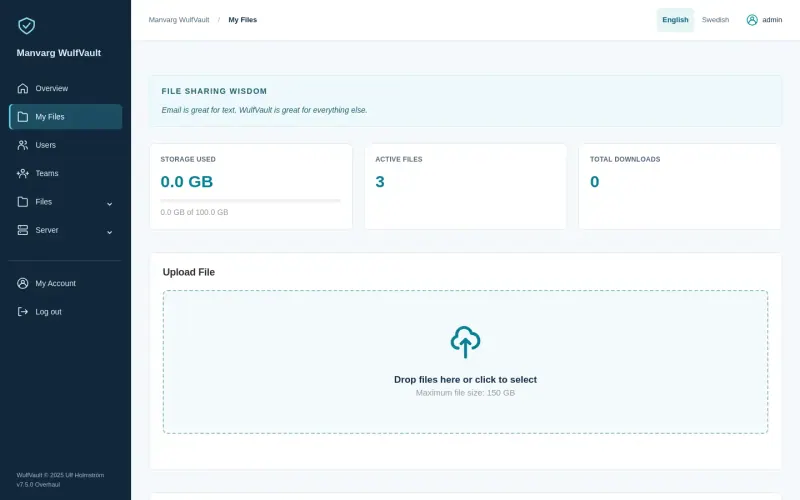
With PicoShare, upload each file, zipping a folder first, choose when the link expires and send it; to collect files, send a guest link instead of a Dropbox file request. With Erugo, each sender signs in, drops in files or folders, sets the expiry and password, and adds the recipients' email addresses once Erugo's email is set up. With Sharry, each sender signs in, uploads the files into a share, sets its expiry and password, publishes it and sends the link. With WulfVault, upload each file, set its password and expiry, and send the link; its download history shows when it was collected, and an upload request link lets someone send files to you.