
WulfVault
Send large files by link and see who downloaded each one.
No server needed to start: Cloudgate can provide one. What happens when you click Deploy




What is WulfVault?
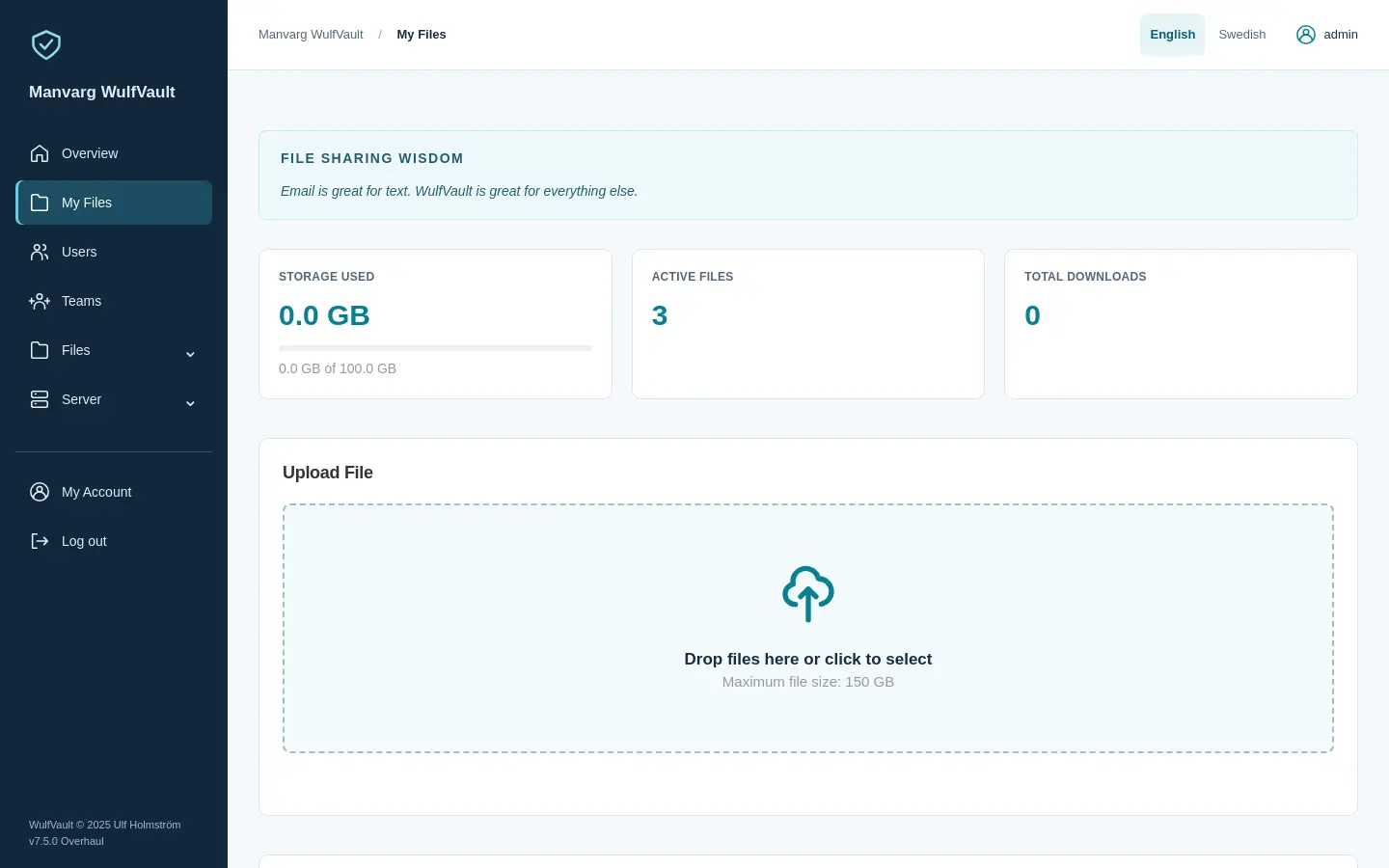
WulfVault is a self-hosted app for sending large files by link, with passwords, expiry dates and a record of who downloaded each file.
WulfVault is a self-hosted, open-source file sharing app for sending large files by link, an alternative to WeTransfer and ShareFile that keeps a record of who downloaded each file and when. You drag a file in, choose a password and when the link should stop working, and send the link. Big uploads go in small pieces and carry on after a dropped connection.
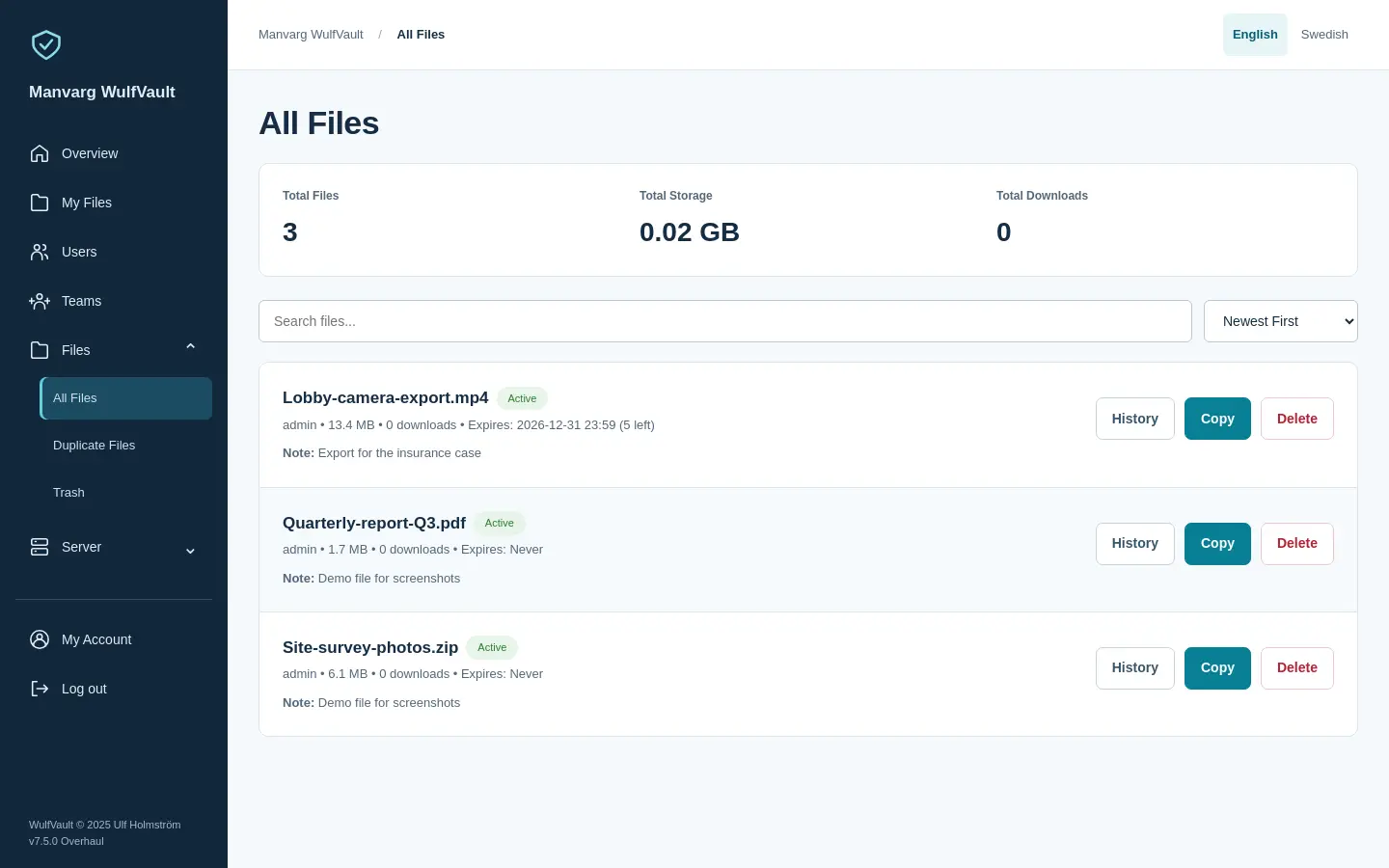
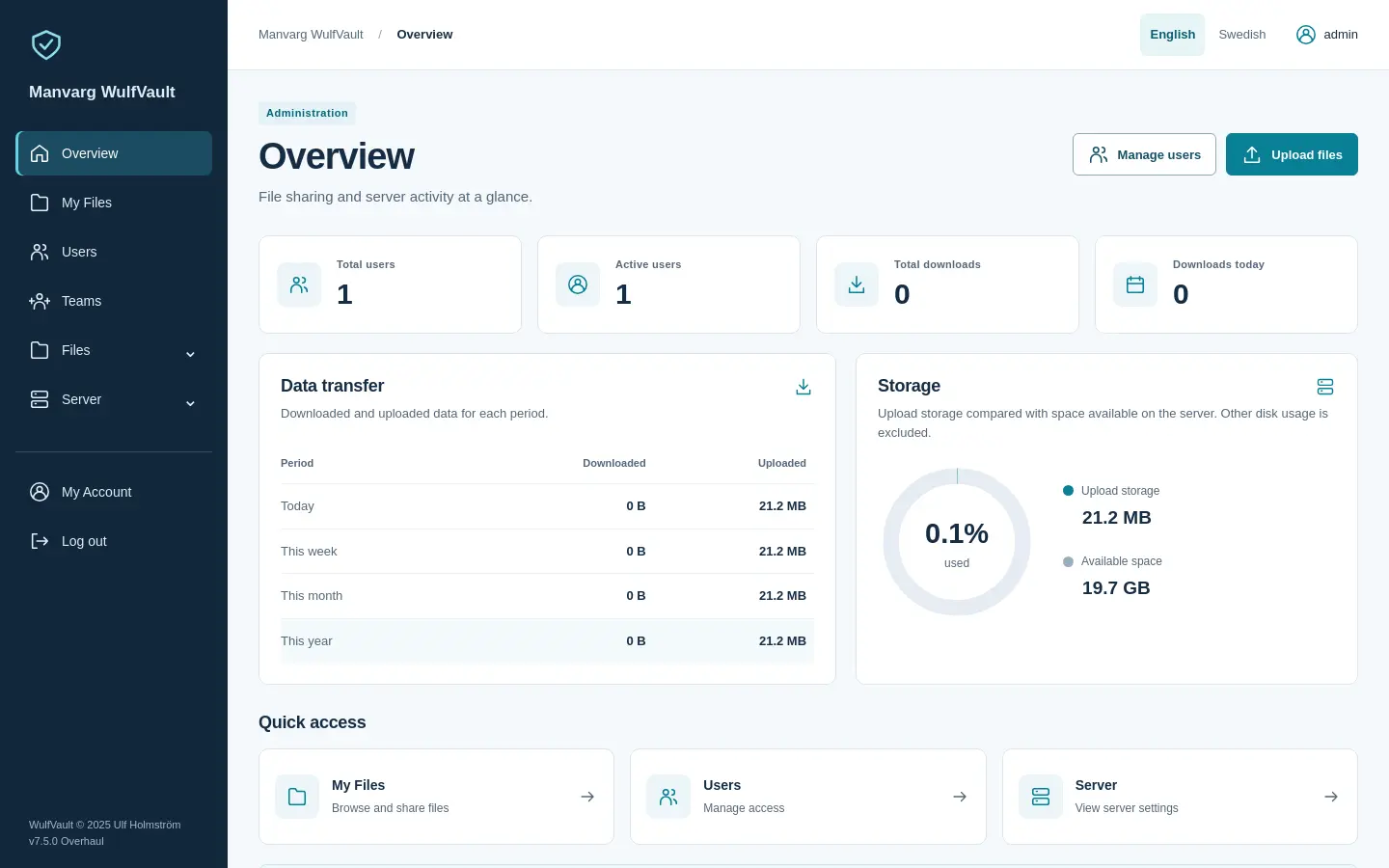
Every file has a download history you can export, and sign-ins, file changes and settings changes go into an audit log. Recipients can download straight from the link, or make a free download account so their email is recorded with each download. You can also send an upload request link so clients send files to you. An accounting firm, for example, could send year-end reports to each client with a password, see exactly when each one was downloaded, and collect receipts back through an upload link.
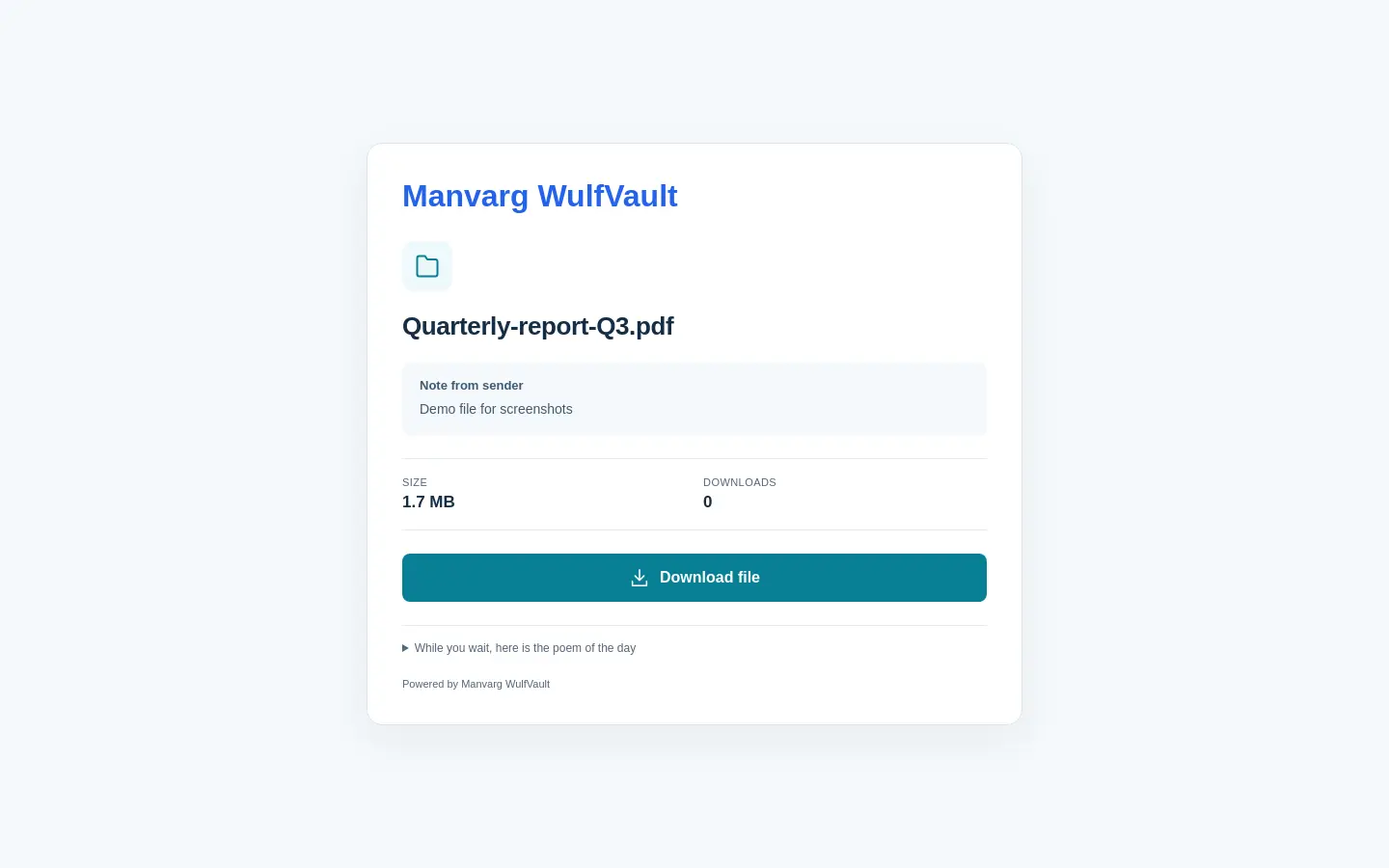
WulfVault has teams with storage limits, your logo and colours on the download pages, two-step sign-in, and single sign-on with Microsoft or another provider. It works in any web browser, including on a phone, in English or Swedish. To email links from the app, add your email server's details in the admin area.
Cloudgate installs WulfVault on a server Cloudgate provides or one you connect, gives it a secure web address, and creates the admin account with the email you enter.
What you can do with WulfVault
- Send big files by link Drag files in, copy the link and send it; uploads go in small pieces and carry on after a dropped connection.
- Set a password and an expiry Protect each file with a password, and let its link stop working after a number of days or downloads.
- See who downloaded what Each file keeps a download history with the time and, for sign-in downloads, the person's email, and you can export it as a spreadsheet file.
- Collect files from clients Make an upload request link, and anyone who has it can send files to you.
- Put your brand on the download page Add your logo, colours and company name to the app and the pages your recipients see.
- Organise people into teams Share files within a team and give each person or team a storage limit.
- Lock down sign-in Turn on two-step sign-in with an authenticator app, or let staff sign in with Microsoft or another single sign-on provider.
- Keep an audit log Sign-ins, file changes, team changes and settings changes are logged, and deleted files sit in a trash you can restore from.
Replaces WeTransfer, ShareFile, Dropbox Transfer and Dropbox File Requests
WulfVault does the same job as WeTransfer, ShareFile, Dropbox Transfer and Dropbox File Requests. Here is what changes when you switch.
- A record of who downloaded each file and when, which you can export
- No per-user or per-transfer fees; storage is your server's disk
- Files go from your server to your recipients, not through another company
- Your logo and colours on the download page
- Files aren't encrypted on the server's disk, so turn on disk encryption if you need it
- Emailing links needs your email server's details entered first
- No phone or desktop apps, though the web pages work well on a phone
- Old transfers and links don't move across
What happens when you click Deploy?
You do not need a server or any technical knowledge. Four steps, and WulfVault is running at its own web address.
- Step 1 Click Deploy and create your account
Deploy takes you to Cloudgate. Create an account, or log in if you have one. WulfVault itself is free.
- Step 2 Choose a server
No server? Get one from Cloudgate: pick a size and a country, and Cloudgate gets it ready. Already have one? Connect it instead.
- Step 3 Cloudgate sets up WulfVault
It prepares the server, makes the passwords the app needs and starts it. There is nothing to install and nothing to write down.
- Step 4 Open your app and sign in
Your app gets a free web address to start, without https. Add your own domain, like app.yourshop.com, and Cloudgate secures it with https for you.
New to Cloudgate? See what Cloudgate is
Run Cloudgate yourself? Deploy from your own console
In your Cloudgate console, open Templates and choose WulfVault.
Questions
Is WulfVault free?
Yes. WulfVault is free, open-source software under the AGPL-3.0 licence, with no paid edition or locked features. You pay only for your server and its disk.
Is WulfVault a good alternative to WeTransfer?
Yes, especially if you need to know who downloaded your files. Like WeTransfer Pro, you upload a file, add a password and an expiry, and send a link; WulfVault also keeps a download history per file, with teams, storage limits and an audit log. It has no phone app and can't import old transfers.
Can I see who downloaded my file in WulfVault?
Yes. In WulfVault each file has a download history with the date and time of every download. If you choose sign-in downloads, recipients make a free download account and their email is recorded too; recording IP addresses is optional and off by default.
How big can my files be in WulfVault?
WulfVault accepts files of up to 5,000 MB each in this setup, and the admin can raise or lower that in the settings. Large uploads go in small pieces and pick up again after a dropped connection, so a multi-gigabyte video can finish overnight.
Can clients send files to me through WulfVault?
Yes. In WulfVault you create an upload request link and send it to a client or supplier; the files they upload appear in your account.
How do I sign in to WulfVault the first time?
Sign in to WulfVault with the admin email you entered when installing and the password Cloudgate created, which is on the app's variables page. Change the password under Settings, then add colleagues from the admin area.
Are my files private and encrypted in WulfVault?
Private, yes, but not encrypted on disk. With WulfVault your files stay on your own server and download links are long and hard to guess, but files are stored unencrypted; its makers recommend turning on disk encryption on the server if you need encryption at rest.
Do I need technical skills to run WulfVault?
No. Click Deploy, create your Cloudgate account and choose a server, and Cloudgate sets up WulfVault and gives it a web address. You use it in your browser like any other online tool.
Do I need my own server for WulfVault?
No. When you deploy WulfVault, hosted Cloudgate can provide a server. If you already rent one, you can connect it instead.
Can I move my data from WeTransfer to WulfVault?
Most people export from WeTransfer and import into WulfVault. The official guides at github.com walk through it.
Related apps

Send files by link, and let clients upload files to you.

Send large files by link, under your own logo.

Send large files with a link that expires, from your own server.

File server to send, collect and share large files.