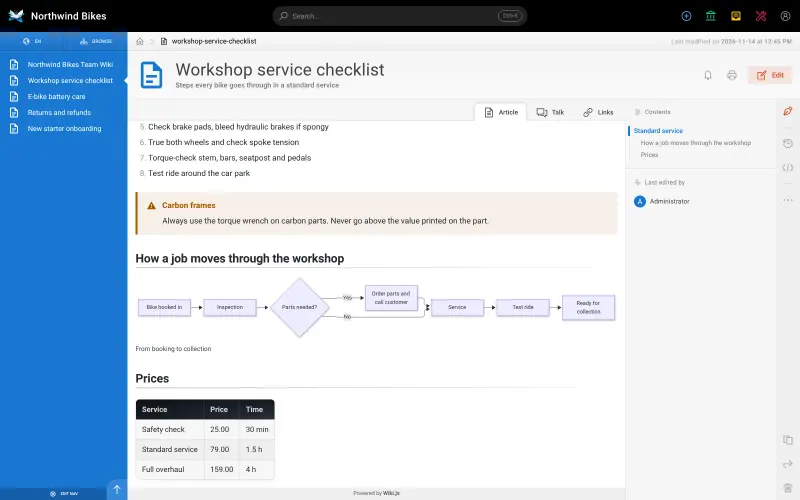
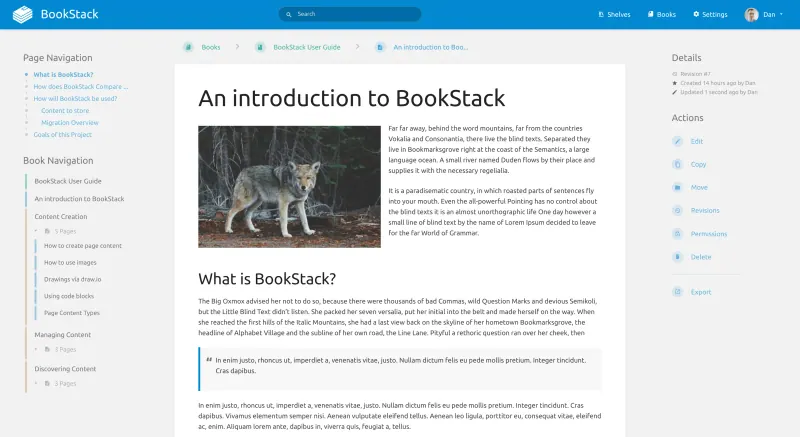
None of these apps has a GitBook importer, so start by syncing your GitBook space to a GitHub or GitLab repository as Markdown files. With Wiki.js, connect its Git storage to a copy of that repository so the Markdown pages sync in, then check each page, because GitBook's own blocks, such as hints and tabs, are not standard Markdown, and images may need uploading again. With BookStack, copy each page into its Markdown editor, one book per GitBook space and one chapter per group of pages, and upload images again. If your docs are public, give guests read access in Wiki.js or turn on public viewing in BookStack, then point your docs address at the new site.
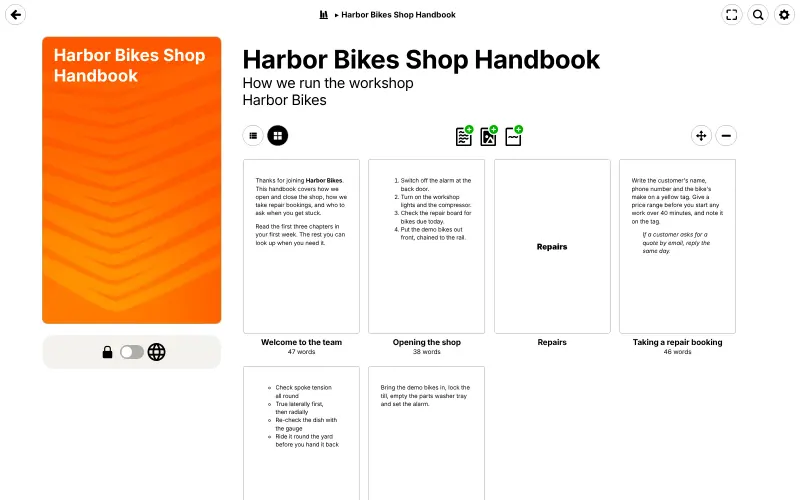
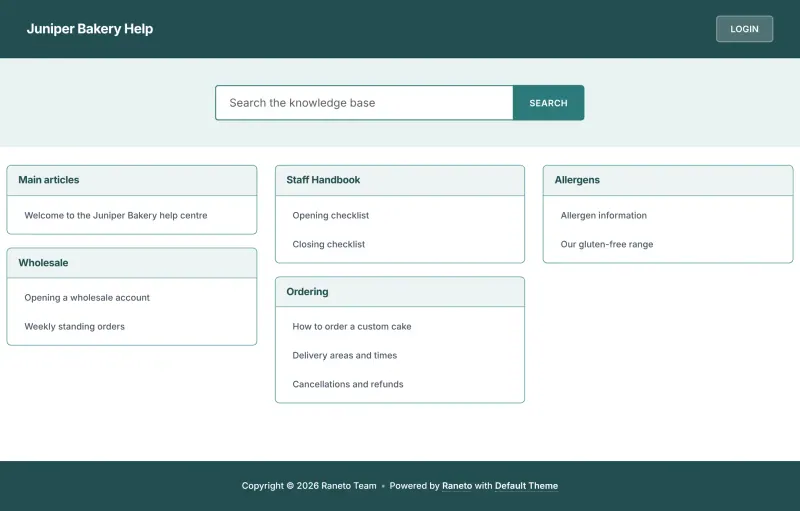
Raneto and Writebook have no GitBook importer either. In Raneto, sign in as admin, create a category for each group of pages, and paste each page's Markdown into its editor, rewriting GitBook's own blocks as plain Markdown and uploading images again. In Writebook, create one book per GitBook space, paste each page's Markdown into a new page, upload images again, and switch the book to public when it is ready.
PandaWiki has no GitBook importer either, but it can bring pages in from a web address or a sitemap, so point it at your published GitBook site, check the imported documents, then connect your AI models and publish the knowledge base at its wiki address.
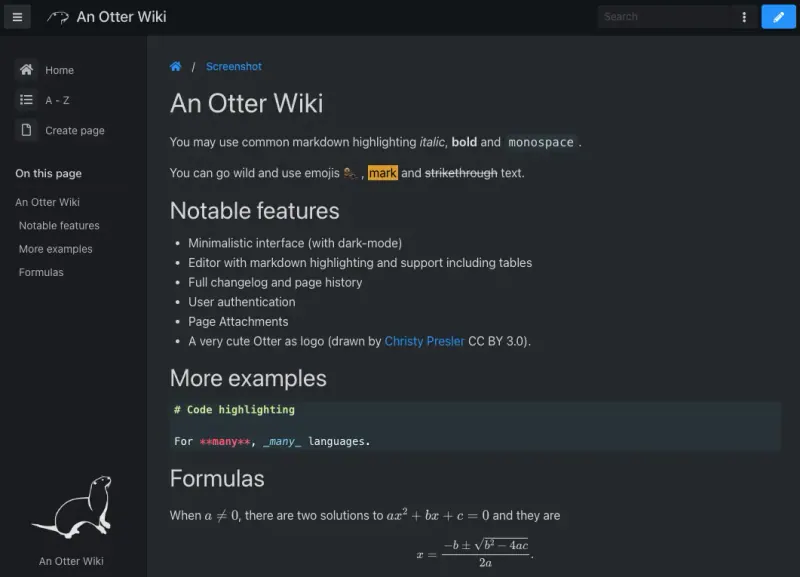
With An Otter Wiki, paste each page into its Markdown editor and upload images as attachments; then, if you want the docs in a repository again, turn on its automatic push to a Git remote. For public docs, give anonymous users read access.
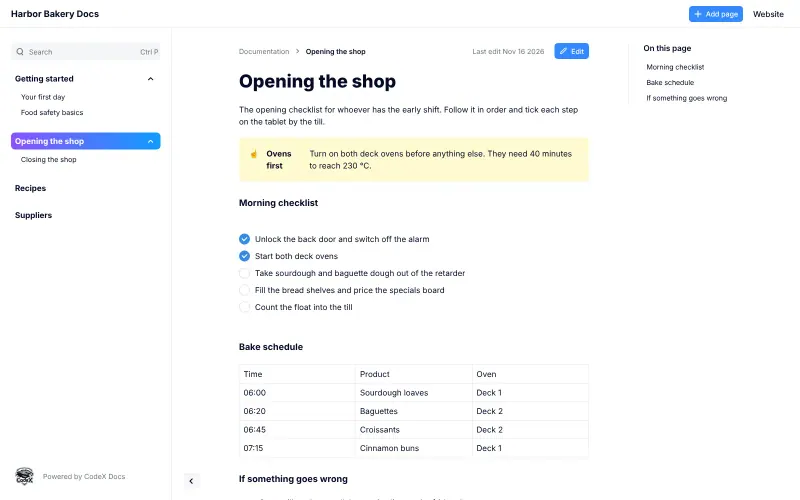
CodeX Docs has no GitBook importer or Markdown editor, so recreate each page in its block editor, choosing a parent page to rebuild GitBook's sections, and upload images again. Set each page's short address to match the old one where you can, then point your docs address at the new site.
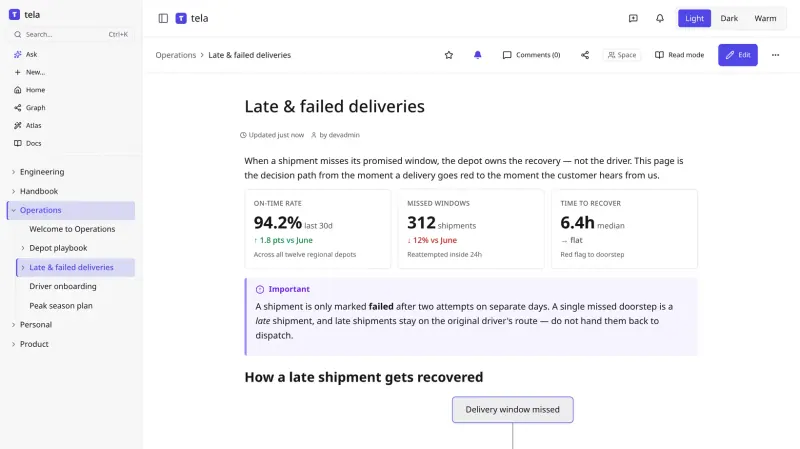
tela has no GitBook importer, but a GitBook space synced to Git is a folder of Markdown files, which tela's Markdown import takes, with a dry run first. Rewrite GitBook's own blocks as plain Markdown, then switch the space to public when it is ready.