
Writebook
Books, manuals and handbooks online, public or private.
No server needed to start: Cloudgate can provide one. What happens when you click Deploy
What is Writebook?
Self-hosted Writebook publishes books, manuals and handbooks on the web, public or private, written in simple Markdown.
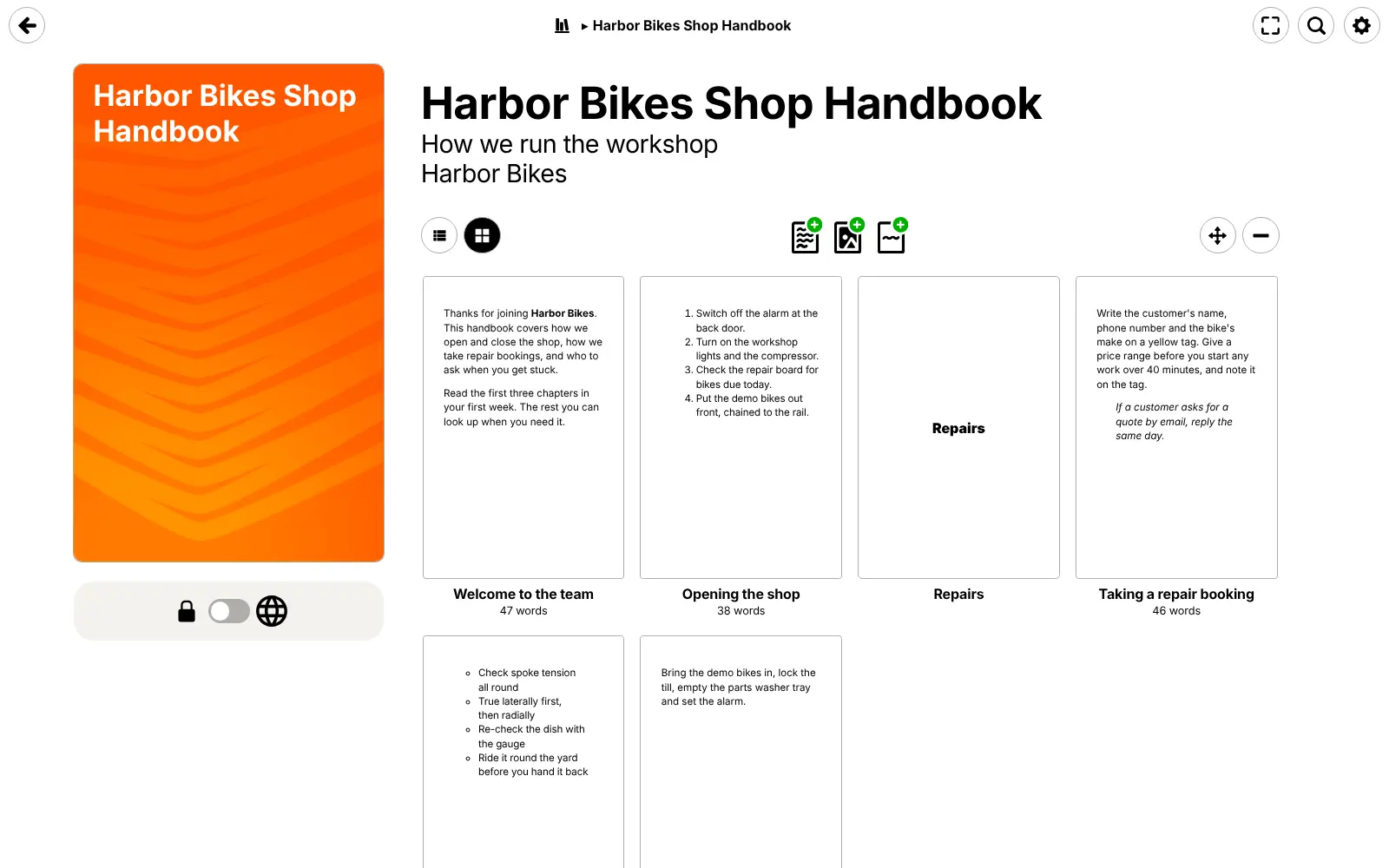
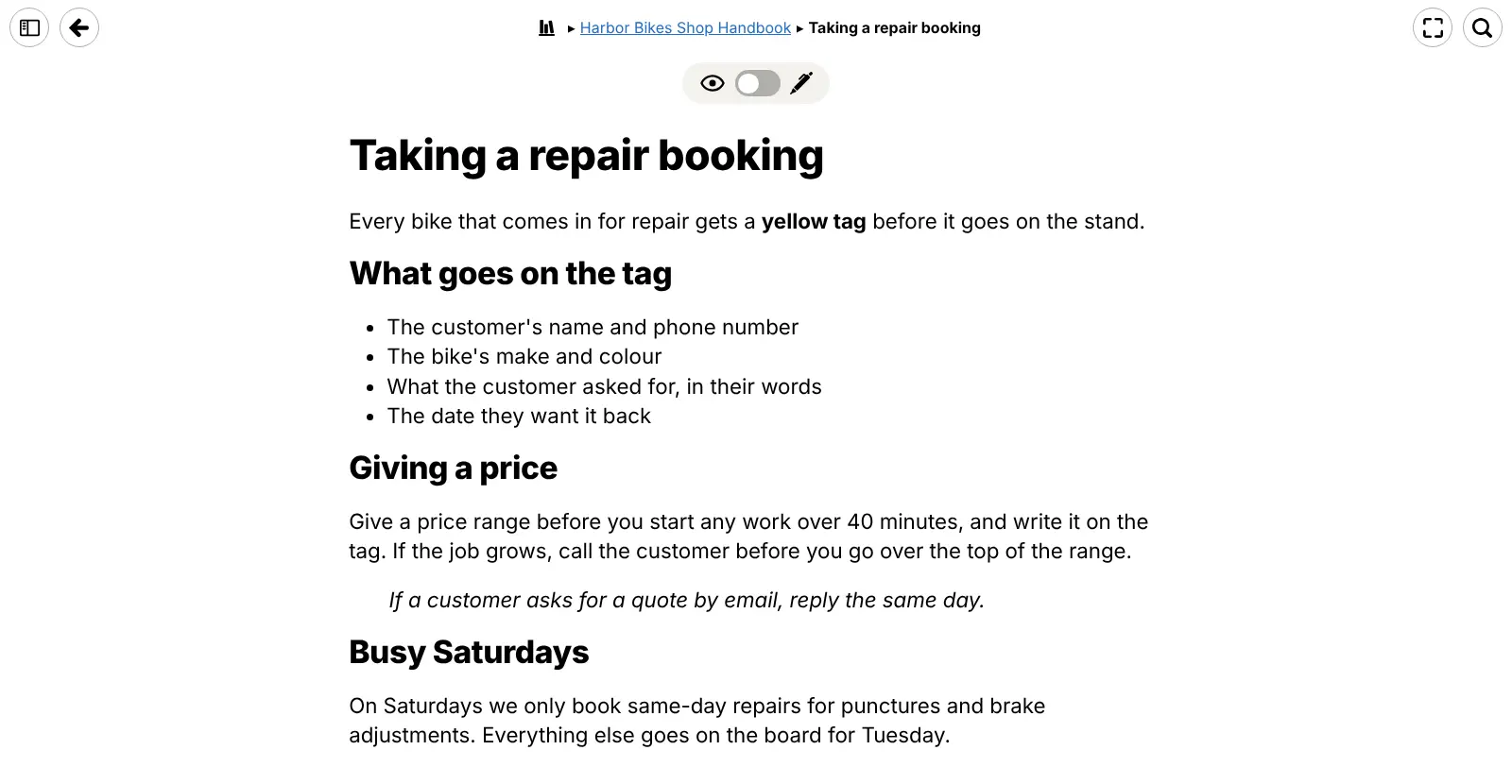
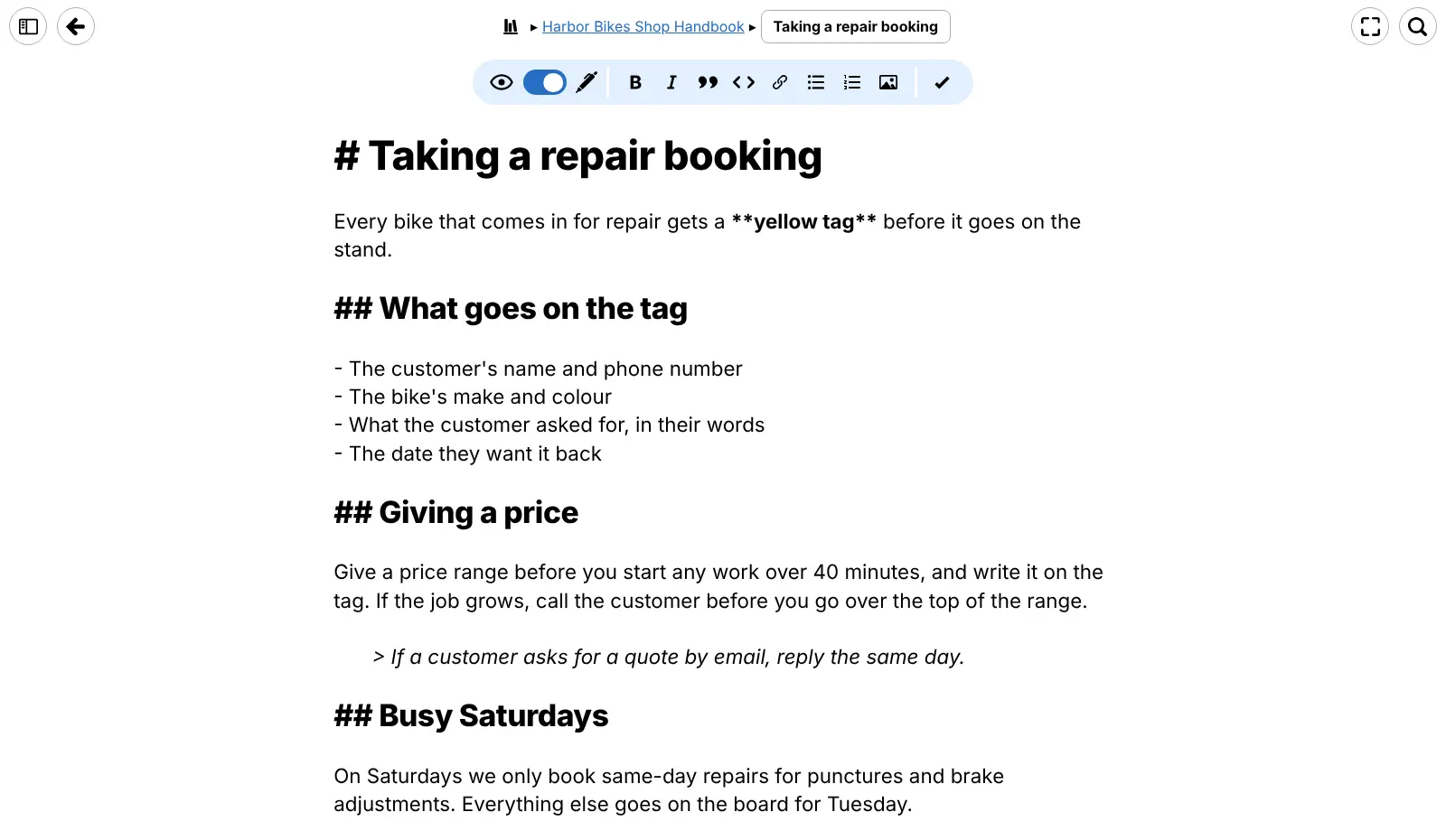
Self-hosted Writebook is a free, open-source app from 37signals for publishing books, manuals and handbooks on the web, and a simple alternative to GitBook and Notion's public pages. You write each page in Markdown, add picture pages and section pages, give the book a cover, and publish it with one switch or keep it private for the people you invite.
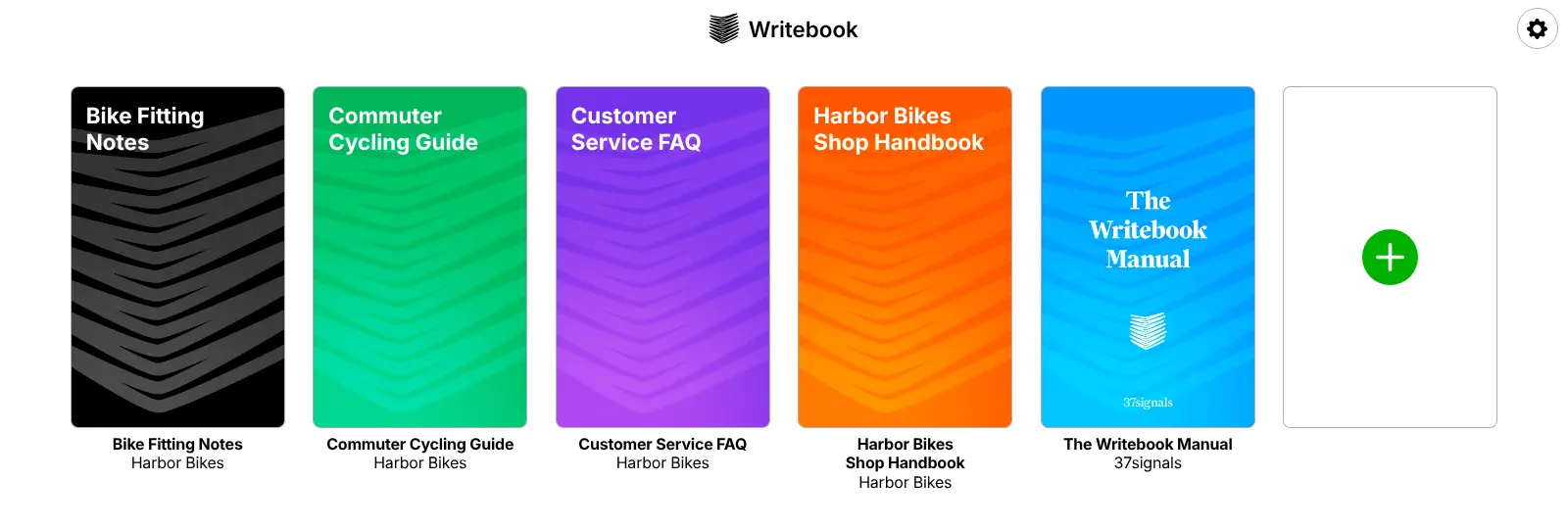
A bike shop, for example, could keep a private staff handbook on opening up, taking repair bookings and closing the till, and publish a public cycling guide for customers on the same site. Teachers can share course notes, a software company can publish its product manual, and a family can collect its stories and photos in one book.
Books read well on a computer, tablet or phone, with search inside each book and full-screen reading. There is no phone app, and no PDF or EPUB export: Writebook publishes web books only.
Cloudgate installs Writebook on a server Cloudgate provides or one you connect, and gives it a secure web address. The first person to open it creates the admin account, then invites co-authors and readers with a link.
What you can do with Writebook
- Write books page by page Mix text pages, picture pages and section pages, written in simple Markdown with a formatting toolbar.
- Arrange pages by dragging See every page of a book as a grid or a list and drag pages into a new order as the book grows.
- Publish with one switch Every book starts private; flip its switch to put it on the web for anyone to read, or keep it for your team.
- Choose who reads and who writes Invite people with a link, then pick for each book who can only read it and who can edit it.
- Give each book a cover Upload your own cover image or pick one of seven colour themes.
- Search and read comfortably Readers can search inside a book, read full screen and turn pages with the arrow keys, on a computer or a phone.
- Keep earlier versions Writebook saves earlier versions of a page as you edit, so you can see what changed.
Replaces GitBook
Writebook does the same job as GitBook. Here is what changes when you switch.
- No subscription and no price per editor or per published site
- Public and private books side by side on your own web address
- Your books and pictures stay on your server
- Very little to learn; it does one job
- No PDF, EPUB or Kindle export; books are web pages only
- No import from GitBook or Notion; you paste Markdown in
- No Git sync, integrations or AI features
- Books are read page by page, not a nested wiki
What happens when you click Deploy?
You do not need a server or any technical knowledge. Four steps, and Writebook is running at its own web address.
- Step 1 Click Deploy and create your account
Deploy takes you to Cloudgate. Create an account, or log in if you have one. Writebook itself is free.
- Step 2 Choose a server
No server? Get one from Cloudgate: pick a size and a country, and Cloudgate gets it ready. Already have one? Connect it instead.
- Step 3 Cloudgate sets up Writebook
It prepares the server, makes the passwords the app needs and starts it. There is nothing to install and nothing to write down.
- Step 4 Open your app and sign in
Your app gets a free web address to start, without https. Add your own domain, like app.yourshop.com, and Cloudgate secures it with https for you.
New to Cloudgate? See what Cloudgate is
Run Cloudgate yourself? Deploy from your own console
In your Cloudgate console, open Templates and choose Writebook.
Questions
Is Writebook free?
Yes, Writebook is free and open source under the MIT licence, made by 37signals, the company behind Basecamp. There is no paid edition; you pay only for your server.
Is Writebook a good alternative to GitBook?
Yes, if you want to publish a manual, handbook or guide as a clean online book without a subscription. Writebook is much simpler than GitBook, with no Git sync, integrations or AI features, so a team that needs those may prefer a fuller docs tool.
How do I sign in to Writebook the first time?
The first person to open your Writebook web address creates the admin account with a name, email and password; there is no default password. Everyone else joins through an invite link the admin shares.
Can I keep some books private?
Yes, every Writebook book starts private and only people you invite can read it. You can publish any book to the web with one switch and keep others private on the same site.
Can Writebook export a book as a PDF or EPUB?
No, Writebook publishes books as web pages only, with no PDF, EPUB or Kindle export. You can copy any page's Markdown out if you need it elsewhere.
Can I import my GitBook or Notion pages into Writebook?
No, Writebook has no importer. Pages are written in Markdown, so you can export Markdown from your old tool and paste it into Writebook page by page.
What server size do I need for Writebook?
A small server is enough, because Writebook is one light app that keeps everything in a single built-in database. 37signals asks for at least 2 GB of memory and one processor.
Do I need technical skills to run Writebook?
No. Click Deploy, create your Cloudgate account and choose a server, and Cloudgate sets up Writebook and gives it a web address. You use it in your browser like any other online tool.
Do I need my own server for Writebook?
No. When you deploy Writebook, hosted Cloudgate can provide a server. If you already rent one, you can connect it instead.
Related apps

A self-hosted Markdown wiki with live co-writing and Git sync.

A simple self-hosted wiki in Markdown, with every change kept.

A simple self-hosted wiki, organised like books on a shelf.

A clean docs site with a block editor, free to self-host.