



Open-source alternatives to Toggl Track

solidtime is the open-source Toggl Track alternative we recommend: a one-click timer, week calendar, timesheet and reports with a Toggl-like look, free desktop apps and browser extensions, and a built-in Toggl importer. Toggl Track’s free plan stops at 3 users and paid plans charge per user; self-hosted solidtime and Kimai have no per-user fee and keep timesheets on your server, and Kimai also includes invoicing free.

7 alternatives Free apps Our pick: solidtime

At a glance

App Good for Code Import from Toggl Track Ease of use
solidtime Freelancers and small teams who want a Toggl-style timer on their own server Code Open source Import from Toggl Track Yes Some setup
TimeTagger Freelancers who want a private personal time tracker with PDF reports, not invoices Code Open source Import from Toggl Track Partly Easy
titra Freelancers and small teams who want a quick, simple timesheet with rates and exports Code Open source Import from Toggl Track Partly Some setup
Traggo People and small teams who want simple time tracking and charts, not invoices Code Open source Import from Toggl Track No Easy
Kimai Freelancers, agencies and teams who bill clients by the hour Code Open source Import from Toggl Track Partly Some setup
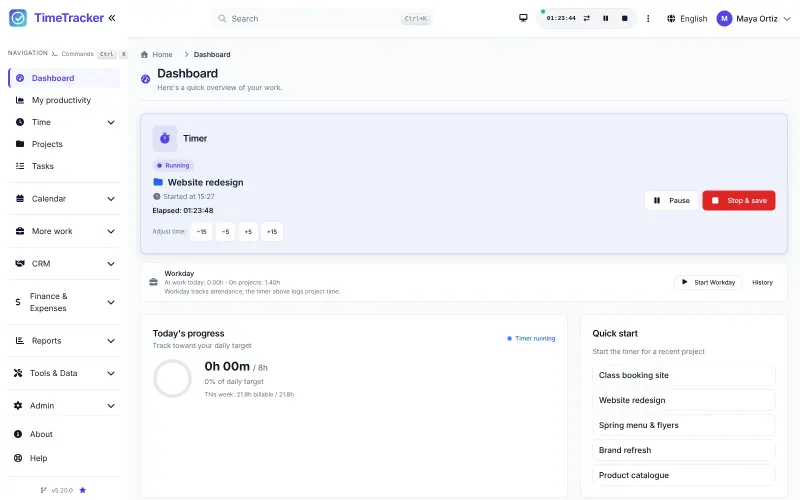
TimeTracker Freelancers and small teams who bill clients by the hour and want invoices and expenses in the same app Code Open source Import from Toggl Track Yes Some setup
Super Productivity Freelancers and individuals who plan their day and track time per task or client Code Open source Import from Toggl Track No Some setup

Why look for an alternative to Toggl Track?

Toggl Track is a cloud time tracker known for its simple one-click timer. Freelancers and teams track time across browser, desktop and phone apps, and see reports by client and project.

People look for an alternative because the free plan stops at 3 users and paid plans charge per user each month, with billable rates and fuller reporting on higher tiers. Timesheets also live on Toggl's servers. Self-hosted trackers such as solidtime and Kimai offer timers and reports for any number of users, with no per-user fee; solidtime is closest to Toggl's look and imports its data, and Kimai includes invoicing free.

The alternatives, compared

solidtime

Our pick

Time tracking for freelancers and teams, with billable rates.

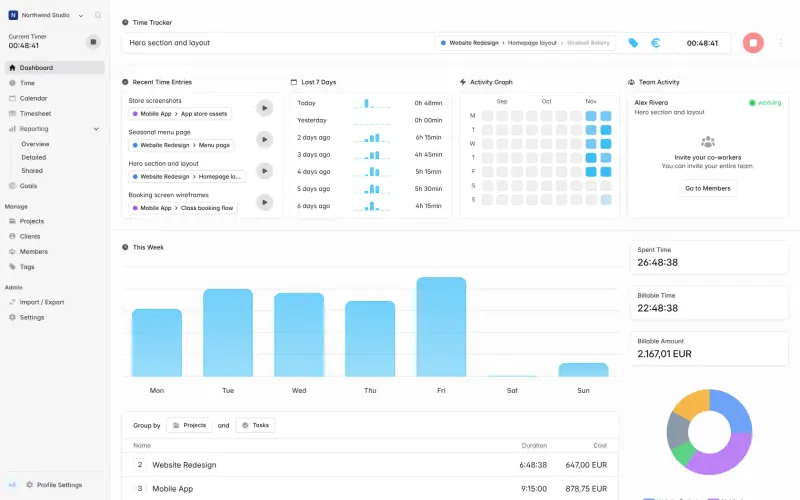
The closest match to Toggl Track's look and flow: a one-click timer, a week calendar and weekly timesheet, billable rates, reports you can share or export, free desktop apps for Mac, Windows and Linux and browser extensions, and a built-in importer for your Toggl data. It has no phone app and fewer integrations, it is still before version 1.0, and invoicing needs its paid Business licence when self-hosted.

What you gain
  • No per-user monthly fee for timers, timesheets, rates and reports
  • Your timesheets and client data stay on your server
  • Built-in importers bring your Toggl, Clockify or Harvest data across
What is different
  • Invoicing and the audit log need a paid licence when you host it yourself
  • No phone apps; the web app works in a phone's browser
  • Fewer connections to other tools, and no expenses or scheduling
Some setup Open source

Time tracking on a timeline, with tags and PDF reports.

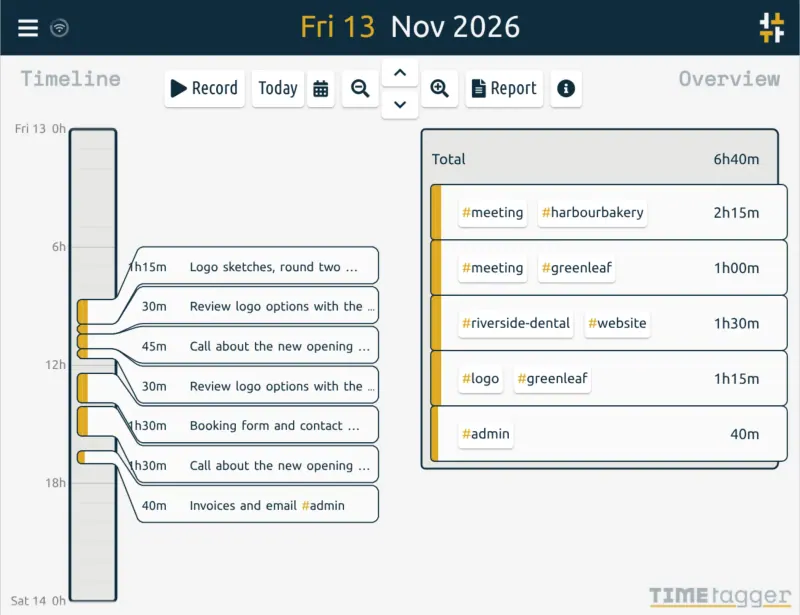
A private tracker for one person: press Record, tag the work with words such as #client and #task, and see your time on a timeline you zoom from a day to a year, with targets and PDF or CSV reports to send a client. It works offline as a web app on phones and computers. It has no team workspace, clients, rates or invoices, and no browser extension.

What you gain
  • Free, with no subscription and no paid plan to unlock features
  • Your time records stay on your own server
  • Tags let you total your hours any way you like, not only by project
What is different
  • No hourly rates or invoices; you bill from the PDF or CSV report, or use Kimai
  • Made for one person, with no team workspace or team reports
  • No app-store apps or browser extension; you install it from the browser instead
Easy Open source

Simple, self-hosted time tracking for freelancers and small teams.

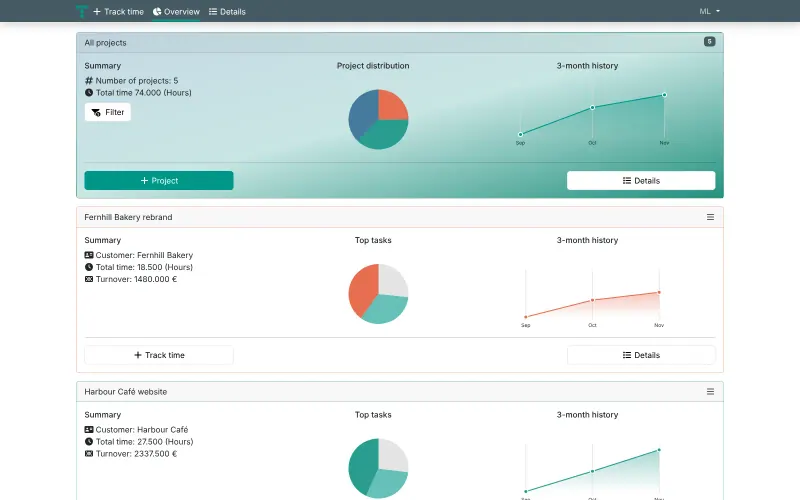
A plain, quick timesheet: log hours by typing them or with a stopwatch, see them by day, week or month, and get per-project hours, turnover from your rates, charts and CSV or Excel exports, with no per-user fee. It has no desktop or phone apps or browser extension, no invoicing of its own and no Toggl importer; it only takes a simple CSV of task, date and hours per project.

What you gain
  • No per-user monthly fee, however many people track time
  • Your timesheets, rates and client list stay on your own server
  • A short, fast form for booking hours, with day, week and month views
What is different
  • No invoices of its own; you bill from another tool such as Siwapp
  • No phone or desktop apps or browser extensions; the web app works in a phone's browser
  • No importer for Toggl, Clockify or Harvest; you can only upload a simple CSV of tasks, dates and hours per project
Some setup Open source

Time tracking with tags and dashboards you build.

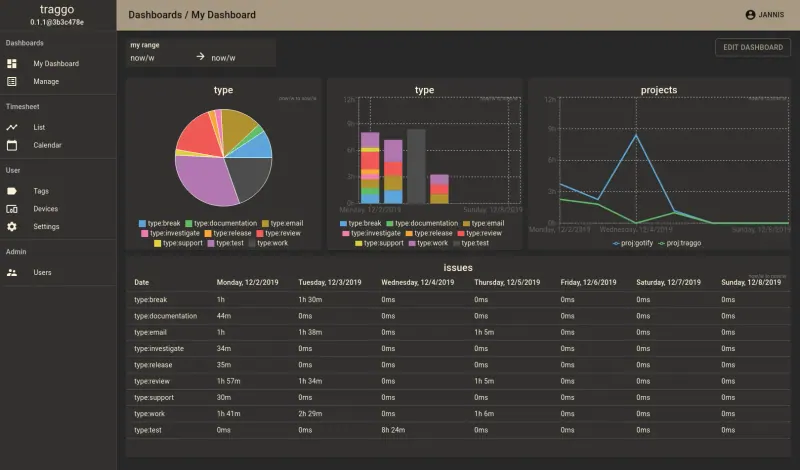
The lightest option, for personal tracking: start a timer or log a time span, label it with tags such as project:website, then build your own dashboards of charts and tables. It has no clients, billable rates or invoices, no import or export, and no phone, desktop or browser apps, so it suits people who want simple private time tracking rather than a Toggl replacement for a billing team.

What you gain
  • Free, with no per-user fee and no plan limits
  • Your time records stay on your own server
  • Tags let you slice your time any way you like, not only by project
What is different
  • No clients, hourly rates or invoices; solidtime or Kimai cover those
  • No import from Toggl or Clockify, and no CSV or PDF export
  • No phone or desktop apps or browser extension, only the website
Easy Open source

Time tracking that turns your hours into invoices.

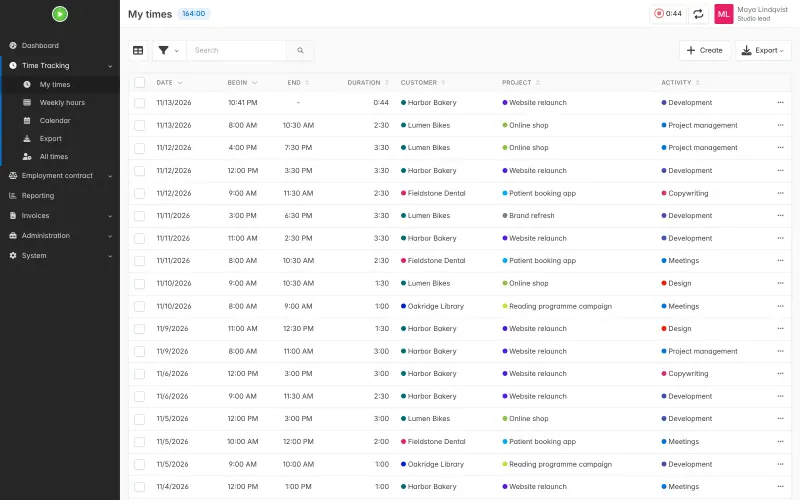
Gives you timers (several at once if you like), manual entries, a calendar view, reports by customer, project and activity, budgets and built-in invoicing, on your own server. Toggl Track is more polished and has its own phone, desktop and browser apps; Kimai's apps are all third-party, and some extras are paid plugins.

Some setup Open source

Time tracking with invoices, expenses and mileage.

Timer-first tracking like Toggl Track, with a timer that keeps running on the server across devices, idle detection, manual entries and a calendar view, plus invoices from tracked hours, expenses and budgets in the free app. It imports from Toggl Track directly with your API token. It has no app-store phone or desktop apps, fewer integrations, a busy menu, and donation prompts unless you buy an optional supporter key.

Some setup Open source

A self-hosted to-do list, time tracker and day planner in one.

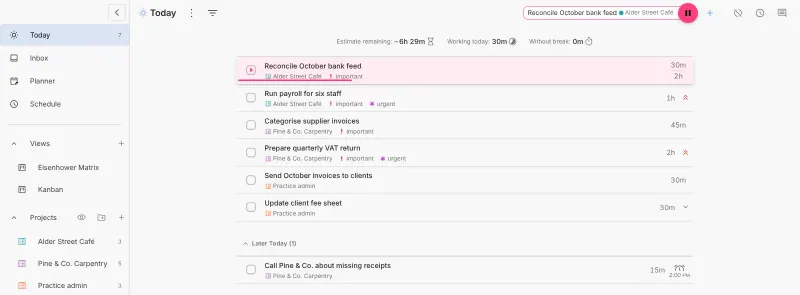
Tracks time on the tasks in your to-do list rather than with a separate timer, with focus timers, a day schedule and time sheets you can export. It suits a freelancer tracking their own hours. It has no team reports, billable rates, clients or invoicing, no Toggl import, and in the web version a timer runs only while the tab is open.

Some setup Open source

Moving from Toggl Track

solidtime imports Toggl directly. Export your data from Toggl Track, then open solidtime's import page, choose the Toggl importer and upload the file: clients, projects and time entries come across. Invite your team after the import, and add your mail server's details on the app's variables page first if you want invitations by email. Before anyone can use the desktop app or browser extension with your own solidtime, the person who runs the server registers them once with a solidtime command.

With Kimai, export your detailed time entries from Toggl Track as CSV, then install Kimai's free Importer plugin, whose documentation lists Toggl's columns. Pick the date format that matches your export, and create your team's user accounts first so each entry finds its owner. Import a short period first to check customers, projects and durations, then the rest. Set your hourly rates afterwards, and an invoice template if you bill clients. Install one of the third-party Kimai apps for anyone who tracks time from a phone or desktop.

titra has no Toggl importer; it takes a CSV of task, date and hours for one project at a time, so most people bring across only the totals they still need and start fresh. Traggo cannot import Toggl data either, so start fresh: decide on a few tags, such as project:name and client:name, and keep your Toggl export as a record of past hours.

TimeTracker imports from Toggl Track directly: copy the API token from your Toggl profile, run TimeTracker's Toggl import, and check the projects and time entries before inviting your team. In the setup wizard, switch off the modules you won't use to keep the menu short.

Super Productivity cannot import Toggl data either. Add your clients as projects, start the timer on a task as you work, and export time sheets at the end of the week or month.

TimeTagger imports by pasting a table: export your Toggl time entries as CSV, open the file in a spreadsheet, keep the start, stop and description columns, put your project names into a tag column, and paste the rows into TimeTagger's import dialog. Each person imports their own records, since TimeTagger has no team workspace.

Questions

What is the best open-source alternative to Toggl Track?

Start with solidtime. If you want something simpler, try TimeTagger. All 7 are free and open source.

Should I choose solidtime or Kimai?

solidtime if you want the app that feels most like Toggl, with official desktop apps, browser extensions and a direct Toggl importer. Kimai if you bill clients from your tracker, since invoicing is free in its core and paid in solidtime, or if you want the older, more established project.

When is titra the better choice?

When you want a plain, quick timesheet in the browser with per-project hours, rates and Excel exports, and don't need apps, browser extensions or invoicing.

When is Traggo the better choice?

When you track time for yourself and only want a timer and charts. Traggo uses free-form tags instead of clients and projects, and you build your own dashboards, but it has no invoicing, import or phone apps.

When is TimeTracker the better choice?

When you want to invoice from your tracked hours and also track expenses and mileage, all free, with a direct Toggl import. It is a newer project with one main maintainer and a long feature list, though setup lets you switch off what you don't need.

When is Super Productivity the better choice?

When you track your own time on the tasks you plan each day. It combines a to-do list, day planner and timer, but has no billable rates, team reports or invoices.

Should a freelancer choose TimeTagger or Traggo?

TimeTagger if you want a timeline of your day and PDF reports to send clients, and to work offline from your phone. Traggo if you want to build your own dashboards of charts. Neither has invoices or rates.

Can I import Toggl Track data into solidtime?

Yes. solidtime has built-in Toggl importers that bring across clients, projects and time entries from Toggl's exports.

Can I import Toggl Track data into Kimai?

Yes, as a CSV file through Kimai's free Importer plugin, which documents Toggl's export columns. Users need to exist in Kimai before you import.

Does Kimai have a browser extension or desktop timer like Toggl?

Not from the Kimai project. Third-party desktop apps and a browser extension connect through its API, and several are free.

Are these Toggl Track alternatives really free?

Yes, solidtime, TimeTagger, titra, Traggo, Kimai, TimeTracker and Super Productivity are free. To run them you need Cloudgate and a server. Use hosted Cloudgate, which can also provide the server, or install Cloudgate on a server of your own for free. Cloudgate's plans and prices are at cloudgate.octabyte.io/pricing. One server can run several apps.

Do I need a developer to replace Toggl Track?

No. Cloudgate installs the app you choose on your server and gives it a secure web address, and you use it in your browser instead of Toggl Track.