



S

Open-source alternatives to start.me

Dashy is the free, open-source start.me alternative we recommend: one start page with every app and link your team uses, grouped with icons, live status dots and instant search, edited in the browser. start.me’s free plan shows ads and limits pages, with unlimited pages on its paid plans; self-hosted Dashy has no ads, plans or page limit, though it has no browser extension.

6 alternatives Free apps Our pick: Dashy

At a glance

App Good for Code Ease of use
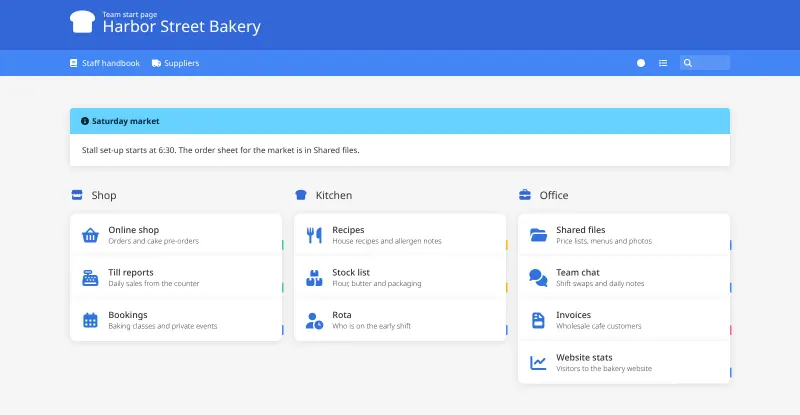
Dashy Offices that want one shared start page with every work app and its status Code Open source Some setup
Glance People who want one fast home page with their news, links and site status, set up in a text file Code Open source Some setup
Heimdall Small teams who want a simple start page for their web apps, set up by clicking Code Open source Easy
Homarr Teams that want one shared start page for all their web apps, set up by drag and drop Code Open source Easy
Homepage One start page for a team that runs several self-hosted apps and wants their live status in one place Code Open source Some setup
Homer Teams that want one simple start page of links to all their web apps, set up once and left alone Code Open source Some setup

Why look for an alternative to start.me?

start.me is a browser start page: you collect bookmarks, news feeds and widgets on pages that open whenever you start your browser, and teams can share pages with everyone.

People look for an alternative because start.me's free plan shows ads and allows only a few pages, while unlimited pages and the extra widgets sit on paid plans. Some also want the list of tools their team uses kept off a third-party service. A self-hosted Dashy, Glance or Homer gives you an ad-free start page with no page limit, on your own server, and Homepage adds the live status and numbers of the apps you run yourself next to their links. Heimdall does the same job more simply, set up entirely by clicking in the browser. Homarr suits teams that want the shared page signed in with the same accounts as their other tools: it is set up by drag and drop, with boards for chosen users and groups.

The alternatives, compared

Dashy

Our pick

A self-hosted start page for all your apps, with live status dots.

Puts every app and link your team uses on one start page, grouped into sections with icons, with a live up or down dot on each, instant search and keyboard shortcuts, and widgets such as a clock and weather. You edit it in the browser or in one settings file. It has no browser extension, no ads and no page limit, but it is one shared page set up by whoever runs it, rather than a personal page each person builds.

What you gain
  • No ads, no account with an outside company and no page limit
  • Your list of apps and links stays on your own server
  • Live up or down dots for your own apps, which a bookmark page does not show
What is different
  • One shared dashboard set up by whoever runs it, not personal pages each person builds
  • No browser extension and no phone app; it is a web page you open in any browser
  • Nothing imports your start.me pages; you add your links again
Some setup Open source

A self-hosted start page with your news, weather, links and to-dos.

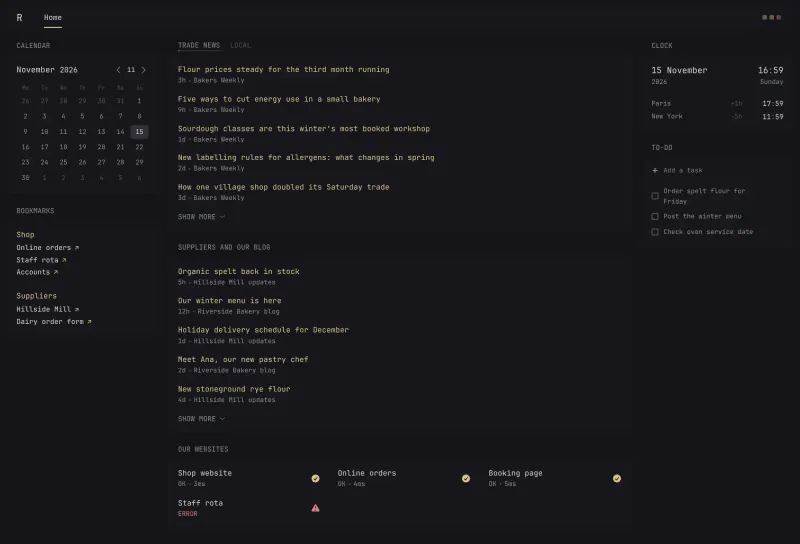
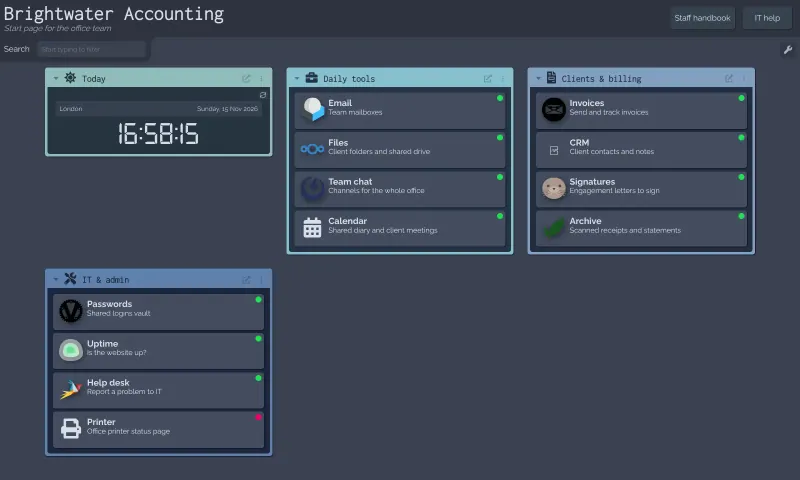
A start page built around what you check each morning: news feeds, Reddit and Hacker News, YouTube uploads, weather, a calendar, bookmarks, market prices and whether your websites are up. It is set up in one text file rather than by drag and drop, has no browser extension, and the page shows new items when you reload it.

What you gain
  • No subscription, ads or account with another company
  • The sites you follow and the links you keep stay on your own server
  • Widgets that start pages rarely have, such as website status and prices
What is different
  • You change the page by editing a text file, not by dragging widgets around
  • It shows the latest headlines but is not a full feed reader, with no read or starred articles
  • No browser extension, phone app or import from start.me or Feedly
Some setup Open source

A self-hosted start page with every web app one click away.

The simplest way to a start page: one page of tiles linking to your apps and sites, set up entirely by clicking in the browser, with icons and colours filled in for hundreds of known apps, a search bar, tags and a separate page for each person. A few apps can show live numbers on their tile. It has no RSS, notes, calendar or weather widgets, no browser extension and no team pages, and it cannot import from start.me.

What you gain
  • Free and open source, with no paid plan
  • Your list of apps and links stays on your own server
  • One home page the whole team can share
What is different
  • Only tiles and a search bar, with no notes, news feeds or calendar widgets
  • No browser extension or phone app; you open it in the browser
  • Your start.me pages and bookmarks do not import, so you add tiles by hand
Easy Open source

Your team's start page: every app in one place, and whether it's up.

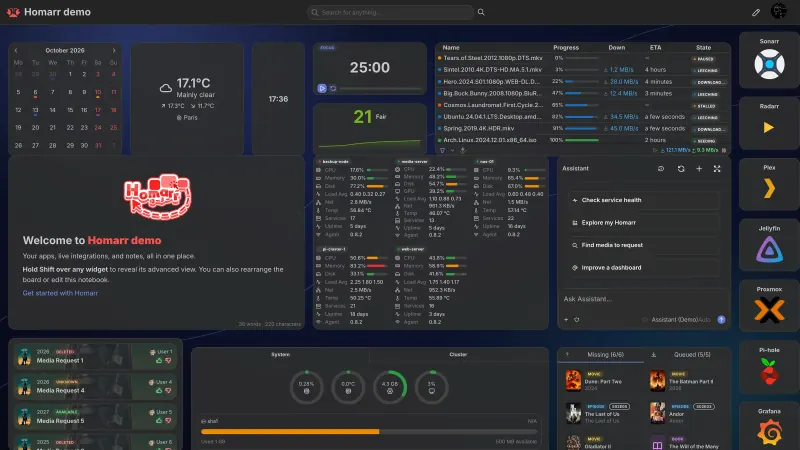
Gives a team one start page of app tiles, bookmarks and widgets, such as a calendar, weather, RSS feeds, notes and service status, with several boards that can be public or limited to chosen users and groups, and sign-in through LDAP or single sign-on. Everything is set up in the browser by drag and drop. Unlike start.me it has no browser extension, no ready-made page library and no import, and most of its live integrations are for self-hosted apps rather than office tools such as Microsoft 365.

What you gain
  • Your team's start page and links stay on your own server
  • No fee per person, however many people use it
  • Users, groups and sign-in with your existing work accounts
What is different
  • No browser extension; people set the page as their browser's home page instead
  • Your start.me pages and bookmarks do not move across; you add the tiles again
  • Most live connections are for self-hosted tools; online services such as Microsoft 365 are plain link tiles
Easy Open source

A self-hosted start page and dashboard for every app you run.

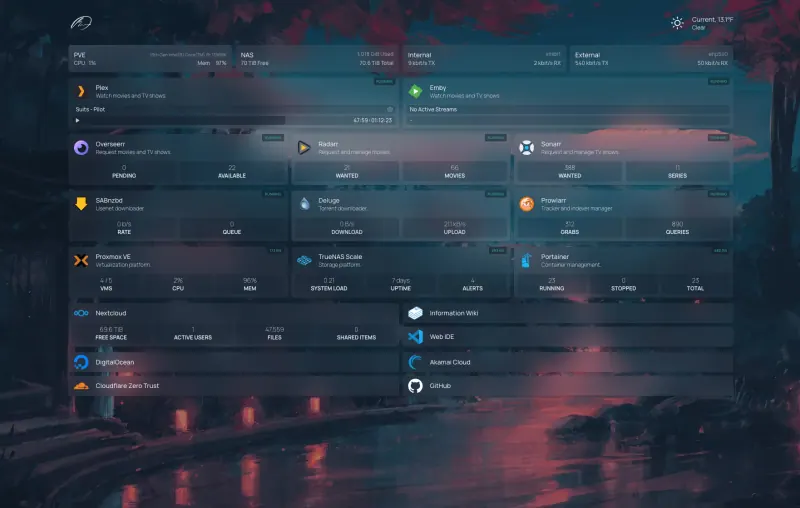
Gives you one start page with your apps and bookmarks in groups, search that launches as you type, weather, feeds and a calendar. Unlike start.me it shows live status and numbers from over 100 apps you run yourself, such as Uptime Kuma or Nextcloud. You set it up in settings files rather than by clicking, and it has one shared sign-in, not separate accounts or team pages.

What you gain
  • Live status and figures from the apps you host, not only links
  • No account with an outside service; your links and app keys stay on your server
  • Free under the GPL, with no paid plan or upgrade
What is different
  • You set it up by editing settings files, not by clicking and dragging
  • One shared sign-in; there are no separate accounts or personal pages for each person
  • No notes, to-do lists or browser extension, and no import from start.me
Some setup Open source

A self-hosted start page with links to every app your team uses.

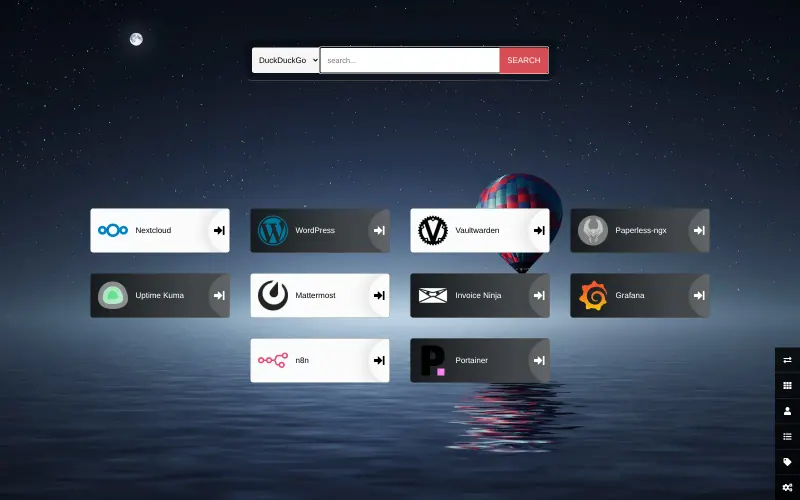
Does start.me's main job: one page of links to the tools you open every day, grouped into sections with icons, a search box and keyboard shortcuts, and it can be your browser's new-tab page. It is one shared page for everyone who opens its address, with no sign-in, no per-person pages, no browser extension and no RSS, notes or to-do widgets, and you change it by editing a text file rather than in the browser.

What you gain
  • One shared page for the whole team, at your own web address
  • No ads, no account to create and no subscription
  • Nothing to maintain once it is set up; it is a single light page
What is different
  • You change the page by editing a settings file, not by dragging links in the browser
  • Everyone sees the same page; there are no personal pages or sign-in
  • No browser extension, and your start.me bookmarks do not move across
Some setup Open source

Moving from start.me

There is no import from start.me, so list the bookmarks you want to keep, section by section. In Dashy, sign in, turn on edit mode and add a section for each start.me page or widget group, then an item for each link; the icon is fetched for you. In Glance, add a bookmarks widget with your links, and an RSS widget for each feed you followed on start.me, in its glance.yml settings file. In Homer, replace the example groups and links in its settings file, config.yml, with yours, then reload the page. Set the new address as your browser's home page or new-tab page.

For Homepage, add your links to its bookmarks and services settings files after you sign in, and for each self-hosted app you run, its address and, where its widget needs one, an API key, to show live numbers next to the link.

With Heimdall, set a password for the admin user first, since it opens without one. Then add a tile for each link: type an app's name and Heimdall fills in its icon and colour. Group tiles with tags, set Heimdall as your browser's home page, and keep start.me until your links have moved.

Homarr cannot import start.me pages either, so rebuild them by hand. Open each start.me page and list the links your team uses most, then create a board in Homarr and add a tile for each app or a bookmarks widget for groups of links. Add users and groups, or connect your single sign-on, and decide which boards each group can see; anything placed on a public board can be read without signing in. Finally, set the Homarr address as the home page or new tab page in each browser.

Questions

What is the best open-source alternative to start.me?

Start with Dashy. If you want something simpler, try Heimdall. All 6 are free and open source.

Should I choose Dashy, Glance or Homer?

Choose Dashy for a start page of work apps and links that you can edit in the browser, with status dots and search. Choose Glance if your start page is mostly news feeds, videos, weather and prices, and you don't mind editing a text file. Choose Homer for the lightest option: one fast page of links with search and live status for some self-hosted apps, set up once in a text file. Choose Homepage to see live status and numbers from the apps you run next to their links.

Can each person have their own start page?

Not in the way start.me works. Dashy, Glance and Homer show pages set up on the server, and each can have several pages, but people do not each build their own in a few clicks. In Homarr each person can pick their own home board from the boards they can see.

Is there a browser extension like start.me's?

No. None of them has a browser extension; you set the app's address as your browser's home page or new-tab page instead. Homarr also works in a phone's browser, with its own phone layout.

Can I edit Homepage by dragging and clicking?

No. Homepage is set up in a handful of settings files. Indentation matters in them, so change one section at a time and reload the page.

Can each person in a team have their own Homepage?

Not in one copy. Everyone who signs in sees the same page; run a second copy for a different set of links.

Should I choose Dashy, Homepage, Heimdall or Homarr?

Choose Dashy for a start page of work apps and links that you edit in the browser, with status dots and search. Choose Homepage for live status and numbers from many self-hosted apps, if you don't mind editing settings files. Choose Heimdall for the simplest page of tiles, set up entirely by clicking in the browser, with a separate page for each person. Choose Homarr for a team start page set up by drag and drop, with boards limited to chosen users and groups and sign-in through single sign-on.

Can I import my start.me pages into Homarr?

No. Homarr has no start.me importer and does not read browser bookmark files, so you add your links again as tiles or bookmark widgets.

Can different teams see different start pages?

Yes, in Homarr. It has several boards, and each can be public or limited to chosen users and groups. Each person can pick their own home board.

Are these start.me alternatives really free?

Yes, Dashy, Glance, Heimdall, Homarr, Homepage and Homer are free. To run them you need Cloudgate and a server. Use hosted Cloudgate, which can also provide the server, or install Cloudgate on a server of your own for free. Cloudgate's plans and prices are at cloudgate.octabyte.io/pricing. One server can run several apps.

Do I need a developer to replace start.me?

No. Cloudgate installs the app you choose on your server and gives it a secure web address, and you use it in your browser instead of start.me.