
Homepage
A self-hosted start page and dashboard for every app you run.
No server needed to start: Cloudgate can provide one. What happens when you click Deploy
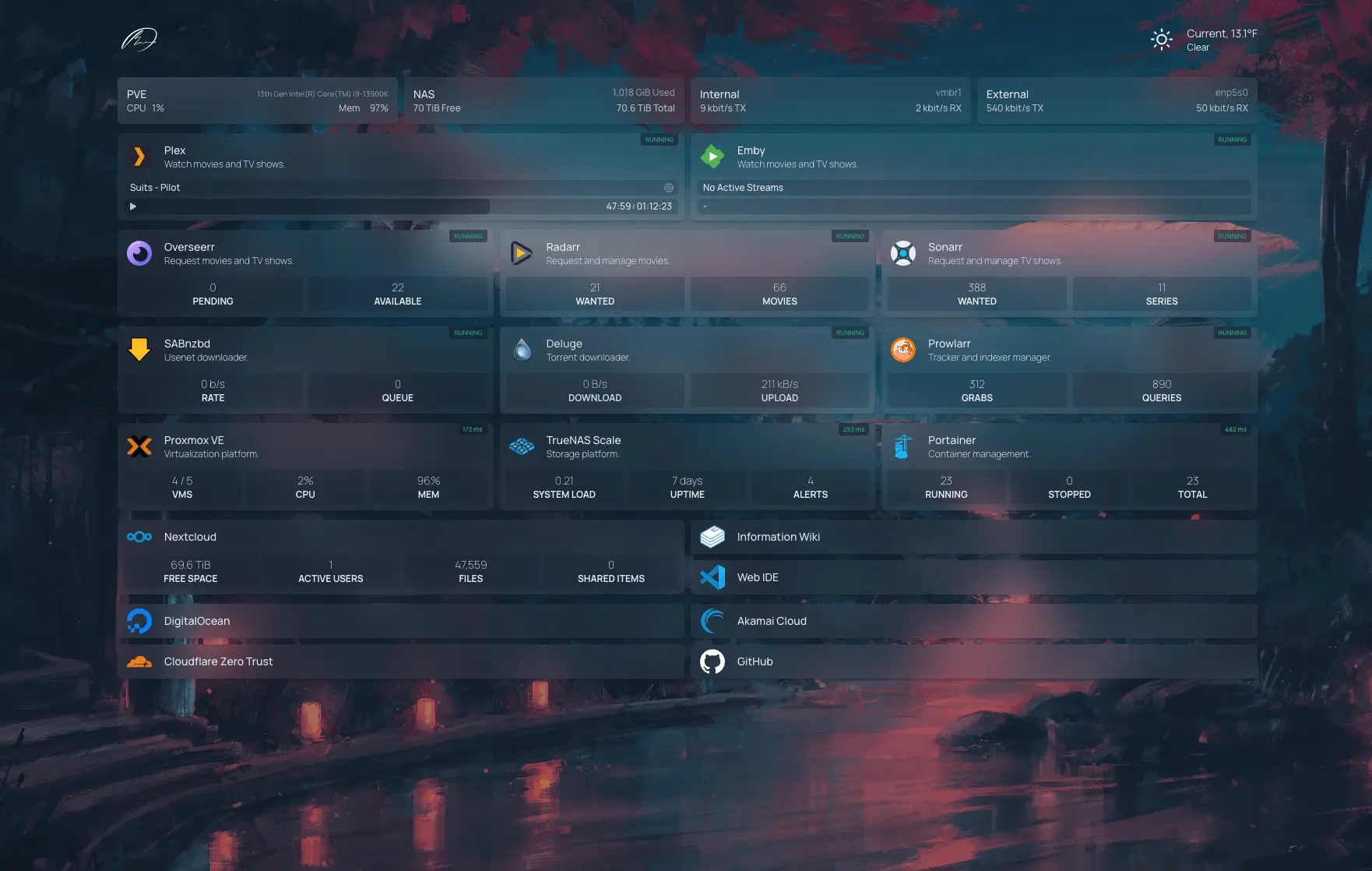

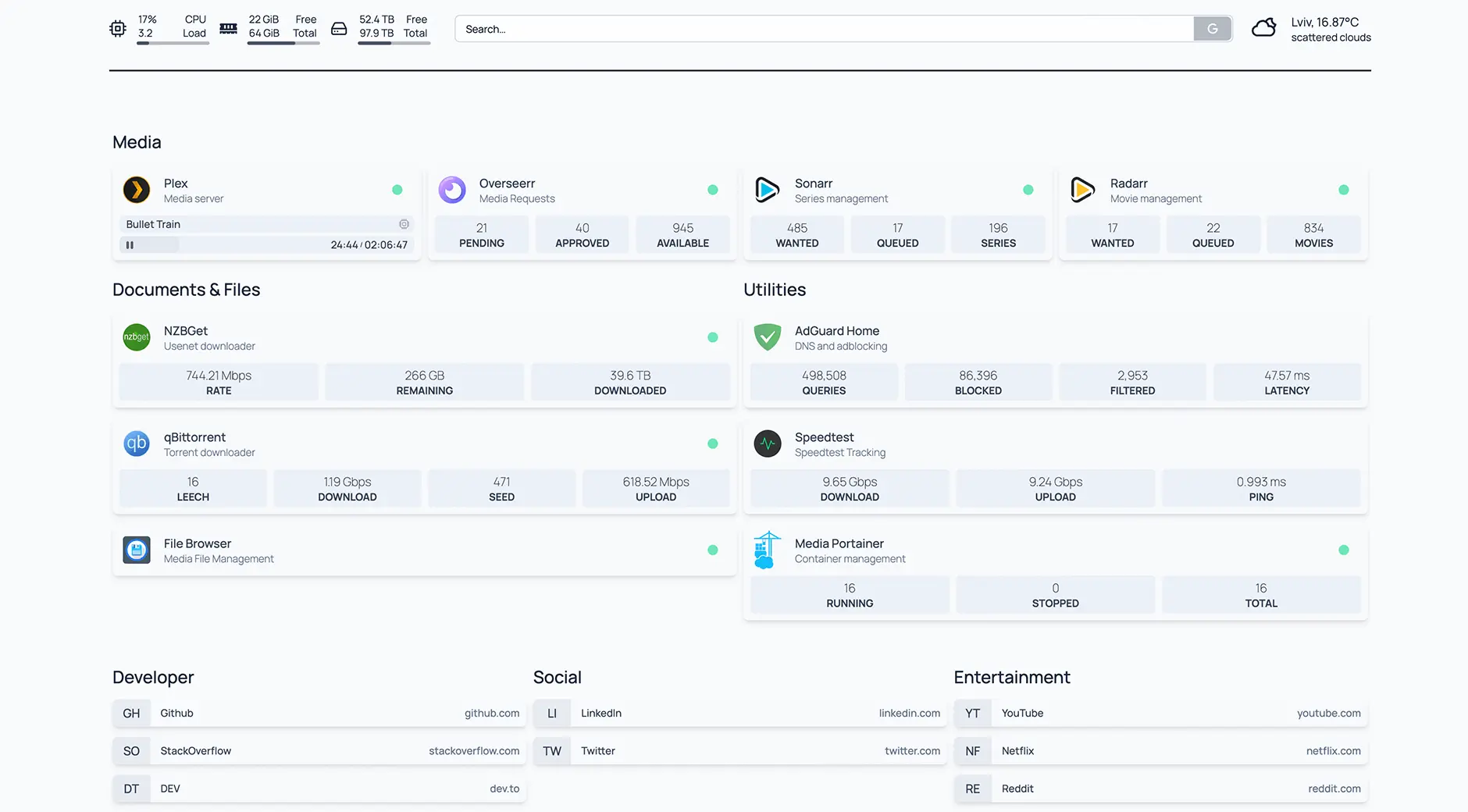

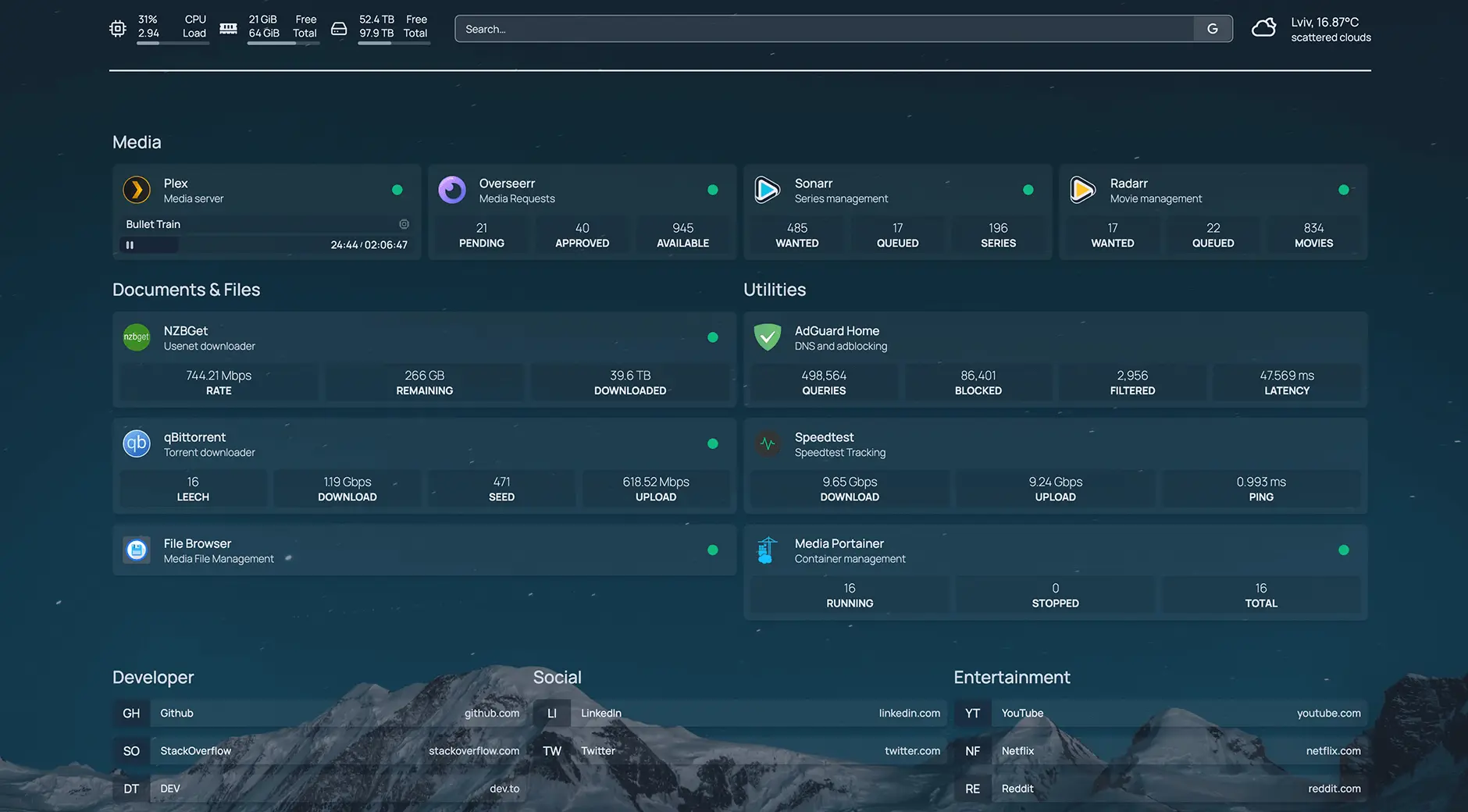

What is Homepage?
Homepage is a self-hosted dashboard and start page: links to every app your team uses, with live status and figures from over 100 apps on one page.
Homepage is a free, open-source, self-hosted dashboard and start page that puts every app and website your team uses on one page, with each app's live status, in place of a hosted start page such as start.me.
Each app gets a card with its link, and widgets for more than 100 apps, including Uptime Kuma, Nextcloud, Immich, Paperless-ngx and Grafana, show current figures from the app itself, with a dot that shows whether it is answering. Around them you can add bookmark groups, the weather, a calendar, news feeds and a search box; typing anywhere on the page opens an app or searches the web. A small office that runs its own file sharing, password manager and help desk could make Homepage everyone's browser start page: one place to find each tool, and a quick way to see if one has stopped answering.
Homepage is set up in a few plain-text settings files rather than on a settings screen, so it suits someone comfortable editing a list of names and addresses. It sends no alerts; pair it with Uptime Kuma for that.
How Cloudgate installs Homepage
Cloudgate installs Homepage on a server Cloudgate provides or one you connect, keeps its settings on lasting storage and gives it a secure web address. The page is protected by a sign-in password that Cloudgate creates and shows you.
What you can do with Homepage
- All your apps on one page Group links to every app and website your team uses into sections or tabs, with icons and short descriptions.
- Live numbers from your apps Widgets for more than 100 apps, such as Uptime Kuma, Nextcloud, Immich and Paperless-ngx, show their current status and figures on each card.
- See what is up or down A green or red dot and the response time show whether each website or app is answering right now.
- Search and launch by typing Start typing anywhere on the page to open one of your apps, search the web or go to an address.
- Bookmarks, weather and feeds Add bookmark groups, the local weather, a calendar, news feeds and a web search box.
- Make it look like yours Choose light or dark, a colour palette, a background image and the layout, in more than 40 languages.
- Keep it private A sign-in page protects the dashboard, and the keys for your apps stay on the server, never in the browser.
Replaces start.me
Homepage does the same job as start.me. Here is what changes when you switch.
- Live status and figures from the apps you host, not only links
- No account with an outside service; your links and app keys stay on your server
- Free under the GPL, with no paid plan or upgrade
- You set it up by editing settings files, not by clicking and dragging
- One shared sign-in; there are no separate accounts or personal pages for each person
- No notes, to-do lists or browser extension, and no import from start.me
- It shows whether a site is up but does not send alerts
What happens when you click Deploy?
You do not need a server or any technical knowledge. Four steps, and Homepage is running at its own web address.
- Step 1 Click Deploy and create your account
Deploy takes you to Cloudgate. Create an account, or log in if you have one. Homepage itself is free.
- Step 2 Choose a server
No server? Get one from Cloudgate: pick a size and a country, and Cloudgate gets it ready. Already have one? Connect it instead.
- Step 3 Cloudgate sets up Homepage
It prepares the server, makes the passwords the app needs and starts it. There is nothing to install and nothing to write down.
- Step 4 Open your app and sign in
Your app gets a free web address to start, without https. Add your own domain, like app.yourshop.com, and Cloudgate secures it with https for you.
New to Cloudgate? See what Cloudgate is
Run Cloudgate yourself? Deploy from your own console
In your Cloudgate console, open Templates and choose Homepage.
Questions
Is Homepage free?
Yes. Homepage is free and open source under the GPL-3.0 licence, with no paid edition or plan. You pay only for the server it runs on.
Is Homepage a good alternative to start.me?
Yes, if your start page is mainly links to the apps your team runs. Homepage also shows each app's live status and figures, which start.me does not. It has no per-person pages, notes or click-to-edit, and you cannot import a start.me page.
How do I sign in to Homepage the first time?
With the password Cloudgate creates, shown on the app's variables page in Cloudgate; Cloudgate turns on Homepage's sign-in page for you. Everyone who signs in uses that same password; Homepage has no separate user accounts.
How do I add my apps to Homepage?
You list them in Homepage's settings files, one entry per app with its name, web address and an optional icon and widget. The files are plain text where indentation matters, and Homepage writes starter files on its first start for you to edit.
Which apps can Homepage show live information from?
Homepage shows live information from more than 100 apps, including Uptime Kuma, Healthchecks, Nextcloud, Immich, Paperless-ngx, FreshRSS, Firefly III, Mealie, Vikunja, Gitea and Grafana. Most widgets need the app's address and an API key from that app.
Does Homepage alert me when a website goes down?
No. Homepage shows whether each site is up and how fast it answers, but it sends no alerts. For alerts by email or chat, use a monitoring app such as Uptime Kuma, whose status Homepage can display.
Does Homepage have a phone app?
No, but Homepage works in any phone browser and can be added to the home screen like an app.
Do I need technical skills to run Homepage?
No. Click Deploy, create your Cloudgate account and choose a server, and Cloudgate sets up Homepage and gives it a web address. You use it in your browser like any other online tool.
Do I need my own server for Homepage?
No. When you deploy Homepage, hosted Cloudgate can provide a server. If you already rent one, you can connect it instead.
Can I move my data from start.me to Homepage?
Most people export from start.me and import into Homepage. The official guides at gethomepage.dev walk through it.
Related apps

Your team's start page: every app in one place, and whether it's up.

A self-hosted start page for all your apps, with live status dots.

A self-hosted start page with every web app one click away.

A self-hosted start page with links to every app your team uses.