
Homarr
Your team's start page: every app in one place, and whether it's up.
No server needed to start: Cloudgate can provide one. What happens when you click Deploy




What is Homarr?
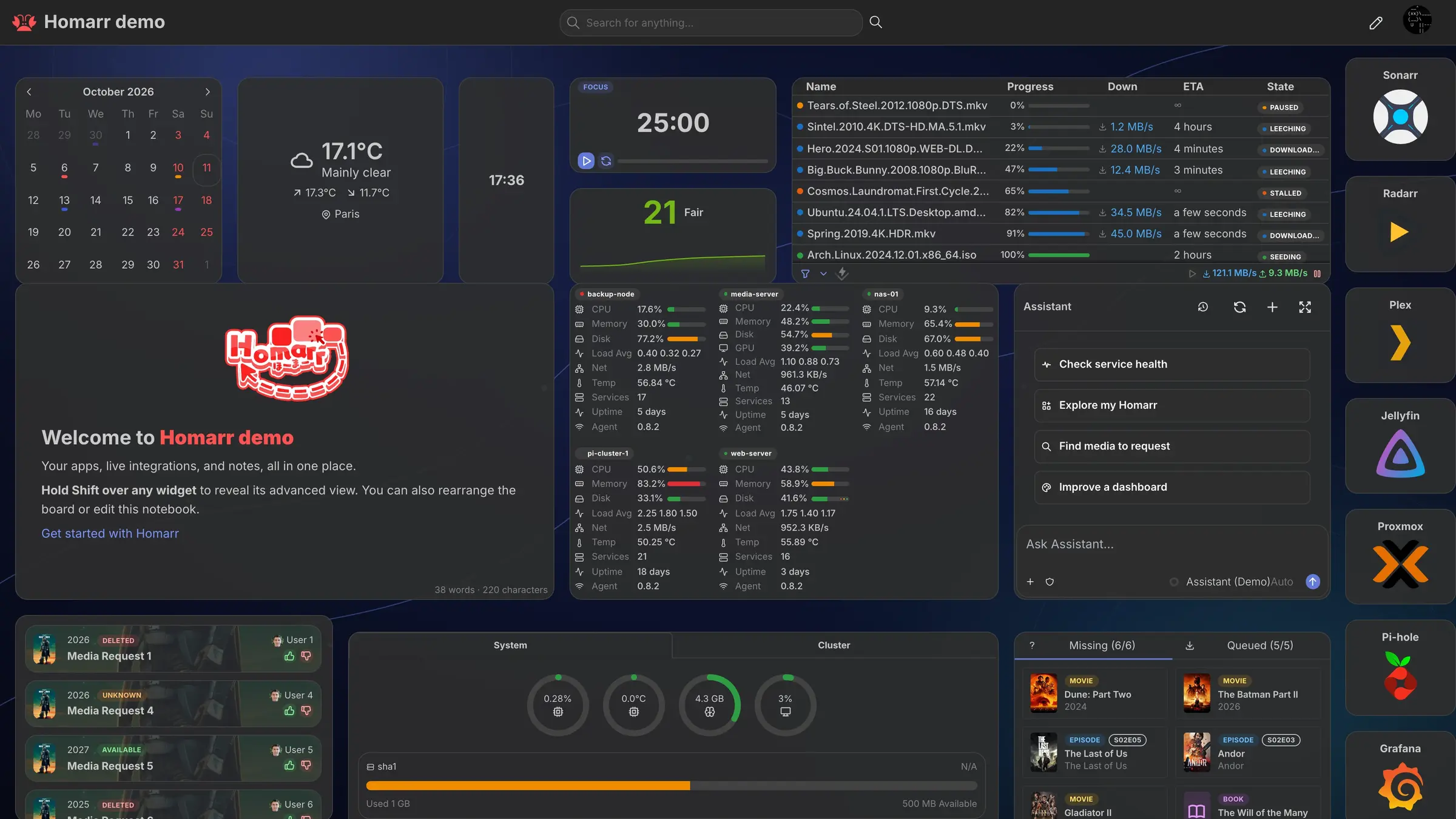
Homarr is a self-hosted dashboard and team start page: every web app on one board, with status checks, live widgets, user groups and single sign-on.
Homarr is a free, open-source, self-hosted dashboard that gives your team one start page for every web app and link it uses, in place of a hosted start page such as start.me. Each app gets a tile with its icon, and the tile can show whether that app is up or down.
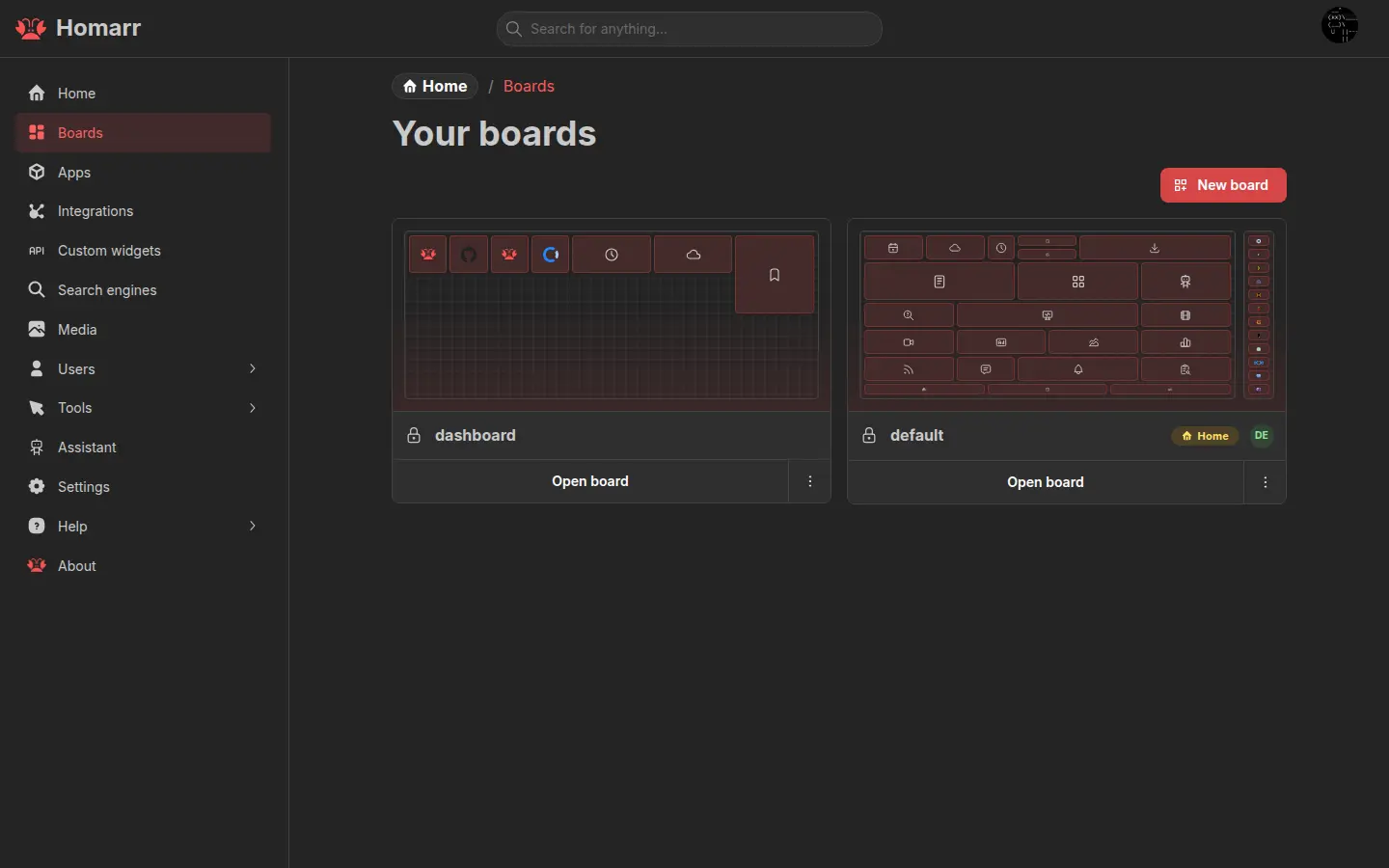
You build the page in the browser by dragging tiles and widgets onto a grid: calendars, weather, notes, news feeds, bookmarks, and live numbers from around 90 self-hosted apps such as Nextcloud, Paperless-ngx and Uptime Kuma. Make a board for each team, keep it public or private, and decide who can view or change it. A small accounting office, for example, could set one board as every browser's home page, with tiles for the bookkeeping software, the file share, the client portal and webmail, and see straight away when one of them is down.
People sign in with their own accounts, or with their existing work accounts through LDAP, Active Directory or single sign-on. Homarr works in any browser, with a separate layout for phones; there are no app-store apps or browser extensions.
Cloudgate installs Homarr on a server Cloudgate provides or one you connect, and gives it a secure web address. The first visit opens a short setup wizard that creates your admin account and first board.
What you can do with Homarr
- Put every app on one page Add a tile for each web app or link your team uses, with its icon, and open it in one click.
- See at a glance what is down Each tile can check its app and show a green or red dot, so a broken tool is spotted before the phone rings.
- Build it by drag and drop Move and resize tiles and widgets in the browser; no files to edit and nothing to code.
- Add useful widgets Calendars, weather, clocks, notes, news feeds, bookmarks and dozens more sit next to your app tiles.
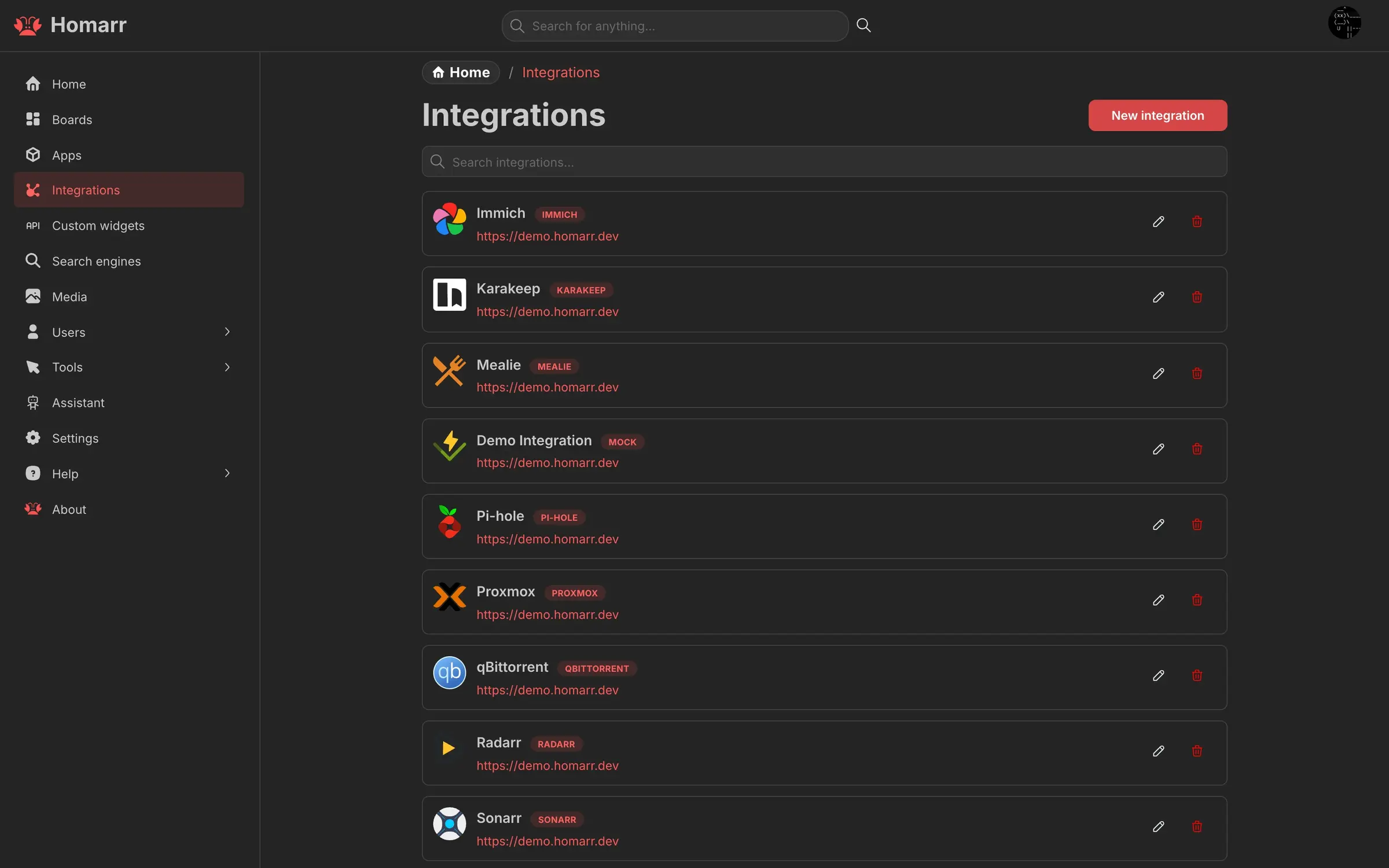
- Show live data from your other apps Connect around 90 self-hosted apps, such as Nextcloud, Immich, Paperless-ngx and Uptime Kuma, to show their numbers on the board.
- Give each team its own board Make several boards, keep each one public or private, and let every person pick their home board.
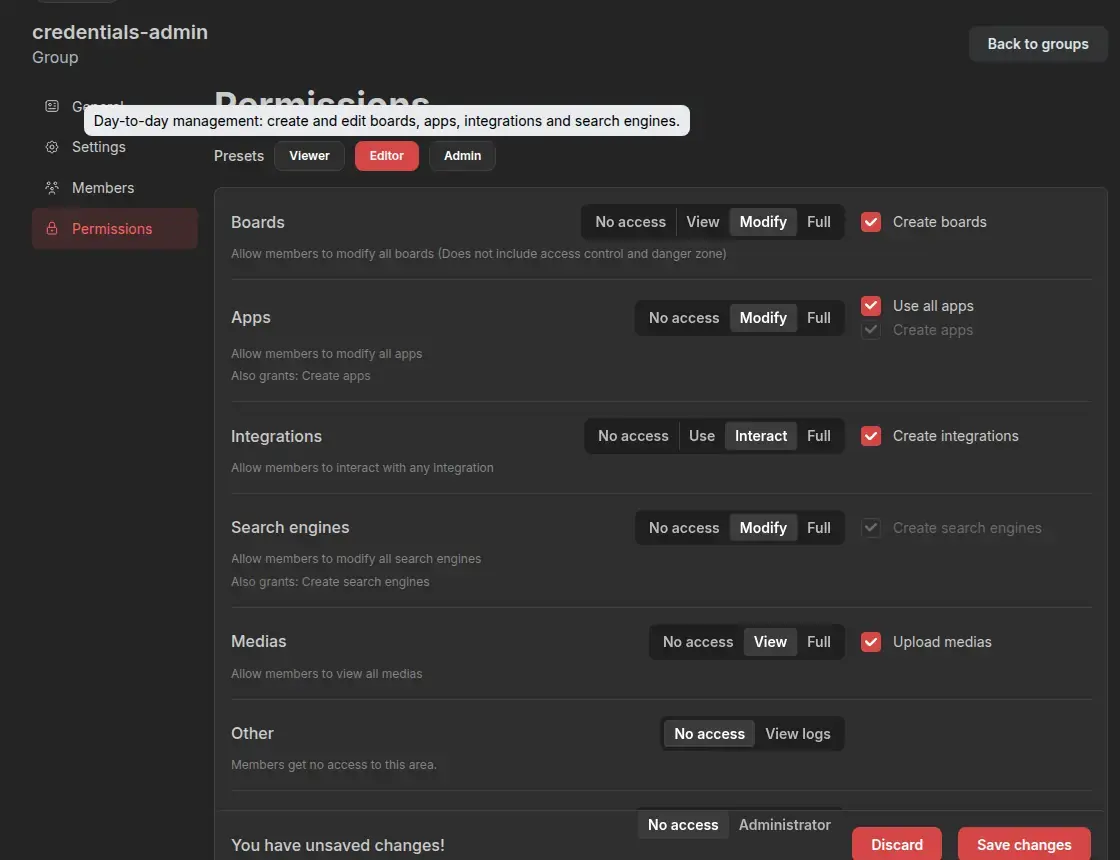
- Control who sees and changes what Users, groups and ready-made Viewer, Editor and Admin permission levels, with sign-in through LDAP, Active Directory or single sign-on.
- Search everything from one box Find an app, a link or data from your connected tools, or send the search to the web.
Replaces start.me
Homarr does the same job as start.me. Here is what changes when you switch.
- Your team's start page and links stay on your own server
- No fee per person, however many people use it
- Users, groups and sign-in with your existing work accounts
- Live status and data from the self-hosted apps you run
- No browser extension; people set the page as their browser's home page instead
- Your start.me pages and bookmarks do not move across; you add the tiles again
- Most live connections are for self-hosted tools; online services such as Microsoft 365 are plain link tiles
- You or your IT provider look after the server it runs on
What happens when you click Deploy?
You do not need a server or any technical knowledge. Four steps, and Homarr is running at its own web address.
- Step 1 Click Deploy and create your account
Deploy takes you to Cloudgate. Create an account, or log in if you have one. Homarr itself is free.
- Step 2 Choose a server
No server? Get one from Cloudgate: pick a size and a country, and Cloudgate gets it ready. Already have one? Connect it instead.
- Step 3 Cloudgate sets up Homarr
It prepares the server, makes the passwords the app needs and starts it. There is nothing to install and nothing to write down.
- Step 4 Open your app and sign in
Your app gets a free web address to start, without https. Add your own domain, like app.yourshop.com, and Cloudgate secures it with https for you.
New to Cloudgate? See what Cloudgate is
Run Cloudgate yourself? Deploy from your own console
In your Cloudgate console, open Templates and choose Homarr.
Questions
Is Homarr free?
Yes, Homarr is free and open source under the Apache 2.0 licence. There is no paid edition and no limit on users or boards; you pay only for the server it runs on.
Is Homarr a good alternative to start.me?
Yes, if you want a shared start page for your team on your own server. Homarr gives every person the same links and widgets with their own login, but it has no browser extension and no ready-made page library like start.me.
How do I sign in to Homarr the first time?
There is no default password. The first time you open Homarr's web address, a short setup wizard asks you to create the admin account and builds your first board; that admin then adds or invites everyone else.
Can my staff sign in to Homarr with their existing work accounts?
Yes, Homarr can sign people in through LDAP, including Microsoft Active Directory, or through a single sign-on provider that uses OpenID Connect, once the admin adds those settings. It also has its own simple username and password accounts.
Can I import my start.me pages or browser bookmarks into Homarr?
No, Homarr has no importer for start.me or browser bookmarks. You add the apps and links again as tiles, which is quick for a page of a few dozen links.
Does Homarr work on phones?
Yes, Homarr works in the phone's browser. Each board has its own phone layout; there is no app-store app.
What server size does Homarr need?
A small server is enough. The Homarr project asks for about 500 MB of memory, and Cloudgate sets it up on a server it provides or one you connect.
Do I need technical skills to run Homarr?
No. Click Deploy, create your Cloudgate account and choose a server, and Cloudgate sets up Homarr and gives it a web address. You use it in your browser like any other online tool.
Do I need my own server for Homarr?
No. When you deploy Homarr, hosted Cloudgate can provide a server. If you already rent one, you can connect it instead.
Related apps

A self-hosted start page and dashboard for every app you run.

A self-hosted start page for all your apps, with live status dots.

A self-hosted start page with every web app one click away.

A self-hosted start page with links to every app your team uses.