


S

Open-source alternatives to Smallpdf

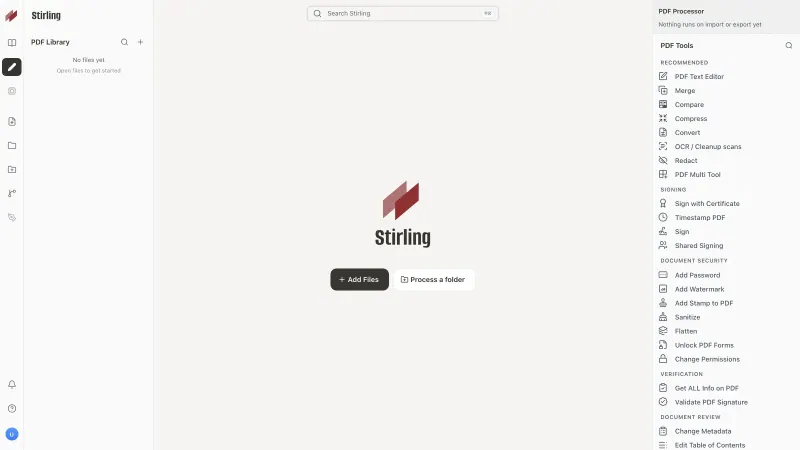
Stirling PDF is a self-hosted Smallpdf alternative that works the same way, pick a tool and drop in a file, and its PDF tools are open source. Smallpdf’s free plan limits how many tasks you can run and uploads every file to its servers; Stirling PDF has no limit on work done by hand and keeps files on yours.

4 alternatives Free apps Our pick: Stirling PDF

At a glance

App Good for Code Import from Smallpdf Ease of use
Stirling PDF Small offices that edit, convert and sign PDFs and want documents kept off third-party websites Code Open source Import from Smallpdf Yes Easy
BentoPDF Small offices that want quick, private PDF tools with no accounts and only a tiny server Code Open source Import from Smallpdf Yes Easy
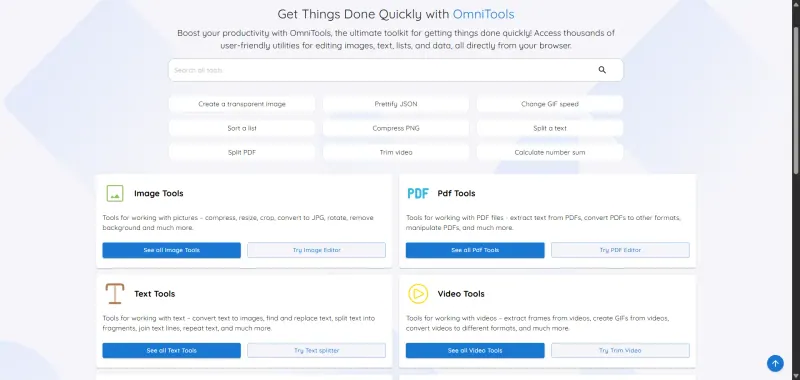
OmniTools Anyone who uses free online tool sites for quick PDF, image, video or data jobs and wants one private, ad-free set Code Open source Import from Smallpdf Yes Easy
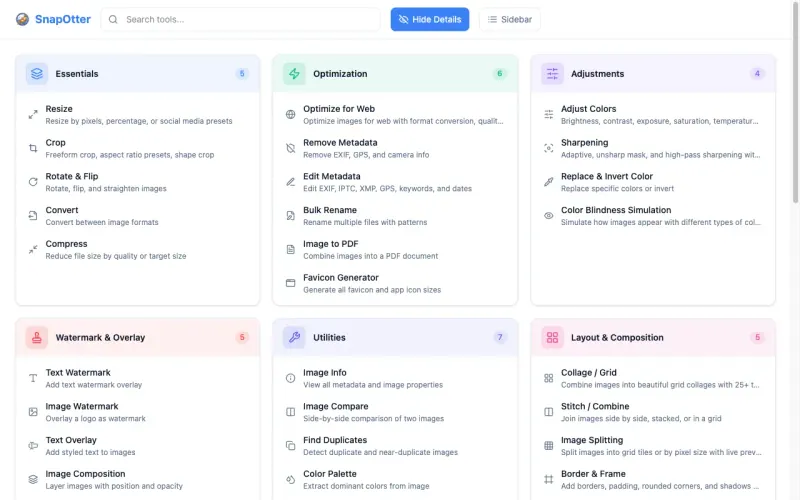
SnapOtter Small teams that convert, shrink and tidy many kinds of files and want one private toolbox instead of several websites Code Open source Import from Smallpdf Yes Easy

Why look for an alternative to Smallpdf?

Smallpdf is an online PDF service: you open its website, choose a tool such as compress, merge or convert to Word, drop in a file and download the result. It also offers e-signatures, phone apps and a paid plan for teams.

People look for an alternative because the free plan limits how many tasks you can run, and the paid plan is charged per user. Every file is also uploaded to Smallpdf's servers, which many businesses don't want for contracts, payslips or medical records. A self-hosted PDF toolbox, or SnapOtter for PDFs together with images and video, works the same way, but the files are processed on your own server and there is no cap on how many you work on by hand.

The alternatives, compared

Stirling PDF

Our pick

PDF editor to merge, convert, sign and OCR your files.

Works the same way as Smallpdf: pick a tool, drop in a file, download the result. It covers merging, splitting, compressing, converting, OCR, watermarks and signatures, with no daily limit on work done by hand, and files stay on your server. Smallpdf needs no server and has phone apps; Stirling PDF is free for up to 5 user accounts.
Easy Open source

PDF tools that run in your browser, so files never upload.

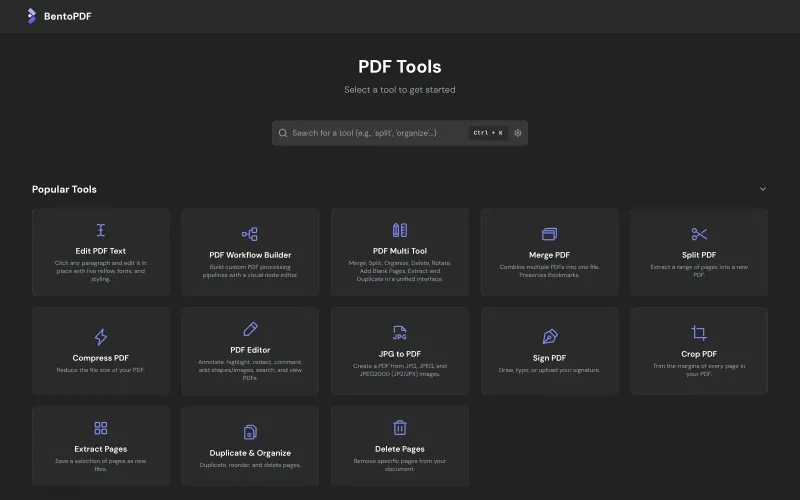
The same pick-a-tool way of working, with dozens of tools including Office conversion, OCR, editing text, signing and fillable forms, and no task limit. The work happens in your own browser, so files never leave your computer, and the server only serves the app. It has no accounts, storage or phone apps, and slow devices are slow on big files.

Easy Open source

Online tools for PDFs, images, video, text and data.

Covers Smallpdf's everyday tools, merge, split, rotate, compress, protect and PDF to images, with no task limit, and files never leave your own browser. It has no conversion to Word or Excel, no OCR and no e-signatures, so it suits occasional PDF jobs best.

Easy Open source

File tools for images, PDFs, video, audio and documents.

The same pick-a-tool way of working, with 35 PDF tools, merge, split, compress, protect, redact, sign, OCR, PDF to Word and PDF/A, plus tools for images, video, audio and office files, all on your server with no task limit. Stirling PDF goes deeper on PDFs alone. SnapOtter has no phone apps, and business features such as two-factor sign-in need a paid licence.

Easy Open source

Moving from Smallpdf

Smallpdf keeps no data you need to bring over: you upload a PDF, run a tool and download the result, and Stirling PDF does the same with your files. If you stored documents in Smallpdf's cloud, download them first. Bookmark Stirling PDF's web address for everyone who used Smallpdf, and show them the search bar at the top, which finds a tool by name. There is no phone app, but a phone can scan a QR code and send photos of pages to Stirling PDF, which turns them into a PDF. OmniTools and BentoPDF need even less: open the web address in any browser and pick a tool, with nothing to sign in to. In SnapOtter, sign in as the admin, set a new password and add an account for each colleague, then use the search box to find a tool.

Questions

What is the best open-source alternative to Smallpdf?

Start with Stirling PDF. All 4 are free and open source.

Does Stirling PDF have a daily task limit like Smallpdf's free plan?

No. Tools you use by hand have no limit. Only automated work, such as API calls with a key and saved pipelines, counts towards a monthly allowance on the free plan.

Which Smallpdf alternative keeps files off the server?

BentoPDF and OmniTools. Both process files in your own browser, so documents are not uploaded anywhere; BentoPDF has the wider range of tools, including Office conversion and OCR.

Can I use Stirling PDF on my phone?

In the phone's browser, yes, but there is no phone app. Its mobile scanner lets you photograph pages with your phone and send them to Stirling PDF as a PDF.

Are these Smallpdf alternatives really free?

Yes, Stirling PDF, BentoPDF, OmniTools and SnapOtter are free. To run them you need Cloudgate and a server. Use hosted Cloudgate, which can also provide the server, or install Cloudgate on a server of your own for free. Cloudgate's plans and prices are at cloudgate.octabyte.io/pricing. One server can run several apps.

Do I need a developer to replace Smallpdf?

No. Cloudgate installs the app you choose on your server and gives it a secure web address, and you use it in your browser instead of Smallpdf.