
OmniTools
Online tools for PDFs, images, video, text and data.
No server needed to start: Cloudgate can provide one. What happens when you click Deploy

What is OmniTools?
Self-hosted OmniTools: 128 free browser tools to merge PDFs, compress images, trim video and format JSON, without uploading files to tool sites.
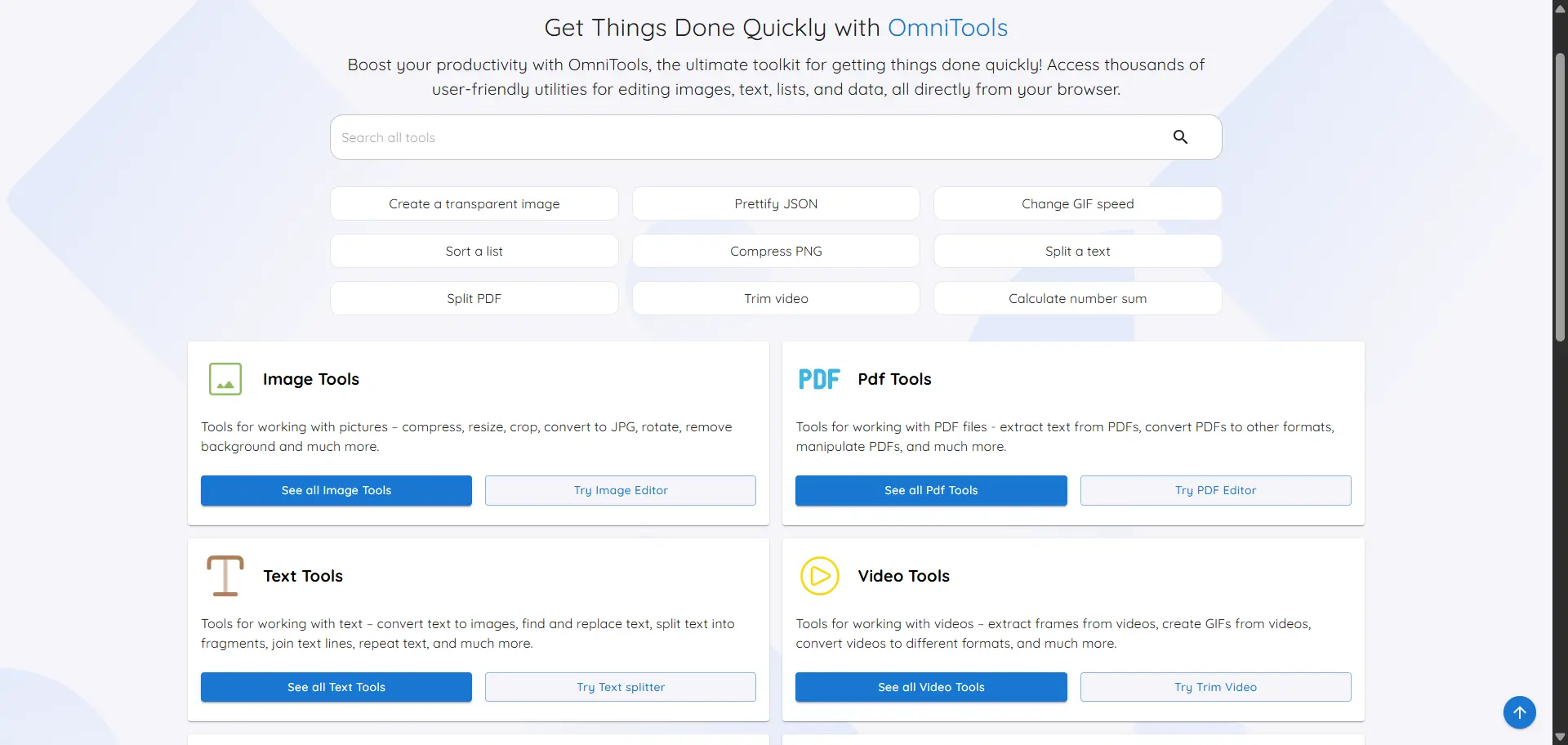
OmniTools is a free, open-source set of 128 everyday online tools you can self-host, used in place of ad-funded sites like iLovePDF, Smallpdf or image compressors. On one web address you can merge and split PDFs, compress and resize images, trim videos, make GIFs, clean up text and lists, and format JSON and CSV data.
Every tool runs in the visitor's own web browser, so files are never uploaded to the server or to anyone else's website. There are no ads, no accounts and no daily limits. A small travel agency, for example, could shrink tour photos for its website, merge a customer's booking confirmations into one PDF and trim a short video for social media, without sending any of them to a tool site.
Be aware of the limits. The PDF tools cover the basics only; for converting Office files, OCR or signing, Stirling PDF is the better choice. Big video jobs depend on the speed of your own computer, and a few tools need an internet connection the first time you use them. OmniTools is a young project, so some tools are simple.
Cloudgate installs OmniTools on a server Cloudgate provides or one you connect and gives it a secure web address. Anyone with the address can use it, so share it only with the people who should.
What you can do with OmniTools
- Fix up images Resize, compress, crop and rotate pictures, add a watermark, remove a background, make QR codes and read text from an image.
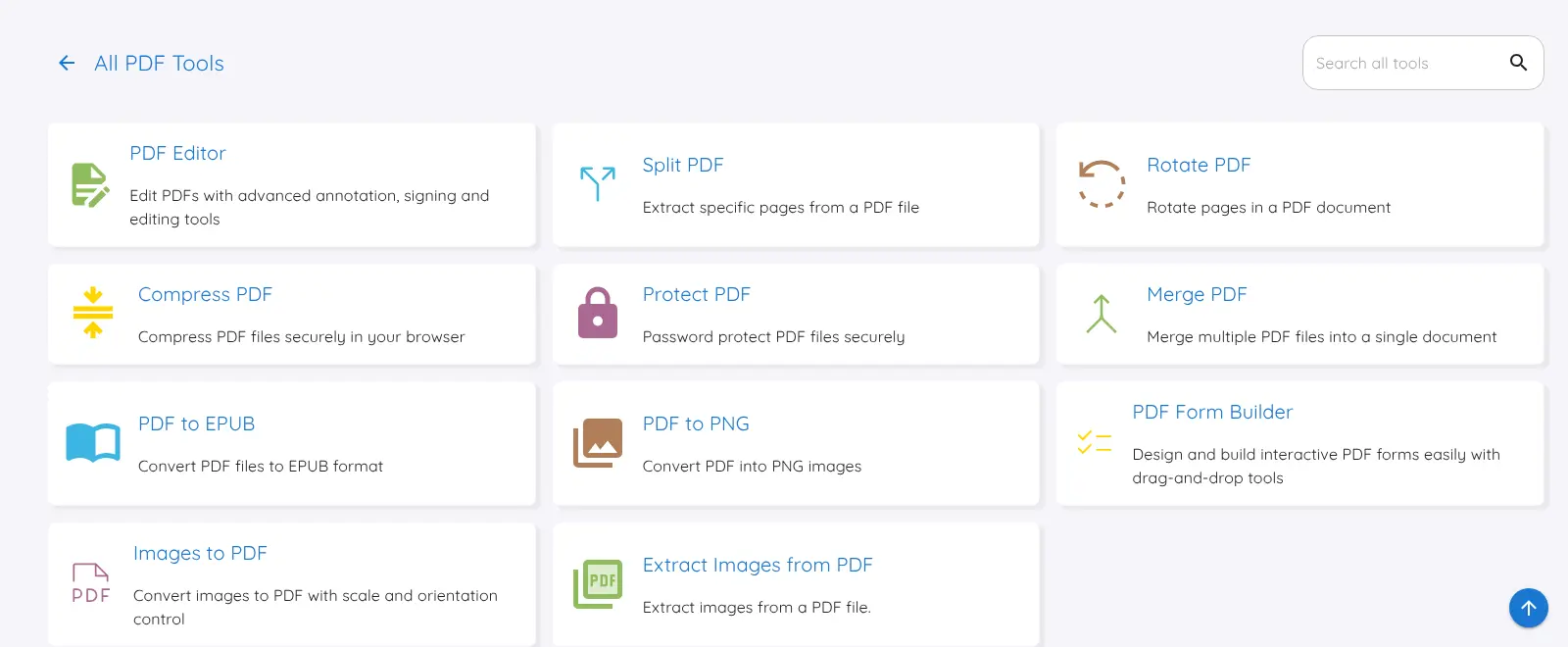
- Do the basic PDF jobs Merge, split, rotate and compress PDFs, add a password, turn PDFs into images or images into a PDF, and make small edits.
- Trim and convert video and audio Trim, crop, resize, speed up or loop a video, merge clips, pull the sound out of a video and turn clips into GIFs.
- Clean up text and lists Change case, find and replace, compare two texts, sort and remove duplicates from lists, and generate passwords.
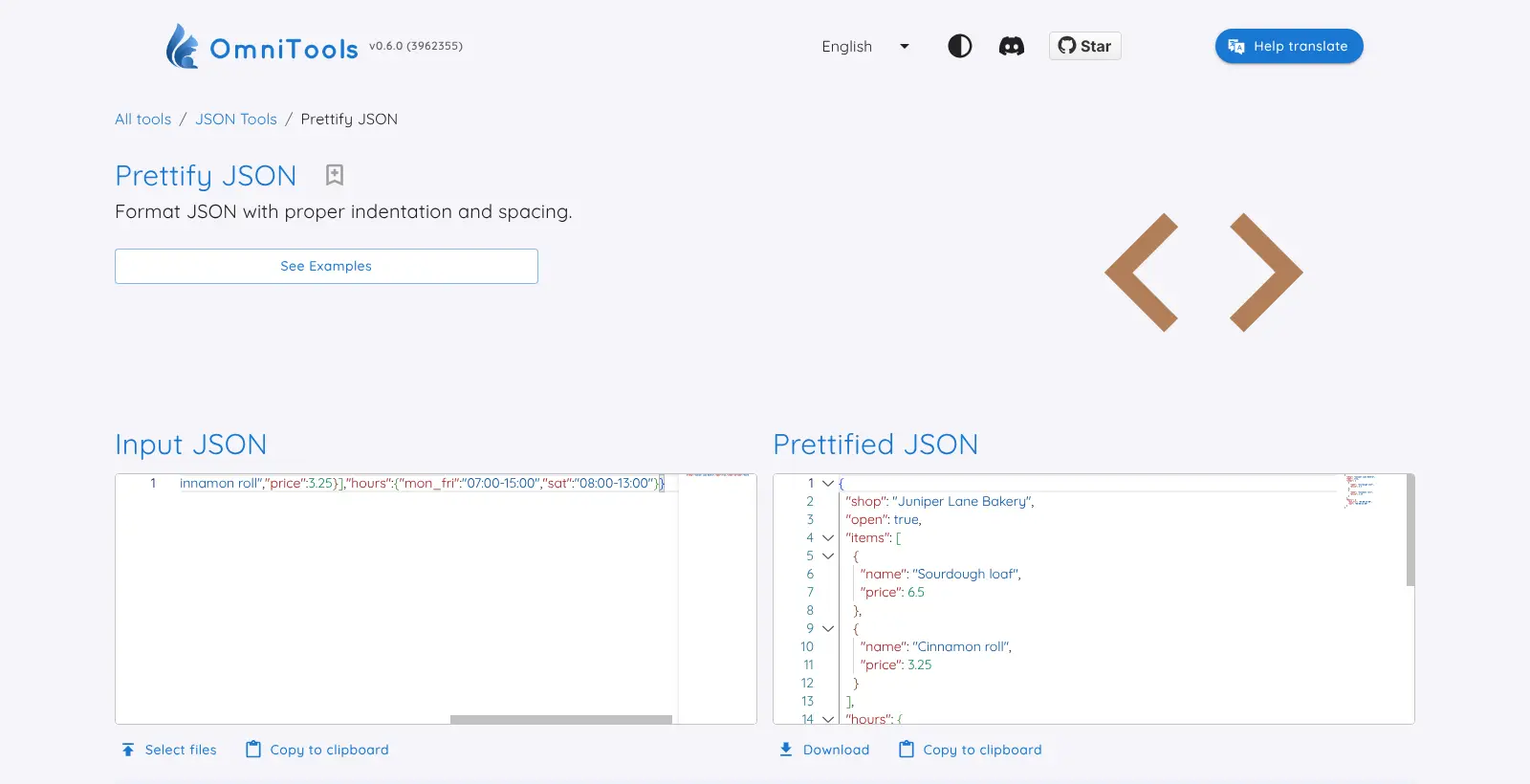
- Format and convert data Tidy up, check and compare JSON, and convert between JSON, CSV, XML, YAML and TSV.
- Work out dates and numbers Count the time between dates, convert Unix timestamps, add up numbers and write numbers out as words.
- Find the right tool fast Search all 128 tools from one box, star the ones you use most and switch between light and dark mode.
Replaces iLovePDF and Smallpdf
OmniTools does the same job as iLovePDF and Smallpdf. Here is what changes when you switch.
- Files are processed in your own browser and never uploaded to a server
- No ads, no sign-up and no daily task limits
- Everyday image, video, text and data tools sit next to the PDF tools, on your own web address
- Nothing to pay beyond a very small server
- The PDF tools are basic, with no Word or Excel conversion, no OCR for scanned PDFs and no e-signatures; Stirling PDF is the better pick for PDF work
- Big video and PDF jobs run on your own computer or phone, so they can be slow or fail on an older device
- No phone apps, though the site works in a phone's browser
- No login, so anyone who has the address can use the tools
What happens when you click Deploy?
You do not need a server or any technical knowledge. Four steps, and OmniTools is running at its own web address.
- Step 1 Click Deploy and create your account
Deploy takes you to Cloudgate. Create an account, or log in if you have one. OmniTools itself is free.
- Step 2 Choose a server
No server? Get one from Cloudgate: pick a size and a country, and Cloudgate gets it ready. Already have one? Connect it instead.
- Step 3 Cloudgate sets up OmniTools
It prepares the server, makes the passwords the app needs and starts it. There is nothing to install and nothing to write down.
- Step 4 Open your app and sign in
Your app gets a free web address to start, without https. Add your own domain, like app.yourshop.com, and Cloudgate secures it with https for you.
New to Cloudgate? See what Cloudgate is
Run Cloudgate yourself? Deploy from your own console
In your Cloudgate console, open Templates and choose OmniTools.
Questions
Is OmniTools free?
Yes, OmniTools is free and open source under the MIT licence, with no paid edition, no accounts and no task limits. You pay only for a very small server.
Is OmniTools a good alternative to iLovePDF or Smallpdf?
Partly. OmniTools covers the basic PDF jobs, such as merging, splitting, compressing, rotating, password-protecting and turning PDFs into images, without uploading your files or limiting tasks. It has no Word or Excel conversion, no OCR for scanned PDFs and no e-signatures, so for regular PDF work Stirling PDF is the better self-hosted choice.
Are my files uploaded when I use OmniTools?
No, OmniTools processes files in your own web browser, so they stay on your device and never reach the server. The server only hands out the web pages, and the tools contain no analytics or tracking scripts.
Does OmniTools work offline?
Not fully. A few OmniTools tools, such as reading text from images, image compression and some PDF tools, download their engine from public websites the first time you use them, so the browser needs an internet connection. Your files still stay on your device.
Do I need an account to use OmniTools?
No, OmniTools has no accounts, no sign-in and no admin. Anyone who has the web address can use the tools, which is useful for sharing with a team, but it means you should share the address only with people who should use it.
What server size do I need for OmniTools?
The smallest server is enough for OmniTools, because the server only serves the web pages. The work happens in each visitor's browser, so large video or PDF jobs depend on the speed and memory of the computer or phone being used.
Do I need technical skills to run OmniTools?
No. Click Deploy, create your Cloudgate account and choose a server, and Cloudgate sets up OmniTools and gives it a web address. You use it in your browser like any other online tool.
Do I need my own server for OmniTools?
No. When you deploy OmniTools, hosted Cloudgate can provide a server. If you already rent one, you can connect it instead.
Can I move my data from iLovePDF to OmniTools?
Most people export from iLovePDF and import into OmniTools. The official guides at github.com walk through it.
Related apps

PDF editor to merge, convert, sign and OCR your files.

PDF tools that run in your browser, so files never upload.

File tools for images, PDFs, video, audio and documents.

Shrink and convert images in your browser, with no uploads.