
C

Open-source alternatives to CloudConvert

ConvertX is a free, open-source CloudConvert alternative that converts images, video, audio, documents and e-books between over a thousand formats on your own server. CloudConvert gives 10 free conversion credits a day and charges for credits beyond that; self-hosted ConvertX has no conversion limit, and your files never leave your server.

2 alternatives Free apps Our pick: ConvertX

At a glance

App Good for Code Ease of use
ConvertX People and small teams who convert files often and want them kept off converter websites Code Open source Easy
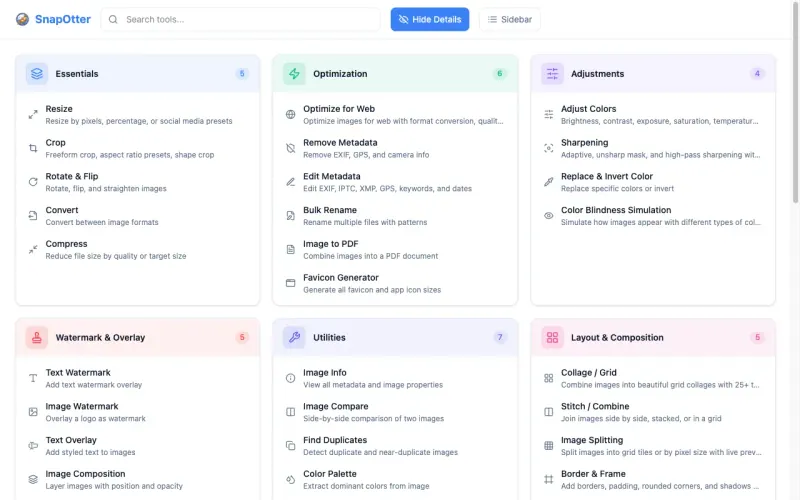
SnapOtter Small teams that convert, shrink and tidy many kinds of files and want one private toolbox instead of several websites Code Open source Easy

Why look for an alternative to CloudConvert?

CloudConvert is an online file converter for documents, images, video, audio and more, with an API and integrations for developers.

People look for an alternative because of its limits and privacy. When we checked its pricing page in November 2026, the free plan gave 10 conversion credits a day, and longer or larger conversions used more credits, sold in packages or subscriptions. Every file is uploaded to CloudConvert's servers. A self-hosted ConvertX converts as many files as your server can handle, and they never leave it. SnapOtter goes beyond conversion, with more than 200 tools for compressing, editing and OCR, and an API.

The alternatives, compared

ConvertX

Our pick

Convert images, video, documents and e-books on your own server.

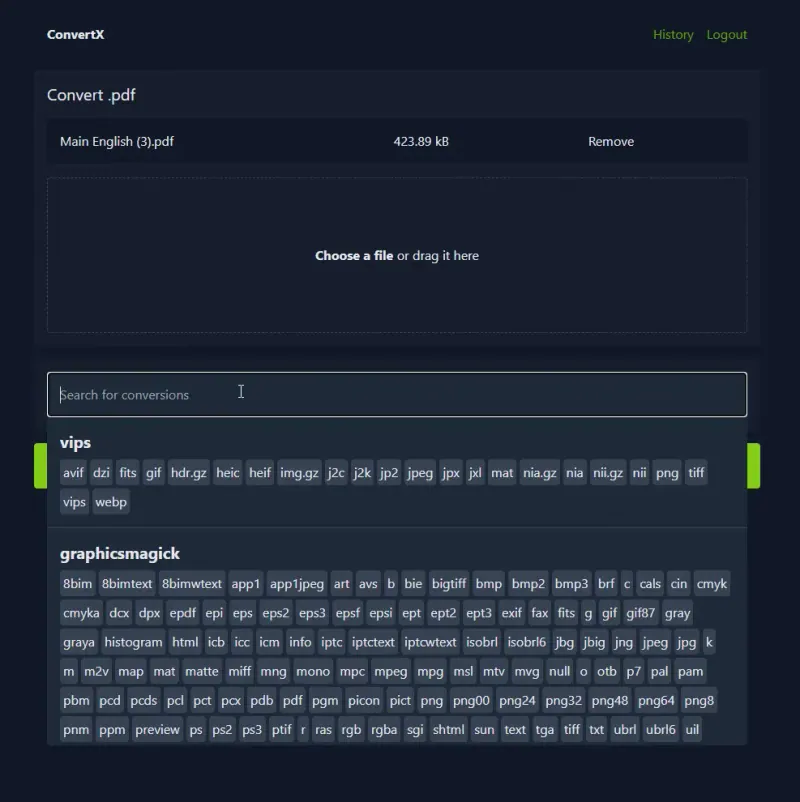
Converts images, video, audio, documents, e-books, data files and 3D models between over a thousand formats, in batches, using tools such as FFmpeg, LibreOffice, ImageMagick, Pandoc and Calibre. Files stay on your server and are deleted after 24 hours by default. It has no API, no cloud storage connections and few per-file settings, and big video conversions need a capable server.

What you gain
  • Your files are converted on your own server, not uploaded to a converter website
  • No limit on how many files you convert
  • Images, video, documents, e-books and more in one place
What is different
  • No API or links to cloud storage and other apps
  • Few settings for each conversion; you get each converter's standard result
  • Video conversion is slow on a small server, as it uses a lot of processor time
Easy Open source

File tools for images, PDFs, video, audio and documents.

More than 200 tools for images, video, audio, PDFs and office files in one web app: convert, compress, resize, merge, OCR and transcribe, with batches, reusable pipelines and an API for every tool, like CloudConvert's. Files are processed on your server, with optional AI tools that run on your own hardware. It converts between fewer formats than ConvertX, AI tools need a bigger server, and business features such as SAML sign-in and S3 storage need a paid licence.

What you gain
  • Your files are processed on your own server, not uploaded to a converter or PDF website
  • No daily limits, credits or file caps set by a plan
  • Images, PDFs, video, audio and office files in one app, with the same tools for the whole team
What is different
  • Some business features, such as SAML single sign-on, two-step login and audit export, need a paid SnapOtter licence
  • It needs a bigger server than a single-purpose tool, and AI tools and video are slow on a server without a graphics card
  • Stirling-PDF goes further on PDF editing and ConvertX converts more formats; SnapOtter covers more kinds of file
Easy Open source

Moving from CloudConvert

There is nothing to move: open ConvertX, create your account, upload files and choose the format to convert to. If you converted files from your own scripts through CloudConvert's API, keep that for now, because ConvertX has no API. Save the converted files you want to keep, since ConvertX deletes them after 24 hours by default.

SnapOtter has nothing to move either: sign in as the admin, set a new password and add your colleagues. If your scripts call CloudConvert's API, SnapOtter has an API for every tool, so you can point them at it with an API key; chains of steps you ran there can be saved as pipelines.

Questions

What is the best open-source alternative to CloudConvert?

Start with ConvertX. Both are free and open source.

Do ConvertX and SnapOtter limit how many files I convert?

No. Neither has credits or daily limits; how much you convert depends only on your server.

Should I choose ConvertX or SnapOtter?

Choose ConvertX if you mostly change file formats, since it handles over a thousand. Choose SnapOtter if you also compress, edit, merge or OCR files, or need an API like CloudConvert's; it has more than 200 tools and runs AI tools on your own hardware.

Do my files leave my server with ConvertX or SnapOtter?

No. Every conversion runs on your own server; ConvertX deletes the files after 24 hours by default, and SnapOtter's AI tools also run there, with no cloud AI service.

Are these CloudConvert alternatives really free?

Yes, ConvertX and SnapOtter are free. To run them you need Cloudgate and a server. Use hosted Cloudgate, which can also provide the server, or install Cloudgate on a server of your own for free. Cloudgate's plans and prices are at cloudgate.octabyte.io/pricing. One server can run several apps.

Do I need a developer to replace CloudConvert?

No. Cloudgate installs the app you choose on your server and gives it a secure web address, and you use it in your browser instead of CloudConvert.