


P

Open-source alternatives to Privnote

Password Pusher is a free, open-source Privnote alternative for sending passwords, notes and files through a secret link that deletes itself after a set number of views or days. Privnote runs only on its own servers and sends text notes; self-hosted Password Pusher keeps secrets on your server and adds files, accounts and an audit log of every view, though requests, single sign-on and teams are only in its paid hosted plans.

4 alternatives Free apps Our pick: Password Pusher

At a glance

App Good for Code Ease of use
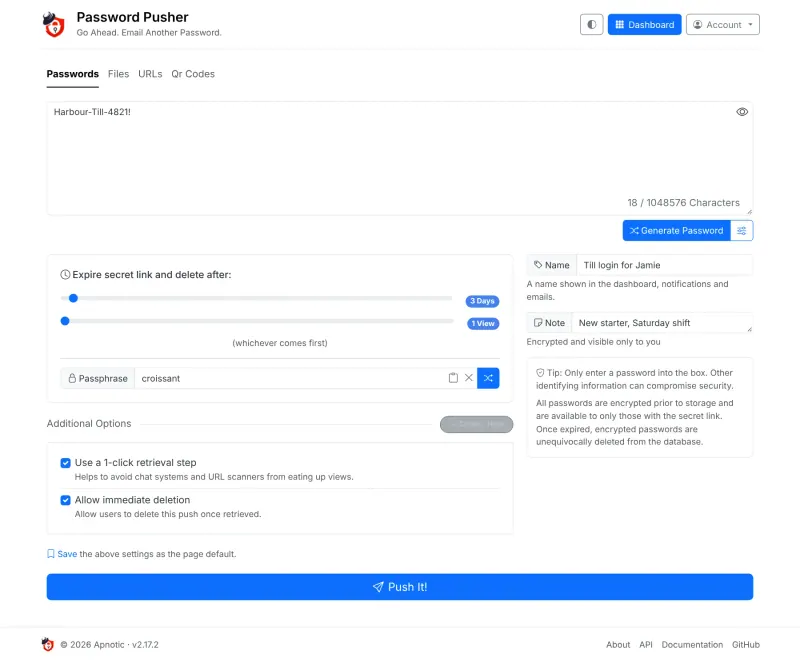
Password Pusher Offices, IT and HR sending passwords and files that expire after use Code Open source Easy
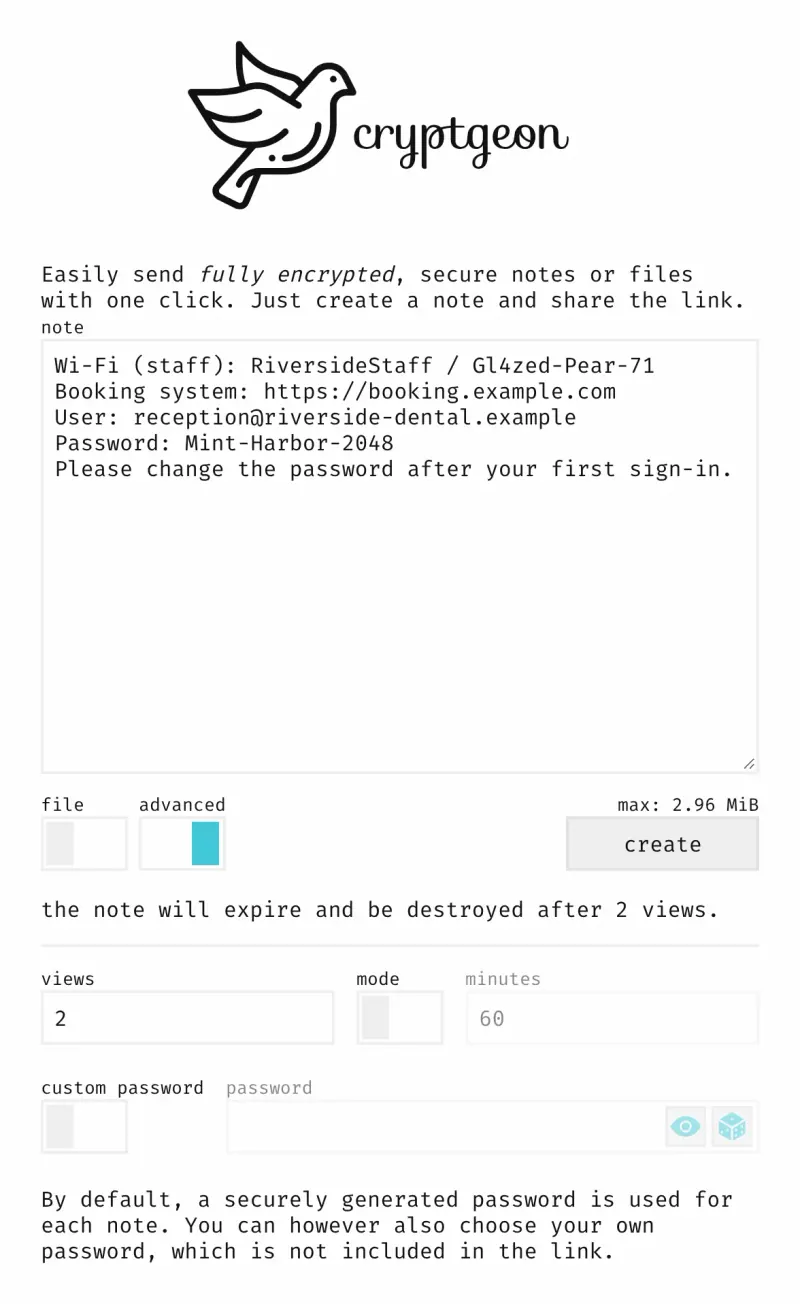
cryptgeon Small teams handing over logins, keys or a few files that should leave no copy behind Code Open source Easy
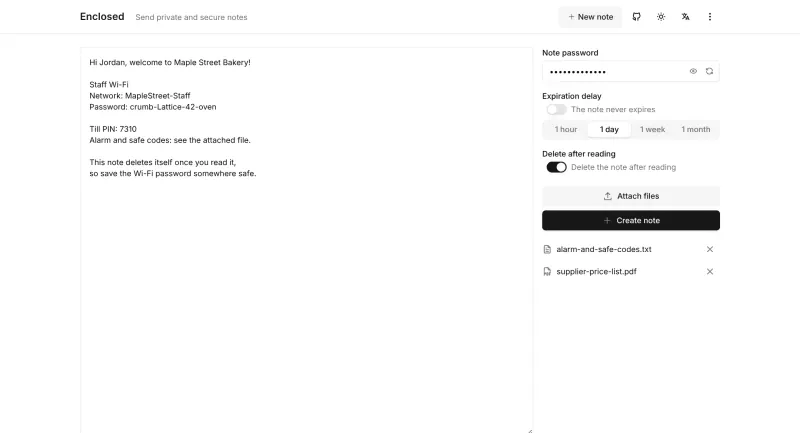
Enclosed Teams that pass on passwords, codes or confidential files and want them gone after reading Code Open source Easy
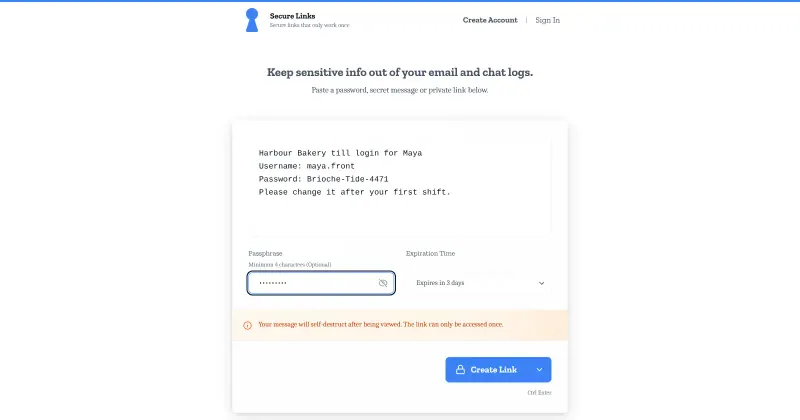
Onetime Secret Teams handing out passwords and logins to staff or clients by link Code Open source Easy

Why look for an alternative to Privnote?

Privnote is a free website for sending self-destructing notes: you type a message, get a link, and the note is deleted once it has been read. It runs only on Privnote's own servers.

People look for an alternative when they share passwords and logins at work and want more control than a public website gives: to keep secrets on their own server, send files as well as text, set how many views a link allows, and see who opened it. A self-hosted Password Pusher does all of this for free, in a web app your colleagues sign in to. Enclosed and Onetime Secret are simpler self-hosted options: Enclosed encrypts each note in the browser and can send small files with it, and Onetime Secret gives a receipt showing whether a secret was read. cryptgeon, inspired by Privnote, encrypts notes and files in the browser and keeps them only in memory.

The alternatives, compared

Password Pusher

Our pick

Password sharing by links that delete themselves.

Does Privnote's job on your own server: paste a password or note, choose how many views or days it lasts, and send the link, which deletes itself when either runs out. It also sends files, URLs and QR codes, can ask for a passphrase, and shows each view with its time, IP address and browser. Requests, single sign-on, teams and custom branding are only in the paid pwpush.com plans.

What you gain
  • Secrets sit on your own server, not on someone else's website
  • Links can last for several views or days, not only one view
  • Send files, web links and QR codes, not only text
What is different
  • Secrets are encrypted on the server, not in the sender's browser, so they are only as private as your server
  • Out of the box anyone who finds your address can create links, until you turn that off
  • Requests, single sign-on, teams and custom branding are in the paid editions only
Easy Open source

Encrypted notes that self-destruct by views or by timer.

Built on the Privnote idea: type a note or add files, and get a link that deletes itself after a set number of views, up to 100, or a set number of minutes, up to six hours. It is encrypted in your browser, so the server cannot read it, and notes are kept only in memory, never on disk. It has no accounts, sent-notes list or read receipt, and a restart wipes unread notes.

What you gain
  • Notes go through your own web address, not a public website
  • Encrypted in the browser, so even your own server cannot read them
  • Allow a note to be opened several times, or let it run on a timer
What is different
  • Notes live only in memory, so a server restart deletes every unread note
  • The longest a note can wait is six hours, and you pick views or time, not both
  • No read receipt, no list of sent notes and no way to cancel a link
Easy Open source

Encrypted notes and files that delete after reading.

Does Privnote's job and adds to it: the note, and any files you attach, are encrypted in your browser before they are uploaded, so the server stores only scrambled data, and you can add a password, choose when it expires and make it delete itself after one reading. Files are limited to 50 MB per note by default, and there is no list of sent notes or read receipt.

What you gain
  • Notes and files are stored on your own server, not on someone else's website
  • Everything is encrypted in the browser, so even your server can't read it
  • A password, an expiry time and file attachments on every note
What is different
  • Built for notes and small files (up to 50 MB per note), not large file transfers
  • No emails sent for you and no alert when a note has been read
  • No list of the notes you have sent, because there are no accounts to keep one
Easy Open source

Share passwords as private links that work only once.

Sends a password or private note as a link that opens once, with an optional passphrase and a lifetime from one minute to seven days, plus a receipt link that shows whether it has been read and lets you destroy it first. It shares text only, not files, and the server encrypts secrets itself, so it is not end-to-end encrypted like Enclosed.

What you gain
  • Your secrets are stored on your own server and shared under your own web address
  • Add a passphrase and choose a lifetime from one minute to seven days
  • A private receipt shows whether each secret was previewed or revealed, and lets you burn it first
What is different
  • Secrets are encrypted on your server, not in the sender's browser
  • It shares text only, not files
  • Anyone who can reach your address can create secrets, limited per visitor
Easy Open source

Moving from Privnote

There is nothing to move, because Privnote notes are read once and then gone. Sign in to Password Pusher with the admin email you chose at setup and the password Cloudgate created, then decide who may use it: by default anyone who can reach its web address can create links and sign up, and both can be turned off. Give colleagues who send secrets their own accounts, so each of them sees a dashboard of their links and can expire one early. Then send your next password with Password Pusher instead of Privnote, and tick 1-click retrieval so chat and email link previews don't use up a view.

With Enclosed, open your address, type the note, attach files if needed, pick an expiry and whether it should be deleted after reading, and send the link; for anything sensitive, add a password and send it another way, such as by phone. With Onetime Secret, paste the text, add a passphrase if you like, choose how long the link lasts, and keep the receipt link so you can see when it has been read. Anyone who can reach either address can create notes; Enclosed can require sign-in to create them, and Onetime Secret limits how many each visitor can make.

cryptgeon needs no setup or sign-in either: open your address, type the note or drop in files, choose views or minutes, and send the link. Notes and files up to about 3 MB in total fit as Cloudgate sets it up. Anyone who can reach the address can create notes, and unread notes are lost when the app restarts, so send each link shortly before the reader needs it.

Questions

What is the best open-source alternative to Privnote?

Start with Password Pusher. All 4 are free and open source.

Can I see whether my link was opened?

Yes, with Password Pusher or Onetime Secret. In Password Pusher, when you are signed in, each link has an audit log that lists every view with its time, IP address and browser, plus any failed attempts. Onetime Secret gives you a receipt link that shows whether the secret has been read. Enclosed and cryptgeon have no read receipt.

Can Password Pusher send files as well as passwords?

Yes. The free edition sends passwords, text, files, web addresses and QR codes, each through a link that expires after a set number of views or days.

Is the secret encrypted?

Yes. Password Pusher stores each secret encrypted and deletes it when the link expires, and Onetime Secret also encrypts secrets on the server. In both, the encryption happens on the server, not in the browser, so whoever runs the server could read an active secret; on Cloudgate that is your own server. Enclosed and cryptgeon encrypt the note in the sender's browser, and the key stays in the part of the link after the #, which browsers never send to the server, so the server cannot read it.

Do recipients need an account?

No. With Password Pusher, Enclosed, Onetime Secret and cryptgeon the recipient only needs the link, and the password or passphrase if you set one.

Which should I choose: Password Pusher, Enclosed, Onetime Secret or cryptgeon?

Choose Password Pusher if colleagues share passwords and files at work and you want accounts and an audit log of every view. Choose Enclosed if you also send files or want the server unable to read your notes. Choose Onetime Secret if you hand out passwords to staff or clients and want a receipt showing whether each one was read, or a built-in password generator. Choose cryptgeon for the closest thing to Privnote itself: no accounts, browser encryption, and notes kept only in memory, never on disk.

Are these Privnote alternatives really free?

Yes, Password Pusher, cryptgeon, Enclosed and Onetime Secret are free. To run them you need Cloudgate and a server. Use hosted Cloudgate, which can also provide the server, or install Cloudgate on a server of your own for free. Cloudgate's plans and prices are at cloudgate.octabyte.io/pricing. One server can run several apps.

Do I need a developer to replace Privnote?

No. Cloudgate installs the app you choose on your server and gives it a secure web address, and you use it in your browser instead of Privnote.