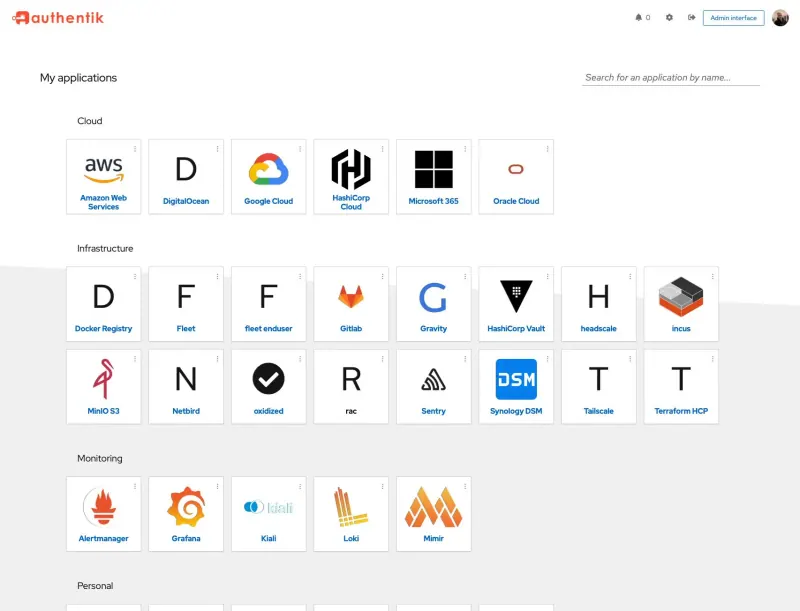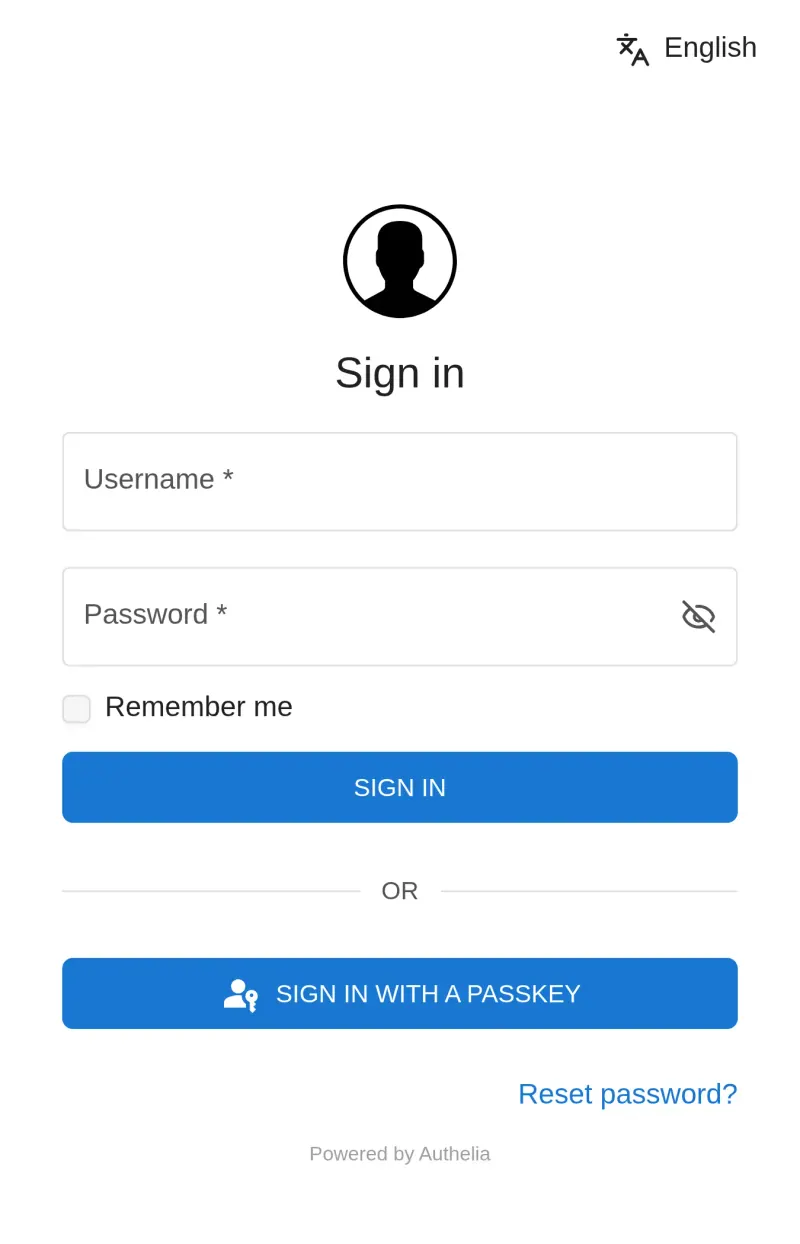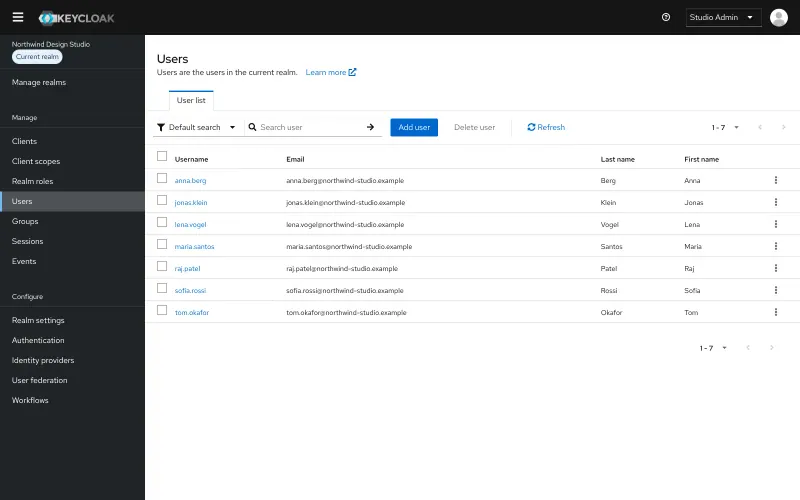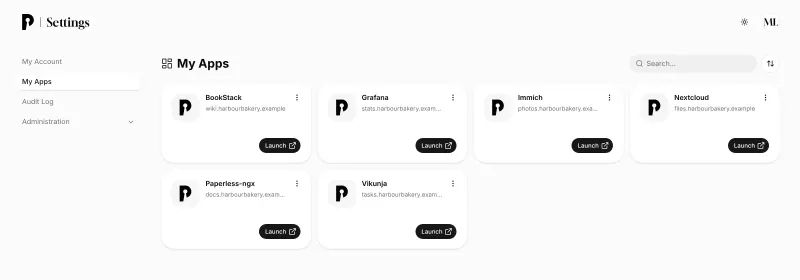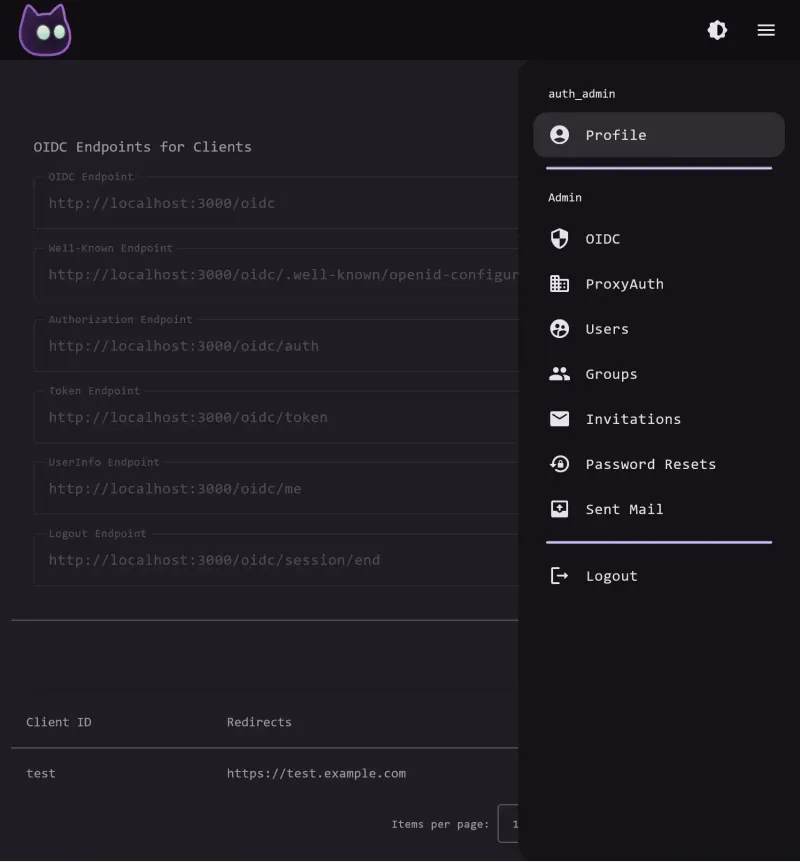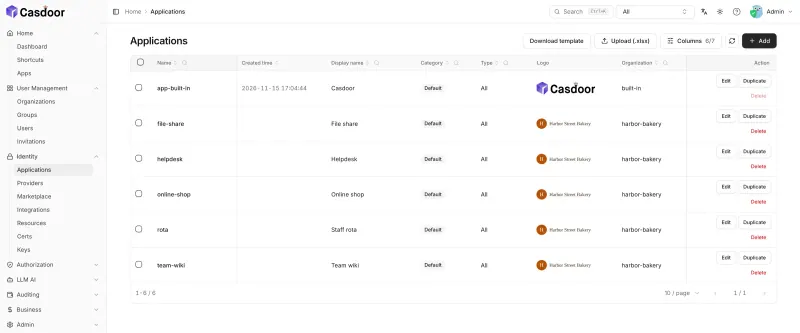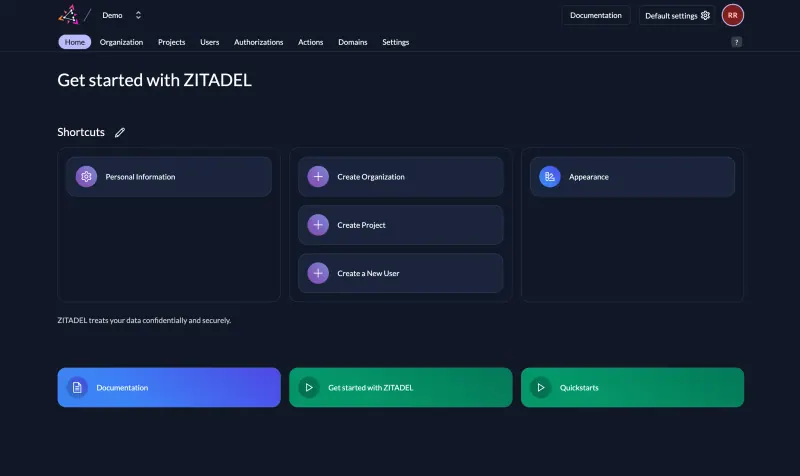





Only Casdoor has an Okta importer. authentik, Authelia, Keycloak, ZITADEL, Pocket ID, Logto and VoidAuth have none. For authentik, create your groups, then bring people in from your existing directory: sync them from Active Directory or LDAP, or add Okta as a login source so they sign in with their Okta account during the switch. Connect one app at a time, using authentik's integration guides, and test each before you move the next. Set up two-step verification and keep an admin login that does not depend on authentik, then turn off each app's Okta connection once it works. For Authelia, add each person to its users file and each app as an OpenID Connect client in its settings file, using Authelia's per-app guides, then switch the app's sign-in over and test it before the next. For Keycloak, connect it to your Active Directory or LDAP, or add Okta as an identity provider so people can sign in with Okta during the switch, then add each app as a client and test it before the next. For ZITADEL, create a project, add each app to it, and bring people in through LDAP or its user import API. With Pocket ID, check first that every app you need supports OpenID Connect sign-in and that everyone has a device or security key that can hold a passkey; add people by hand, through signup links or by syncing from LDAP, send each one a one-time login code to create their first passkey, then connect one app at a time.
With VoidAuth, invite each person by link so they set their own password or passkey, then connect your OpenID Connect apps one at a time with the project's setup guides. Apps that support only SAML have to stay on Okta or move to authentik or Casdoor.
With Casdoor, add an Okta syncer to bring your users across through Okta's API; passwords do not come with them, so plan a reset or a social login. Connect each app from Casdoor's Marketplace or by hand with its OpenID Connect or SAML details, and test it before switching off Okta for that app.
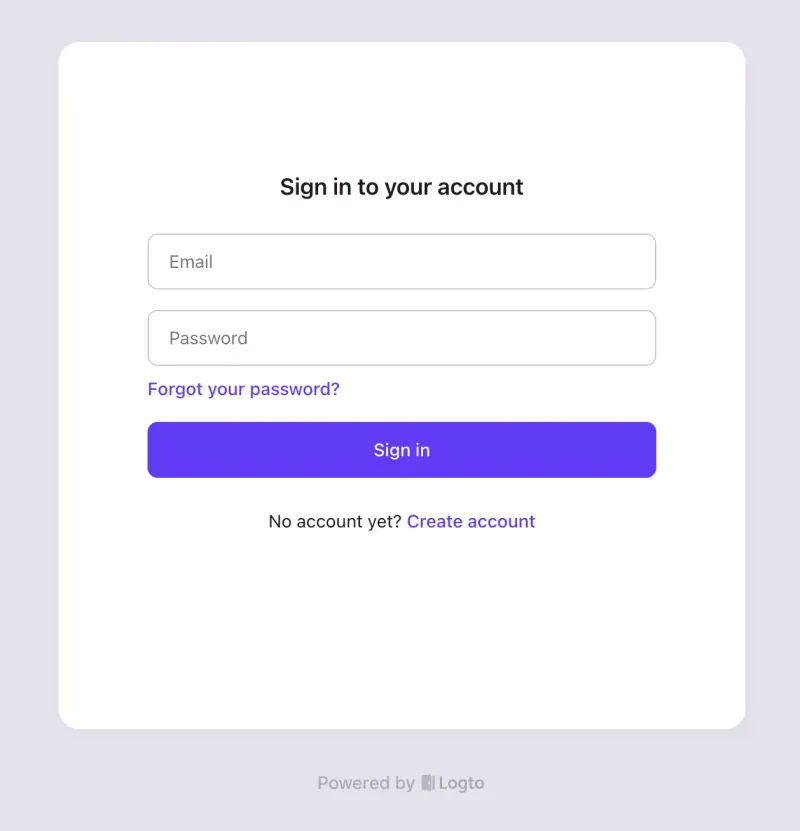
If you use Okta for your customers' sign-in rather than your staff's, Logto is the closer fit. Add your app in Logto's admin console, follow the guide for your framework to swap Okta's sign-in library for Logto's SDK or any OpenID Connect library, connect an email service for sign-in codes, and brand the sign-in pages. A developer creates existing users through Logto's Management API.