Authelia
One sign-in with two-step login for the apps you host yourself.
No server needed to start: Cloudgate can provide one. What happens when you click Deploy




What is Authelia?
Authelia is self-hosted single sign-on with two-step login: one account with passkeys and authenticator codes for your apps, through OpenID Connect.
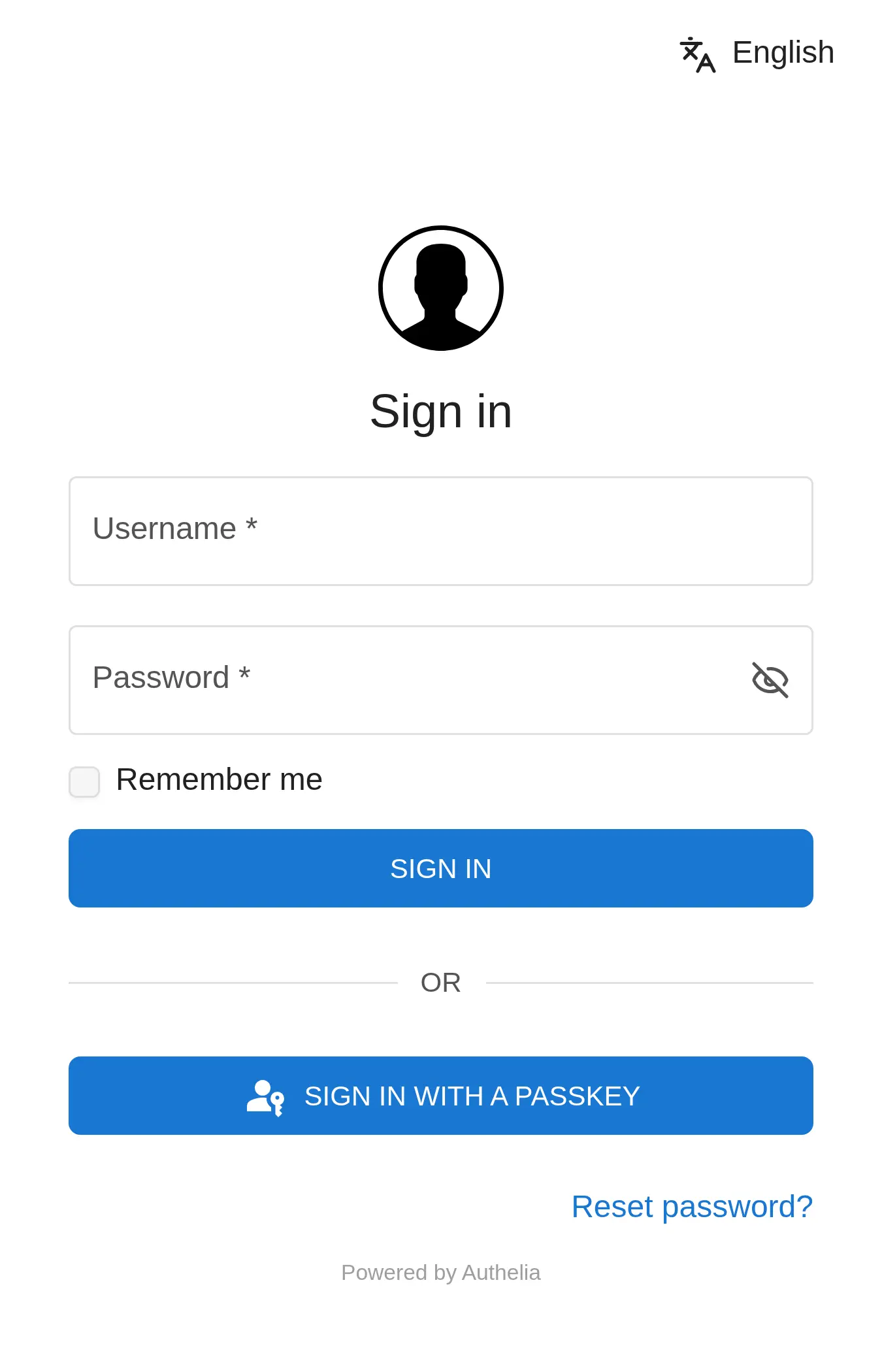
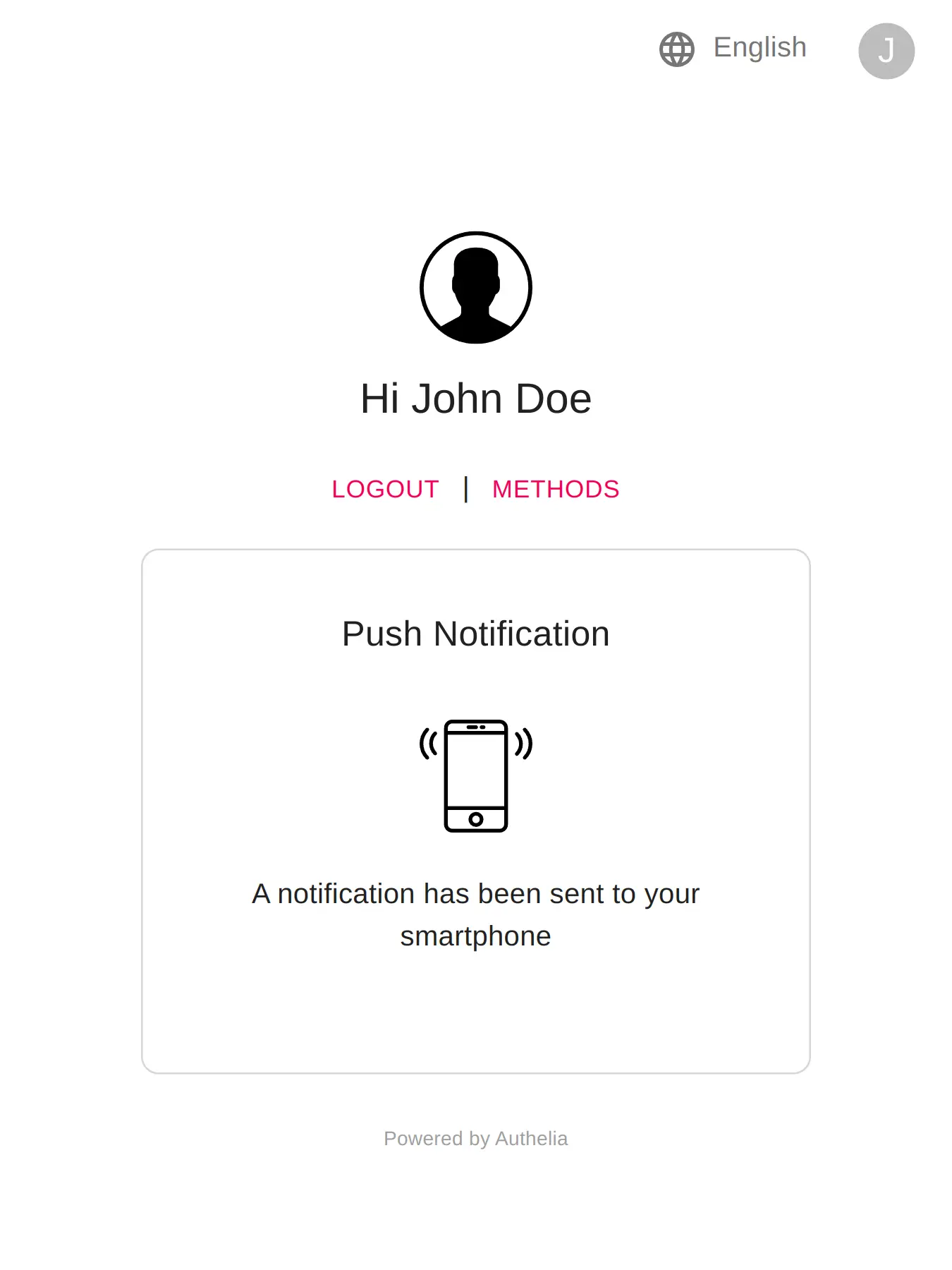
Authelia is a self-hosted sign-in portal with two-step login, and a free alternative to Okta for teams that run their own apps. People sign in once on Authelia's page, confirm it's them with an authenticator app, a security key, a passkey or a Duo push, and then use that same account in every app connected to it.
With Cloudgate, Authelia is the "Sign in with" account for apps that support OpenID Connect, such as Nextcloud, Gitea, Grafana, Portainer, Immich or Proxmox. Rules decide who may sign in to which app and whether a second step is needed, and repeated wrong guesses lock an account for a few minutes. A small accounting firm, for example, could have its file share, wiki and dashboards all sign people in through Authelia, with a code from each person's phone.
Authelia is very light, but it has no admin screen. Users, connected apps, access rules and email settings live in two text files in its /config folder, which you edit on the server. Until you add an email service, the one-time codes Authelia would email, such as the one for registering a second step, are written to a file there instead.
Cloudgate installs Authelia with a secure web address and creates a user called admin, with the email you give and a generated password shown on the app's variables page. You then connect each app, which takes a few steps in Authelia's settings file and in the app.
What you can do with Authelia
- One account for your apps Apps that offer "Sign in with OpenID Connect", such as Nextcloud, Gitea, Grafana, Portainer or Immich, can send people to Authelia to sign in.
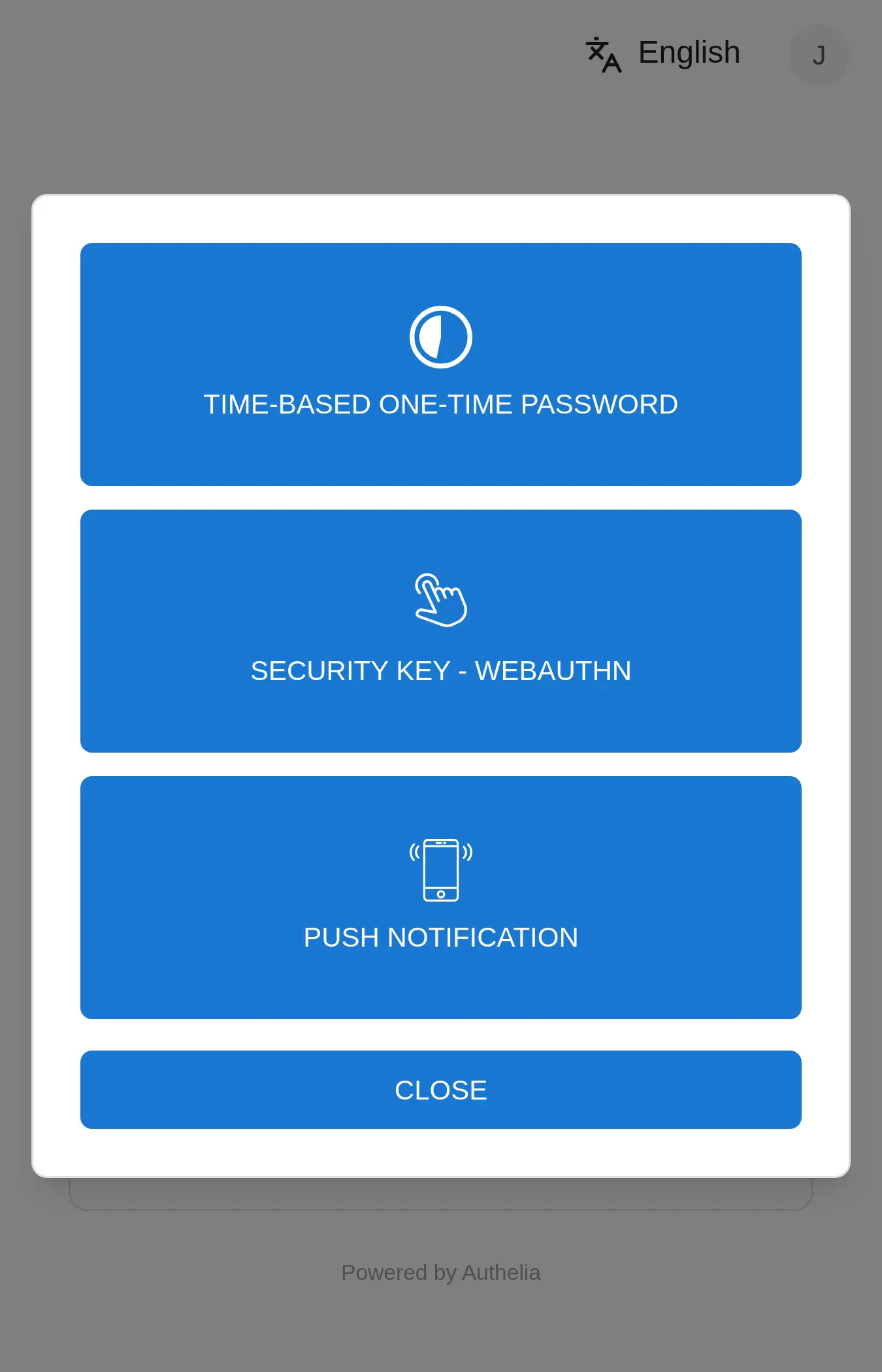
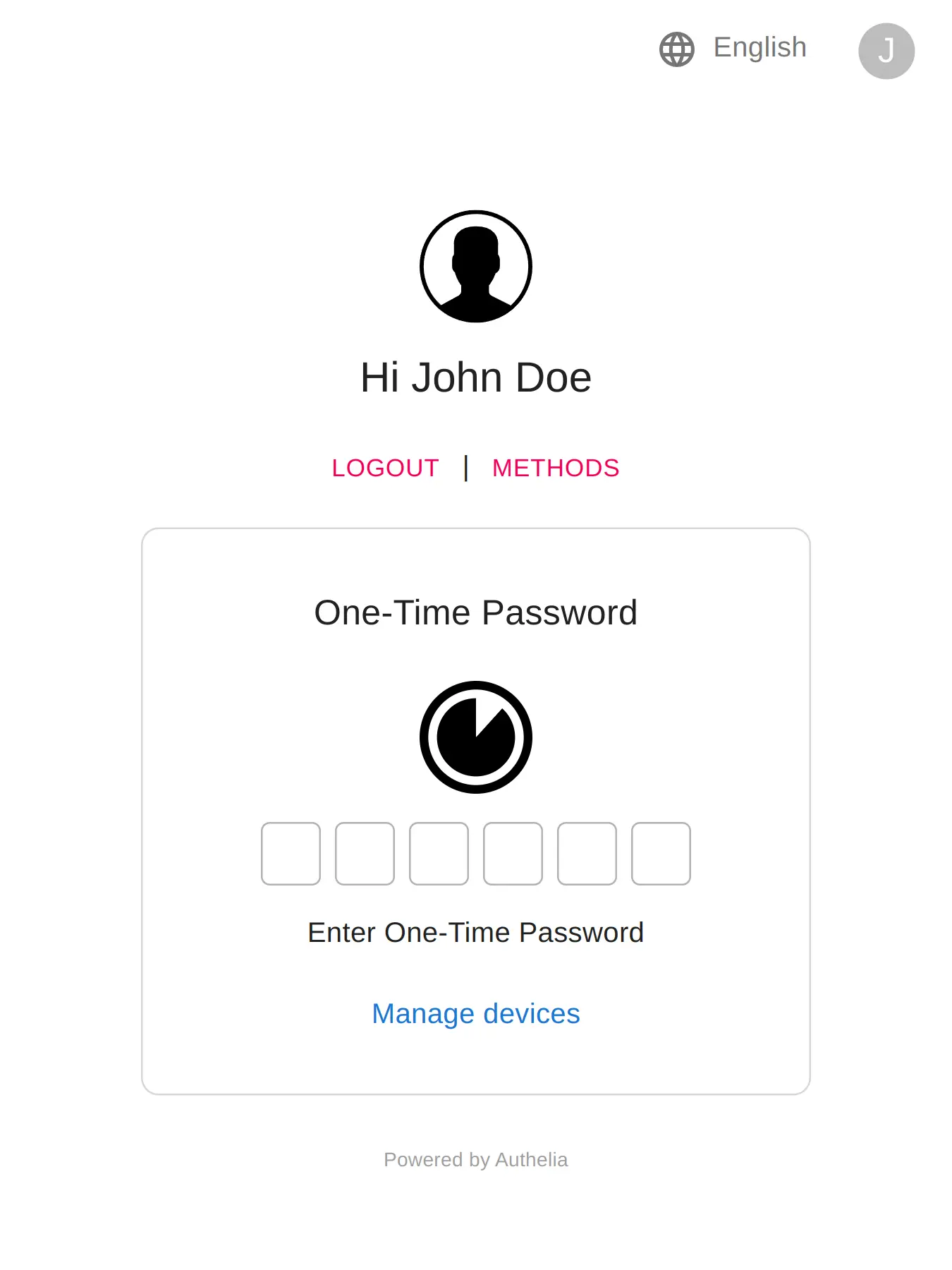
- Add two-step sign-in Ask for a code from an authenticator app, a security key such as a YubiKey, or a Duo push notification if you have a Duo account.
- Sign in with a passkey People can skip the password and sign in with a passkey on their phone or computer.
- Decide who opens what Rules by app, user or group say who may sign in where, and whether a password alone is enough or two steps are needed.
- Let people reset their own password A forgotten password is reset after a confirmation email, once you add an email service to Authelia's settings.
- Block password guessing After three wrong attempts in two minutes, Authelia locks the account for five minutes.
- Very light Authelia uses well under 100 MB of memory, so a small server is plenty.
Replaces Okta
Authelia does the same job as Okta. Here is what changes when you switch.
- No fee per user; Authelia is free, with no paid edition
- Your users' sign-ins and two-step devices stay on your own server
- Passkeys, security keys and authenticator apps included
- No admin screen; users, apps and email settings are edited in text files on the server
- No SAML and no ready-made catalogue of connections to cloud apps
- Each app takes a few steps to connect, in Authelia's settings file and in the app
What happens when you click Deploy?
You do not need a server or any technical knowledge. Four steps, and Authelia is running at its own web address.
- Step 1 Click Deploy and create your account
Deploy takes you to Cloudgate. Create an account, or log in if you have one. Authelia itself is free.
- Step 2 Choose a server
No server? Get one from Cloudgate: pick a size and a country, and Cloudgate gets it ready. Already have one? Connect it instead.
- Step 3 Cloudgate sets up Authelia
It prepares the server, makes the passwords the app needs and starts it. There is nothing to install and nothing to write down.
- Step 4 Open your app and sign in
Your app gets a free web address to start, without https. Add your own domain, like app.yourshop.com, and Cloudgate secures it with https for you.
New to Cloudgate? See what Cloudgate is
Run Cloudgate yourself? Deploy from your own console
In your Cloudgate console, open Templates and choose Authelia.
Questions
Is Authelia free?
Yes. Authelia is free, open-source software under the Apache-2.0 licence, with no paid edition and no fee per user. You pay only for your server.
Is Authelia a good alternative to Okta?
Partly. Authelia gives your self-hosted apps one sign-in with two-step login through OpenID Connect, for free. Unlike Okta, it has no admin screen, no SAML and no ready-made connections to cloud apps, so authentik is the closer match if you need those.
How do I sign in to Authelia the first time?
Sign in to Authelia as admin with the password Cloudgate generated, shown on the app's variables page. Authelia then asks you to register a second step and sends a one-time code to confirm it. Until you add an email service, that code is written to the file notification.txt in Authelia's /config folder on the server, so read it there.
Does Authelia have an admin screen?
No. Authelia has no admin screen; everything is set in two text files in its /config folder on the server. configuration.yml holds the apps it signs in to, access rules and email settings, and users_database.yml holds the users. Edit them and restart Authelia; it reloads the users file by itself.
How do I connect an app to Authelia?
Add the app as an OpenID Connect client in configuration.yml, with a signing key and one entry per app, then enter Authelia's address and the client's ID and secret in the app's "Sign in with OpenID Connect" settings. Authelia's documentation has a step-by-step page for many apps.
Can Authelia put a login in front of apps that have no login of their own?
Not with Cloudgate's setup alone. That needs a web proxy that asks Authelia before letting each visitor through, which Cloudgate's proxy does not do, so on Cloudgate Authelia signs people in to apps that support OpenID Connect.
Which two-step sign-in methods does Authelia support?
Authelia supports codes from authenticator apps such as Google Authenticator, security keys such as a YubiKey, passkeys, and Duo push notifications if you have a Duo account. People can also sign in with a passkey instead of a password.
Does Authelia support SAML?
No. Authelia connects apps with OpenID Connect, the "Sign in with" standard many apps support. If you need SAML, authentik and Keycloak support it.
What is the difference between Authelia and authentik?
Authelia is smaller and simpler, set up through text files, and supports OpenID Connect only. authentik has a full admin screen, SAML, LDAP and more ways to connect apps, but needs a larger server.
Do I need technical skills to run Authelia?
No. Click Deploy, create your Cloudgate account and choose a server, and Cloudgate sets up Authelia and gives it a web address. You use it in your browser like any other online tool.
Do I need my own server for Authelia?
No. When you deploy Authelia, hosted Cloudgate can provide a server. If you already rent one, you can connect it instead.
Can I move my data from Okta to Authelia?
Most people export from Okta and import into Authelia. The official guides at www.authelia.com walk through it.
Related apps

Single sign-on and one user list for all your apps, on your server.
Sign-in, passkeys and single sign-on for your apps and customers.

Single sign-on for all your apps, with realms for staff and customers.

Sign-in, single sign-on and user roles for your own apps.