
VoidAuth
Simple self-hosted single sign-on, with passkeys and invitations.
No server needed to start: Cloudgate can provide one. What happens when you click Deploy



What is VoidAuth?
Self-hosted VoidAuth: simple, open-source single sign-on with passkeys, two-step sign-in and invitations for your self-hosted apps, replacing Okta.
VoidAuth is free, open-source, self-hosted single sign-on, an alternative to Okta and JumpCloud for small teams: one login page, with passkeys and two-step sign-in, in front of all your self-hosted apps. You invite people by link, put them in groups and decide which groups can open which app.
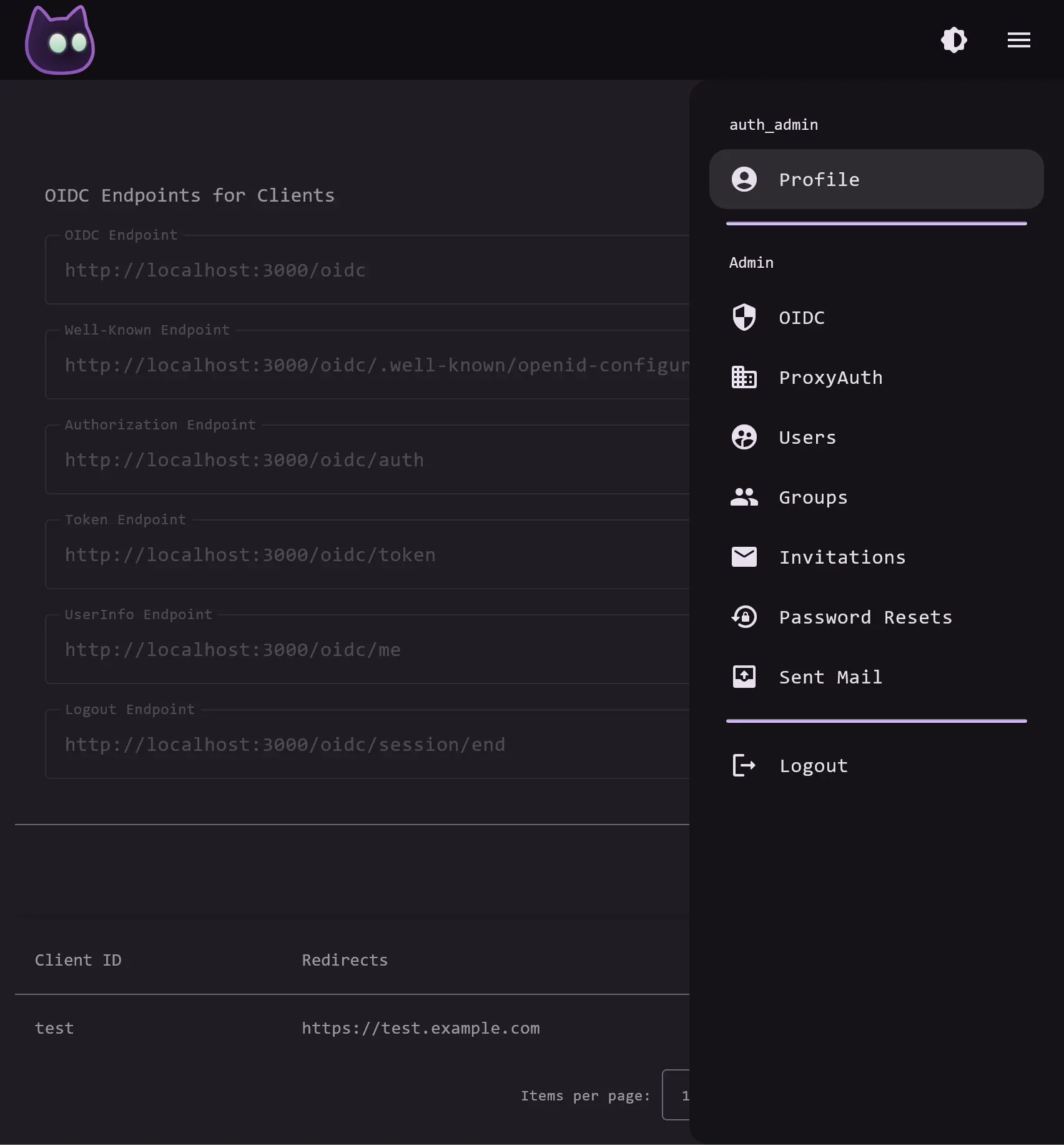
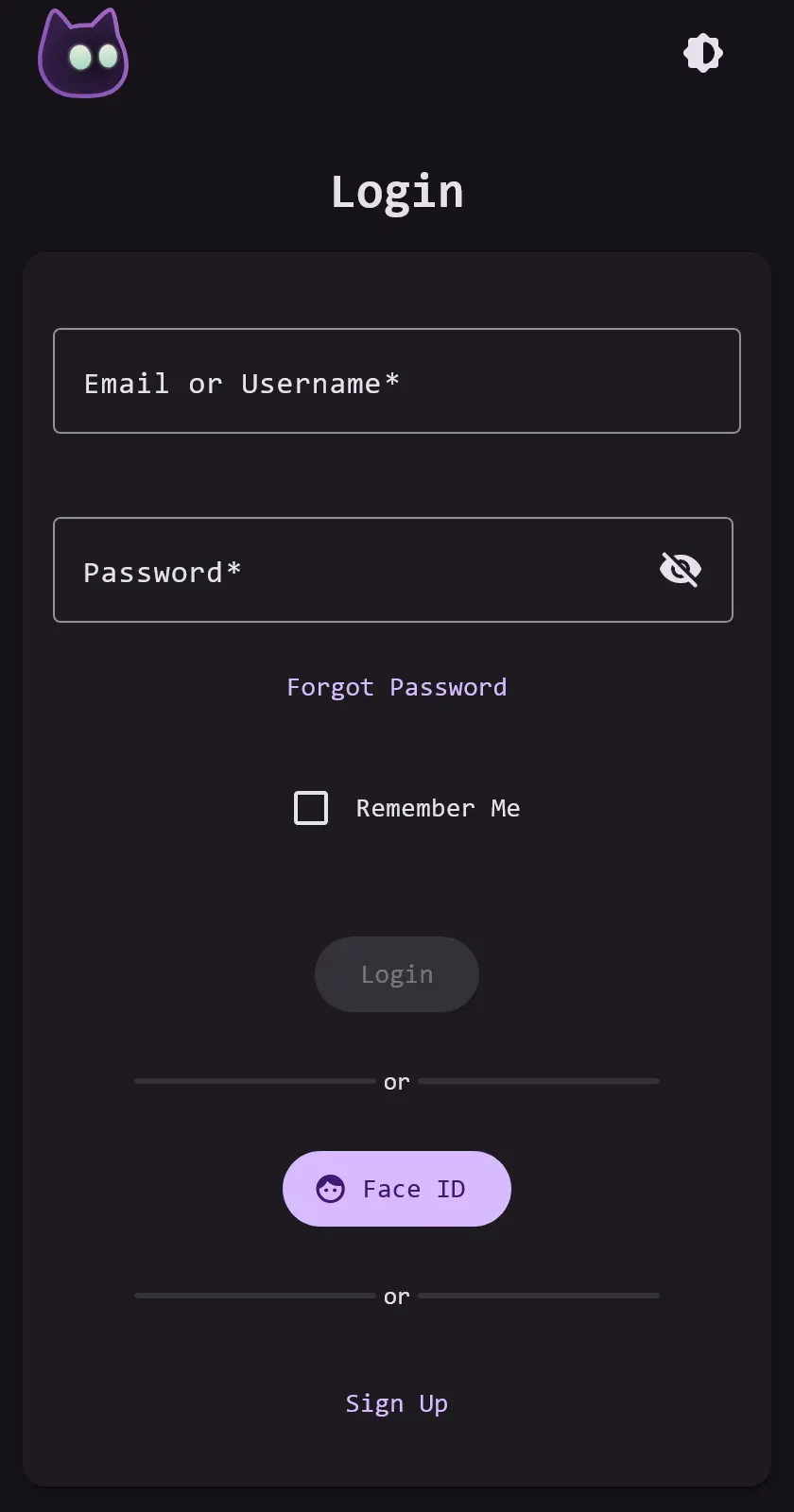
Apps that support OpenID Connect sign people in through VoidAuth, and its proxy login protects apps that have no login of their own. People can sign in with a password plus an authenticator app, or with a passkey such as Face ID or Windows Hello, and reset a forgotten password themselves. The owner of a small physiotherapy clinic, for example, could invite three staff to one login for the photo library, the document archive and the password manager, and require two-step sign-in for all of them.
VoidAuth is deliberately small: it has no SAML, social logins or paid edition, and it is a young project that has not been security-audited. It publishes setup guides for many common self-hosted apps, and with your email server's details it emails invitations and password resets.
Cloudgate installs VoidAuth on a server Cloudgate provides or one you connect, together with its database, and gives it a secure web address. Set the admin password from the link in the app's logs, then connect your first app.
What you can do with VoidAuth
- One login for your apps Apps that support OpenID Connect, such as Immich, Jellyfin, Paperless-ngx and Vaultwarden, sign people in through VoidAuth.
- Put a login in front of any app With Caddy, Traefik or nginx in front of your apps, VoidAuth's sign-in protects apps that have no login of their own.
- Invite people by link Create an invitation with a username, email and groups, then email the link or send it yourself; each person picks their own password.
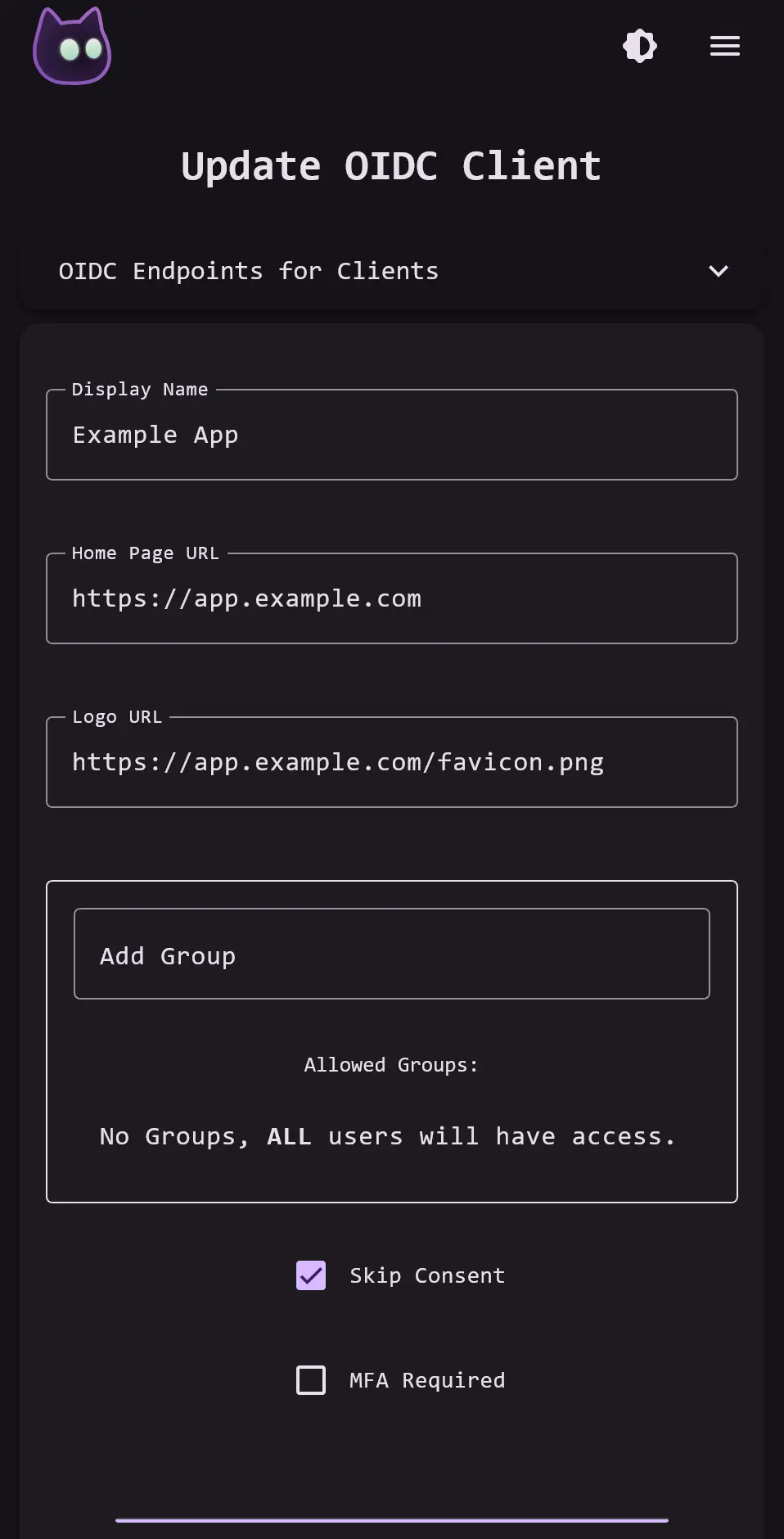
- Decide who opens which app Put people in groups and allow only certain groups into each app.
- Passkeys and two-step sign-in People can add an authenticator app or a passkey such as Face ID or Windows Hello, or skip passwords with a passkey-only account.
- Make it look like yours Change the logo, title, colour, background and email templates, in light or dark mode.
Replaces Okta and JumpCloud
VoidAuth does the same job as Okta and JumpCloud. Here is what changes when you switch.
- No per-user fee and no paid tier, so every feature is in the free app
- Your user accounts and sign-ins stay on your own server
- A short setup that fits a small team and a handful of self-hosted apps
- Passkeys and passkey-only accounts for everyone
- Apps connect by OpenID Connect or through a reverse proxy; there is no SAML and no catalogue of ready-made app connections
- No "sign in with Google or Microsoft" and no import from Okta or JumpCloud
- A young project with one main developer, and not security-audited
- If VoidAuth is down, nobody can sign in to the connected apps, so keep it backed up
What happens when you click Deploy?
You do not need a server or any technical knowledge. Four steps, and VoidAuth is running at its own web address.
- Step 1 Click Deploy and create your account
Deploy takes you to Cloudgate. Create an account, or log in if you have one. VoidAuth itself is free.
- Step 2 Choose a server
No server? Get one from Cloudgate: pick a size and a country, and Cloudgate gets it ready. Already have one? Connect it instead.
- Step 3 Cloudgate sets up VoidAuth
It prepares the server, makes the passwords the app needs and starts it. There is nothing to install and nothing to write down.
- Step 4 Open your app and sign in
Your app gets a free web address to start, without https. Add your own domain, like app.yourshop.com, and Cloudgate secures it with https for you.
New to Cloudgate? See what Cloudgate is
Run Cloudgate yourself? Deploy from your own console
In your Cloudgate console, open Templates and choose VoidAuth.
Questions
Is VoidAuth free?
Yes, VoidAuth is free and open source under the AGPL-3.0 licence, with no paid edition and no limit on users. You pay only for your server.
Is VoidAuth a good alternative to Okta?
Yes, VoidAuth suits a small team that wants one login and two-step sign-in for its self-hosted apps without a per-user fee. It is not a match for Okta's catalogue of business apps, because it has no SAML and no social logins.
Which apps can sign in with VoidAuth?
Any app that supports OpenID Connect can sign in with VoidAuth, and the project publishes setup guides for many, including Immich, Jellyfin, Paperless-ngx, Portainer, Proxmox, Seafile, Vaultwarden and Wiki.js. Apps with no login support can sit behind Caddy, Traefik or nginx using VoidAuth's proxy login.
How do I sign in to VoidAuth the first time?
Open the VoidAuth app's logs in Cloudgate and copy the password reset link for the admin account, auth_admin, which works for 24 hours. Set a password, then rename the account or invite yourself and add yourself to the auth_admins group. There is no default password.
How do people get a VoidAuth account?
A VoidAuth admin creates an invitation on the Invitations page and sends the link, and the person chooses their own password. VoidAuth can email invitations and password resets once you add your email server's details; until then you copy the links by hand.
How is VoidAuth different from authentik?
VoidAuth is smaller and simpler, with every feature free, while authentik does more, adding SAML, RADIUS, social logins and a paid Enterprise edition. Pick VoidAuth if your apps support OpenID Connect and you want a quick setup.
What server size do I need for VoidAuth?
A small server is enough for VoidAuth. It is one light app with its database, so Cloudgate installs it on the smallest size.
Do I need technical skills to run VoidAuth?
No. Click Deploy, create your Cloudgate account and choose a server, and Cloudgate sets up VoidAuth and gives it a web address. You use it in your browser like any other online tool.
Do I need my own server for VoidAuth?
No. When you deploy VoidAuth, hosted Cloudgate can provide a server. If you already rent one, you can connect it instead.
Can I move my data from Okta to VoidAuth?
Most people export from Okta and import into VoidAuth. The official guides at voidauth.app walk through it.
Related apps

One passkey sign-in for all your team's apps, with no passwords.

One sign-in with two-step login for the apps you host yourself.

Single sign-on and one user list for all your apps, on your server.

Single sign-on for all your apps, with realms for staff and customers.