
Open-source alternatives to Evernote

Trilium Notes is the free, open-source Evernote alternative we recommend for notes: it imports your Evernote notebooks, keeps notes in a tree of any depth and clips web pages, while Paperless-ngx is the better home for scanned bills, receipts and contracts. Evernote now limits its free plan to 50 notes and one notebook; these self-hosted apps have no note limits and keep everything on your own server.

6 alternatives Free apps Our pick: Trilium Notes

At a glance

App Good for Code Import from Evernote Ease of use
Trilium Notes One person building a private knowledge base of notes, for years Code Open source Import from Evernote Yes Easy
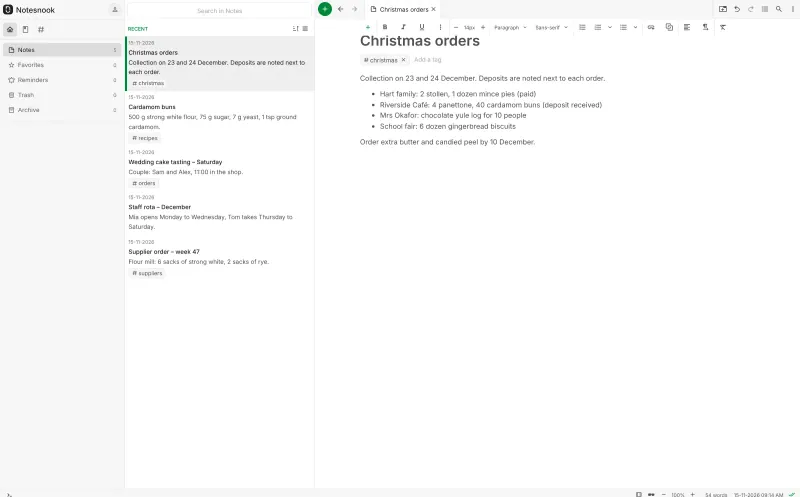
Notesnook Sync Server People who want private, encrypted notes on every device, including their phone Code Open source Import from Evernote Yes Some setup
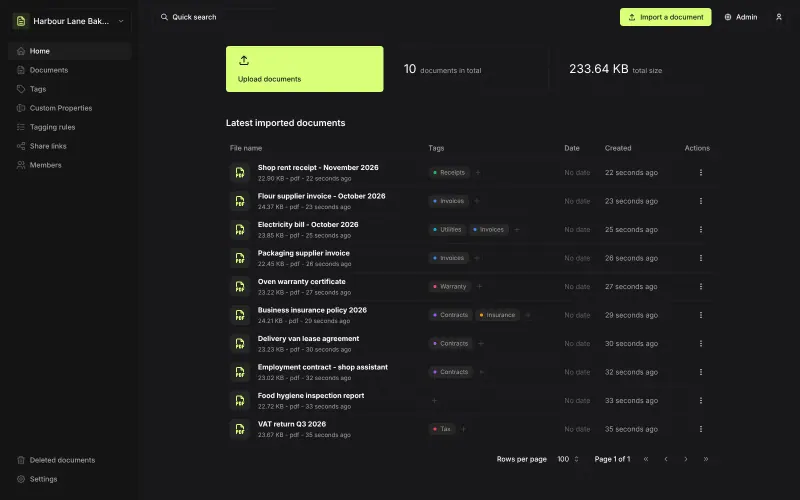
Papra Households and small teams who want a simple, searchable paper archive Code Open source Import from Evernote No Easy
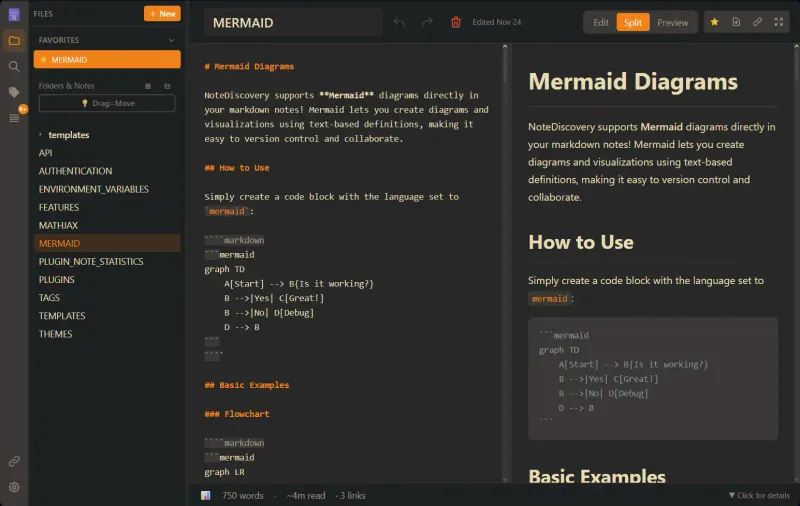
NoteDiscovery One person or a small team who want Obsidian-style Markdown notes in the browser, kept as plain files Code Open source Import from Evernote No Easy
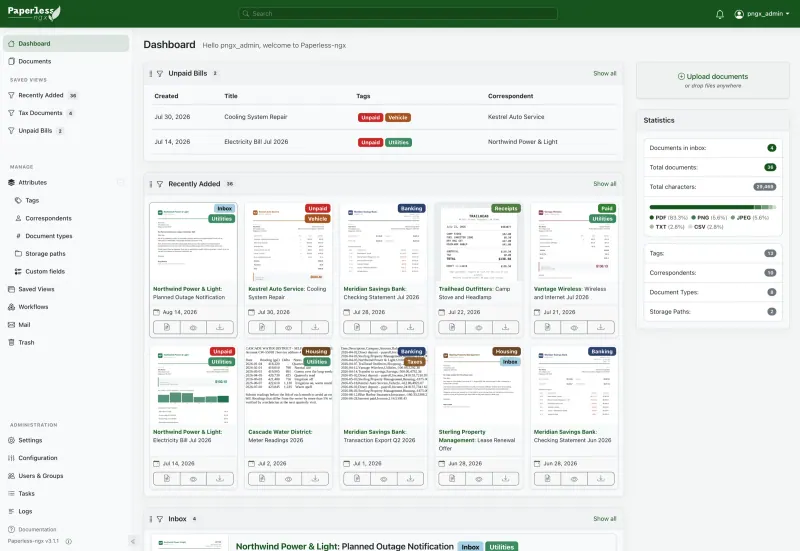
Paperless-ngx Households, freelancers and small offices filing bills, receipts and contracts Code Open source Import from Evernote Partly Easy
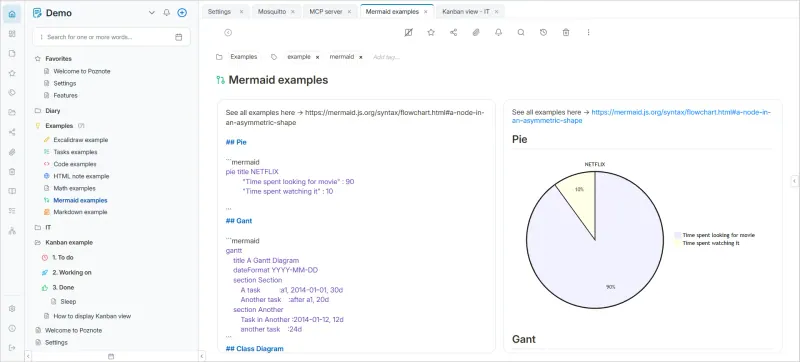
Poznote People and small teams who want notes, tasks and a diary in one app, kept as plain files Code Open source Import from Evernote No Easy

Why look for an alternative to Evernote?

Evernote is a note-taking app for writing notes, clipping web pages and keeping notebooks, and many people also used it as a digital filing cabinet for receipts, bills and PDFs, where its search could find words in images.

People look for an alternative because Evernote now limits its free plan to 50 notes and one notebook, and its paid plans have become more expensive. Two kinds of self-hosted app replace it: a notes app such as Trilium Notes or Notesnook, which both import your Evernote notebooks, and a document archive such as Paperless-ngx for scanned paperwork. Both run on your own server with no limit on notes or documents.

The alternatives, compared

Trilium Notes

Our pick

A private knowledge base for years of notes, on your own server.

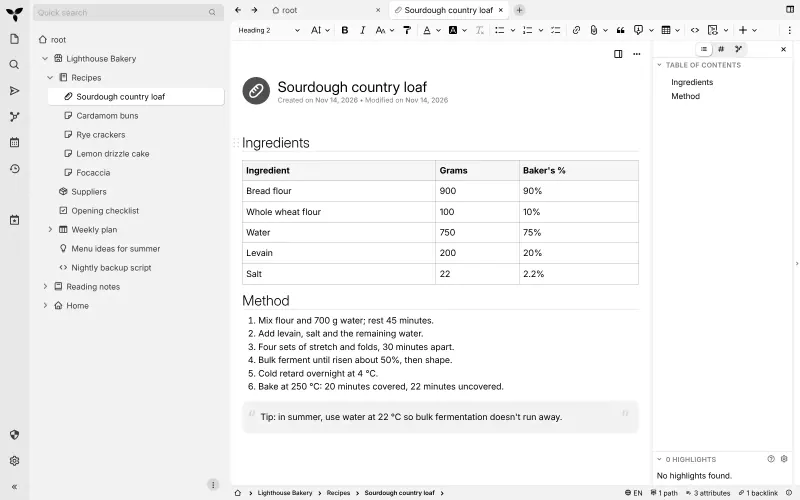
The closer replacement for Evernote's notes: it imports your Evernote notebooks, keeps notes in a tree of any depth with rich text, images, tables and labels, has a web clipper, and syncs its desktop apps with your own server. It is built for one person, has no official phone app and does not read text in scanned images.

What you gain
  • Sync between your server and the desktop app is built in, with no sync subscription
  • Your notes stay on your own server and open in any browser
  • Evernote notebooks come across with Trilium's ENEX import
What is different
  • It is for one person; there are no team accounts or shared editing
  • There is no official phone app, only a mobile version in the browser
  • Notes live in Trilium's database, not as Markdown files in a folder like Obsidian
Easy Open source

Sync your encrypted Notesnook notes through a server you own.

The choice if you want Evernote's phone apps: Notesnook has official apps for Android, iPhone, Windows, macOS and Linux plus a web app, with notebooks, tags, reminders and a web clipper, and every note is encrypted on your device before it syncs to your server. It imports Evernote ENEX files, but its self-hosted sync server is still in beta, and each app has to be pointed at your server's addresses.

What you gain
  • Notes are end-to-end encrypted, so not even the server can read them
  • Your notes are stored on your own server, not on a notes company's
  • Accounts on your server aren't held to Notesnook's plan limits
What is different
  • The sync server is still a beta, and Notesnook offers no support for running it
  • Each app needs your four server addresses entered once, while logged out
  • If you forget your password and lose your recovery key, nobody can get your notes back
Some setup Open source

A light, self-hosted archive for receipts, bills and contracts.

A simpler home for scanned paperwork than Paperless-ngx: upload PDFs, scans and photos, and it reads the text with OCR, tags documents by rules you set and finds them by full-text search, with shared archives for family members and an official Android app. Like Paperless-ngx it is not a note-taking app, and it has fewer automations.

What you gain
  • No subscription and no storage or member limits; every feature is free and open source
  • Your documents stay on your own server
  • Text inside scans and photos becomes searchable, not just file names
What is different
  • It does not scan; you need a scanner or a phone scanning app
  • Not a note-taking app, so it replaces Evernote only for filed paperwork
  • No approval workflows, e-signatures, retention rules or vendor support like DocuWare
Easy Open source

A fast Markdown notebook with links, a graph and search.

A simple notes app in the browser that keeps every note as a Markdown file on your server, with tags, templates, full-text search, images and PDFs in notes, and public links to share a note. It has no Evernote import, web clipper, text search in images or phone app, so it suits people starting fresh rather than moving a large Evernote library.

Easy Open source

Document filing that reads, tags and finds your papers.

A better home for the scanned bills, receipts, manuals and contracts many people kept in Evernote: it reads every page with OCR, keeps the original and an archive copy, learns to tag documents and finds them by full-text search. It is not a note-taking app, so notes, to-do lists and web clips belong in Trilium or another notes app.

Easy Open source

Notes, tasks and a daily diary, saved as plain files.

Notes, tags, task lists with reminders and a Chrome extension that saves a page's link, a screenshot or text, in workspaces you can share with other people, with notes stored as plain files on your server. It has no Evernote importer, does not read text in images, and has no official phone app; it installs from the browser instead.

Easy Open source

Moving from Evernote

Decide where each kind of note goes. For written notes, export each notebook from Evernote as an ENEX file and import it into Trilium, which adds the notebook's notes, images and attachments to your note tree; check a few notes with tables or checklists afterwards. For scanned paperwork, Paperless-ngx has no Evernote importer: export those notes and save their PDF and image attachments as files (a community script, enex2paperless, can do this from an Evernote export, but it is not part of Paperless-ngx). Upload the files in the browser or drop them into the consume folder, and Paperless-ngx reads and indexes each one. Turn your Evernote tags into tags there, and let it learn from the documents you tag by hand. For Notesnook, point the web or desktop app at your server, create your account, and import the ENEX files there (import runs in the web and desktop apps only); notebooks, tags, attachments and web clips come across, but reminders do not. Papra has no Evernote importer either: save the attachments from your Evernote export as files, upload them in the browser or with its Android app, and set up tagging rules so new documents are tagged as they arrive.

Poznote has no Evernote importer, so copy across the notes you still use, folder by folder, and keep your ENEX export as an archive.

NoteDiscovery has no Evernote importer, so start fresh with it, or copy the notes you still need across by hand.

Questions

What is the best open-source alternative to Evernote?

Start with Trilium Notes. All 6 are free and open source.

Should I choose Trilium, Notesnook, Poznote, Paperless-ngx or Papra?

Choose Trilium for notes on a computer: writing, organising and finding what you have written. Choose Notesnook if you take notes on your phone or want them end-to-end encrypted. Choose Paperless-ngx for scanned paperwork such as bills, receipts and contracts, which it reads with OCR, or Papra for a simpler paperwork archive that a family shares. Choose Poznote for notes, tasks and a diary shared with family or a small team in the browser, if you can move your notes by hand. If you used Evernote for both notes and paperwork, run a notes app and Paperless-ngx side by side.

Can Trilium import my Evernote notes?

Yes. Export each notebook from Evernote as an ENEX file and import it into Trilium; the notes come across with their text, images and attachments.

Is there a phone app?

Notesnook has official apps for Android and iPhone that sync with your own server, and Papra has an official Android app. Trilium and Paperless-ngx have none: Trilium has a mobile web version and community apps, and Paperless-ngx works in a phone's browser, with community apps that upload and search documents through its API. Poznote has no official app either; it installs from the phone's browser.

Does Paperless-ngx send my documents to an AI service?

No. Its automatic tagging runs on your own server. Optional AI features are off by default and use a model you choose to connect.

Where does NoteDiscovery fit?

It suits people who want plain Markdown notes they can open in any browser and keep as files on their own server. It can't import Evernote notebooks or clip web pages, so Trilium or Notesnook are better for moving an existing Evernote library.

Are these Evernote alternatives really free?

Yes, Trilium Notes, Notesnook Sync Server, Papra, NoteDiscovery, Paperless-ngx and Poznote are free. To run them you need Cloudgate and a server. Use hosted Cloudgate, which can also provide the server, or install Cloudgate on a server of your own for free. Cloudgate's plans and prices are at cloudgate.octabyte.io/pricing. One server can run several apps.

Do I need a developer to replace Evernote?

No. Cloudgate installs the app you choose on your server and gives it a secure web address, and you use it in your browser instead of Evernote.