
WBO
A self-hosted whiteboard your team can draw on together, live.
No server needed to start: Cloudgate can provide one. What happens when you click Deploy
What is WBO?
WBO is a self-hosted whiteboard where your team draws together live on shared boards that save themselves, a simple alternative to Miro.
WBO (Whitebophir) is a free, open-source self-hosted whiteboard where several people draw on one large board at the same time, a simple alternative to Miro and Microsoft Whiteboard. Everyone sees each line, shape and note appear live, and every board is saved on your own server as you draw.
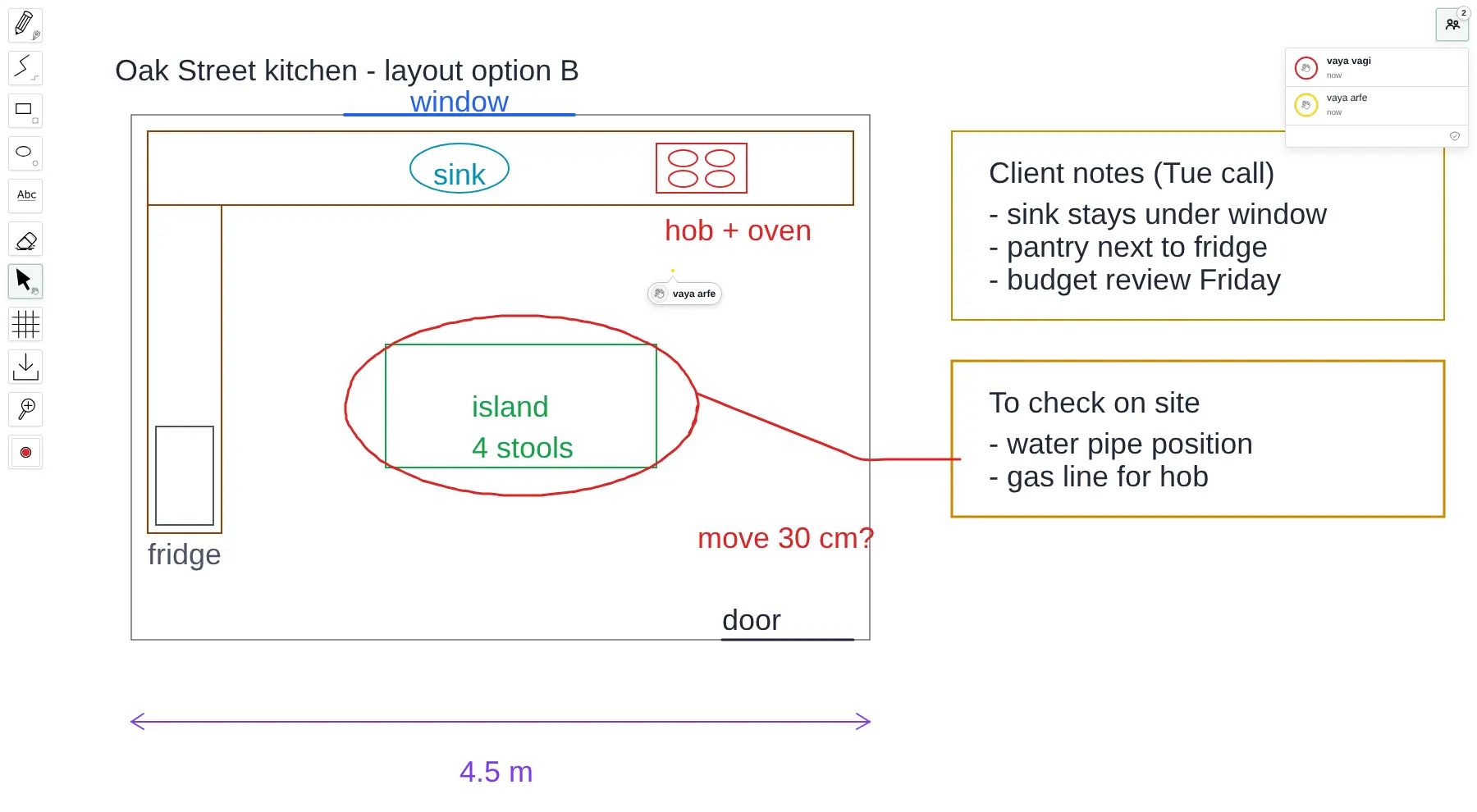
The tools are kept simple: a freehand pen, straight lines, rectangles, ellipses, text, an eraser and a choice of colours and sizes. Each board has its own web address, so you make one per client, lesson or project and send the link. A kitchen-renovation firm, for example, could open a board during a call, sketch the client's layout while they watch and add notes from the conversation, then come back to the same board after the site visit.
WBO is not a full Miro replacement: it has no sticky notes, templates, images or comments, and boards download only as SVG images. It has no accounts of its own, so this template asks for one shared login before anyone can open a board. It works in any browser, on tablets and phones too.
Cloudgate installs WBO on a server Cloudgate provides or one you connect and gives it a secure web address. Cloudgate is not connected with WBO or its makers.
What you can do with WBO
- Draw together in real time Everyone on a board sees each line, shape and word appear the moment it is drawn, with each other person's pointer shown on the board.
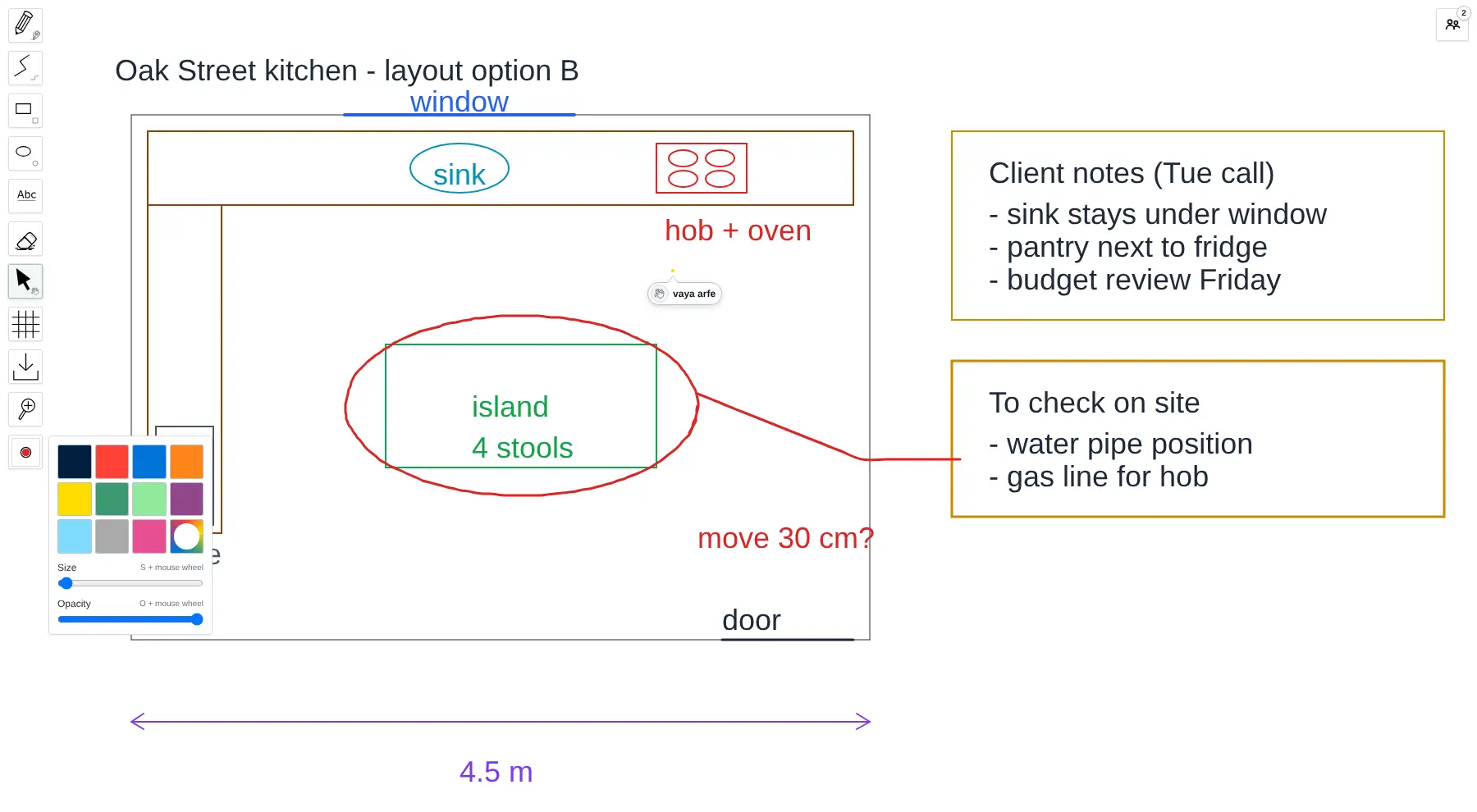
- Simple drawing tools Freehand pen, straight lines, rectangles, ellipses, text and an eraser, with colour presets, a custom colour, and size and opacity sliders.
- Move, resize and copy what you drew The hand tool pans around the board, and its selection mode lets you pick items to move, resize, copy or delete.
- Boards that save themselves Every board is saved on your server as you draw, so you can close the tab and come back to it later.
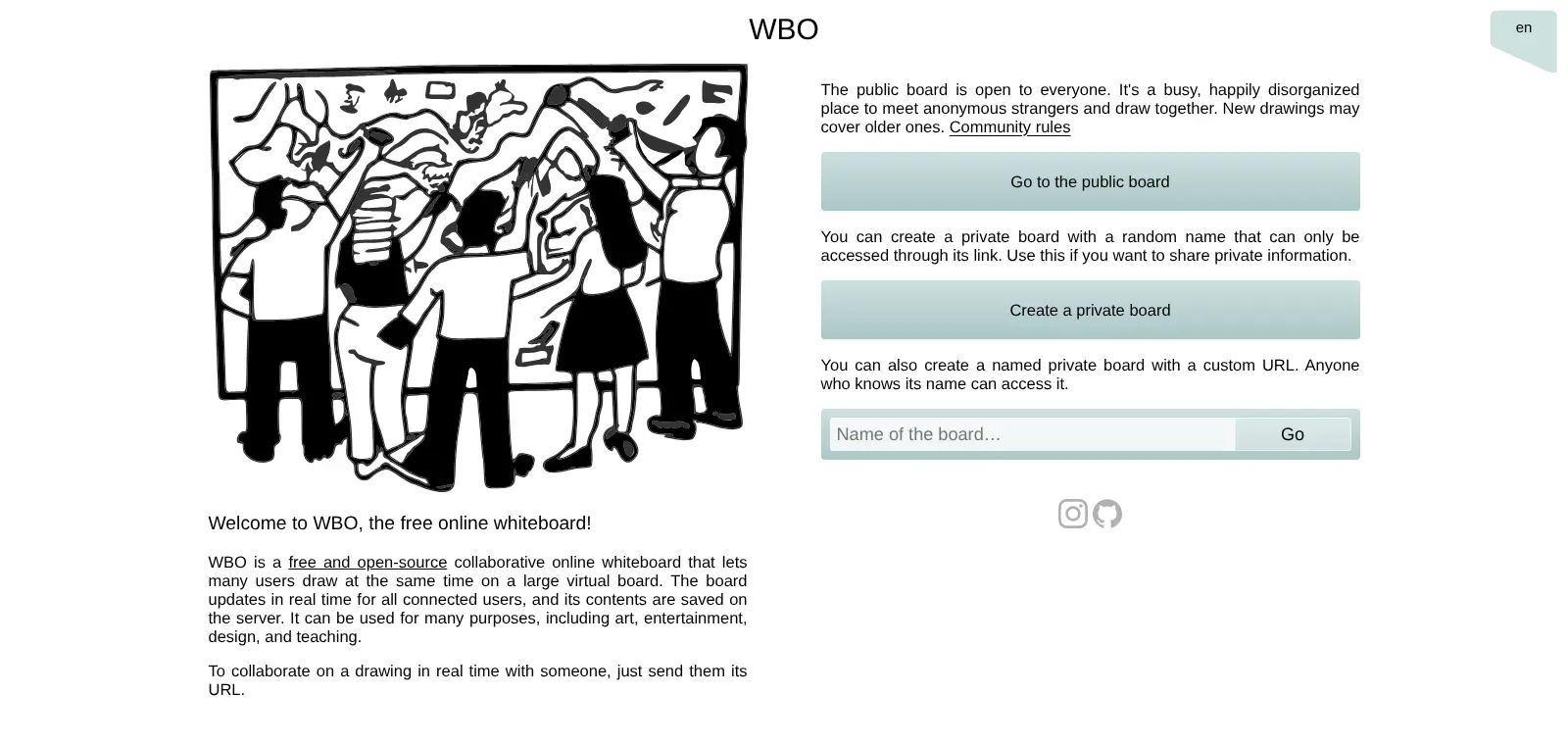
- A board for each topic Give a board a name, such as a client or a lesson, or create a private board with a random address only its link opens.
- Download a board as a picture Save the whole board as an SVG image that opens in any browser and stays sharp when you zoom in.
- Grid, zoom and 21 languages Turn on a grid for neat drawings, zoom in and out, and use the board in English, French, German, Spanish, Japanese and 16 more languages.
Replaces Miro and Microsoft Whiteboard
WBO does the same job as Miro and Microsoft Whiteboard. Here is what changes when you switch.
- No board limit and no fee per person
- No Microsoft or Miro account needed; one shared login opens the boards
- Boards are kept on your own server, not in someone else's cloud
- Opens instantly in any browser, including tablets
- Drawing tools only; no sticky notes, templates, images, comments or integrations
- No personal accounts; everyone with the login can open any board whose name they know
- Boards download only as SVG images, not PDF or PNG
- No import from Miro or Microsoft Whiteboard
What happens when you click Deploy?
You do not need a server or any technical knowledge. Four steps, and WBO is running at its own web address.
- Step 1 Click Deploy and create your account
Deploy takes you to Cloudgate. Create an account, or log in if you have one. WBO itself is free.
- Step 2 Choose a server
No server? Get one from Cloudgate: pick a size and a country, and Cloudgate gets it ready. Already have one? Connect it instead.
- Step 3 Cloudgate sets up WBO
It prepares the server, makes the passwords the app needs and starts it. There is nothing to install and nothing to write down.
- Step 4 Open your app and sign in
Your app gets a free web address to start, without https. Add your own domain, like app.yourshop.com, and Cloudgate secures it with https for you.
New to Cloudgate? See what Cloudgate is
Run Cloudgate yourself? Deploy from your own console
In your Cloudgate console, open Templates and choose WBO.
Questions
Is WBO free?
Yes, WBO is free and open source under the AGPL-3.0 licence, with no paid edition, no board limit and no fee per person. You pay only for your server.
Is WBO a good alternative to Miro?
Yes, if you mainly need a shared board to draw, sketch and explain things together. WBO has freehand drawing, shapes and text with live collaboration, but none of Miro's sticky notes, templates, image uploads, comments or app integrations.
Is WBO a good alternative to Microsoft Whiteboard?
Yes, for drawing together in a browser without a Microsoft account. WBO keeps boards on your own server instead of in OneDrive, but it has no Teams integration, sticky notes or templates.
How do I sign in to WBO the first time?
With the user name admin and a password Cloudgate creates; your browser asks for them before WBO opens, and the password is shown on the app's variables page. WBO has no accounts of its own, so share that login with the people who should use the boards, then send them a board's link.
Can several people draw on the same board at the same time?
Yes, that is what WBO is made for. Everyone who opens a board's link sees the others' drawing live, and a people panel shows who is on the board.
Can I import my boards from Miro?
No, WBO cannot import boards from Miro, Microsoft Whiteboard or any other tool. You start new boards in WBO, and you can download each one as an SVG image.
Does WBO work on a tablet or phone?
Yes, WBO runs in the web browser on computers, tablets and phones, and you can draw with a finger or a stylus. There are no separate apps to install.
Do I need technical skills to run WBO?
No. Click Deploy, create your Cloudgate account and choose a server, and Cloudgate sets up WBO and gives it a web address. You use it in your browser like any other online tool.
Do I need my own server for WBO?
No. When you deploy WBO, hosted Cloudgate can provide a server. If you already rent one, you can connect it instead.
Related apps

A free whiteboard for mind maps, flowcharts and sketches.

Draw flowcharts, org charts and diagrams in your browser.

AI design studio for web pages, prototypes and decks.

Design 3D floor plans in your browser.