
Penpot
Design and prototype together in your browser, like Figma.
No server needed to start: Cloudgate can provide one. What happens when you click Deploy




What is Penpot?
Self-hosted Penpot: open-source design and prototyping with components, design tokens and free developer handoff, as an alternative to Figma.
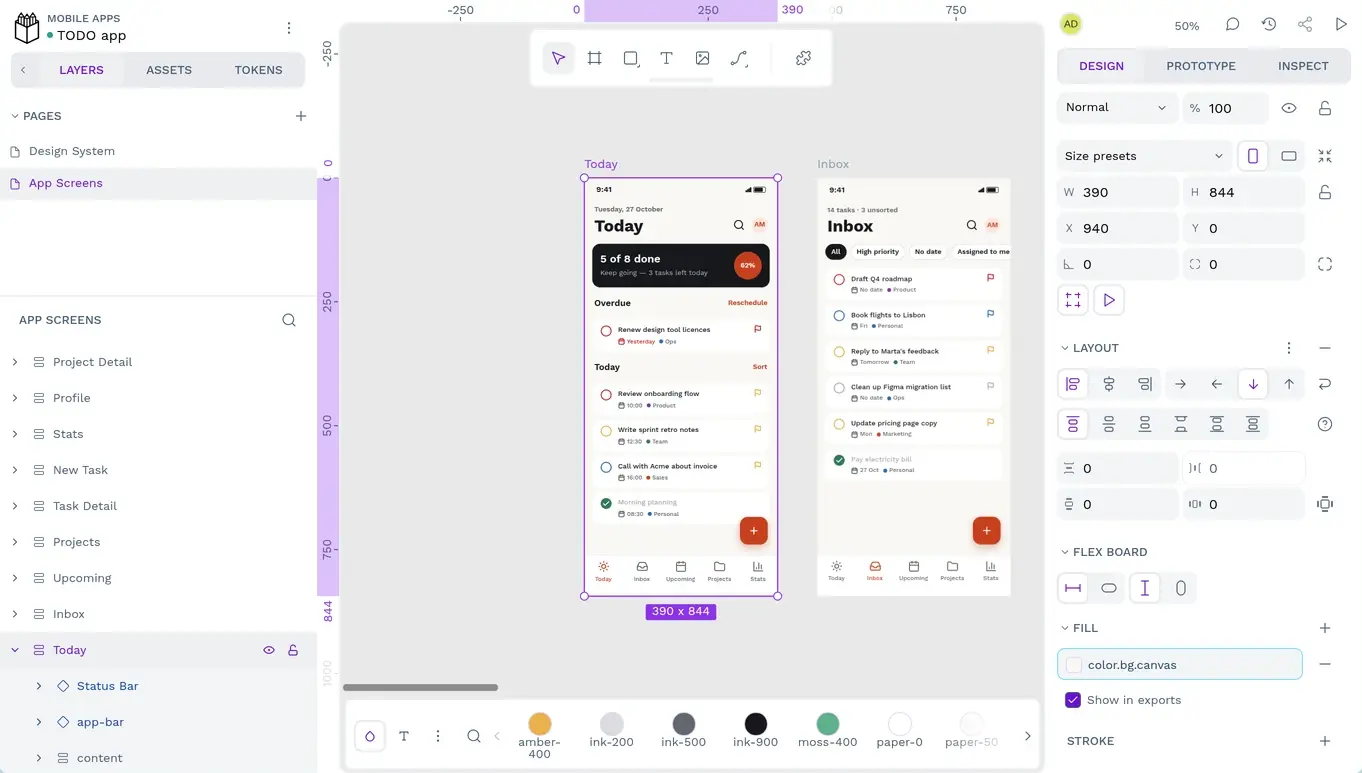
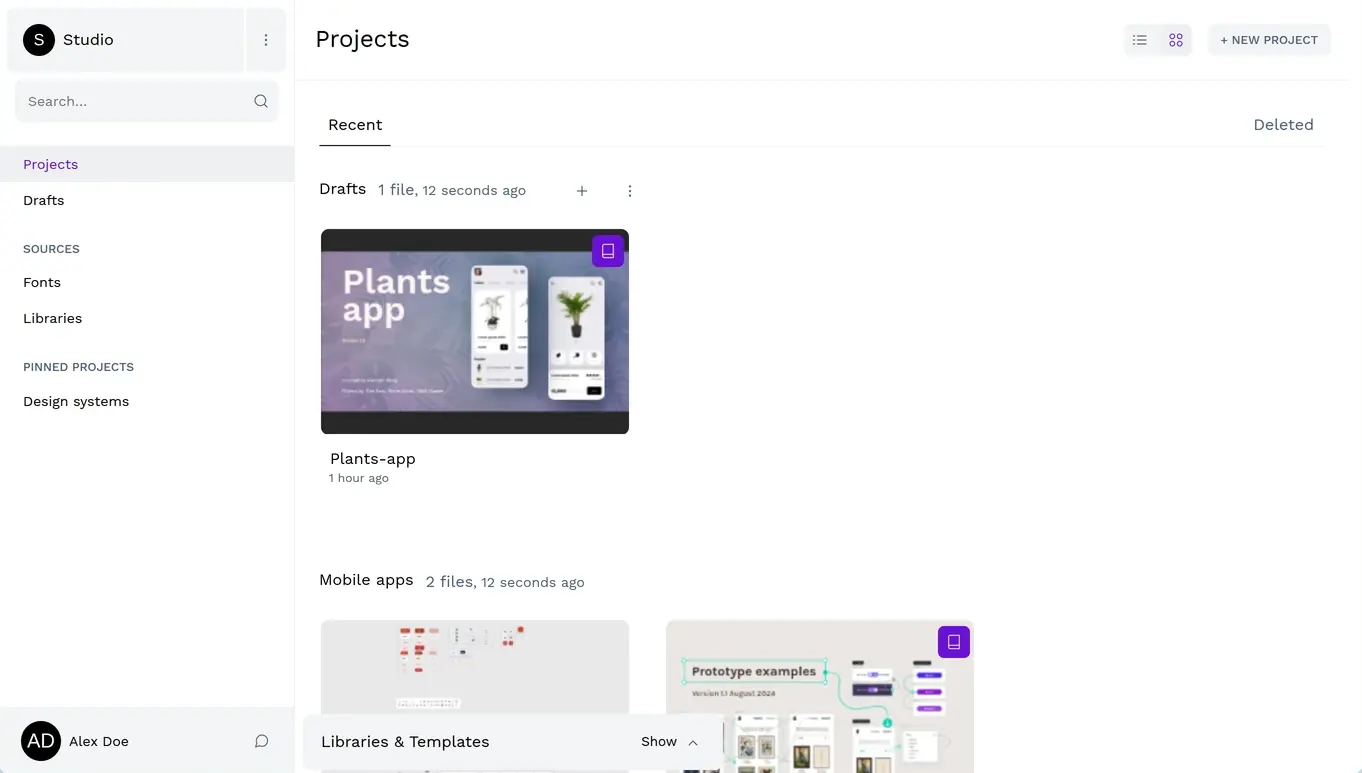
Penpot is an open-source design and prototyping tool, and self-hosted Penpot gives your team a Figma-style workspace in the browser with your files on your own server. You design screens for websites and apps, link them into clickable prototypes, and keep a shared design system of components and design tokens.
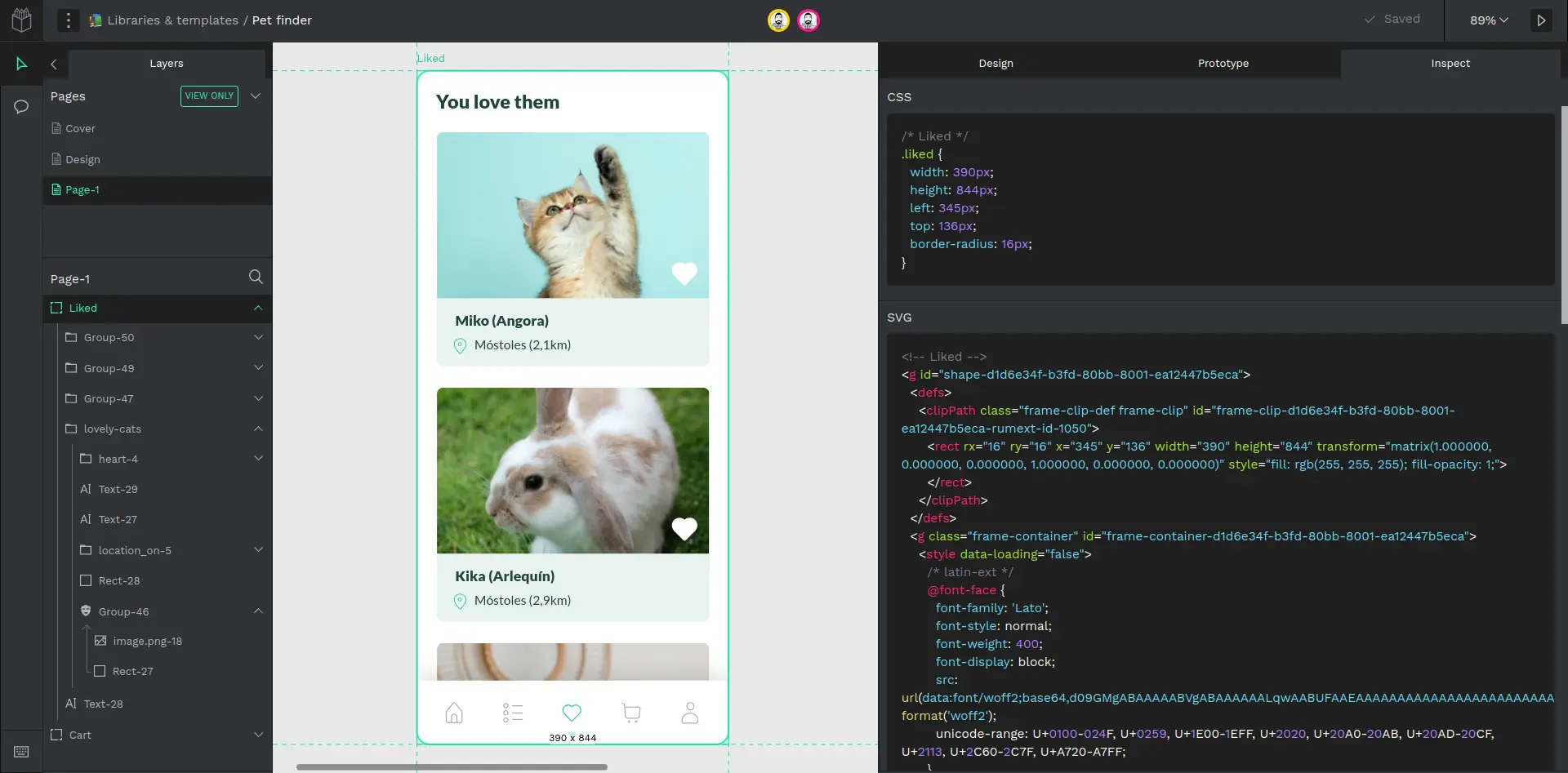
Designers and developers work in the same place. Layouts use Flex and Grid, so they behave like the finished website, and the Inspect tab gives developers ready-to-use CSS, SVG and HTML with no paid developer seat. People can edit a file together and comment on it. A small agency, for example, could design a client's online shop, send the client a link to click through the prototype, and let its developer copy the styles straight from the design.
Penpot runs in the browser, with no desktop or phone apps. Coming from Figma, Penpot's free Exporter plugin brings most of a file across, though prototype links need redoing. Designs export as PNG, JPG, SVG or PDF.
Cloudgate installs Penpot on a server Cloudgate provides or one you connect, and gives it a secure web address. The first person to open it creates an account and a team. The free edition has unlimited users and files; organisation-level admin and single sign-on are in Penpot's paid Enterprise plan.
What you can do with Penpot
- Design screens for websites and apps Draw on boards with pages, layers, shapes, paths and text, from rough wireframes to finished screens.
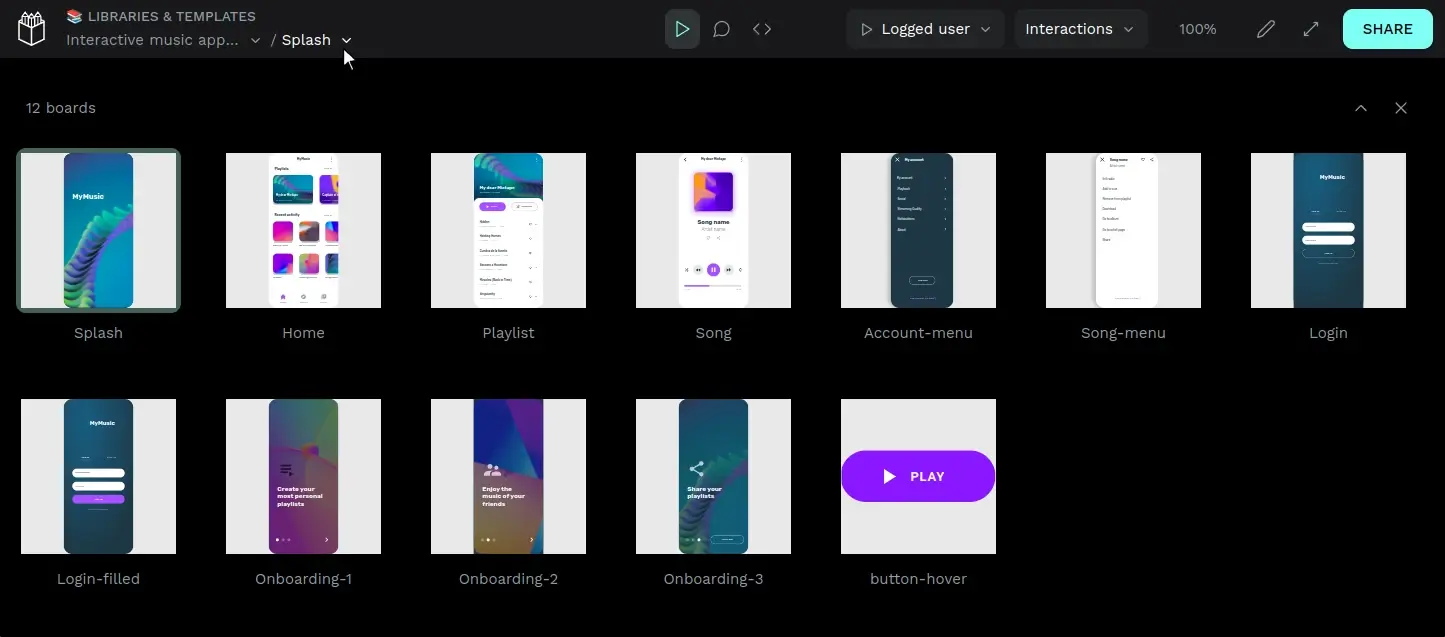
- Build clickable prototypes Link screens together and share a view-mode link so anyone can click through the design.
- Lay out like real code Flex and Grid layouts behave the way the finished website will, so designs resize properly.
- Keep a design system Reuse components, variants, shared libraries and design tokens across every file.
- Hand off to developers for free The Inspect tab shows ready-to-use CSS, SVG and HTML for any part of the design, with no paid developer seat.
- Work together live Several people can edit the same file at once and leave comments right on the design.
- Export what you need Save designs as PNG, JPG, SVG or PDF, or as Penpot files to back up or move.
Replaces Figma and Adobe XD
Penpot does the same job as Figma and Adobe XD. Here is what changes when you switch.
- No per-seat fee, with unlimited users, teams and files
- Developers inspect CSS, SVG and HTML at no extra cost
- Your design files stay on your own server
- Open source under the MPL-2.0 licence
- Prototyping and the plugin choice are less mature than Figma's
- Figma files come across through a plugin, and prototype links do not
- Browser only, with no desktop or phone apps, and it works best in a recent Chrome
- Organisation-level admin, single sign-on and audit logs are part of Penpot's paid Enterprise plan
What happens when you click Deploy?
You do not need a server or any technical knowledge. Four steps, and Penpot is running at its own web address.
- Step 1 Click Deploy and create your account
Deploy takes you to Cloudgate. Create an account, or log in if you have one. Penpot itself is free.
- Step 2 Choose a server
No server? Get one from Cloudgate: pick a size and a country, and Cloudgate gets it ready. Already have one? Connect it instead.
- Step 3 Cloudgate sets up Penpot
It prepares the server, makes the passwords the app needs and starts it. There is nothing to install and nothing to write down.
- Step 4 Open your app and sign in
Your app gets a free web address to start, without https. Add your own domain, like app.yourshop.com, and Cloudgate secures it with https for you.
New to Cloudgate? See what Cloudgate is
Run Cloudgate yourself? Deploy from your own console
In your Cloudgate console, open Templates and choose Penpot.
Questions
Is Penpot free?
Yes, self-hosted Penpot is free and open source under the MPL-2.0 licence, with unlimited users, teams and files and every design and prototyping feature. You pay only for your server. Penpot sells an optional Enterprise plan that adds organisations, an admin console, organisation-level single sign-on and audit logs.
Is Penpot a good alternative to Figma?
Yes, for most design and prototyping work. Penpot works in a similar way, with boards, components, variants, Flex and Grid layouts and a free Inspect tab for developers. Figma still has more plugins, more advanced prototyping and desktop apps.
Can I import my Figma files into Penpot?
Partly. Penpot's free Exporter plugin runs inside Figma and turns a file into an archive that Penpot imports, with shapes, text, components, variants, auto layout and colour and type libraries. Prototype interactions do not carry over, very large files can be slow, and some layouts need tidying afterwards.
How do I sign in to Penpot the first time?
There is no default login; you create the first account yourself. Open Penpot's web address, choose to create an account and sign up with your name, email and a password, then make a team. Anyone who can reach the address can sign up, so set up your team's accounts first.
Is Penpot a good replacement for Adobe XD?
Yes, Penpot is a common choice now that Adobe XD is in maintenance mode and gets no new features. Penpot cannot open XD files directly, so you export screens or assets from XD as SVG or PNG and bring them in.
What server size do I need for Penpot?
Penpot needs a large server with about 4 GB of memory in Cloudgate, which suits a small team. Much of the editing happens in the browser, so each designer also needs a fairly fast computer and a recent Chrome.
Does Penpot have a desktop or phone app?
No, Penpot has no official desktop or phone apps. It runs in the web browser, and Penpot recommends the latest Chrome.
Do I need technical skills to run Penpot?
No. Click Deploy, create your Cloudgate account and choose a server, and Cloudgate sets up Penpot and gives it a web address. You use it in your browser like any other online tool.
Do I need my own server for Penpot?
No. When you deploy Penpot, hosted Cloudgate can provide a server. If you already rent one, you can connect it instead.
Related apps

Prototype designs and test them with real users, in one tool.

Draw flowcharts, org charts and diagrams in your browser.

A free whiteboard for mind maps, flowcharts and sketches.

AI design studio for web pages, prototypes and decks.