
Open-source alternatives to Google Docs

ONLYOFFICE Docs is the open-source Google Docs alternative we recommend: several people edit the same document in the browser, with comments, tracked changes and version history, saved as Word files in your own Nextcloud or Seafile. Google Docs keeps every document in Google’s cloud; self-hosted editors keep them on your server, and Etherpad is a lighter choice for shared notes.

4 alternatives Free apps Our pick: ONLYOFFICE Docs

At a glance

App Good for Code Import from Google Docs Ease of use
ONLYOFFICE Docs Teams on Nextcloud or Seafile who edit Word, Excel and PowerPoint files together Code Open source Import from Google Docs Yes Some setup
Etherpad Teams and classes that write meeting notes and drafts together in real time Code Open source Import from Google Docs Partly Easy
La Suite Docs Offices, charities and public bodies that want a Notion-style editor for writing and sharing documents together Code Open source Import from Google Docs Partly Some setup
Collabora Online Teams on Nextcloud or Seafile who want to edit Office files together on a modest server Code Open source Import from Google Docs Yes Some setup

Why look for an alternative to Google Docs?

Google Docs is Google's online word processor: several people write and comment in the same document at once in a web browser. It is free with a Google account and part of the paid Google Workspace plans for businesses.

People look for an alternative because every document is stored in Google's cloud under Google's terms, and business use comes with a per-user Workspace plan. A self-hosted ONLYOFFICE Docs gives the same live co-editing on your own server and saves standard Word files, Collabora Online does the same inside Nextcloud or Seafile, La Suite Docs is a Notion-style editor for writing and sharing documents, and Etherpad is a lighter choice for shared notes. ONLYOFFICE also appears among the Google Workspace alternatives, for teams replacing more of the suite.

The alternatives, compared

ONLYOFFICE Docs

Our pick

Edit Word, Excel and PowerPoint files together in the browser.

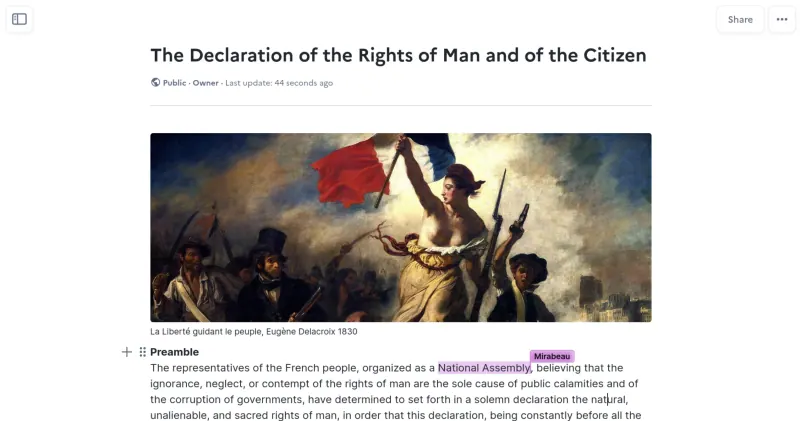
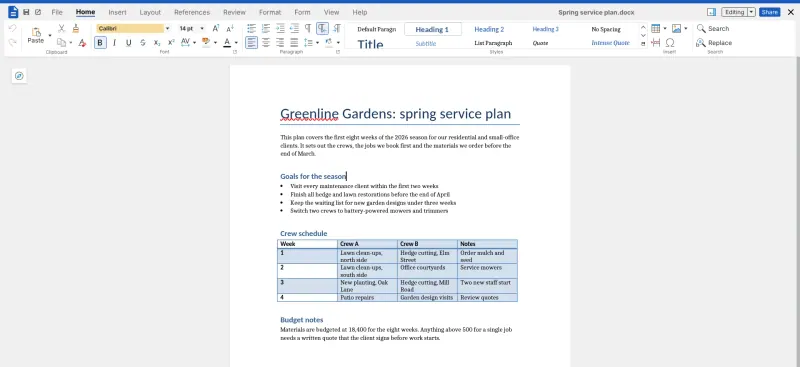
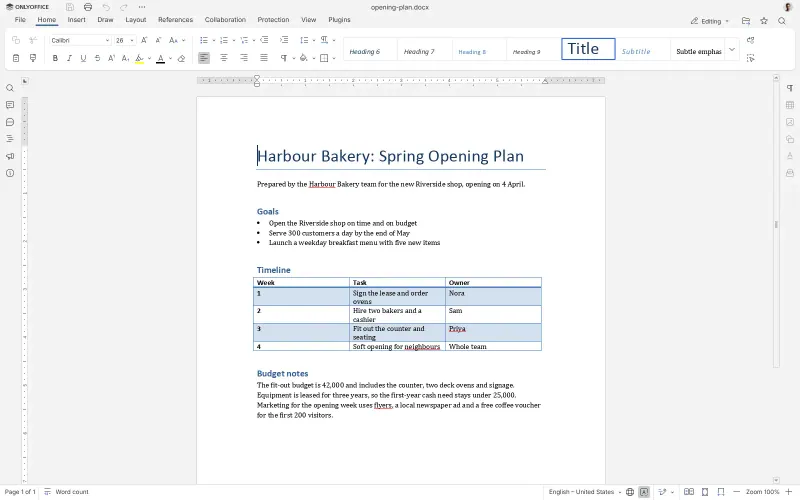
The full replacement: several people edit the same document at once in the browser, with comments, a chat beside the document, tracked changes and version history, and files are saved as Word documents. It needs Nextcloud or Seafile to store the files, and in the free edition documents open read-only in a phone's browser.
Some setup Open source

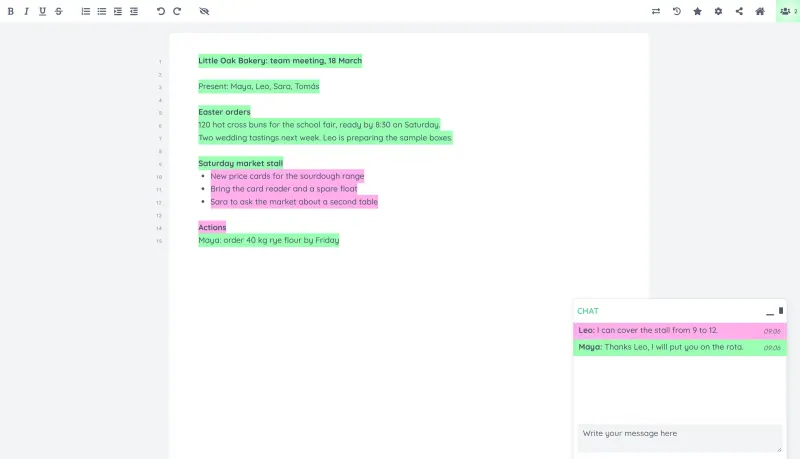
Write together in real time, with each author in their own colour.

The quickest way to write together: open a pad, share its link and everyone types at once, with each writer's text in their own colour, a chat beside the pad and a timeslider that replays every change. There are no accounts to set up. It is a much simpler editor than Google Docs: headings, comments and tables need plugins, and it has no offline mode or phone app.

What you gain
  • Your documents stay on your own server, not in a Google or Dropbox account
  • Colour-coded authorship and a full, playable history for every pad
  • No accounts needed, so guests can join a meeting's notes in seconds
What is different
  • A simpler editor than Google Docs; headings, comments and tables come from plugins
  • No phone app and no offline mode
  • Anyone who has a pad's link can edit it, so keep pad names hard to guess
Easy Open source

A self-hosted, Notion-style editor for writing documents together.

A block editor like Notion's rather than a page-layout word processor: several people write at once, with comments, @-mentions, sub-pages, version history and sharing by person or by link, and documents export to PDF, Word or OpenDocument. It imports Word files, keeps its own storage, and needs a separate sign-in service, which Cloudgate sets up. It has no spreadsheets or slides.

Some setup Open source

Online office for Word, Excel and PowerPoint files.

Several people edit the same document at once in the browser, with comments and tracked changes, saved as Word or OpenDocument files, and it also edits spreadsheets and presentations. Like ONLYOFFICE it needs Nextcloud or Seafile to open files, but it needs a smaller server and editing works in a phone's browser. The free CODE edition shows a welcome screen and feedback prompts.

Some setup Open source

Moving from Google Docs

Download your documents from Google Docs as Word files, one at a time with File, Download, or all at once with Google Takeout. For ONLYOFFICE or Collabora Online, upload the .docx files to your Nextcloud or Seafile and open them there; they keep their formatting, so check documents that rely on Google-only features. For Etherpad, create a pad and import the Word file into it; only simple formatting such as bold, italic and lists comes across, so it suits notes and drafts rather than finished documents. For La Suite Docs, import each Word file as a new document and check its formatting, then arrange documents as sub-pages. Sharing settings do not carry over: share again from the new app.

Questions

What is the best open-source alternative to Google Docs?

Start with ONLYOFFICE Docs. If you want something simpler, try Etherpad. All 4 are free and open source.

Which Google Docs alternative should I choose?

Choose ONLYOFFICE or Collabora Online for real documents with page layout, comments and tracked changes, saved as Word files in Nextcloud or Seafile. Choose La Suite Docs for a Notion-style shared editor with sub-pages and sharing by link, with no separate file app. Choose Etherpad for meeting notes and drafts that people write together live by link, with nothing to set up.

Can Etherpad open Word files?

Yes. Etherpad imports Word, HTML and plain text files and exports pads as Word, PDF, HTML or plain text. Complex formatting is simplified, because a pad only has basic formatting by default.

Do these apps replace Google Sheets and Slides too?

ONLYOFFICE and Collabora Online do: they also edit spreadsheets and presentations, saved as Excel and PowerPoint files. Etherpad and La Suite Docs are for text, though La Suite Docs can show a document as slides in its presentation mode.

Are these Google Docs alternatives really free?

Yes, ONLYOFFICE Docs, Etherpad, La Suite Docs and Collabora Online are free. To run them you need Cloudgate and a server. Use hosted Cloudgate, which can also provide the server, or install Cloudgate on a server of your own for free. Cloudgate's plans and prices are at cloudgate.octabyte.io/pricing. One server can run several apps.

Do I need a developer to replace Google Docs?

No. Cloudgate installs the app you choose on your server and gives it a secure web address, and you use it in your browser instead of Google Docs.