
La Suite Docs
A self-hosted, Notion-style editor for writing documents together.
No server needed to start: Cloudgate can provide one. What happens when you click Deploy



What is La Suite Docs?
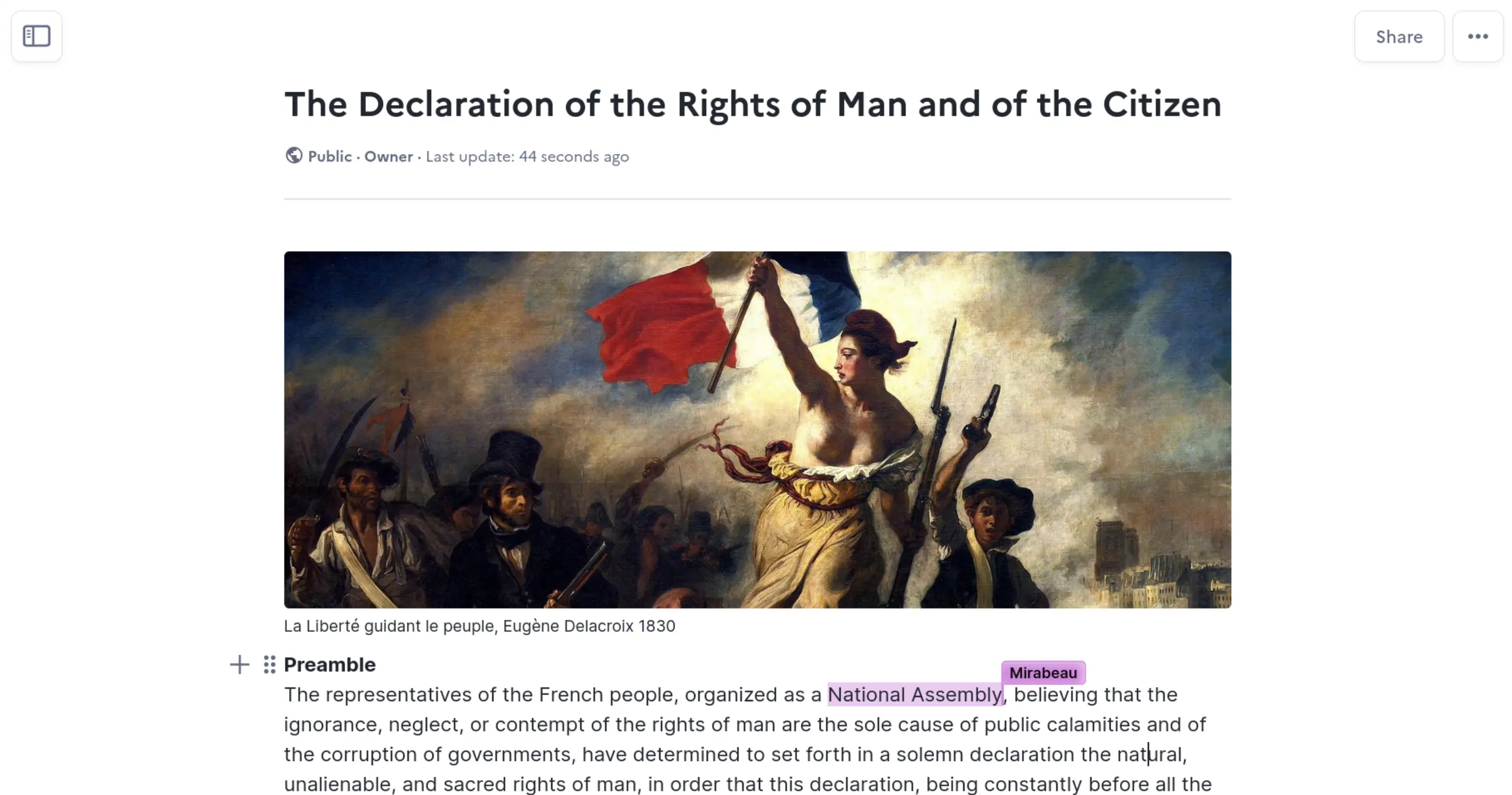
La Suite Docs is a self-hosted, open-source editor where your team writes, comments on and shares documents together live, like Notion or Google Docs.
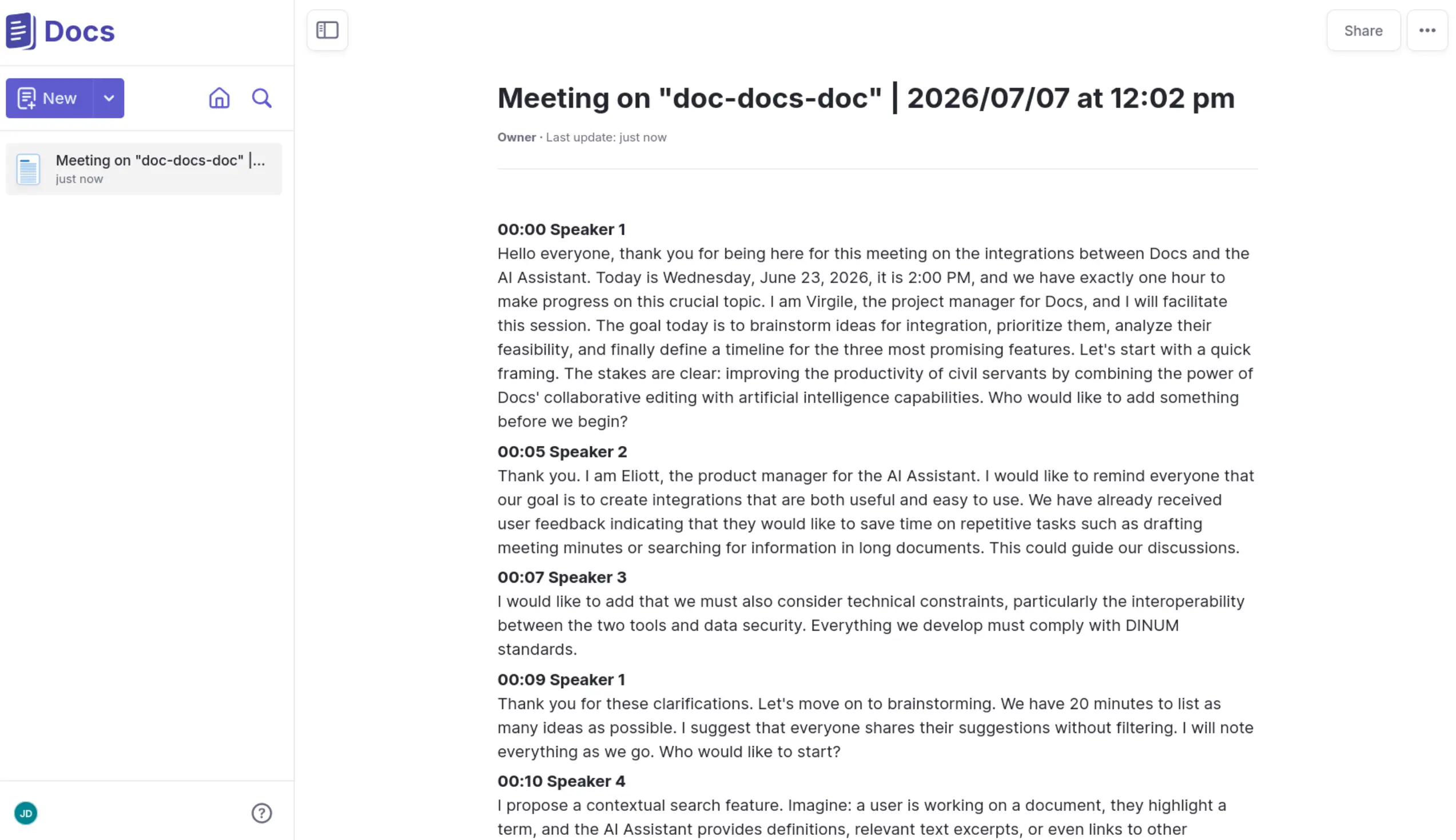
La Suite Docs is a free, open-source editor for writing documents together, and a self-hosted alternative to Notion and Google Docs. Your team writes in blocks, sees each other's changes live, comments, and organises documents into sub-pages that build up a searchable knowledge base. It is made by the French and German governments' digital teams and released under the MIT licence.
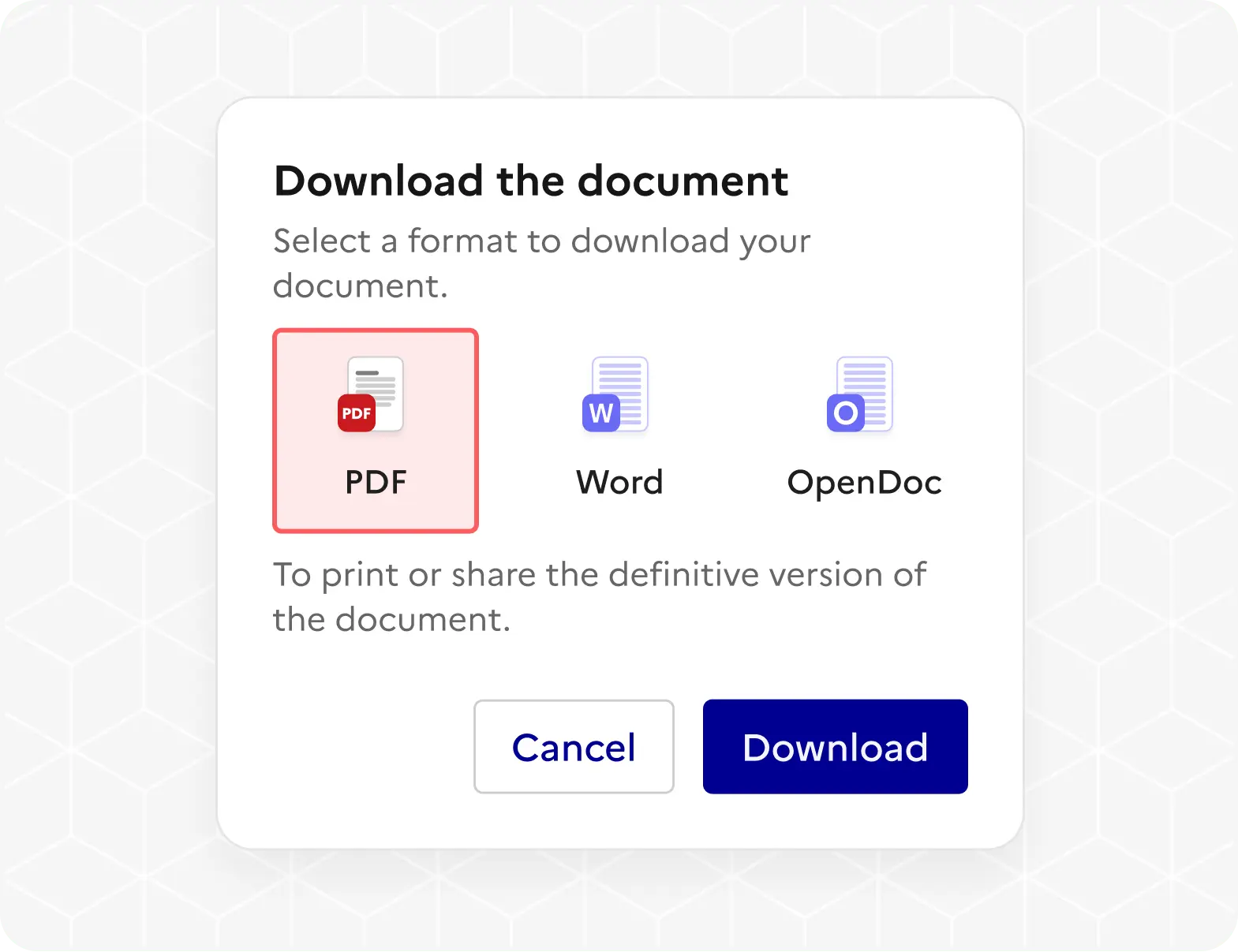
Each document can be shared with named people as readers, editors or admins, or by a link for colleagues or for anyone. Documents keep a version history, import from Word and Markdown, and download as PDF, Word or OpenDocument. A small charity, for example, could write its volunteer handbook and board minutes together, then send the trustees a PDF of the final version.
There are no Notion-style databases or boards, and no phone apps, though Docs works in a phone's browser. Optional AI writing help works once you connect an AI provider of your choice.
Cloudgate installs La Suite Docs on a server Cloudgate provides or one you connect, together with everything it needs, including its own sign-in service, and gives it a secure web address. You sign in with the admin email you chose and add your colleagues' accounts; add an email service if you want Docs to send share and mention emails.
What you can do with La Suite Docs
- Write together, live Several people edit the same document at once and see each other's cursors and changes as they type.
- Write in blocks Type a slash to add headings, lists, checklists, tables, images and other blocks, or write in Markdown.
- Organise with sub-pages Nest documents inside documents to build a searchable handbook or knowledge base.
- Share the way you need Invite people as readers, editors or admins, or share a link that anyone, or only signed-in colleagues, can open.
- Comment and mention Discuss a document in comments and mention colleagues with @ in the text or in a comment.
- Go back to earlier versions Every document keeps a version history you can look through and restore from.
- Bring Word files in, send PDFs out Import Word and Markdown files, and download any document as PDF, Word or OpenDocument.
- Present from a document Turn a document into full-screen slides, split wherever you add a divider.
Replaces Notion and Google Docs
La Suite Docs does the same job as Notion and Google Docs. Here is what changes when you switch.
- No price per member, however many people you invite
- Your documents and files stay on your own server
- Open source under the MIT licence, with no paid edition
- Download any document as PDF, Word or OpenDocument
- No Notion-style databases, boards or calendars
- No spreadsheets or slide decks like Google's office apps
- No phone apps; it works in a phone's web browser
- Colleagues get their accounts from an admin, as there is no sign-up page
- Needs a large server, and its makers still call this kind of setup experimental
What happens when you click Deploy?
You do not need a server or any technical knowledge. Four steps, and La Suite Docs is running at its own web address.
- Step 1 Click Deploy and create your account
Deploy takes you to Cloudgate. Create an account, or log in if you have one. La Suite Docs itself is free.
- Step 2 Choose a server
No server? Get one from Cloudgate: pick a size and a country, and Cloudgate gets it ready. Already have one? Connect it instead.
- Step 3 Cloudgate sets up La Suite Docs
It prepares the server, makes the passwords the app needs and starts it. There is nothing to install and nothing to write down.
- Step 4 Open your app and sign in
Your app gets a free web address to start, without https. Add your own domain, like app.yourshop.com, and Cloudgate secures it with https for you.
New to Cloudgate? See what Cloudgate is
Run Cloudgate yourself? Deploy from your own console
In your Cloudgate console, open Templates and choose La Suite Docs.
Questions
Is La Suite Docs free?
Yes, La Suite Docs is free and open source under the MIT licence, with no paid edition, and you pay only for your server. Its PDF and Word downloads use open-source add-ons from the BlockNote editor that are under the GPL licence.
Is La Suite Docs a good alternative to Notion?
Yes, for writing and organising documents together. La Suite Docs has Notion's block editor with slash commands, nested pages, live editing, comments and sharing by link. It has none of Notion's databases, boards or calendars.
Is La Suite Docs a good alternative to Google Docs?
Yes, La Suite Docs can replace Google Docs for writing documents together. Several people can edit at once, comment and mention each other, share by link and download the result as PDF or Word. It is a page editor rather than a full office suite, so there are no spreadsheets or slides apps.
Who makes La Suite Docs?
La Suite Docs is made by DINUM, the French government's digital agency, together with ZenDiS in Germany, as part of La Suite numérique. It is open source under the MIT licence, so anyone can use it, including companies and charities.
How do I sign in to La Suite Docs the first time?
You sign in to La Suite Docs with the admin email you gave during setup and the password Cloudgate creates, which you find on the app's variables page. There is no public sign-up page, so you add each colleague's account in the sign-in admin page that Cloudgate installs alongside Docs.
Can La Suite Docs import my documents from Notion or Word?
Yes from Word, partly from Notion. La Suite Docs imports Word (.docx) and Markdown files. There is no Notion importer, but a page exported from Notion as Markdown can be imported as a document.
Does La Suite Docs send emails?
Yes, La Suite Docs emails people when you share a document with them or mention them, once you add an email sending service. You can enter its details during setup or later; without one, Docs works but sends no emails.
Do I need technical skills to run La Suite Docs?
No. Click Deploy, create your Cloudgate account and choose a server, and Cloudgate sets up La Suite Docs and gives it a web address. You use it in your browser like any other online tool.
Do I need my own server for La Suite Docs?
No. When you deploy La Suite Docs, hosted Cloudgate can provide a server. If you already rent one, you can connect it instead.
Related apps

A self-hosted Markdown knowledge base for maths, diagrams and teams.

Write together in real time, with each author in their own colour.

A simple self-hosted wiki, organised like books on a shelf.

A clean docs site with a block editor, free to self-host.