




Open-source alternatives to Disqus

Remark42 is a free, open-source Disqus alternative: a light comment section for your blog or website, with social and email sign-in, nested replies, voting and moderation, and it imports your Disqus comments. Disqus’s free plan shows ads and tracks your readers; self-hosted Remark42 has no ads and no tracking, and every comment stays on your own server.

6 alternatives Free apps Our pick: Remark42

At a glance

App Good for Code Import from Disqus Ease of use
Remark42 Bloggers and small publishers who want comments without ads or tracking Code Open source Import from Disqus Yes Some setup
Artalk Bloggers and small sites that want comments with a full moderation dashboard Code Open source Import from Disqus Partly Some setup
Comentario Site owners who want a moderation dashboard, rules and stats for their comments Code Open source Import from Disqus Yes Some setup
Coral News sites, magazines and blogs with a team that moderates reader comments Code Open source Import from Disqus Partly Some setup
Isso Bloggers and small sites that want the simplest comments, with no reader accounts Code Open source Import from Disqus Yes Some setup
Waline Bloggers and small sites that want a moderation dashboard and spam queue Code Open source Import from Disqus Yes Some setup

Why look for an alternative to Disqus?

Disqus is a hosted comment system that many blogs and websites embed under their posts. Readers sign in once and can comment on any site that uses it, and site owners moderate from Disqus's dashboard.

People look for an alternative because Disqus's free plan shows ads under your posts and tracks your readers, and removing the ads means paying for a plan. Every comment also lives on Disqus's servers. A self-hosted Remark42 adds a comment section with no ads and no tracking, keeps every comment on your own server, and imports your Disqus comments. Waline and Artalk do the same with a separate admin dashboard for moderation, and Isso with even less: no reader accounts at all, and a simple approval queue. Comentario adds statistics, moderation rules and several moderators for site owners who run more than one website. Coral, built for publishers with a moderation team, adds queues, word lists and roles, though old comments are harder to bring across.

The alternatives, compared

Remark42

Our pick

Ad-free, private comments under your blog posts, on your server.

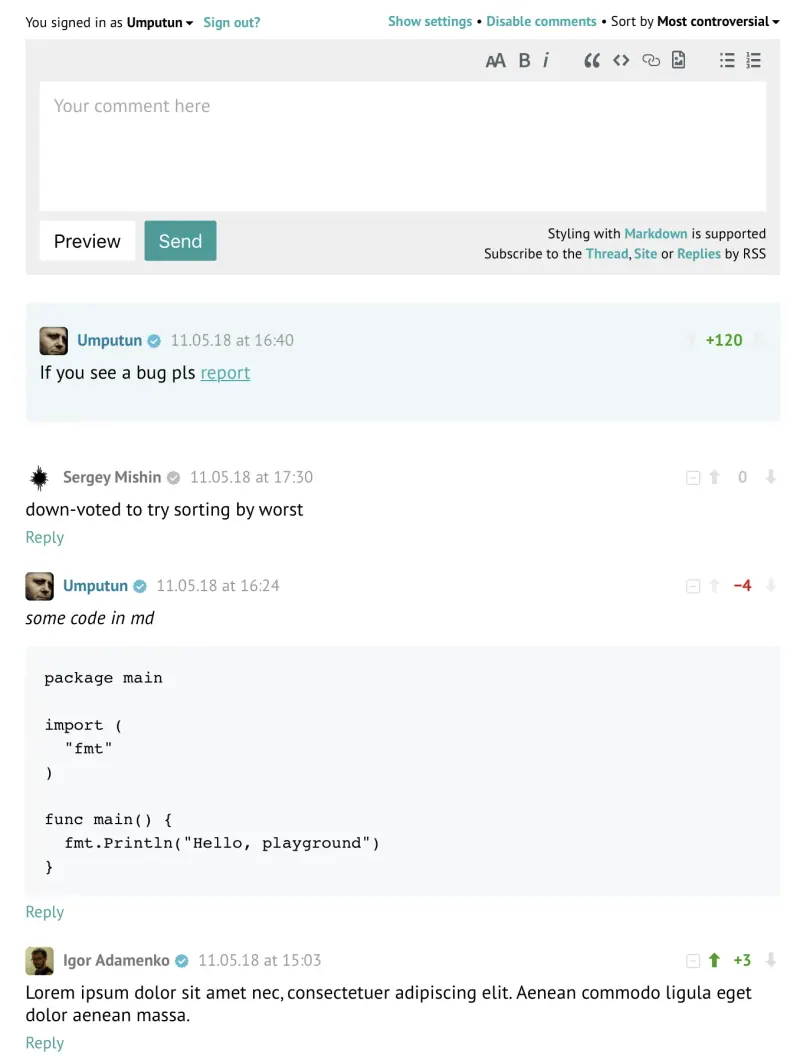
Does Disqus's job under your posts: readers sign in with Google, GitHub, Facebook, Microsoft, Apple, Telegram, email or anonymously if you allow it, then reply in threads, vote and add images, and you get notified of each new comment. It has no ads or tracking and imports a Disqus export. It has simpler spam tools than Disqus, no separate admin dashboard, and none of Disqus's network of discussions across sites.

What you gain
  • No ads under your posts and no tracking of your readers
  • Your comments stay on your own server
  • A light comment section that matches light and dark sites
What is different
  • You paste the snippet into your site and choose how readers sign in yourself
  • No Disqus-wide community or cross-site discovery for your posts
  • Moderation is simple (delete, block, hide, pin), with basic spam handling
Some setup Open source

A self-hosted comment system for blogs, with a moderation dashboard.

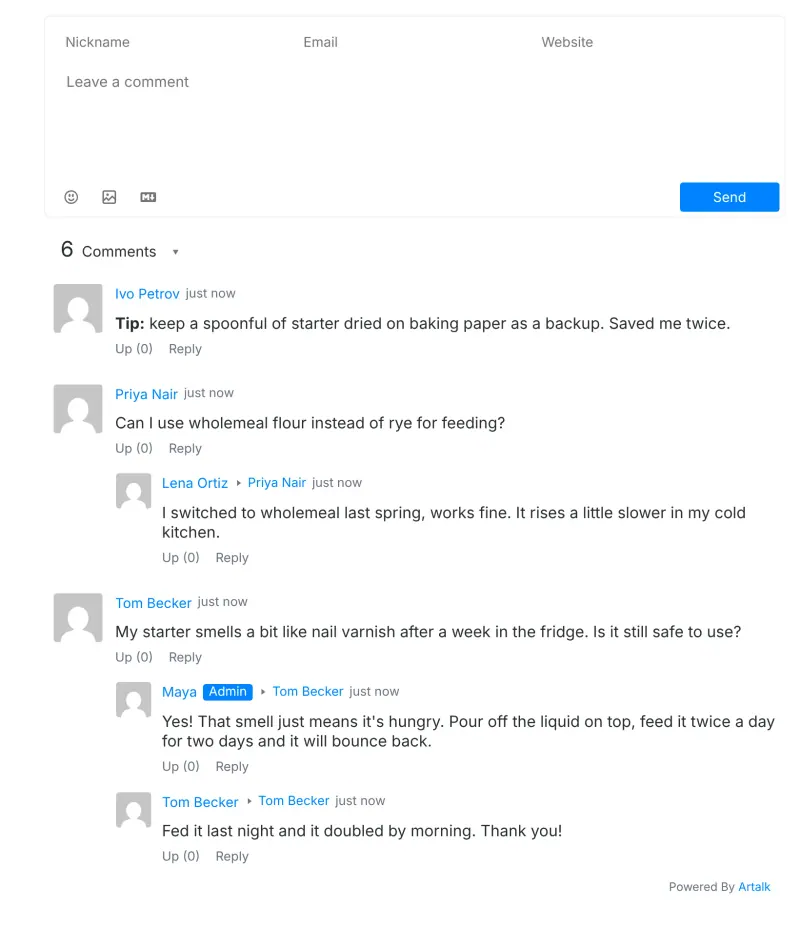
A comment section with a full admin dashboard: a queue of comments awaiting approval, pinning, editing and per-site settings, plus captchas, spam filters and alerts to Telegram or Slack. Readers comment with a name and email by default, or sign in with email and password or social accounts you set up. Disqus comments come in through a converter and the dashboard's import, and there is no cross-site network like Disqus's.

What you gain
  • No ads under your posts and no tracking of your readers
  • Every comment stays on your own server
  • A full dashboard with a review queue, spam checks and alerts to email, Telegram or Slack
What is different
  • You paste the snippet into your site and set up email alerts and social sign-in yourself
  • No Disqus-wide community or discovery of your posts on other sites
  • Moving your Disqus comments takes a conversion step before you import them
Some setup Open source

Comments for many websites, with moderation rules.

Adds a comment section with nested replies, voting, Markdown and live updates, and gives you what Remark42 lacks: a full admin dashboard for several websites, with statistics, roles per site, automatic moderation rules, spam checks through Akismet, Perspective or APILayer, webhooks and an audit log. Its Disqus import is a button in the dashboard. It needs a PostgreSQL database, and like Remark42 it has none of Disqus's network of discussions across sites.

What you gain
  • No ads under your posts and no tracking of your readers
  • Every comment and reader account stays on your own server
  • A moderation queue with automatic rules, instead of cleaning up after the fact
What is different
  • You paste the snippet into your site and choose how readers sign in yourself
  • No Disqus-wide community or cross-site discovery for your posts
  • Automatic spam checks need a key from Akismet, Perspective or APILayer
Some setup Open source

Comments for news sites, with real moderation tools.

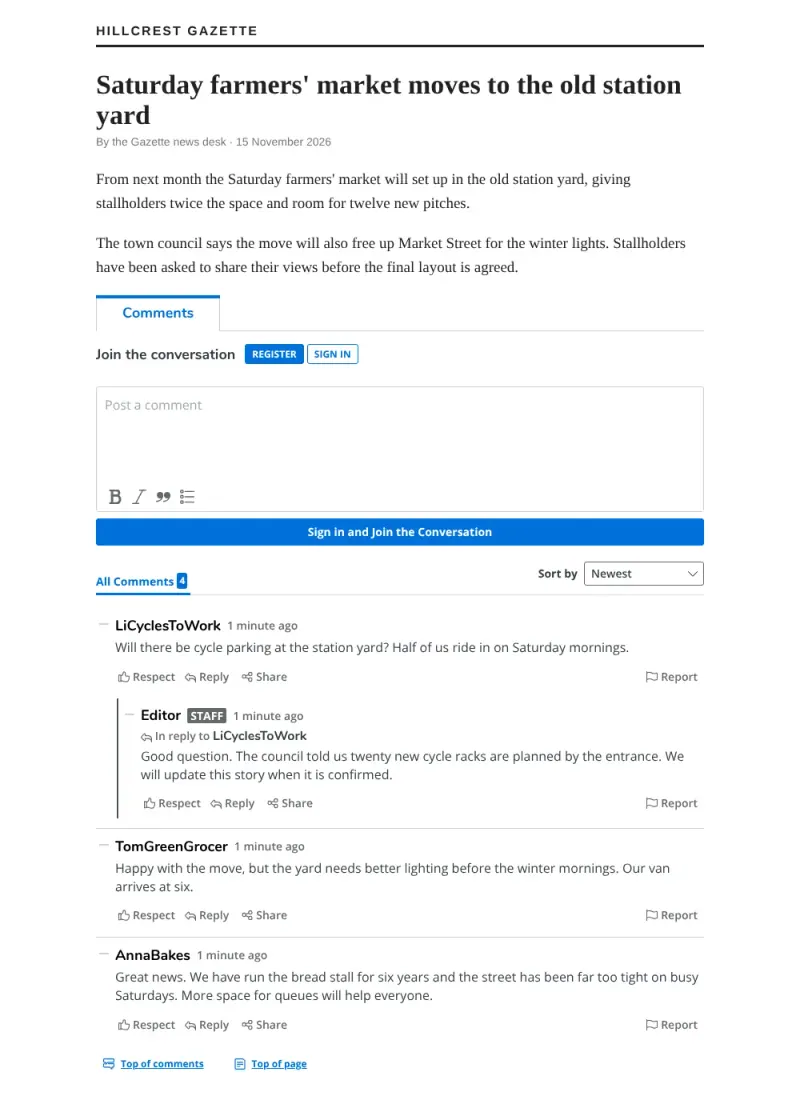
Built for news sites and magazines with a team that moderates: threaded replies, reactions and reports for readers, and for staff, moderation queues for reported and pending comments, pre-moderation rules, banned and suspect word lists, roles, member bans and a dashboard. It needs more server than Remark42 (MongoDB and Redis), readers sign in with email unless you connect your own sign-in system, and there is no one-click Disqus import.

What you gain
  • No ads in your comment section and no fee for the software
  • Comments and reader accounts stay on your server
  • A full moderation workflow with queues, roles and word lists
What is different
  • Heavier to run than a simple comment widget
  • No one-click Disqus import; moving comments needs a technical step
  • Emails, including password resets, need an email service you set up
Some setup Open source

Simple, private blog comments with no reader accounts or ads.

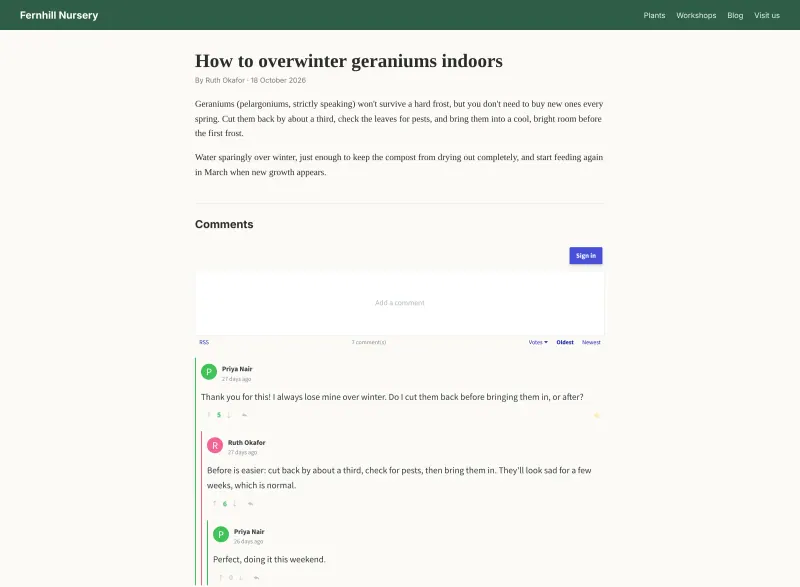
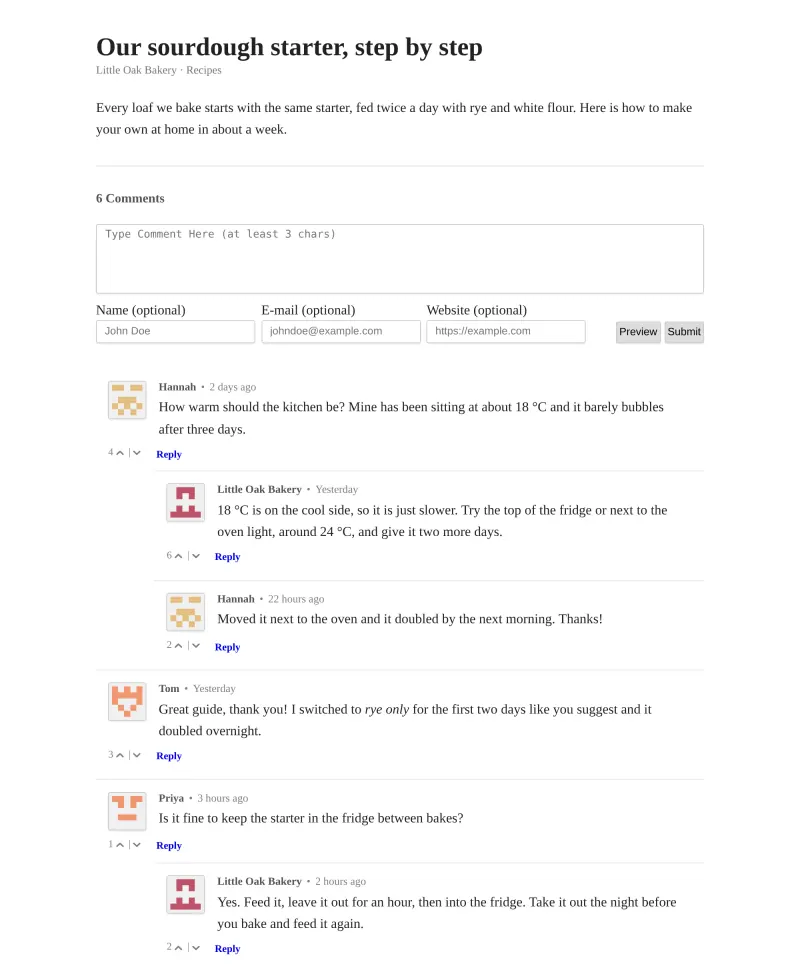
The simplest choice: readers comment with an optional name, email and website, with no accounts or sign-in, write in Markdown and reply in threads, and you moderate on a separate admin page with a password, approving comments first if you choose. It has no ads or tracking and keeps every comment in one small database on your server. It has no social sign-in or image uploads, its spam protection is rate limiting plus that approval queue, and it imports a Disqus export without the votes.

What you gain
  • No ads under your posts and no tracking of your readers
  • Every comment stays on your own server
  • Readers can comment without creating an account
What is different
  • No social or email sign-in for readers, only an optional name
  • No Disqus-wide community or cross-site discovery for your posts
  • Spam handling is a rate limit and an approval queue, with no spam filter
Some setup Open source

Ad-free comments for your blog, with an admin panel to moderate.

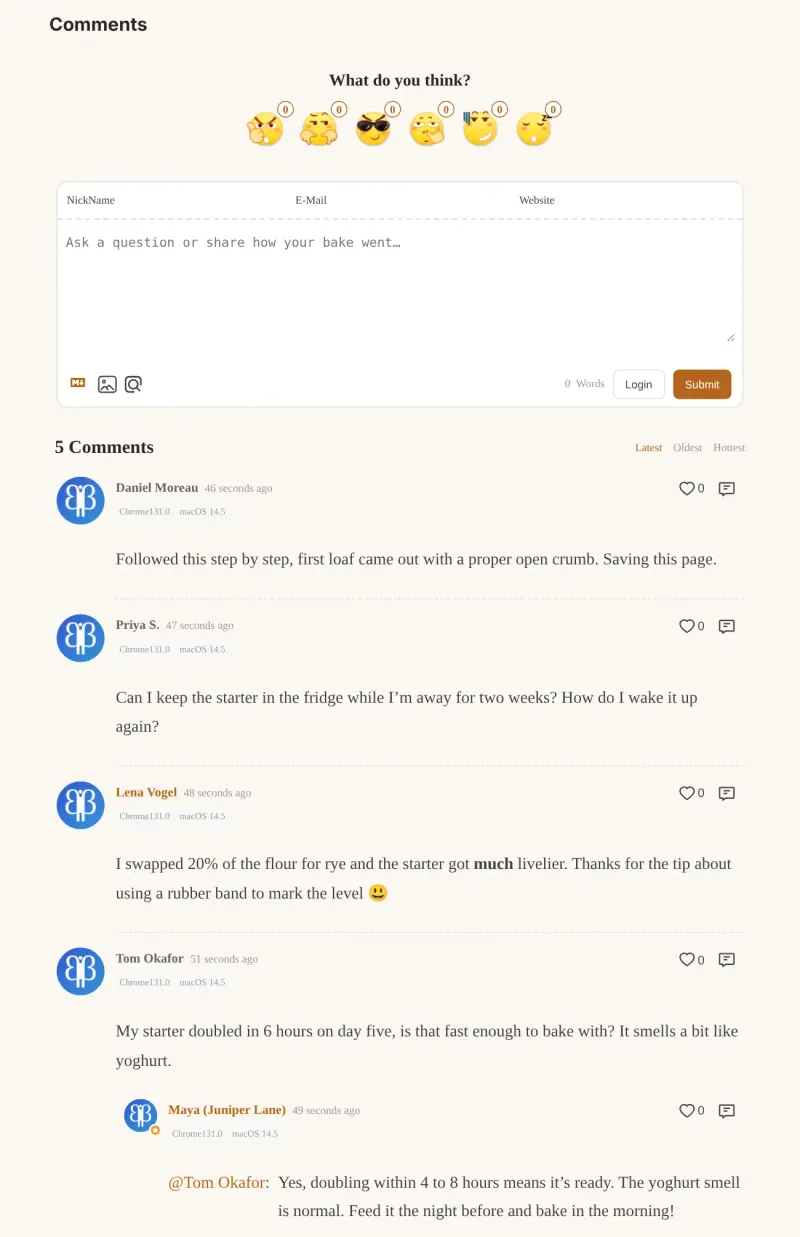
Adds a comment box to any page with threaded replies, likes, pinned comments, Markdown and emoji reactions, and gives you a separate admin panel with Approved, Waiting and Spam tabs, spam filtering and a review-before-publish option. It imports a Disqus export from a button in that panel, and it shows page view and comment counts. It needs a database, sends comments to Akismet for spam checks and uses an online sign-in and avatar service by default, and it has no cross-site network like Disqus.

What you gain
  • No ads under your posts and no tracking of your readers
  • Your comments stay on your own server, in your own database
  • A real admin dashboard with a review queue and a spam folder
What is different
  • You paste the snippet into your site yourself
  • No Disqus-wide community or cross-site discovery for your posts
  • Spam checks use the Akismet service by default, and social sign-in takes extra setup
Some setup Open source

Moving from Disqus

Export your comments from Disqus; it emails you an XML file. Remark42's import is a one-time step run on the server rather than a button in the app: upload the file and run the Disqus import for your site, and the comments appear under the same posts, as long as your page addresses have not changed. Then replace Disqus's embed code with Remark42's short snippet and the line that marks where comments go, set up at least one sign-in method, and sign in once to make yourself an admin. Remark42 can also import WordPress and Commento comments. With Waline, register the first account at your Waline address followed by /ui/register to become the admin, then open the Migration page in its admin panel and import the Disqus file there, before new comments arrive, because an import replaces the existing data. Paste Waline's snippet into your pages with your Waline address as the server.

Isso imports the same Disqus XML file with a one-time command on the server, isso import with the Disqus type; comments land under the same posts if your page addresses are unchanged, and votes are not carried over. Then paste Isso's script tag and the line that marks where comments go into your pages, and moderate new comments on Isso's admin page with the password Cloudgate creates. Isso can import WordPress comments too.

With Artalk, convert the Disqus file with its official Artransfer converter, upload the result in the dashboard's Transfer tab, then paste Artalk's snippet into your pages and set up email alerts, captcha and any social sign-in in its settings.

With Comentario, sign up first to become its superuser, add your website in the dashboard, and import the Disqus file from Operations, Import data; then paste the snippet the dashboard gives you into your pages. Comentario also imports WordPress, Commento and Commento++ comments, which helps if you are moving from Commento, an open-source comment system that is no longer maintained.

Coral has no one-click Disqus import. Its separate command-line tool, coral-importer, loads comments prepared as CSV files in its own format, so bringing old comments across is a job for someone comfortable with scripts; many sites start fresh. Run Coral's install wizard, add your website's address to the permitted domains, then paste Coral's embed code into your article template in place of Disqus's. Add your email server's settings so readers get notifications.

Questions

What is the best open-source alternative to Disqus?

Start with Remark42. All 6 are free and open source.

Can I import my Disqus comments into Remark42, Waline, Isso, Artalk or Comentario?

Yes, into all five. Remark42 imports the XML export Disqus emails you, with each comment placed under its post; the import is run once on the server, not from a button in the app. Waline imports the same file from the Migration page of its admin panel, Isso with a one-time command on the server, without votes, and Comentario from a button in its dashboard. Artalk imports it after you convert the file with its Artransfer converter and upload it in the dashboard.

Which should I choose: Remark42, Waline, Isso, Artalk, Comentario or Coral?

Choose Remark42 for a light comment section with many sign-in options that needs no database. Choose Waline if you want a separate admin dashboard with a review queue and a spam folder, emoji reactions and page view counts. Choose Isso for the simplest comment section, where readers just type a name or nothing at all, and you approve comments on a small admin page. Choose Artalk for a full admin dashboard with an approval queue, captchas and alerts to Telegram or Slack. Choose Comentario for a full dashboard that runs comments for several websites, with statistics, automatic moderation rules and moderators for each site. Choose Coral if a team moderates comments on a news site or magazine and needs queues, word lists and roles; it needs a bigger server and has no one-click Disqus import.

Does Remark42 show ads or track my readers?

No. Remark42 has no ads, no tracking and no third-party analytics, and it keeps only a reader's ID, name and avatar link from their sign-in provider. Readers can export their data or ask for it to be deleted.

Does Remark42 work with static sites?

Yes. It is a widget you paste into any web page, so it works with static site generators such as Hugo, Astro and Gatsby, as well as hand-written HTML.

Can one install serve several websites?

Yes. Remark42's multi-site mode, Artalk's sites, Comentario's dashboard and Coral all run comments for more than one website from a single install.

Are these Disqus alternatives really free?

Yes, Remark42, Artalk, Comentario, Coral, Isso and Waline are free. To run them you need Cloudgate and a server. Use hosted Cloudgate, which can also provide the server, or install Cloudgate on a server of your own for free. Cloudgate's plans and prices are at cloudgate.octabyte.io/pricing. One server can run several apps.

Do I need a developer to replace Disqus?

No, if you can edit your website's HTML or theme. Cloudgate installs the app and gives it a secure web address; you then paste a short snippet into your pages where comments should appear. Importing Disqus comments is a one-time step: on the server for Remark42 and Isso, from the admin panel for Waline, through a converter and the dashboard for Artalk, and a button in Comentario's dashboard. Coral has no one-click Disqus import.