
Remark42
Ad-free, private comments under your blog posts, on your server.
No server needed to start: Cloudgate can provide one. What happens when you click Deploy



What is Remark42?
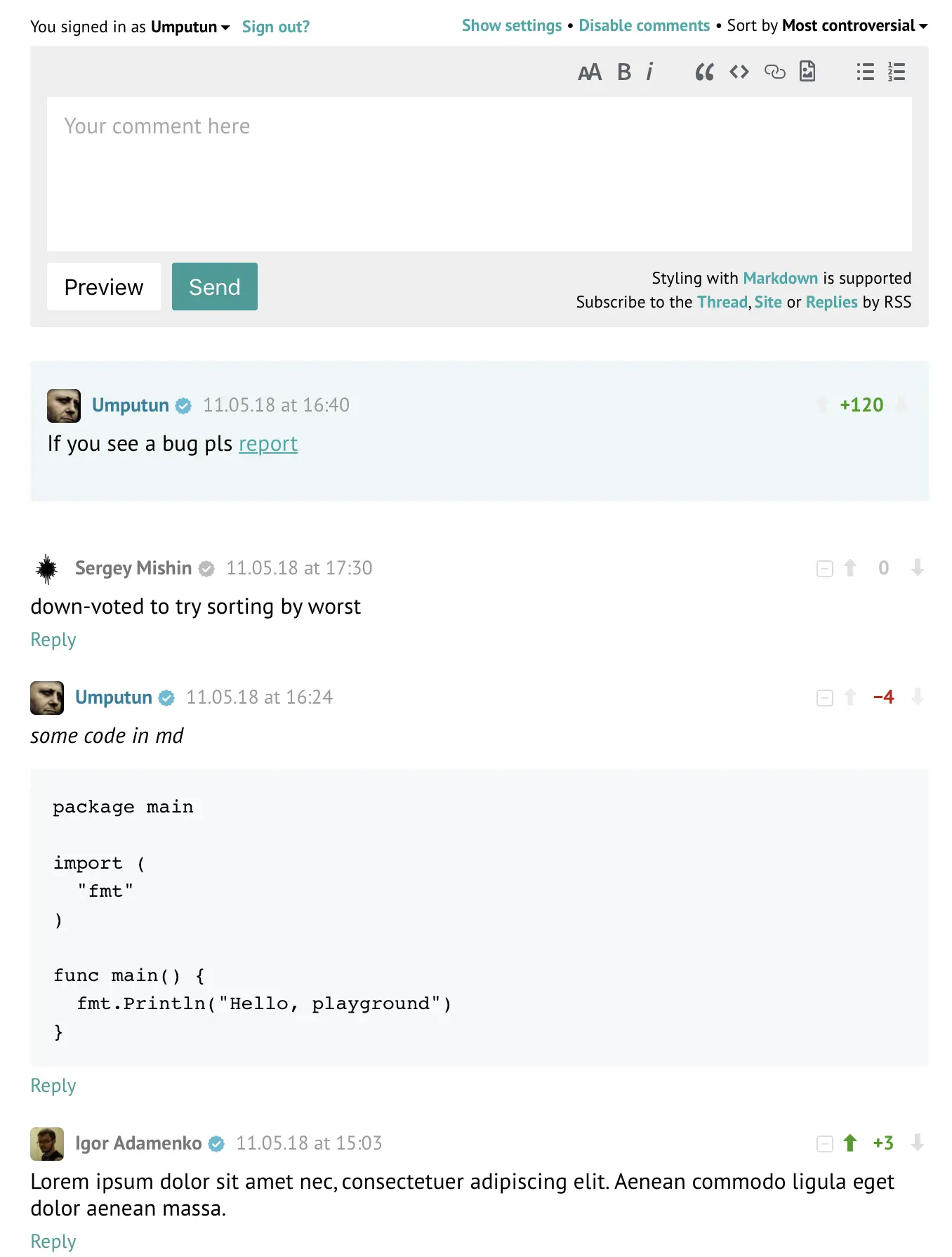
Self-hosted Remark42 adds ad-free, private comments to your blog or website, with replies, voting and moderation, in place of Disqus.
Remark42 is a self-hosted, open-source comment system for blogs and websites, and a privacy-friendly alternative to Disqus. It adds a comment section under your posts with no ads and no tracking, and keeps every comment on your own server.
Remark42 is not a website on its own: it sits inside the site you already have. After setup you paste a short snippet into your site's pages and one line where comments should show, much like adding a Disqus or YouTube embed. Readers can then comment with just a name or sign in with their email, reply to each other, vote and add pictures. A small bakery with a recipe blog, for example, could answer readers' questions under each recipe and get an email for every new comment, without ads for other bakeries appearing below its posts.
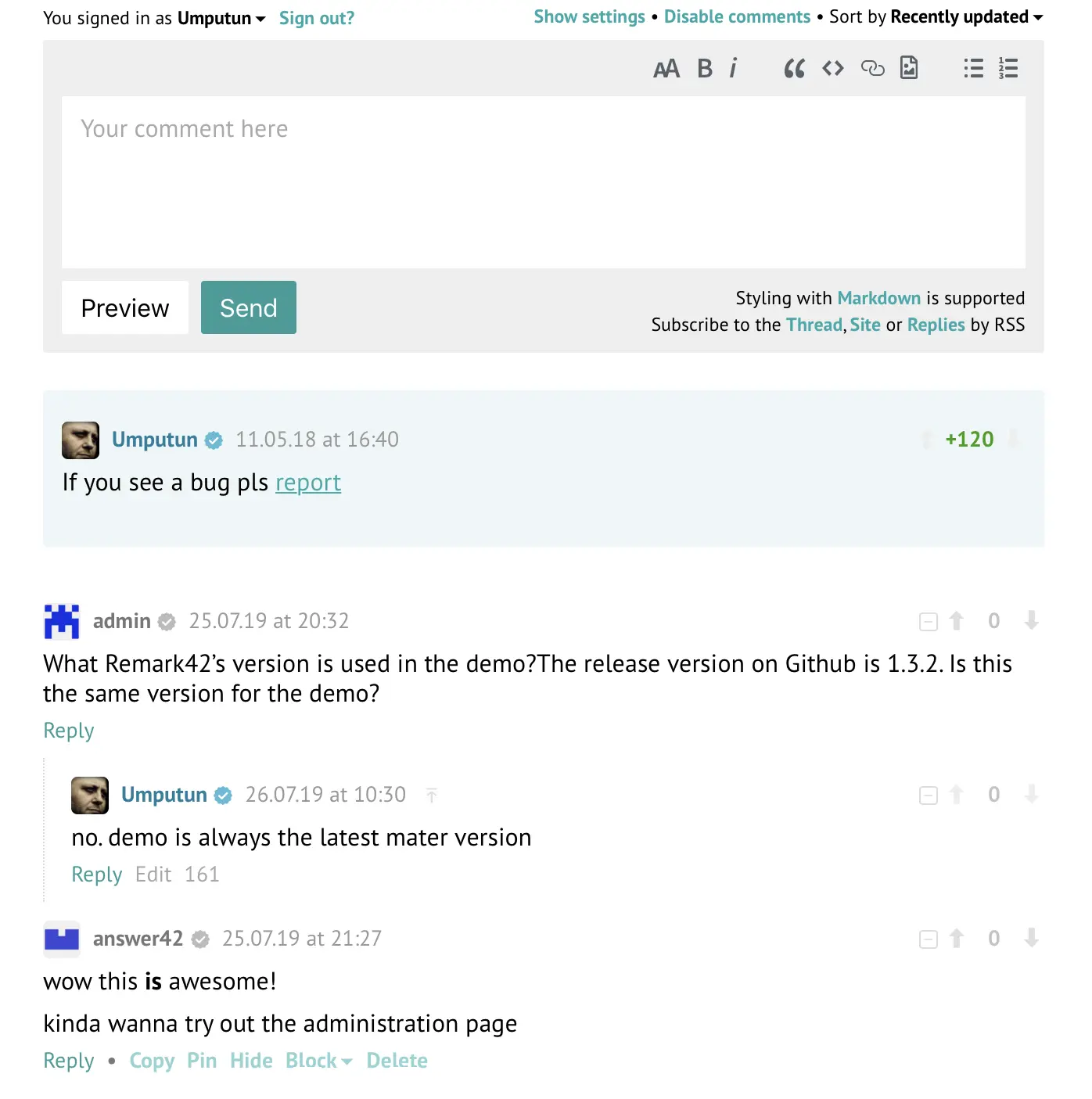
As the admin you moderate inside the comment section itself: pin, delete, block users or close comments on a post. Readers can follow a discussion by email or RSS, and one Remark42 can serve more than one website. Disqus and WordPress comments can be imported.
Cloudgate installs Remark42 on a server Cloudgate provides or one you connect, gives it a secure web address, and asks which website will show the comments.
What you can do with Remark42
- Add comments to any website Paste one short snippet into your blog, docs or any web page, and a comment section appears there.
- Let readers join in easily Readers can comment with just a name, or sign in with their email address.
- Hold real conversations Nested replies, voting, sorting, and Markdown with a formatting toolbar and picture upload.
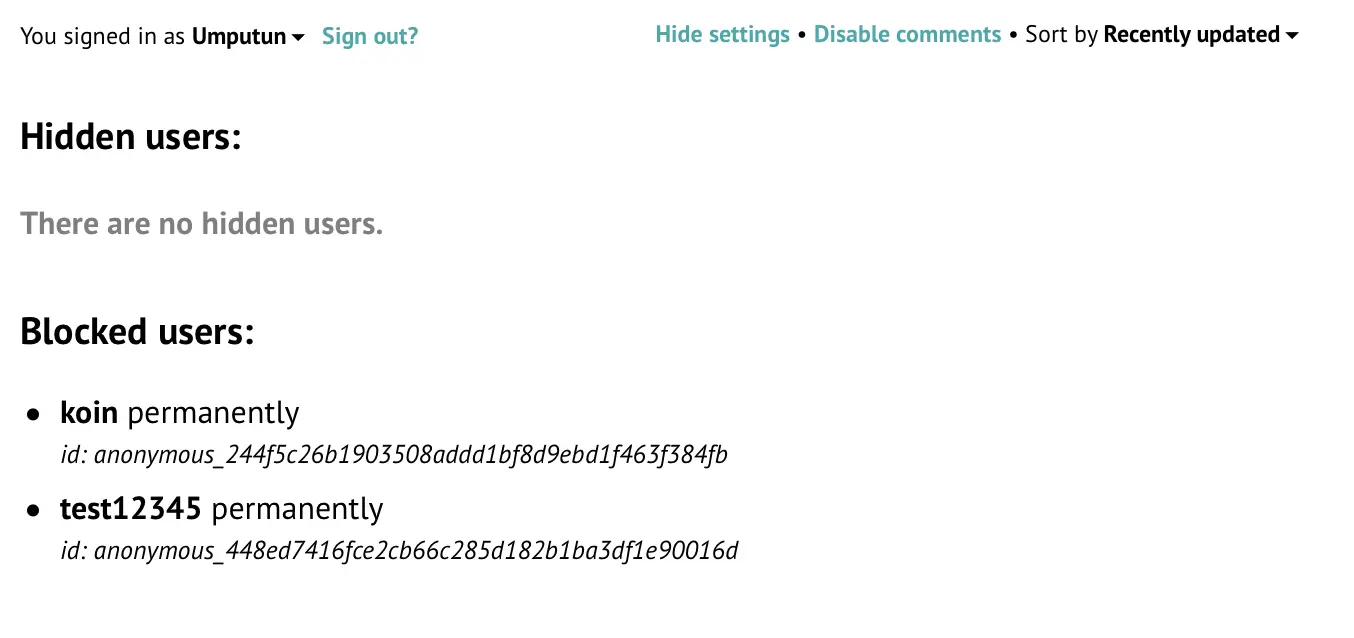
- Moderate in place As admin you delete comments, pin the best ones, block or hide users, and close comments on a post, right in the comment section.
- Hear about new comments Get each new comment by email, Telegram, Slack or webhook, and let readers get an email when someone replies to them.
- Run several websites from one install One Remark42 can serve the comments for more than one website.
- Keep your readers' data private No ads, no tracking, and readers can download or delete everything stored about them.
Replaces Disqus
Remark42 does the same job as Disqus. Here is what changes when you switch.
- No ads under your posts and no tracking of your readers
- Your comments stay on your own server
- A light comment section that matches light and dark sites
- Reply alerts and RSS feeds for readers who want to follow a discussion
- You paste the snippet into your site and choose how readers sign in yourself
- No Disqus-wide community or cross-site discovery for your posts
- Moderation is simple (delete, block, hide, pin), with basic spam handling
- Moving your Disqus comments across is a one-time step done on the server, not a button
What happens when you click Deploy?
You do not need a server or any technical knowledge. Four steps, and Remark42 is running at its own web address.
- Step 1 Click Deploy and create your account
Deploy takes you to Cloudgate. Create an account, or log in if you have one. Remark42 itself is free.
- Step 2 Choose a server
No server? Get one from Cloudgate: pick a size and a country, and Cloudgate gets it ready. Already have one? Connect it instead.
- Step 3 Cloudgate sets up Remark42
It prepares the server, makes the passwords the app needs and starts it. There is nothing to install and nothing to write down.
- Step 4 Open your app and sign in
Your app gets a free web address to start, without https. Add your own domain, like app.yourshop.com, and Cloudgate secures it with https for you.
New to Cloudgate? See what Cloudgate is
Run Cloudgate yourself? Deploy from your own console
In your Cloudgate console, open Templates and choose Remark42.
Questions
Is Remark42 free?
Yes, Remark42 is free and open source under the MIT licence, with no paid edition and no ads. You pay only for the server it runs on.
Is Remark42 a good alternative to Disqus?
Yes, if you want comments without ads or tracking and with your data on your own server. Remark42 covers replies, voting, moderation and reply notifications, but it has no Disqus-style network across websites and simpler spam tools.
How do I add Remark42 to my website?
You paste a short Remark42 snippet into your website's pages and put one line where the comments should appear, such as under each blog post. It works with any site where you can edit the HTML, including Hugo, Jekyll, Gatsby, Astro and Ghost blogs.
How do readers sign in to comment with Remark42?
Readers can comment with just a name, with no account, or sign in with their email address if you connect an email account for sending sign-in codes. Remark42 also supports social logins such as Google and GitHub, which take extra setup with each provider.
How do I become the admin of my Remark42?
Remark42 has no default admin password. Sign in to the comment section on your site with your email, click your own name to see your user ID, and add that ID as an admin in Cloudgate; the moderation buttons then appear in the comment section.
Can I import my Disqus comments into Remark42?
Yes, Remark42 can import the comment export file Disqus emails you, and it can also import WordPress comments. The import is a one-time step run on the server, not a button in the app.
What server size do I need for Remark42?
The smallest server is enough, because Remark42 uses about 80 MB of memory on busy sites and needs no separate database. Its data stays small too, under 200 MB after years of comments.
Do I need technical skills to run Remark42?
No. Click Deploy, create your Cloudgate account and choose a server, and Cloudgate sets up Remark42 and gives it a web address. You use it in your browser like any other online tool.
Do I need my own server for Remark42?
No. When you deploy Remark42, hosted Cloudgate can provide a server. If you already rent one, you can connect it instead.
Related apps

Ad-free comments for your blog, with an admin panel to moderate.

A self-hosted comment system for blogs, with a moderation dashboard.

Comments for many websites, with moderation rules.

Simple, private blog comments with no reader accounts or ads.