
Open-source alternatives to Adobe Experience Manager

TYPO3 is a free, open-source Adobe Experience Manager alternative for large, multilingual websites: many editors with detailed permissions, several sites in one installation, and changes that go through review and approval before they are published. Adobe Experience Manager is an enterprise licence sold alongside Adobe’s marketing tools; TYPO3 has no licence fee, but it has no built-in personalisation and usually needs a developer or agency to set up.

5 alternatives Free apps Our pick: TYPO3

At a glance

App Good for Code Ease of use
TYPO3 Organisations, schools and public bodies running large multilingual websites with many editors Code Open source Some setup
CrafterCMS Organisations with developers that want headless delivery, on-page editing and approval workflows Code Open source Some setup
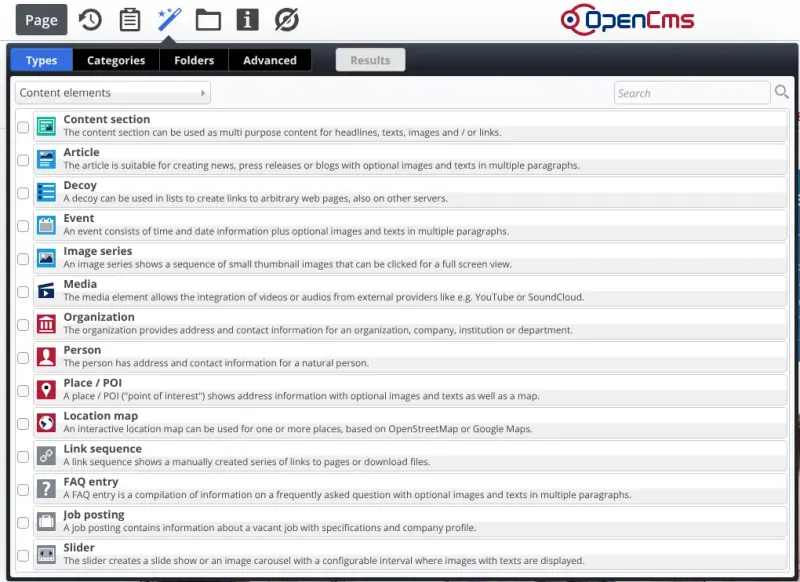
OpenCms Organisations, public bodies and agencies running several or multilingual websites with many editors Code Open source Some setup
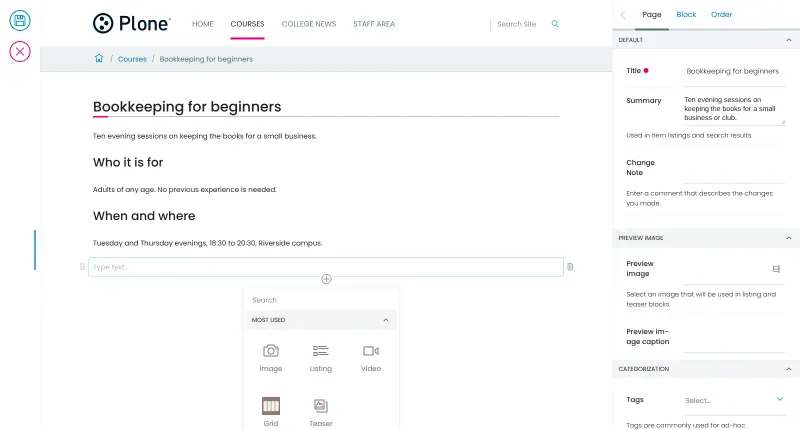
Plone Universities, public bodies and large organisations with many editors, approval steps and strict permissions Code Open source Some setup
Orchard Core Businesses and agencies that want a multilingual website or headless content API on .NET Code Open source Easy

Why look for an alternative to Adobe Experience Manager?

Adobe Experience Manager, often called AEM, is Adobe's enterprise content management system. Large companies use it to run websites and manage digital assets, connected to Adobe's analytics, personalisation and marketing tools.

People look for an alternative because AEM is an enterprise licence with a large project around it, and many organisations mainly need a dependable website with many editors, languages and approval steps. TYPO3 is an open-source CMS maintained by its community and the TYPO3 Association that covers that website job with no licence fee, used by universities, public bodies and companies, especially in German-speaking countries. CrafterCMS and OpenCms keep AEM's way of editing on the page, Plone suits websites and intranets with strict permissions, and Orchard Core is the choice for .NET teams.

The alternatives, compared

TYPO3

Our pick

A CMS for large, multilingual sites with many editors.

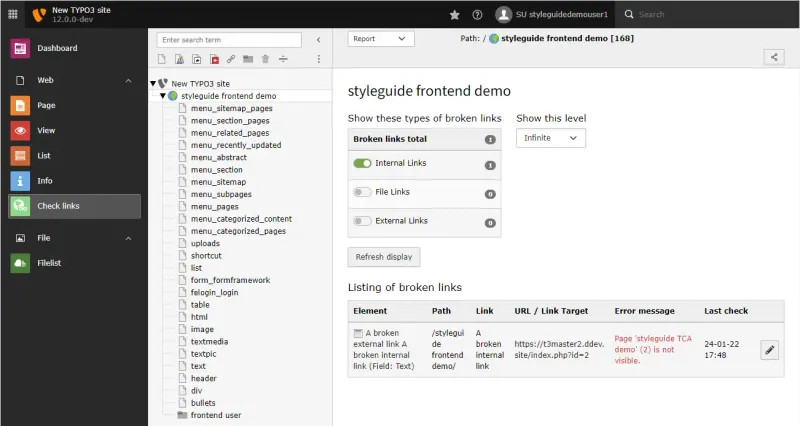
Does the content management job of Adobe Experience Manager with no licence fee: large page trees, several sites and languages in one installation, editor groups with permissions by page and field, and workspaces that send changes through review and approval stages before they go live, with SEO settings, forms and redirects built in. It has no digital asset management or personalisation to match Adobe's, and setting up the site usually needs a developer or agency.
Some setup Open source

A headless CMS with visual, on-page editing, and content kept in Git.

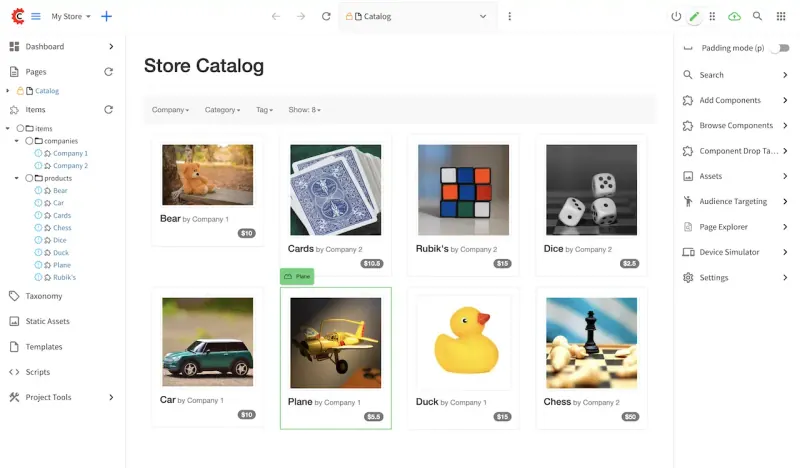
Matches AEM's in-context editing: editors change text and images on a live preview, drag components onto pages, send changes for approval and publish now or on a schedule, while developers deliver the same content headless over REST and GraphQL. It has no Adobe Analytics or Target integration, single sign-on and clustering are in its paid Enterprise edition, and it needs a large server with 8 GB of memory or more.

What you gain
  • No licence fee for the open-source Community edition, whatever the number of sites or authors
  • Visual on-page editing and headless APIs in one CMS
  • Every change is versioned in Git, which developers can connect to GitHub, GitLab or Bitbucket
What is different
  • Single sign-on (SAML, LDAP), clustering for high availability and vendor support are in the paid Enterprise edition
  • Needs a large server, with at least 8 GB of memory
  • A developer builds the content types, templates or front end before authors can start
Some setup Open source

Edit pages right on your website, for many sites and languages.

The closest in how editors work: like AEM it is a Java CMS where editors change pages on the website itself and drag in images and other elements, with many sites and languages in one installation and no licence fee. It has no Adobe marketing tools, personalisation or deep asset management, and LDAP sign-in and clustering are a paid add-on.

Some setup Open source

A self-hosted CMS for websites and intranets with many editors.

Runs websites and intranets with many editors and no licence fee: a block editor for pages, publishing workflows with review states, roles granted per folder, version history and multilingual content. It has no digital asset management, personalisation or Adobe marketing integration, and customising it takes Python developers.

Some setup Open source

Self-hosted .NET CMS for websites, blogs and headless content

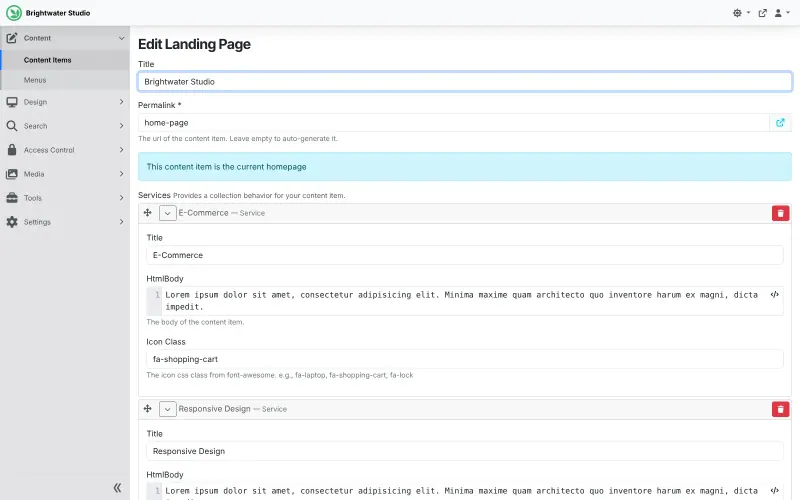
A .NET CMS with no licence fee that runs many isolated sites from one installation, with content types built in the admin, workflows, roles and permissions, multilingual content and a GraphQL API for headless sites. It has no digital asset management or personalisation like AEM, and custom themes need a .NET developer.

Easy Open source

Moving from Adobe Experience Manager

None of these apps imports from Adobe Experience Manager, so plan the move as a website rebuild. List your sites, languages and page structure, have a developer or agency build the site templates or front end in the app you choose, then move pages and files by hand or with a script, starting with the most visited ones. Add redirects from the old addresses so links and search results keep working, and set up editor groups and review steps before inviting your editors. In TYPO3, use its redirects module, and finish TYPO3's install wizard as soon as Cloudgate has started it: until the admin account exists, anyone who opens the address could complete it.

In Plone, sign in at /login as admin with the password Cloudgate shows, then grant your editors' roles folder by folder on the Sharing screen. In Orchard Core, sign in at /admin with the generated password; custom themes are built in Razor or Liquid. In OpenCms, sign in as Admin with the generated password and replace the demo site. In CrafterCMS, change the default admin password straight away, then create your site from a blueprint and rebuild your components as its content types.

Questions

What is the best open-source alternative to Adobe Experience Manager?

Start with TYPO3. If you want something simpler, try Orchard Core. All 5 are free and open source.

Can I move my Adobe Experience Manager site to one of these apps?

Yes, but not automatically. None of them has an importer from AEM, so content is moved by hand or with a script, usually as part of rebuilding the site with a developer or agency.

Which alternative edits pages most like AEM?

CrafterCMS and OpenCms. In both, editors click into the page to change it and drag components or elements onto it, as in AEM's page editor. TYPO3, Plone and Orchard Core edit content in their own admin screens.

Do these apps have approval workflows like AEM?

Yes. TYPO3 sends drafts through review stages in workspaces, Plone moves items through states such as pending review and published, CrafterCMS has submit-for-approval with comments, Orchard Core has a visual workflow editor, and OpenCms keeps changes offline until they are published.

Do these apps replace Adobe's personalisation and asset tools?

No. They manage website content, languages, sites and permissions. Personalisation, analytics and Adobe-style digital asset management are not part of them; CrafterCMS's visitor profiles and advanced targeting are in its paid Enterprise edition.

How long is TYPO3 13 supported?

TYPO3 13 LTS gets free updates until 31 December 2027. Paid extended support runs until the end of 2030.

Are these Adobe Experience Manager alternatives really free?

Yes, TYPO3, CrafterCMS, OpenCms, Plone and Orchard Core are free. To run them you need Cloudgate and a server. Use hosted Cloudgate, which can also provide the server, or install Cloudgate on a server of your own for free. Cloudgate's plans and prices are at cloudgate.octabyte.io/pricing. One server can run several apps.

Do I need a developer to replace Adobe Experience Manager?

Yes, for building the website. Cloudgate installs the app and gives it a secure web address, and editors then work in the browser, but designing the site templates or front end and moving content from Adobe Experience Manager is usually work for a developer or agency.