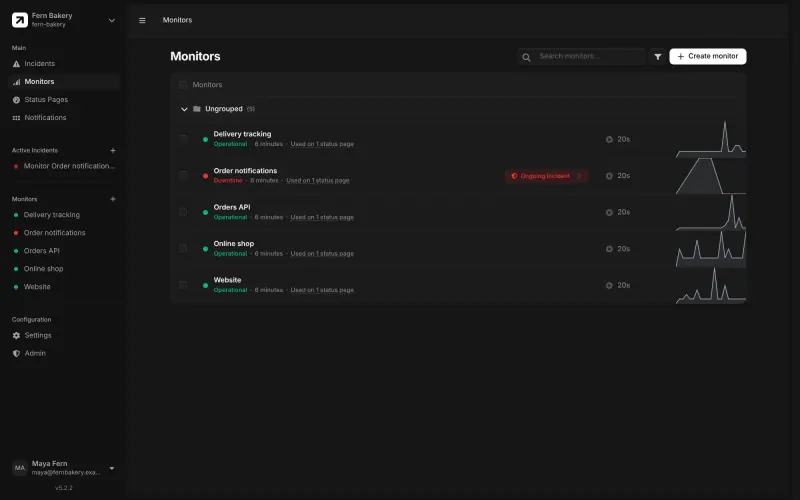
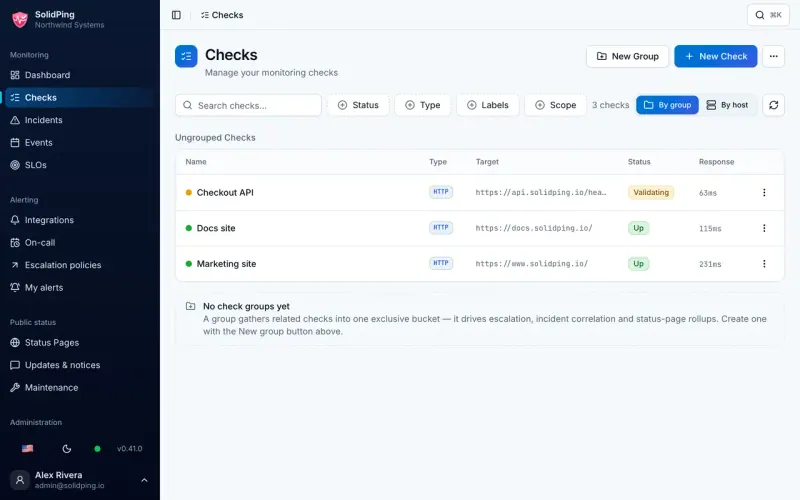
SolidPing imports your Better Stack monitors: give it a Better Stack API token and it adds them for you. Then set up your on-call rotas and escalation steps, add your email account's sending details for email alerts, and a Twilio or SMS Factor account if you want text or phone alerts.
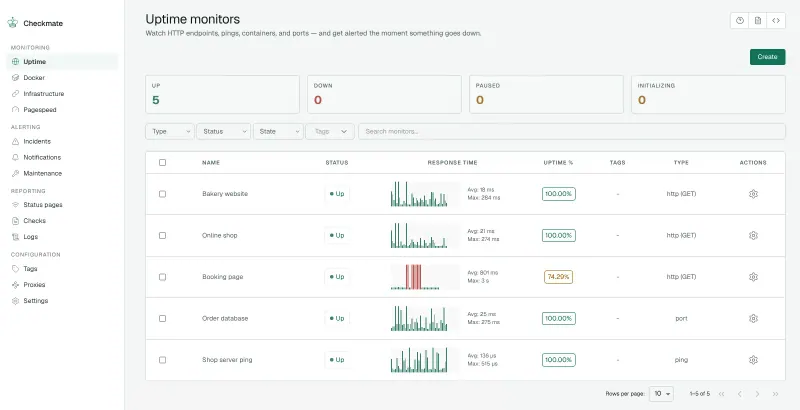
Checkmate has no import from Better Stack, so add each monitor again with its address, check type and interval, then set up your alert channels. If you rely on Better Stack's on-call rotas, send Checkmate's alerts to PagerDuty, or to a channel your team watches.
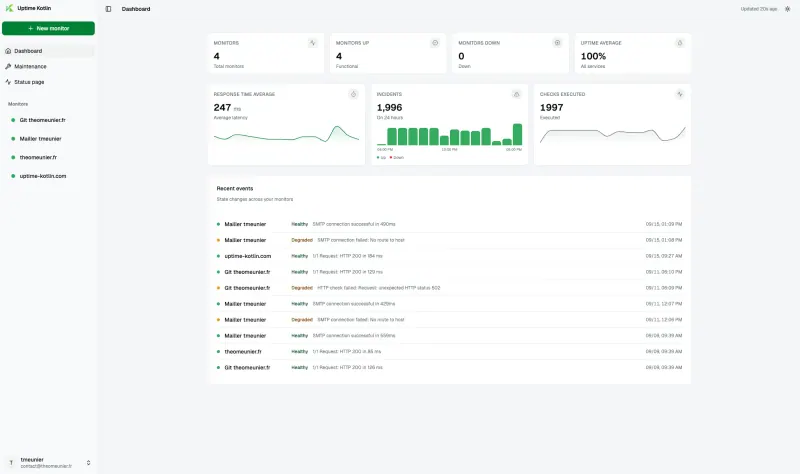
There is no import into UptimeKit either. Create the admin account at your new address, add each monitor with its address, check type and interval, and connect your alert channels, such as Discord, Telegram, ntfy, Google Chat, a webhook or Apprise for Slack and many other services. Add an email service such as SMTP or Resend if status page subscribers should get updates. In Uptime Kotlin, create your account at the new address, set up your alert channels and add each monitor again.
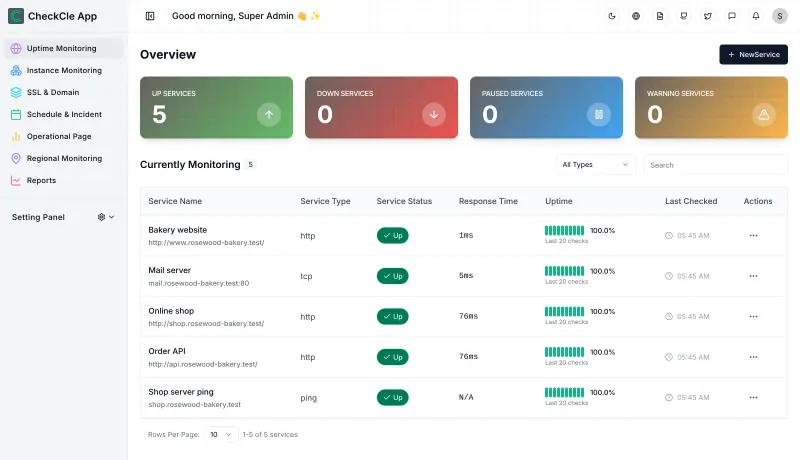
CheckCle has no import either: sign in with admin@example.com and the password Cloudgate created, and change that email to your own under Settings, User Management, set up alert channels, add each monitor as a service, add your domains on the SSL page, and build a status page from the services and servers you want to show.
With any of these apps, rebuild your status pages from the same monitors, point your status subdomain at the new page, and host the monitor apart from the services it watches.