
Piwigo
A self-hosted photo gallery to organise and share large collections.
No server needed to start: Cloudgate can provide one. What happens when you click Deploy
What is Piwigo?
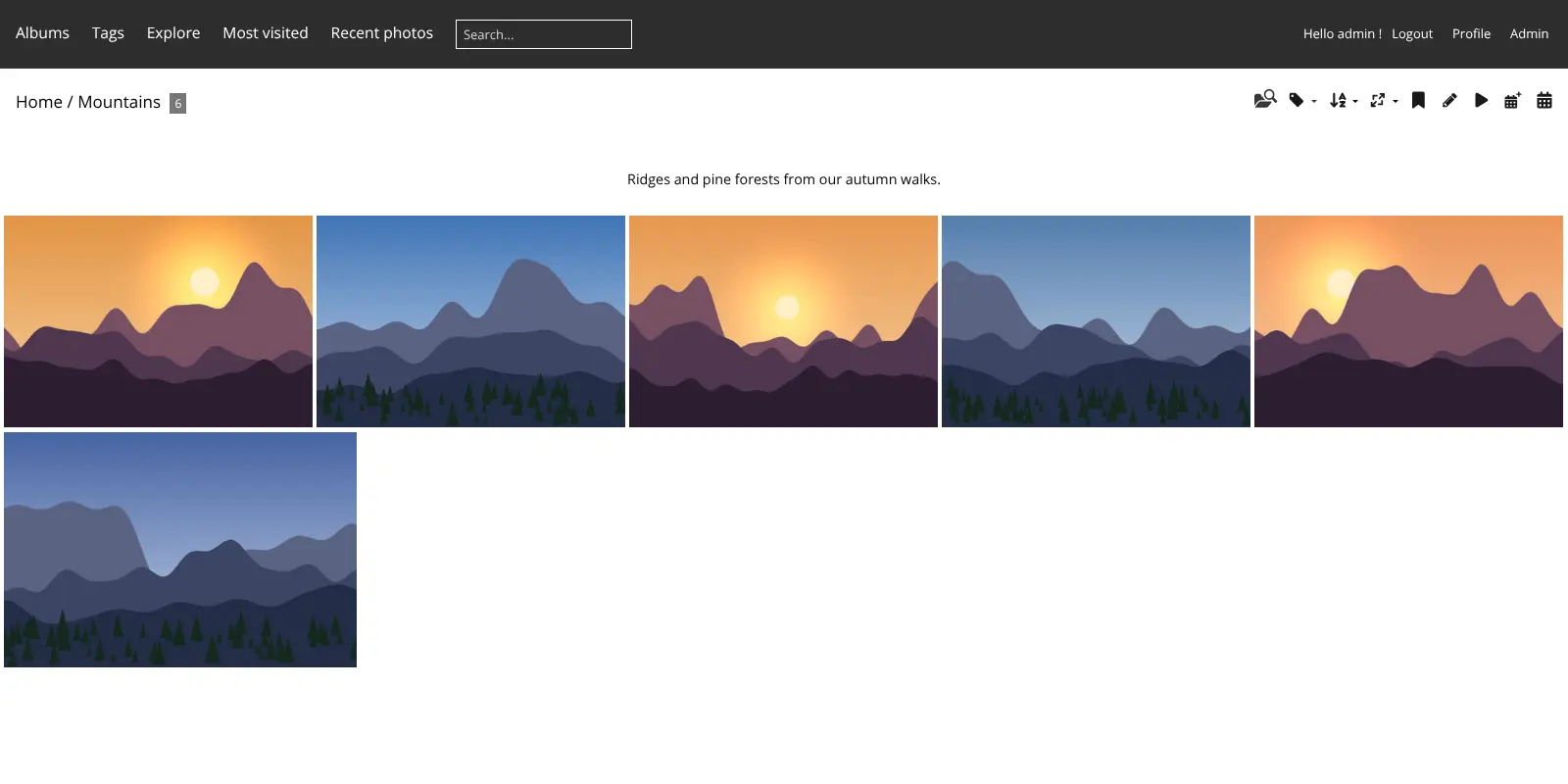
Piwigo is a free, self-hosted photo gallery: organise large photo collections in albums with tags and share them publicly or privately.
Piwigo is a free, open-source photo gallery you can self-host to organise a large photo collection in albums and share it publicly or privately, much like a Flickr or SmugMug gallery but on your own web address. It has been developed since 2002 and is made for organisations, teams and individuals.
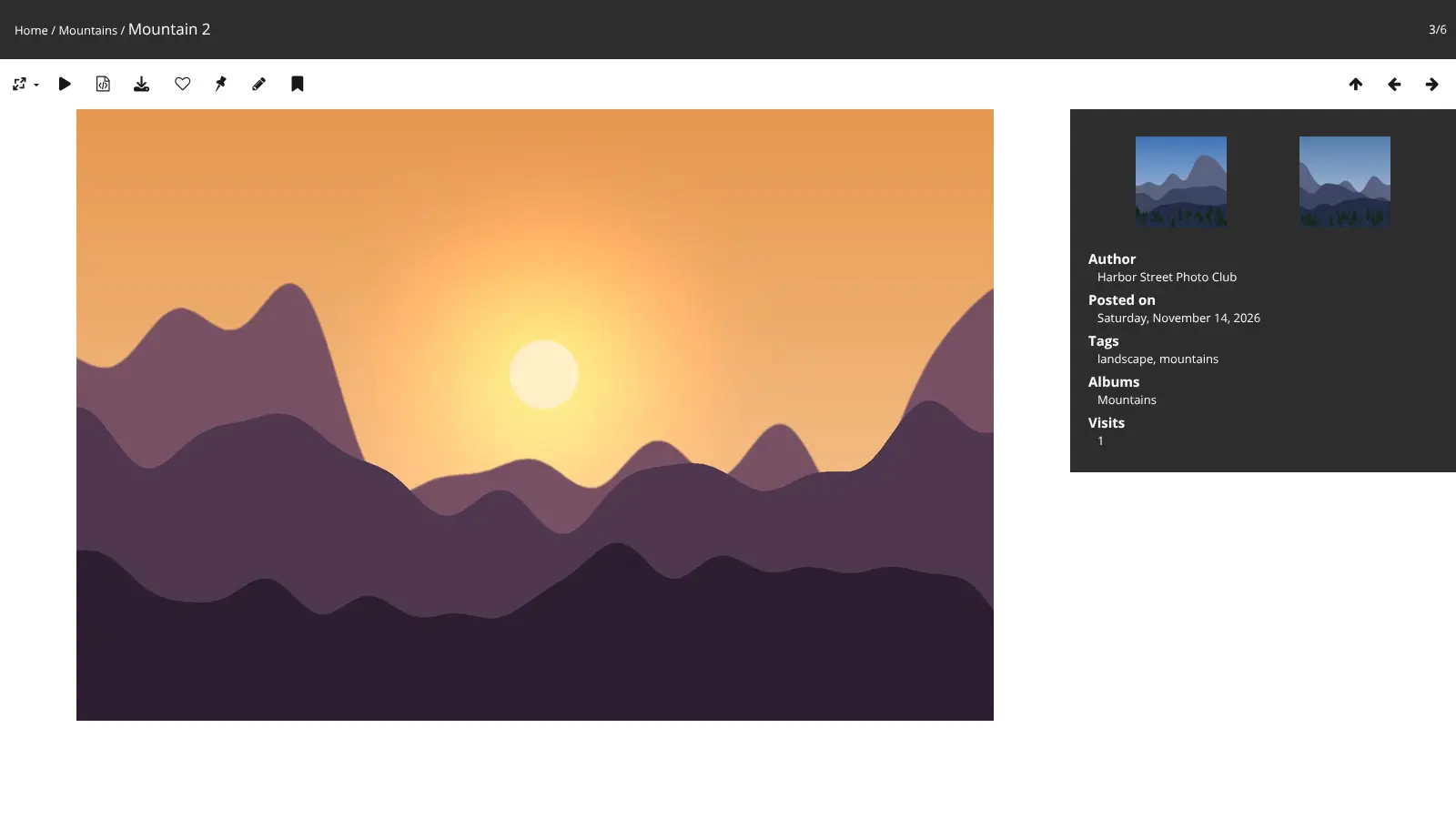
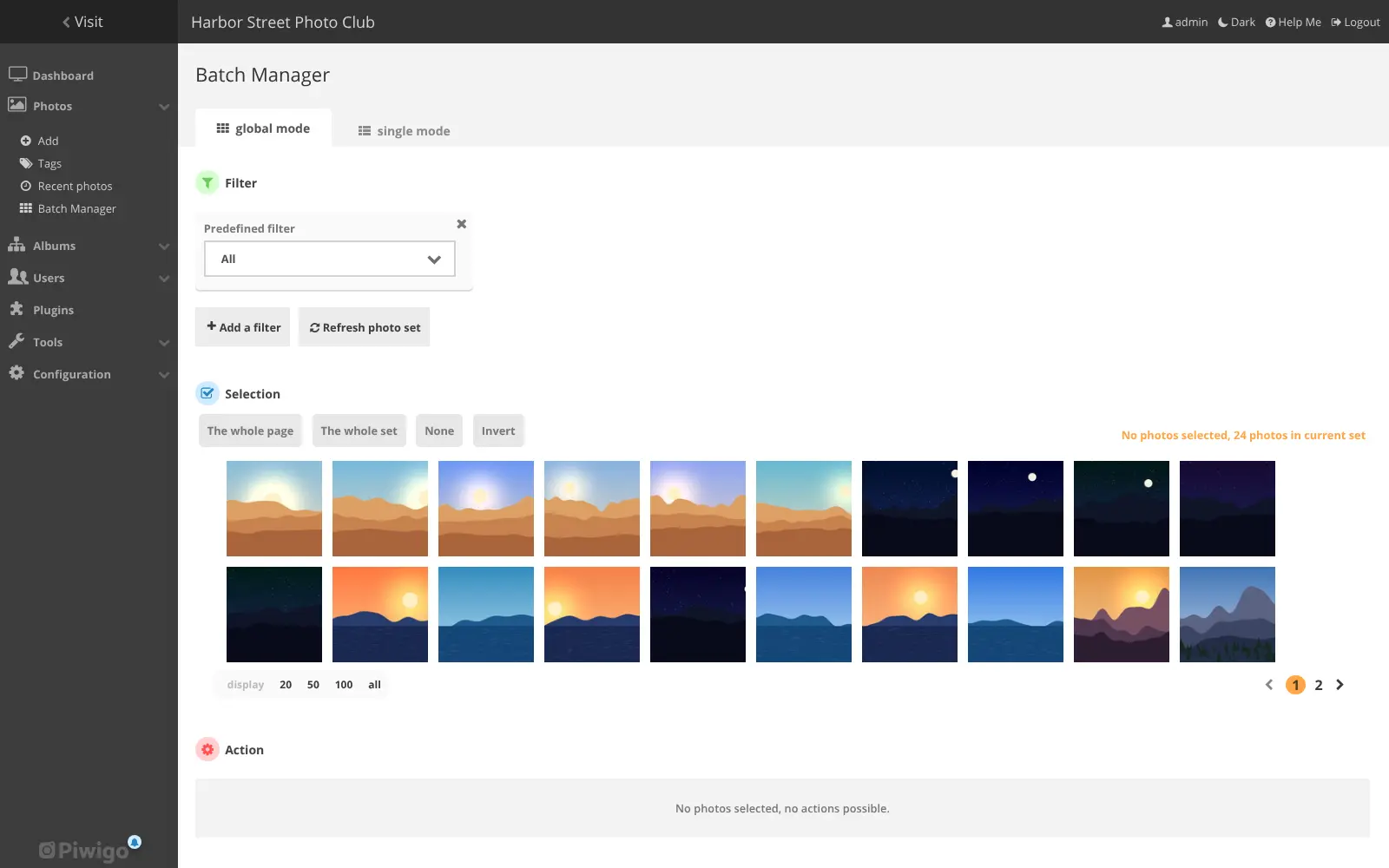
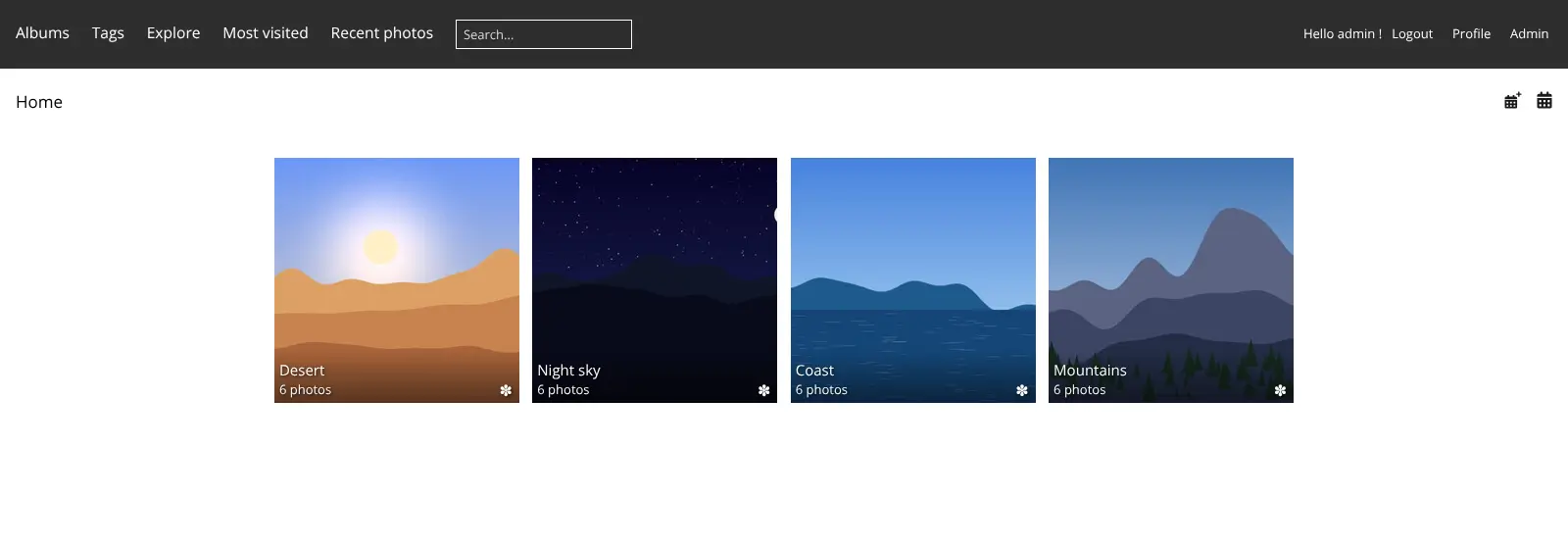
You upload photos into albums and sub-albums, add titles, tags and descriptions, and choose who can see each album: everyone, or only chosen people and groups. Visitors browse by album, tag or date, search, comment and download. The Batch Manager lets you tag, move or date hundreds of photos in one go. A local history society, for example, could publish its scanned archive of old street photos for everyone while keeping members' event photos in a private album.
Piwigo has apps for iPhone and Android and a large catalogue of free plugins and themes, for example for maps, videos and watermarks. It is not a phone-backup app like Google Photos; for that, Immich is the better choice.
Cloudgate sets up Piwigo and its database together on your server and gives it a secure web address. You sign in as admin with the password Cloudgate creates.
What you can do with Piwigo
- Organise photos in albums Sort photos into albums and sub-albums, with titles, descriptions, tags, authors and dates.
- Share publicly or privately Make an album public, or let only chosen people and groups see it.
- Edit hundreds of photos at once The Batch Manager tags, moves, dates or deletes a whole selection of photos in one go.
- Let visitors browse and download Visitors browse by album, tag or date, search, watch a slideshow, comment, keep favourites and download photos.
- Upload from anywhere Drag photos into the browser, send them from the Piwigo phone apps, or use a desktop uploader.
- Add plugins and themes Choose from Piwigo's catalogue of plugins and themes for maps, videos, watermarks and new looks.
- Keep an eye on your gallery The dashboard shows how many photos and albums you have, the storage used and recent activity.
Replaces Flickr and SmugMug
Piwigo does the same job as Flickr and SmugMug. Here is what changes when you switch.
- No storage plan or photo limit; you are limited only by your server's disk
- Your gallery lives at your own web address, under your own name
- Fine control over who sees which album, by user and group
- Every feature, plugin and theme is free
- There is no community or discovery feed to bring new viewers to your photos
- There are no print sales or client proofing like SmugMug's
- The default themes look plainer than Flickr or SmugMug; a new theme helps
- Playing videos needs a plugin
What happens when you click Deploy?
You do not need a server or any technical knowledge. Four steps, and Piwigo is running at its own web address.
- Step 1 Click Deploy and create your account
Deploy takes you to Cloudgate. Create an account, or log in if you have one. Piwigo itself is free.
- Step 2 Choose a server
No server? Get one from Cloudgate: pick a size and a country, and Cloudgate gets it ready. Already have one? Connect it instead.
- Step 3 Cloudgate sets up Piwigo
It prepares the server, makes the passwords the app needs and starts it. There is nothing to install and nothing to write down.
- Step 4 Open your app and sign in
Your app gets a free web address to start, without https. Add your own domain, like app.yourshop.com, and Cloudgate secures it with https for you.
New to Cloudgate? See what Cloudgate is
Run Cloudgate yourself? Deploy from your own console
In your Cloudgate console, open Templates and choose Piwigo.
Questions
Is Piwigo free?
Yes. Piwigo is free, open-source software under the GPL, and the self-hosted version includes every feature, theme and plugin, so you pay only for your server. Its makers also sell hosting, Piwigo Cloud, which starts at €32 a month billed yearly, excluding VAT, as of November 2026.
Is Piwigo a good alternative to Flickr?
Yes, if you want your own photo website rather than a community. Piwigo has albums, tags, public and private sharing, comments and downloads like Flickr, on your own web address with no storage plan. It has no discovery feed or community of other photographers.
Can Piwigo back up my phone like Google Photos?
No. Piwigo is for organising and publishing a chosen photo collection, and it does not copy your camera roll automatically or recognise faces. For phone backup, Immich is the closer match; many people use Piwigo to share the best photos as albums.
How do I sign in the first time?
Sign in with the username admin and the password Cloudgate generated, shown on the app's variables page in Cloudgate. Then give your gallery its own title under Configuration, Options, in place of "Just another Piwigo gallery".
Can strangers create an account on my gallery?
Yes, by default. Piwigo lets visitors register, though a new account only sees the albums it is allowed to see. To turn this off, untick "Allow user registration" under Configuration, Options.
Can Piwigo send emails?
Not until you add an email sending service (SMTP). Password resets and notifications need one; you add it in Piwigo's configuration or with a plugin.
Does Piwigo have a mobile app?
Yes. Piwigo has official apps for iPhone ("Piwigo") and Android ("Piwigo NG") that connect to your own gallery, so you can upload photos from your phone. The gallery also works in any web browser.
Do I need technical skills to run Piwigo?
No. Click Deploy, create your Cloudgate account and choose a server, and Cloudgate sets up Piwigo and gives it a web address. You use it in your browser like any other online tool.
Do I need my own server for Piwigo?
No. When you deploy Piwigo, hosted Cloudgate can provide a server. If you already rent one, you can connect it instead.
Can I move my data from Flickr to Piwigo?
Most people export from Flickr and import into Piwigo. The official guides at piwigo.org walk through it.
Related apps

A self-hosted photo gallery for sending clean albums to clients.

A fast, self-hosted photo gallery for the folders you already have.

A self-hosted photo gallery that turns your folders into albums.

Image hosting to upload pictures and share them by link.