
Chevereto
Image hosting to upload pictures and share them by link.
No server needed to start: Cloudgate can provide one. What happens when you click Deploy



What is Chevereto?
Chevereto is self-hosted image hosting: upload pictures and videos, sort them into albums and share each one by direct link or embed code, like Imgur.
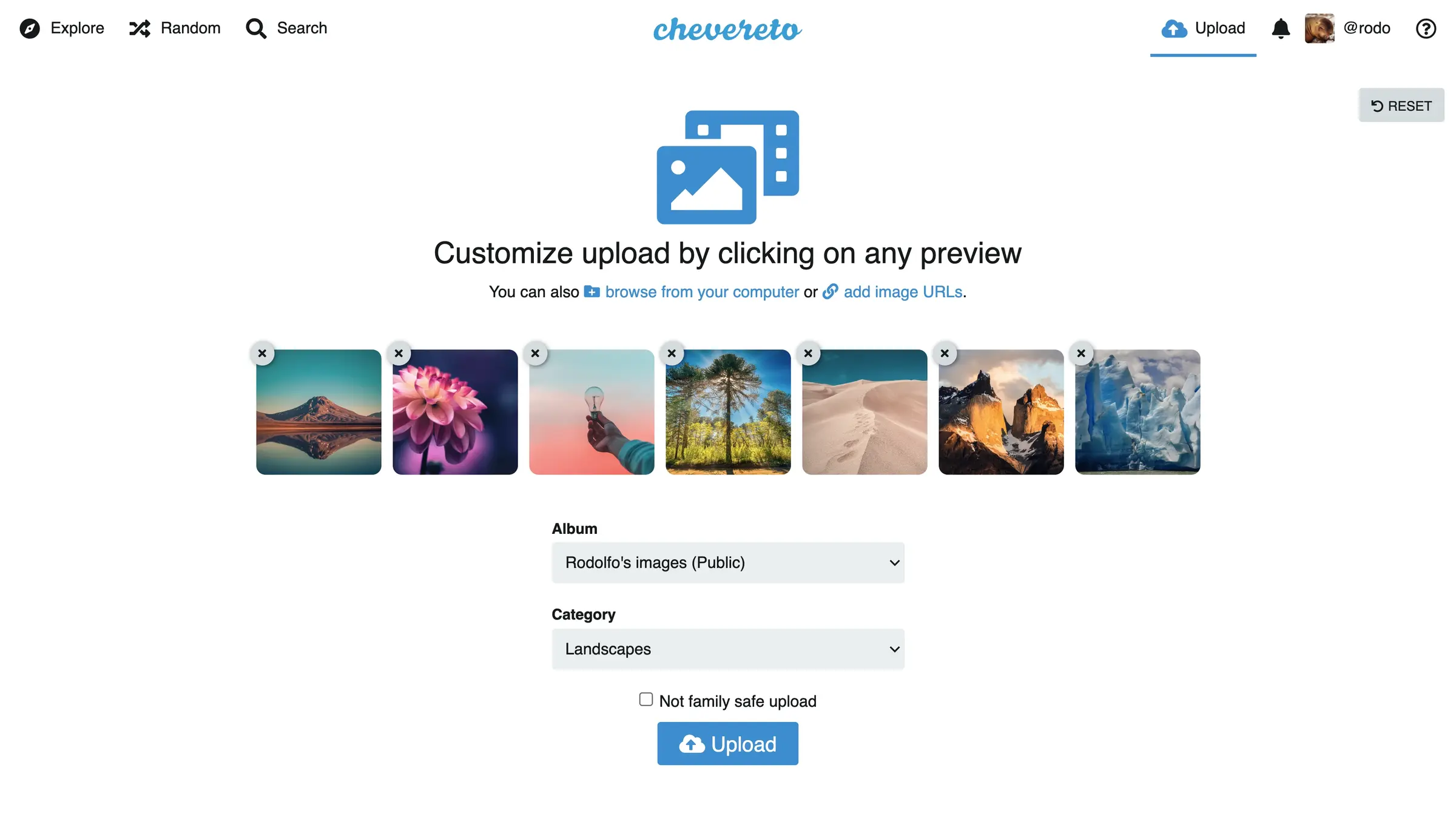
Chevereto is self-hosted image hosting software, an open-source alternative to Imgur that lets you upload pictures and videos to your own website and share each one by link. You drag images into the browser, paste them from the clipboard or take a photo on your phone, and Chevereto gives you a direct link plus HTML, Markdown and BBCode to paste wherever you need it.
Uploads can be sorted into albums, categories and tags, and an album can be private or protected with a password. You can keep the site to yourself or let other people create accounts, each with their own profile and uploads. A hobby forum, for example, could run its own image host so members post pictures in threads without relying on a free host that might delete them.
Chevereto works in any web browser, takes screenshots from ShareX, and can keep files on the server's disk or in S3 storage. This template installs the free edition. Its makers also sell paid Lite and Pro editions with extras such as watermarks, social login and moderation tools.
Cloudgate installs Chevereto on a server Cloudgate provides or one you connect, with its database, and gives it a secure web address. The first person to open that address creates the admin account.
What you can do with Chevereto
- Upload in any way you like Drag and drop, paste from the clipboard, pick files, take a photo with your phone, or add an image from a web address.
- Share by link or embed code Every upload gets a direct link and ready-made HTML, Markdown and BBCode to paste into a website, forum or chat.
- Host videos as well as images Upload MP4, MOV and WebM videos next to JPEG, PNG, GIF, WebP and AVIF images.
- Organise with albums and tags Sort uploads into albums and sub-albums, categories and tags, and protect an album with privacy settings or a password.
- Give people their own accounts Each user gets a profile and their own uploads, with admin, manager and user roles and two-factor sign-in.
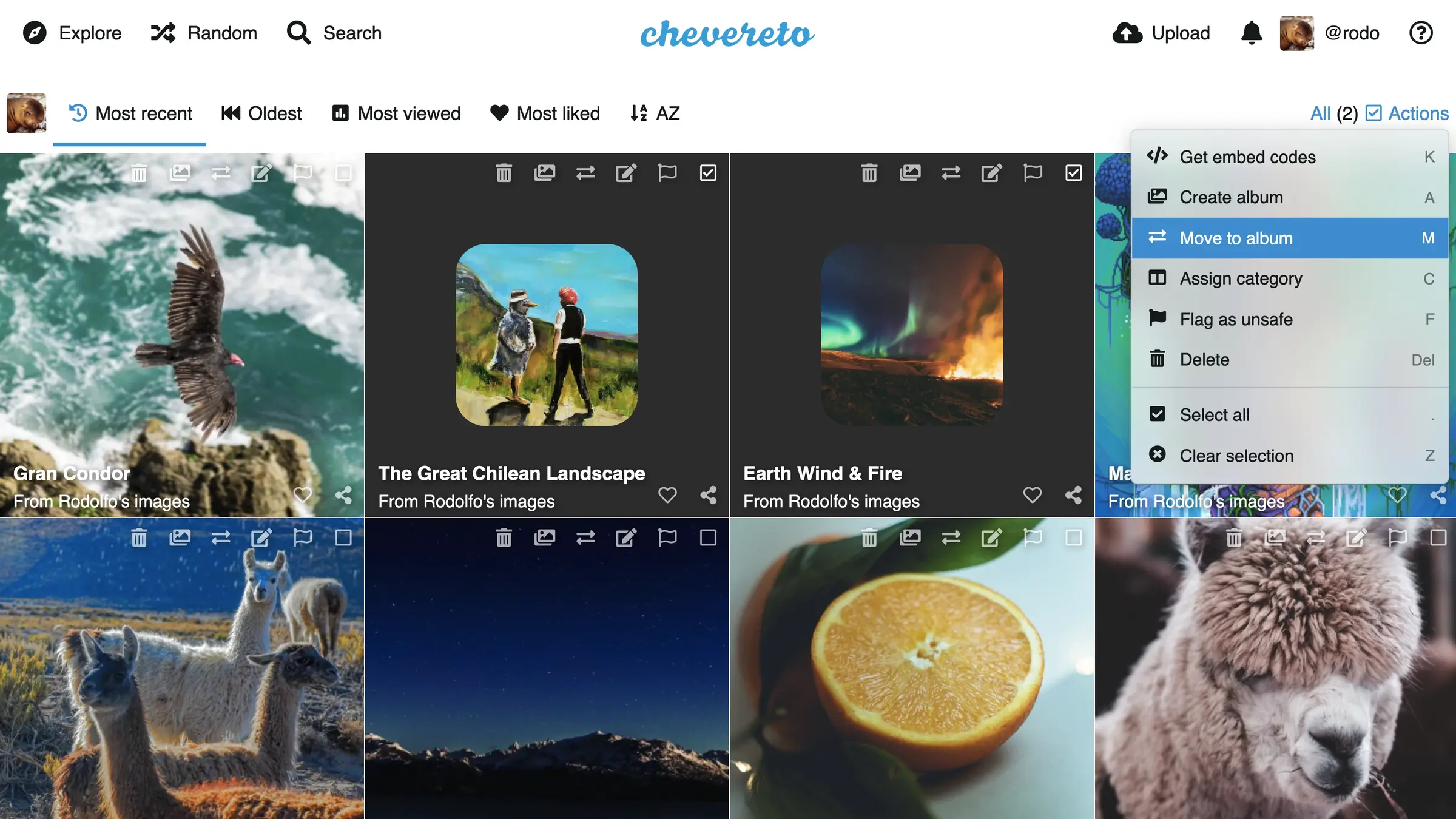
- Edit many uploads at once Select a group of images to move them to an album, change their category, copy their embed codes or delete them.
- Upload from ShareX Send screenshots straight from ShareX, or from your own scripts through the upload API.
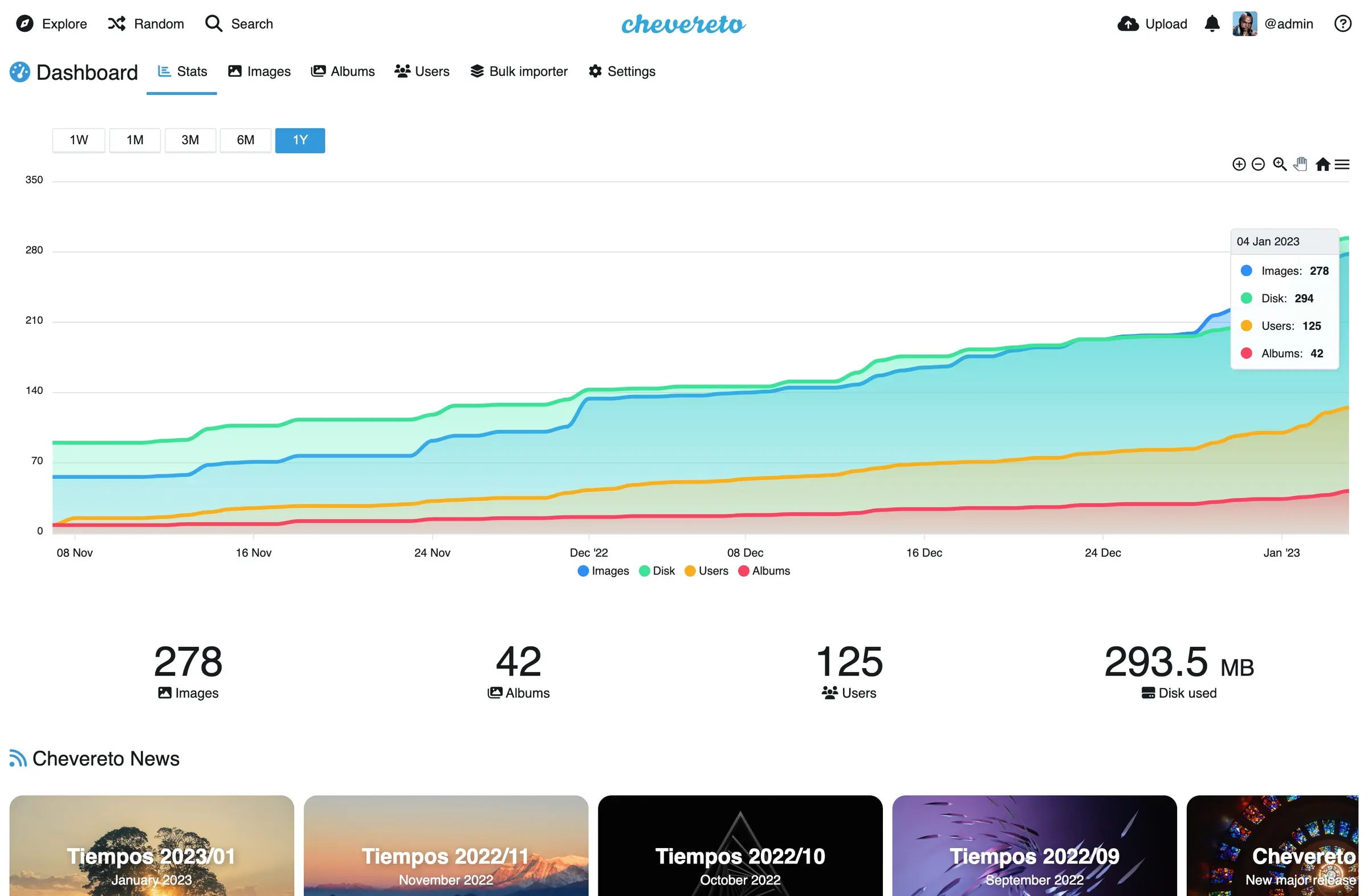
- Watch your site grow The admin dashboard shows how many images, albums and users you have and how much disk they use.
Replaces Imgur and Flickr
Chevereto does the same job as Imgur and Flickr. Here is what changes when you switch.
- Your images live on your own web address, under your own name, with no ads around them
- You set the rules on what may be uploaded and who can see it
- Images are not removed because another company changes its policy or shuts down
- Storage is limited only by your server's disk, or an S3 storage bucket you connect
- The free edition has no likes, followers or community feed to bring in new viewers
- Spam and abuse tools such as CAPTCHA and upload moderation are only in the paid Pro edition
- There are no official phone apps; Chevereto runs in the phone's web browser
- A "Powered by Chevereto" line stays in the footer of the free edition
What happens when you click Deploy?
You do not need a server or any technical knowledge. Four steps, and Chevereto is running at its own web address.
- Step 1 Click Deploy and create your account
Deploy takes you to Cloudgate. Create an account, or log in if you have one. Chevereto itself is free.
- Step 2 Choose a server
No server? Get one from Cloudgate: pick a size and a country, and Cloudgate gets it ready. Already have one? Connect it instead.
- Step 3 Cloudgate sets up Chevereto
It prepares the server, makes the passwords the app needs and starts it. There is nothing to install and nothing to write down.
- Step 4 Open your app and sign in
Your app gets a free web address to start, without https. Add your own domain, like app.yourshop.com, and Cloudgate secures it with https for you.
New to Cloudgate? See what Cloudgate is
Run Cloudgate yourself? Deploy from your own console
In your Cloudgate console, open Templates and choose Chevereto.
Questions
Is Chevereto free?
Yes, Chevereto's free edition is open-source software under the AGPL, and this template installs that edition, so you pay only for your server. Its makers also sell paid Lite and Pro editions that add watermarks, social login, likes and followers, upload moderation, CAPTCHA and other spam tools.
Is Chevereto a good alternative to Imgur?
Yes, for uploading images and sharing them by link. Chevereto works much like Imgur, with drag-and-drop uploads, direct links and embed codes, but on your own web address with no ads. The free edition has no likes, comments or community feed.
How do I sign in to Chevereto the first time?
The first person to open Chevereto's web address sees a setup page and creates the admin account with a username, email and password, so do this right after setup. There is no default password.
Can other people upload to my Chevereto site?
Only if you allow it. In Chevereto, sign-ups and uploads by visitors without an account are off at the start, and the admin can turn them on. The free edition has no CAPTCHA or upload moderation, so think carefully before you open uploads to the public.
Does Chevereto work with ShareX?
Yes, Chevereto accepts uploads from ShareX through its upload API, so a screenshot can go straight to your site and give you a link to share.
Is there a Chevereto phone app?
No, there is no official Chevereto phone app. The site works in a phone's web browser, where you can upload photos from your gallery or take one with the camera.
Can I move my images from Imgur to Chevereto?
No, Chevereto has no Imgur importer. Download your images from Imgur first, then upload them by dragging them into Chevereto, or ask your admin to use the bulk importer for a large folder.
Do I need technical skills to run Chevereto?
No. Click Deploy, create your Cloudgate account and choose a server, and Cloudgate sets up Chevereto and gives it a web address. You use it in your browser like any other online tool.
Do I need my own server for Chevereto?
No. When you deploy Chevereto, hosted Cloudgate can provide a server. If you already rent one, you can connect it instead.
Related apps

A self-hosted photo gallery for sending clean albums to clients.

Image sharing with private links, like Imgur.

A fast, self-hosted photo gallery for the folders you already have.

A self-hosted photo gallery to organise and share large collections.