
Paisa
Personal finance manager for spending and investments.
No server needed to start: Cloudgate can provide one. What happens when you click Deploy
What is Paisa?
Paisa is a self-hosted personal finance manager and Quicken alternative for spending, budgets, investments and net worth, kept in a plain-text journal.
Paisa is a free, self-hosted personal finance manager and an open-source alternative to Quicken and Empower. It tracks your spending, budgets, bills, investments and net worth on one dashboard, and keeps every transaction in a plain-text journal that you own.
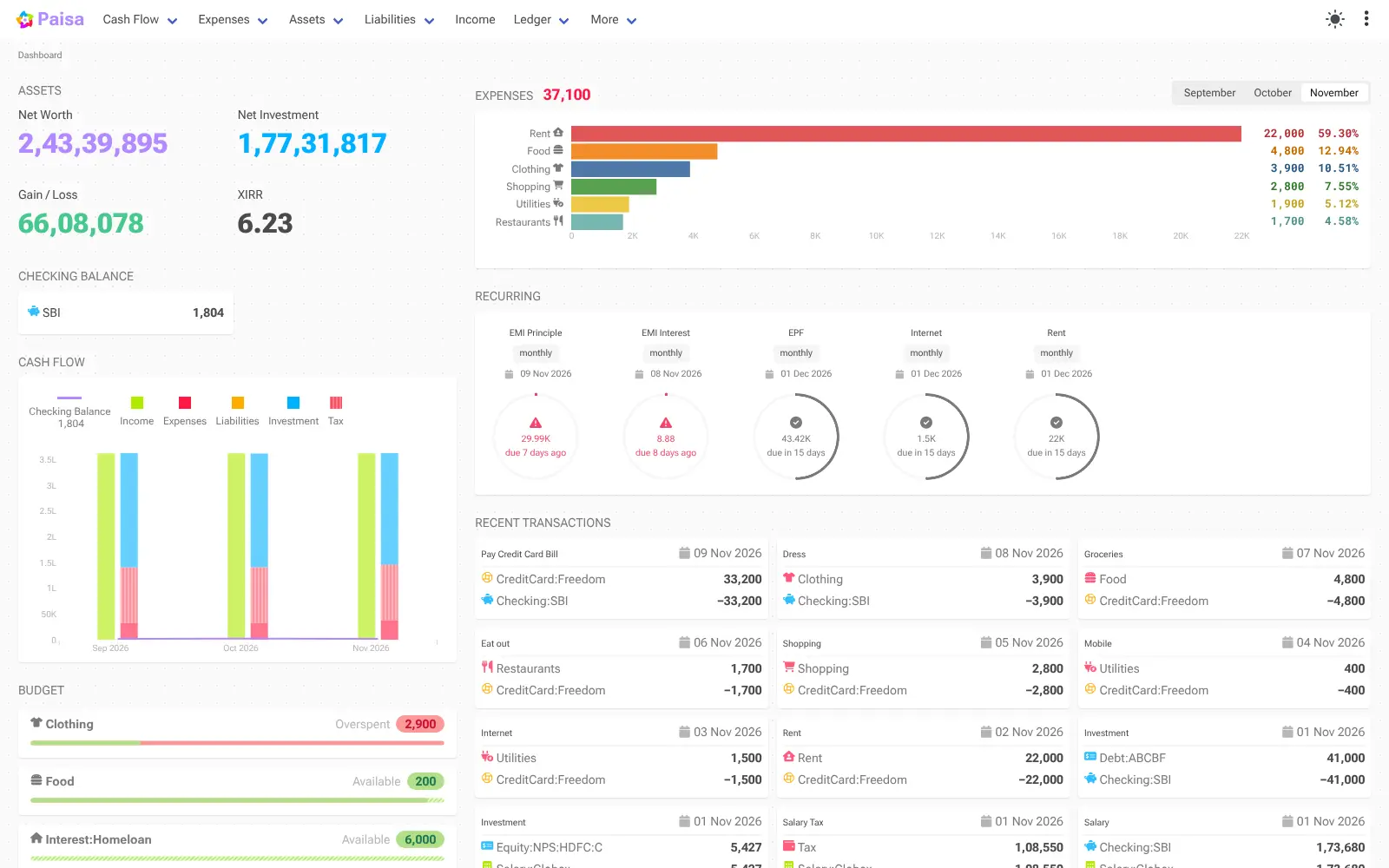
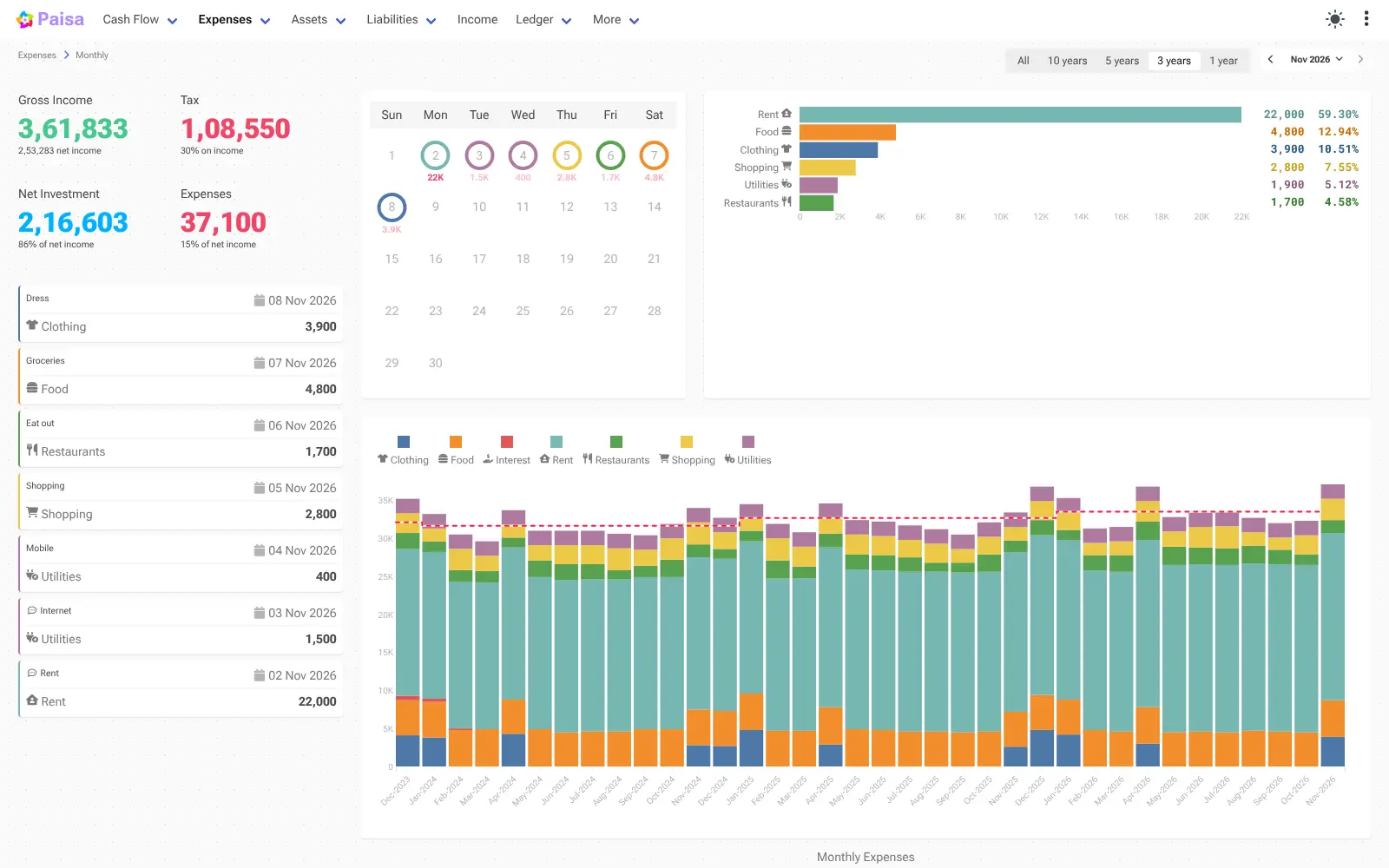
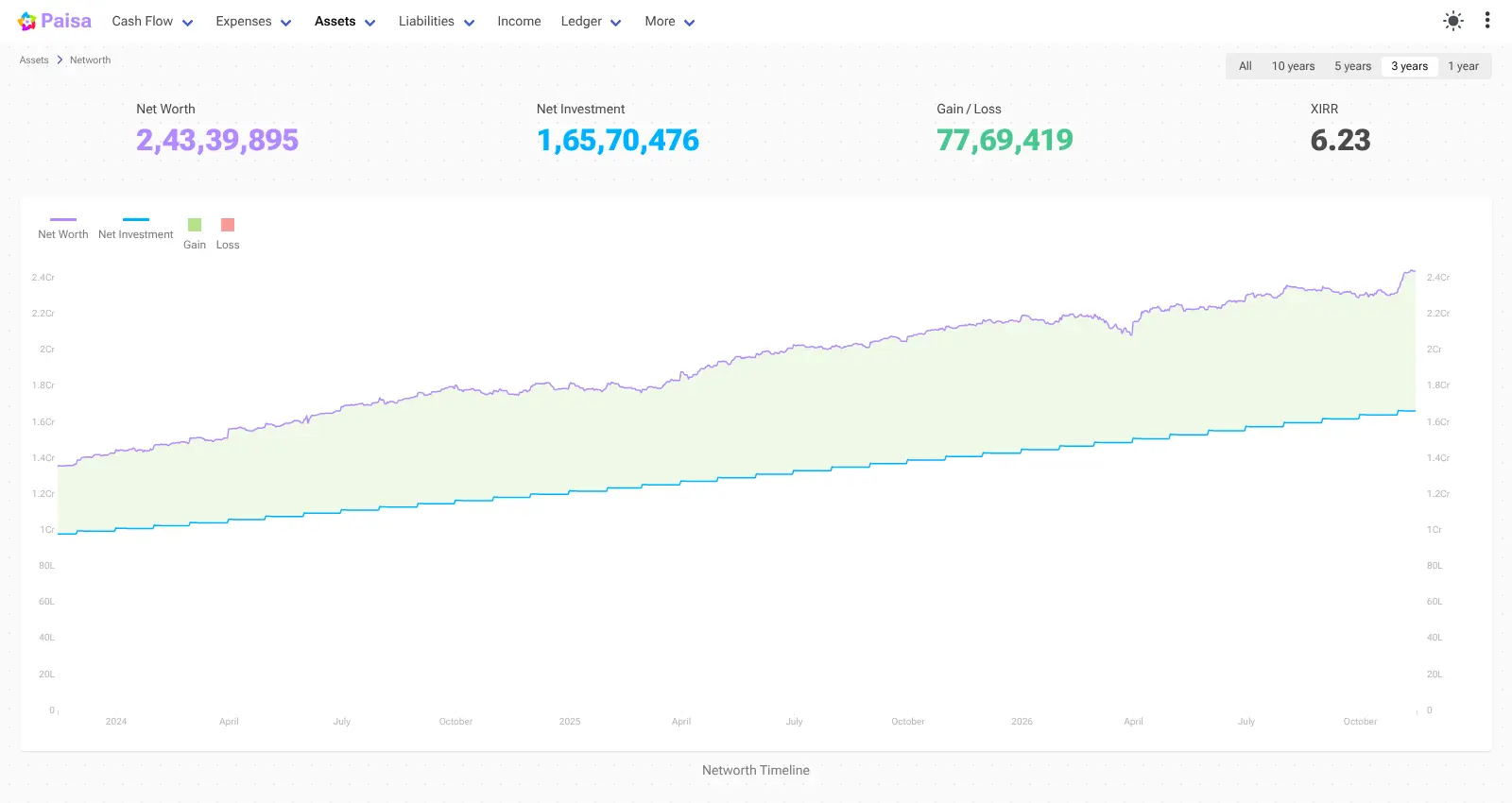
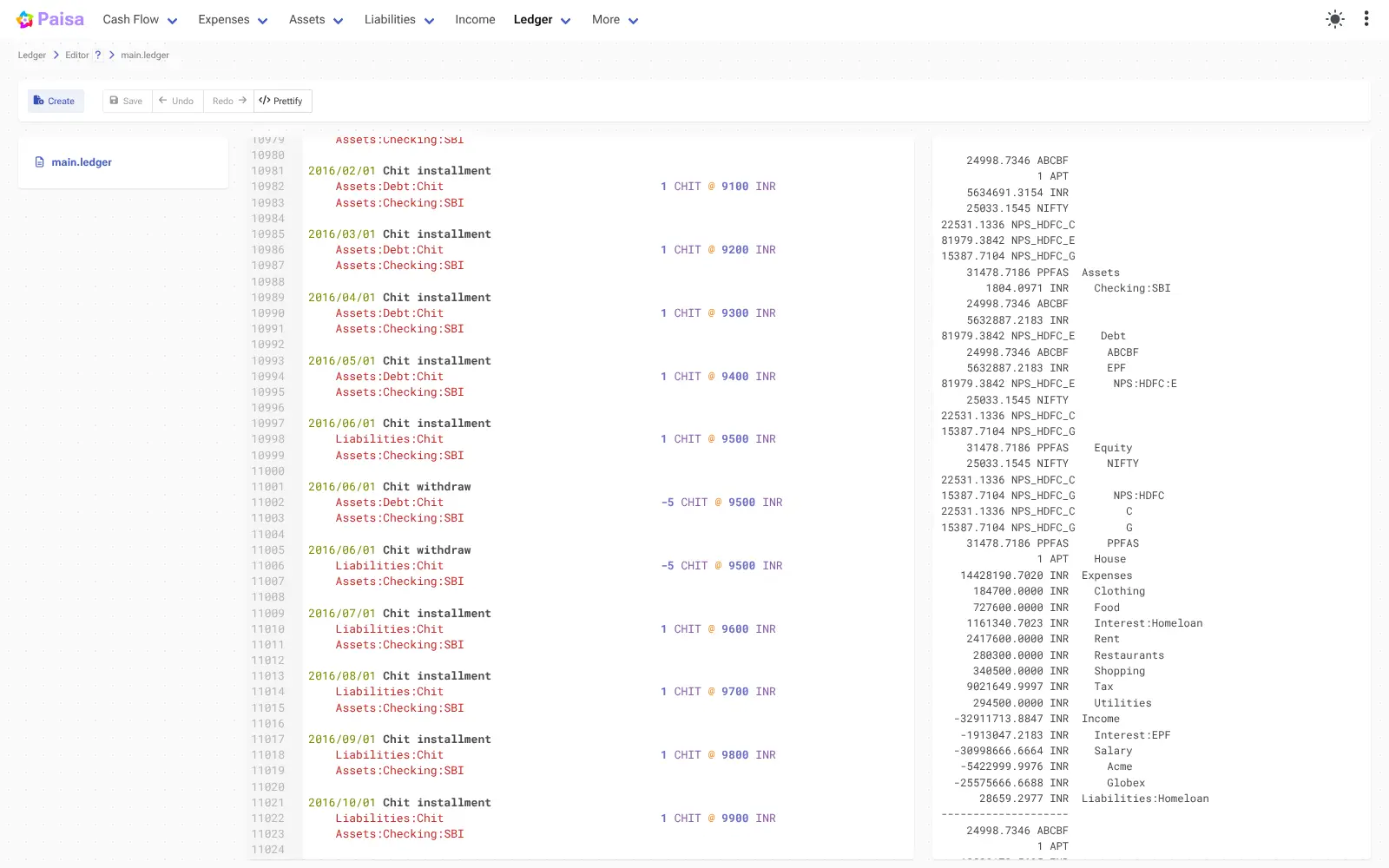
Paisa uses double-entry accounting: each entry records money moving from one account to another, such as from your salary into your current account. You can type entries in Paisa's editor, which checks and completes them as you go, or import the CSV, Excel and PDF statements your bank already sends you. Investment holdings are revalued with the latest prices, and Paisa shows your returns, your progress towards savings goals and when you could retire. A freelance designer, for example, could import each month's bank statement in a few minutes, see that rent and software took most of her spending, and check how her savings and retirement fund are growing.
There is no bank sync and no phone app, but the web app works in a phone's browser. Paisa sends no data to its makers; it only fetches prices from the providers you choose.
Cloudgate installs Paisa on a server Cloudgate provides or one you connect, adds a login and gives it a secure web address. Your records stay on your server.
What you can do with Paisa
- See your whole financial picture One dashboard shows net worth, investments, gains, this month's spending, upcoming bills and budgets.
- Track investments with live prices Stocks, mutual funds and other holdings are revalued with the latest prices, with returns and allocation targets.
- Budget every category Set a monthly amount for rent, food or anything else and see what is left to spend.
- Import bank statements Turn CSV, Excel or PDF statements into transactions with reusable import templates.
- Never miss a bill Recurring payments and credit card bills appear on a calendar with their due dates.
- Plan goals and retirement See how much to save each month for a goal, or when you will reach it at your current pace.
- Keep data you can read Every transaction lives in a plain-text journal you can open, back up and take to another tool.
Replaces Quicken, Empower and YNAB
Paisa does the same job as Quicken, Empower and YNAB. Here is what changes when you switch.
- No subscription, and your financial records stay on your own server
- Investments, budgets, bills and goals in one place
- Your data is a plain-text file you can read and move anytime
- No ads and no data sent to the app's makers
- No automatic bank sync; you import statements or type entries
- It uses double-entry accounting, which takes some learning
- No phone app, though it works in a phone's browser
- Price feeds and tax reports lean towards India
What happens when you click Deploy?
You do not need a server or any technical knowledge. Four steps, and Paisa is running at its own web address.
- Step 1 Click Deploy and create your account
Deploy takes you to Cloudgate. Create an account, or log in if you have one. Paisa itself is free.
- Step 2 Choose a server
No server? Get one from Cloudgate: pick a size and a country, and Cloudgate gets it ready. Already have one? Connect it instead.
- Step 3 Cloudgate sets up Paisa
It prepares the server, makes the passwords the app needs and starts it. There is nothing to install and nothing to write down.
- Step 4 Open your app and sign in
Your app gets a free web address to start, without https. Add your own domain, like app.yourshop.com, and Cloudgate secures it with https for you.
New to Cloudgate? See what Cloudgate is
Run Cloudgate yourself? Deploy from your own console
In your Cloudgate console, open Templates and choose Paisa.
Questions
Is Paisa free?
Yes, Paisa is free and open source under the AGPL licence, with no paid edition or subscription. You pay only for the server it runs on.
Is Paisa a good alternative to Quicken?
Yes, if you want to track spending, budgets and investments privately and don't mind entering or importing transactions yourself. Paisa has no bank sync and cannot import Quicken files, but it keeps years of records in a plain-text journal that you own.
Do I need to know accounting to use Paisa?
No, but it helps to learn the basics. Paisa records money moving between accounts, such as from Income:Salary to Assets:Checking, and its tutorial explains this in a few pages.
How do I sign in to Paisa the first time?
Sign in to Paisa with the username you chose during setup (admin by default) and the password Cloudgate creates, which you find on the app's variables page. Then set your default currency on the Configuration page.
Can I import my bank statements into Paisa?
Yes, Paisa turns CSV, TXT, Excel and PDF statements into transactions using import templates you can edit and save. It includes ready-made templates for several banks and for a Mint export; PDF import is still experimental.
Does Paisa connect to my bank or have a phone app?
No, Paisa has no bank connection and no phone app. You import statements or type transactions, and the web app works in a phone's browser.
What server size do I need for Paisa?
The smallest server is enough, because Paisa is one light app that stores its data in files. Cloudgate sets it up and gives it a secure web address.
Do I need technical skills to run Paisa?
No. Click Deploy, create your Cloudgate account and choose a server, and Cloudgate sets up Paisa and gives it a web address. You use it in your browser like any other online tool.
Do I need my own server for Paisa?
No. When you deploy Paisa, hosted Cloudgate can provide a server. If you already rent one, you can connect it instead.
Related apps

Personal finance: net worth, spending and budgets.

A self-hosted, multi-currency money tracker that skips budgeting.

Track every account, budget and bill in one private money manager.

A self-hosted Mint alternative for budgets, spending and goals.