Odoo
CRM, sales, stock and invoicing in one business app.
No server needed to start: Cloudgate can provide one. What happens when you click Deploy
What is Odoo?
Self-hosted Odoo Community: free, open-source CRM, sales, invoicing, inventory, purchasing and website apps in one system, replacing NetSuite or Zoho One.
Odoo Community is the free, open-source edition of Odoo, a self-hosted suite of business apps for CRM, sales, invoicing, inventory, purchasing, manufacturing, point of sale and your website, and an alternative to NetSuite, SAP Business One or Zoho One. The apps share one database, so a quote becomes an order, a delivery and an invoice without anyone typing it in twice.
A furniture maker, for example, could follow a large office order in the CRM, send the quote for the customer to sign online, buy the wood with a purchase order, build the chairs with a manufacturing order, and invoice when they ship. The same Odoo can run its online shop and its showroom till.
Be clear about the edition: Odoo Community's money app is Invoicing, not full accounting, and Studio, Helpdesk, Sign, Payroll and the phone apps belong to the paid Odoo Enterprise. Odoo is large, so most businesses start with one or two apps. It works in any web browser, including on a phone, and imports CSV and Excel files.
Cloudgate installs Odoo Community on a server Cloudgate provides or one you connect, creates your admin account, and gives it a secure web address. Sign in, then install the apps you need from the Apps screen.
What you can do with Odoo
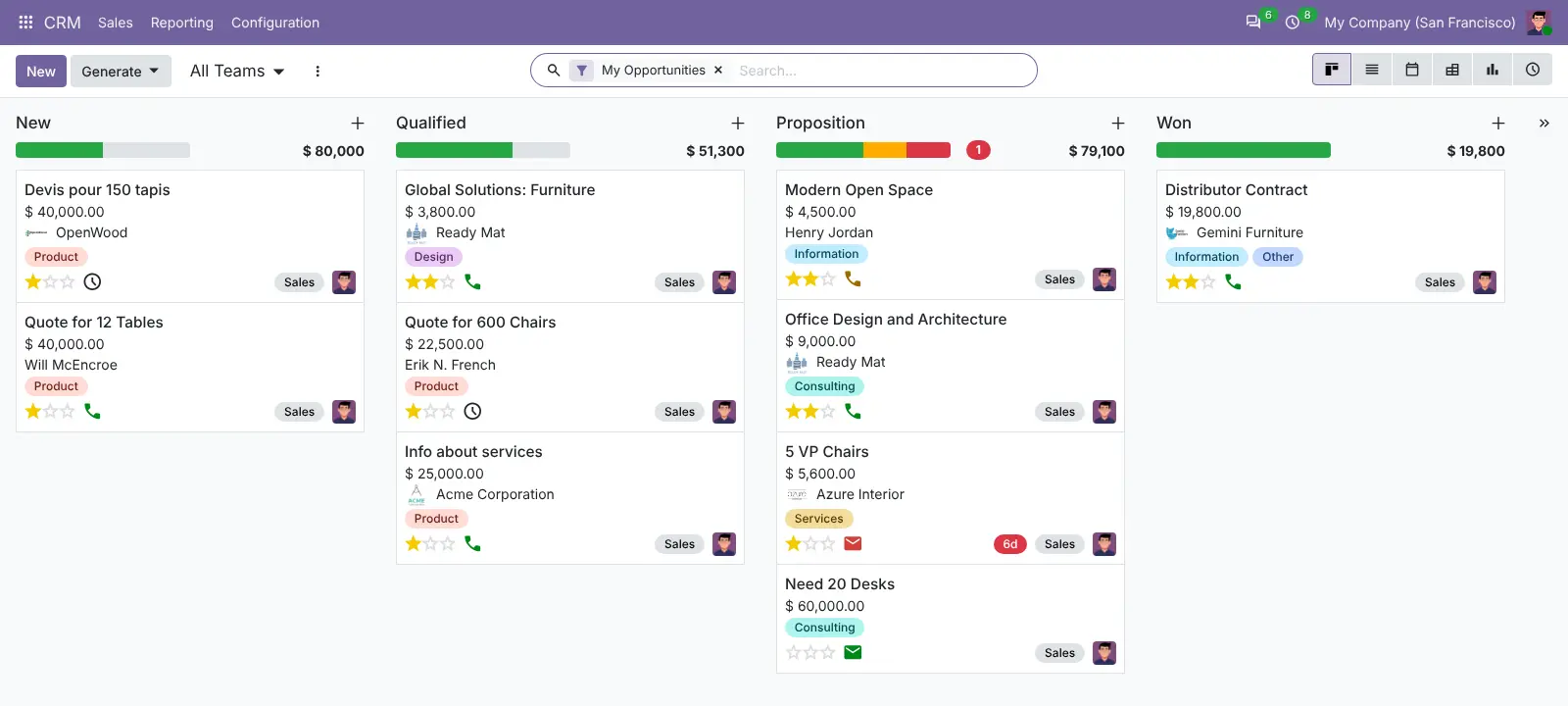
- Follow every deal A CRM pipeline shows leads and opportunities as cards on a board, with expected revenue, activities and sales teams.
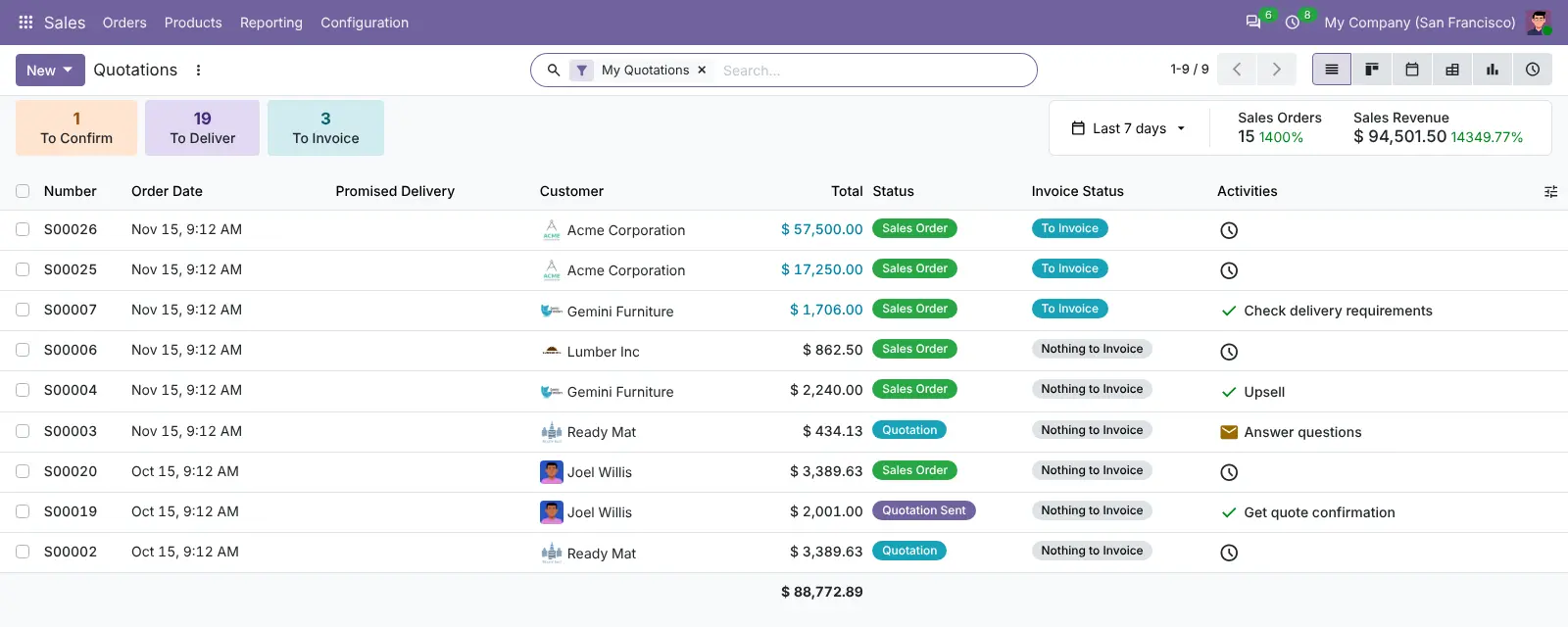
- Send quotes and take orders Write quotations with price lists, and let customers sign and pay them online through their own portal.
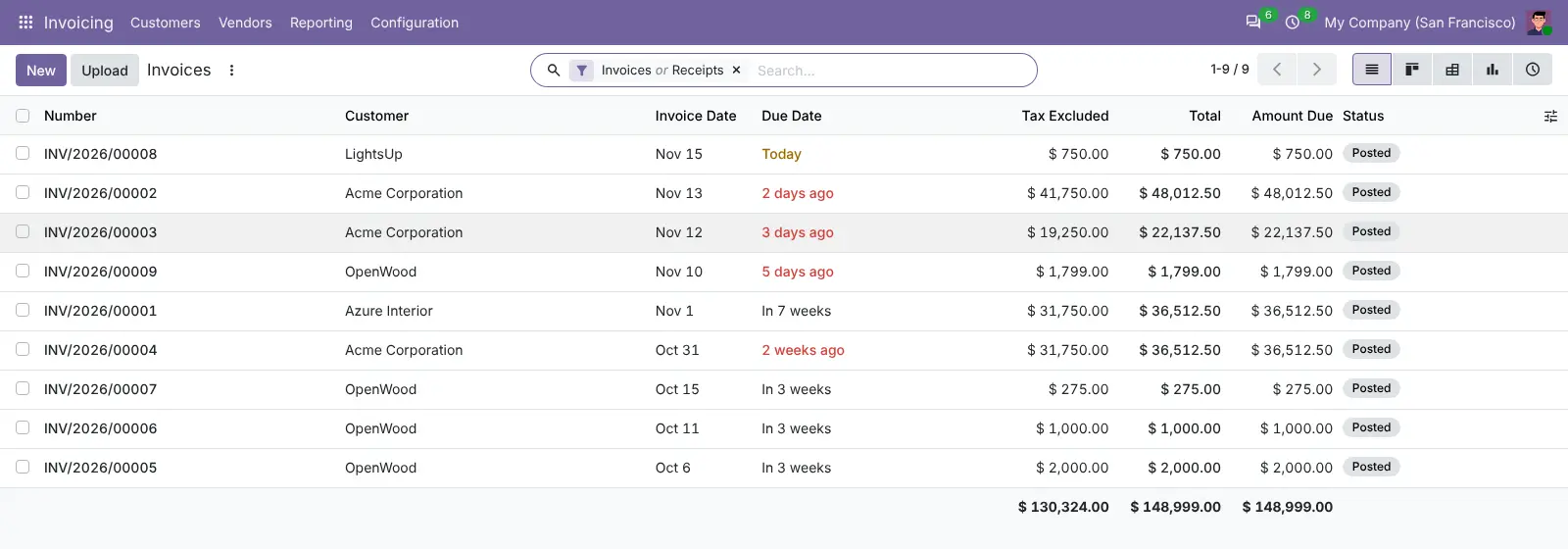
- Invoice and get paid The Invoicing app sends customer invoices and reminders, records vendor bills, credit notes and payments, and handles several currencies.
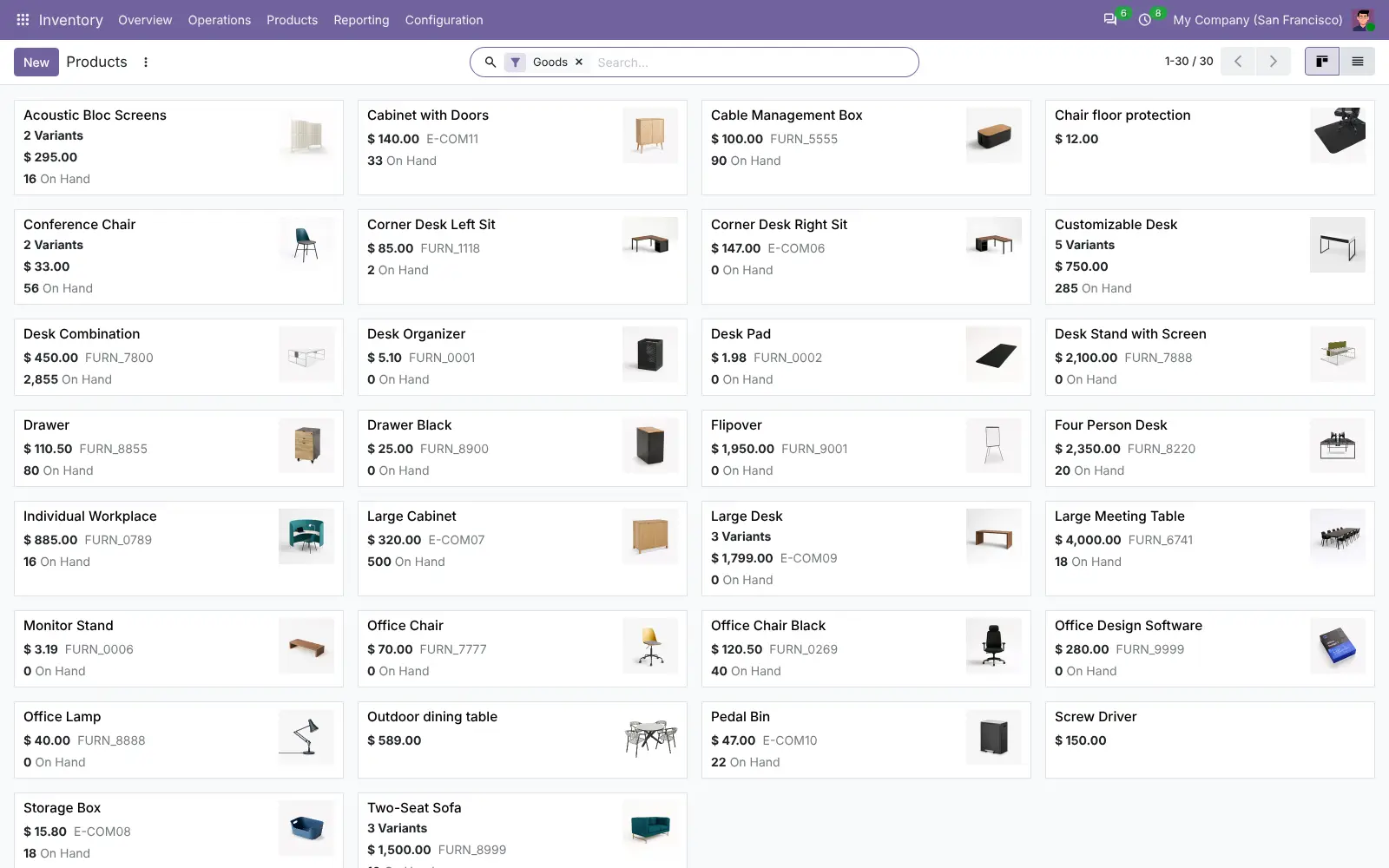
- Manage stock and buying Track products and variants across warehouses, with receipts, deliveries, dropshipping and purchase orders to suppliers.
- Make what you sell Bills of materials, manufacturing orders and subcontracting for businesses that build or assemble their products.
- Sell in a shop and online A point of sale till runs in the browser, and the website builder adds an online shop, blog, forum and live chat.
- Run projects and people Projects with tasks and timesheets, plus employees, recruitment, time off, attendance, expenses and fleet.
- Reach your customers Email marketing, events and surveys, all working from the same contacts as your sales and invoices.
Replaces NetSuite, SAP Business One, Zoho One and QuickBooks Online
Odoo does the same job as NetSuite, SAP Business One, Zoho One and QuickBooks Online. Here is what changes when you switch.
- CRM, sales, stock, purchasing, invoicing and a website in one system, so a quote becomes an order, a delivery and an invoice without re-typing
- No licence fee for Odoo Community, however many users you add
- Your business records stay on your own server
- You install only the apps you use, and add more as you grow
- The money side is Invoicing, not full accounting; bank reconciliation, financial reports, payroll and Studio need the paid Odoo Enterprise
- There is no official phone app for Community; it works in a phone's web browser
- Odoo releases a new major version every year, and moving Community to it is up to you
- Some extras, such as sending SMS or filling in company details, use Odoo's paid credits
What happens when you click Deploy?
You do not need a server or any technical knowledge. Four steps, and Odoo is running at its own web address.
- Step 1 Click Deploy and create your account
Deploy takes you to Cloudgate. Create an account, or log in if you have one. Odoo itself is free.
- Step 2 Choose a server
No server? Get one from Cloudgate: pick a size and a country, and Cloudgate gets it ready. Already have one? Connect it instead.
- Step 3 Cloudgate sets up Odoo
It prepares the server, makes the passwords the app needs and starts it. There is nothing to install and nothing to write down.
- Step 4 Open your app and sign in
Your app gets a free web address to start, without https. Add your own domain, like app.yourshop.com, and Cloudgate secures it with https for you.
New to Cloudgate? See what Cloudgate is
Run Cloudgate yourself? Deploy from your own console
In your Cloudgate console, open Templates and choose Odoo.
Questions
Is Odoo free?
Yes, Odoo Community is free and open source under the LGPL-3.0 licence, with no limit on users. You pay only for your server. Odoo Enterprise is a separate paid subscription that adds more apps, and this template does not include it.
What is the difference between Odoo Community and Enterprise?
Odoo Community is the free, open-source edition with CRM, Sales, Invoicing, Inventory, Purchase, Manufacturing, Point of Sale, Website, eCommerce, Project and HR basics. Enterprise is paid and adds full Accounting, Studio, the Android and iPhone apps, Helpdesk, Sign, Documents, Payroll, Planning and Odoo's own support and upgrades.
Is Odoo Community a good alternative to NetSuite or SAP Business One?
Yes, for a small or mid-sized business that needs the order-to-invoice flow. Odoo Community covers CRM, sales, purchasing, stock, manufacturing and invoicing with no licence fee, but not the full financials, consolidation and reporting of NetSuite or SAP Business One, which in Odoo are Enterprise features.
Does Odoo Community include accounting?
No, not full accounting. Odoo Community has the Invoicing app, which sends invoices, records bills and payments and tracks what is owed. It has no bank reconciliation, general ledger reports, budgets or tax reports, so it is not a full replacement for QuickBooks bookkeeping.
How do I sign in to Odoo the first time?
Sign in with the admin email you entered when installing and the password Cloudgate generated, shown on the app's variables page in Cloudgate. Odoo starts with only its base installed, so open the Apps screen and install the apps you need, such as CRM, Sales, Invoicing or Inventory.
Can I import my data from QuickBooks or another system?
Partly. Odoo Community has no QuickBooks, NetSuite or SAP importer, but every list imports CSV and Excel files, so you can export your contacts, products and other records from your old software and bring them in.
Is there an Odoo phone app?
No, not for Odoo Community; the official Android and iPhone apps are part of the paid Enterprise edition. Odoo Community works in a phone's web browser.
Do I need technical skills to run Odoo?
No. Click Deploy, create your Cloudgate account and choose a server, and Cloudgate sets up Odoo and gives it a web address. You use it in your browser like any other online tool.
Do I need my own server for Odoo?
No. When you deploy Odoo, hosted Cloudgate can provide a server. If you already rent one, you can connect it instead.
Related apps

ERP for your books, stock, orders and production.

ERP for sales, stock, accounting and HR in one place.

An ERP for your books, invoices, orders and stock.

CRM, quotes, invoices and stock in one business app.