
InvenTree
Track parts, stock, suppliers and builds for your workshop.
No server needed to start: Cloudgate can provide one. What happens when you click Deploy
What is InvenTree?
Self-hosted InvenTree is open-source inventory software for parts and stock: locations, suppliers, bills of materials, builds and orders.
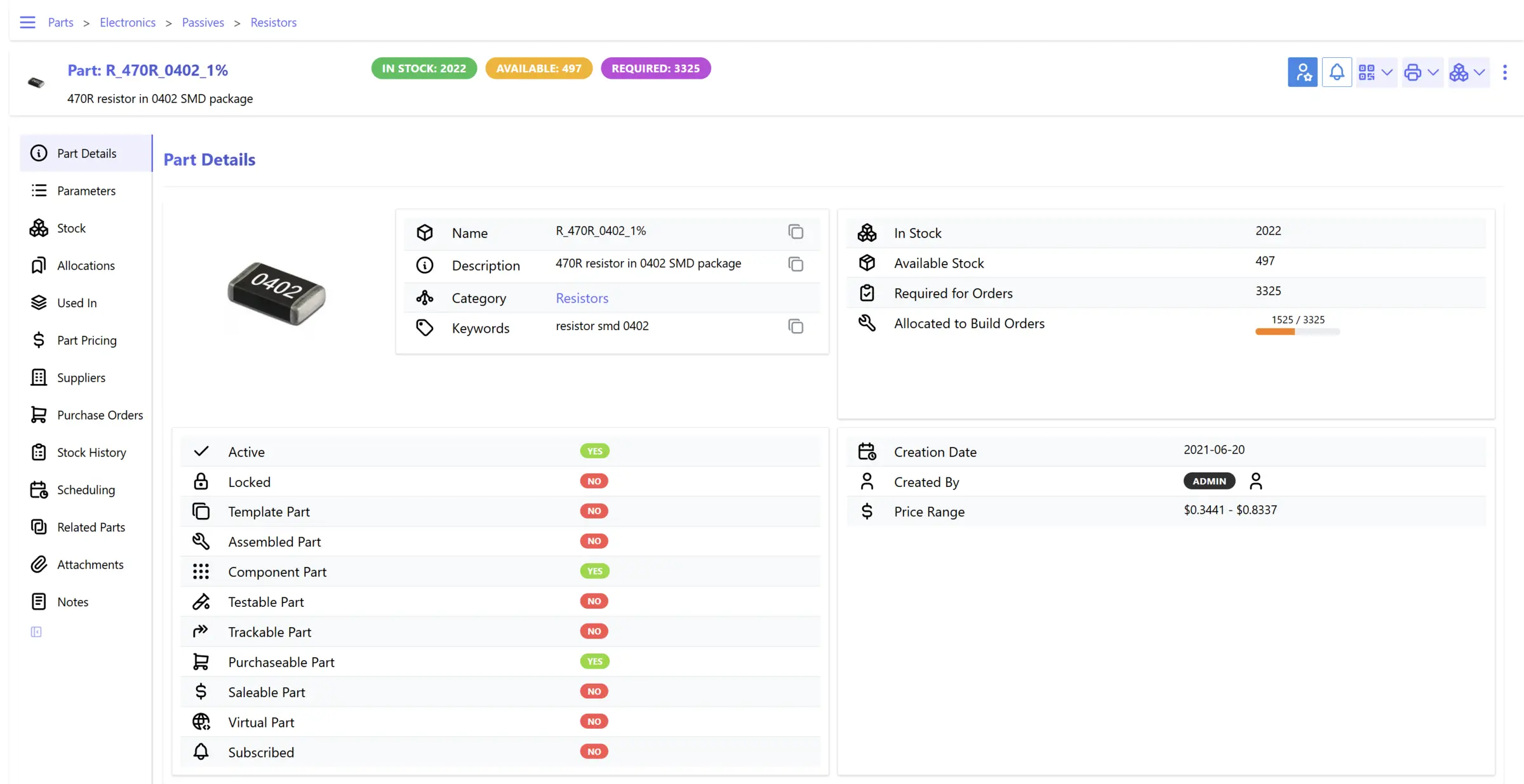
InvenTree is a free, open-source inventory management system you can self-host, used in place of Sortly to track the parts you keep, where each one is stored and what your builds need. It keeps a catalogue of parts, the stock of each in your rooms, shelves and bins, and a history of every change.
It goes further than a stock list. You write bills of materials for what you make, run build orders that take parts out of stock, raise purchase orders with your suppliers and record sales and return orders. An electronics workshop, for example, could list every resistor and chip by reel and drawer, see that the next 50 circuit boards need 3,000 more capacitors than it has, and raise a purchase order to the supplier for them.
InvenTree imports and exports CSV files, prints barcode labels and reports, and has a free companion app for Android and iPhone that scans barcodes. Plugins and an API connect it to other tools.
Cloudgate installs InvenTree on a server Cloudgate provides or one you connect, together with its database, and gives it a secure web address. The first start takes 3 to 4 minutes; then sign in as admin with the password Cloudgate shows you.
What you can do with InvenTree
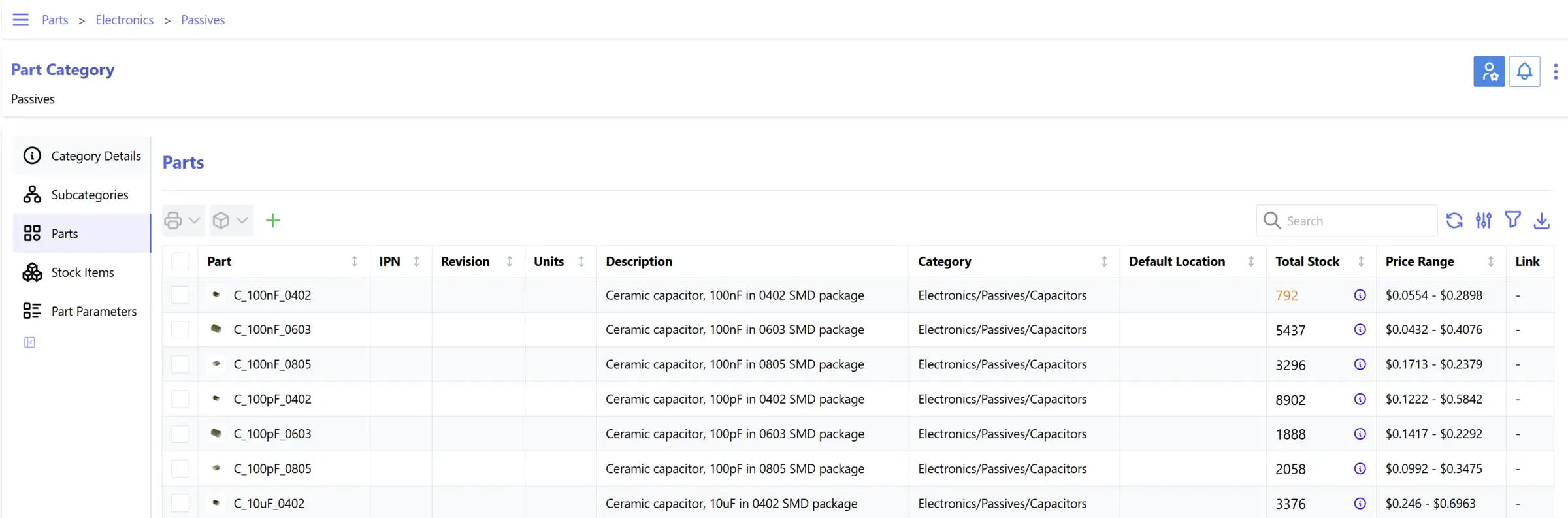
- Keep a catalogue of parts Sort parts into nested categories with parameters, units, photos, variants and revisions.
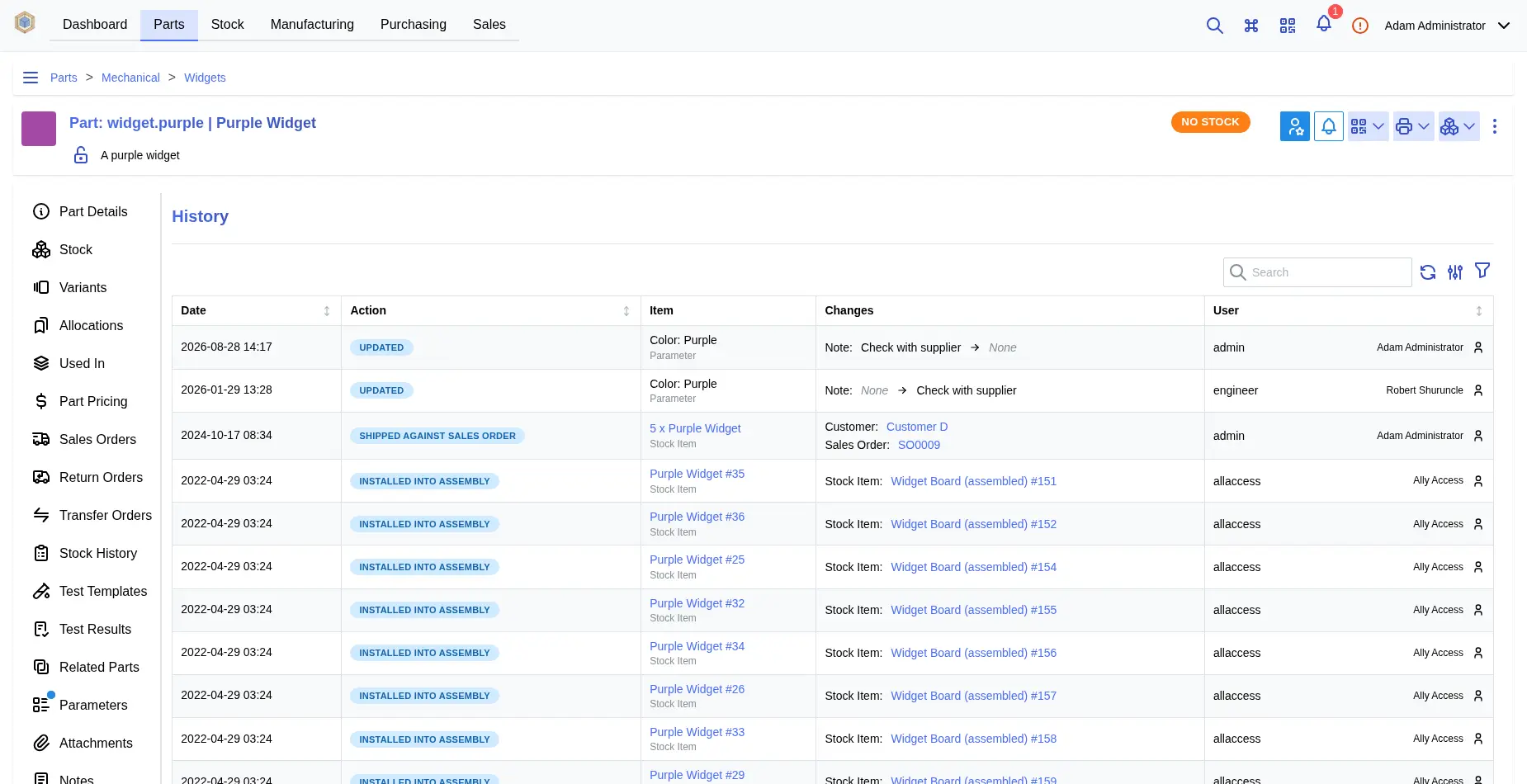
- Know where every item is Store stock in nested locations such as rooms, shelves and bins, with serial numbers, batch codes and a full history of every change.
- Plan what you build Write bills of materials for your products and run build orders that take the parts from stock.
- Buy from suppliers Keep supplier and manufacturer part numbers and prices, and raise purchase orders to restock.
- Sell and ship Record customers, sales orders with shipments, and return orders in the same place as your stock.
- Scan barcodes and print labels Scan barcodes in the browser or the phone app, and print labels and reports from your own templates.
- See what parts cost Work out part prices from supplier prices, purchase history and bills of materials, in several currencies.
Replaces Sortly
InvenTree does the same job as Sortly. Here is what changes when you switch.
- No limit on items or users, and no subscription
- Bills of materials, build orders, and purchase and sales orders, all free
- Your stock and supplier records stay on your own server
- MIT open source, with no paid edition
- It looks and feels like an engineering tool, not a polished consumer app
- There is no Sortly importer; you move your items over as a CSV file
- The phone app is a companion to the website and does not do everything the website does
- It has no accounting, invoicing or point of sale
What happens when you click Deploy?
You do not need a server or any technical knowledge. Four steps, and InvenTree is running at its own web address.
- Step 1 Click Deploy and create your account
Deploy takes you to Cloudgate. Create an account, or log in if you have one. InvenTree itself is free.
- Step 2 Choose a server
No server? Get one from Cloudgate: pick a size and a country, and Cloudgate gets it ready. Already have one? Connect it instead.
- Step 3 Cloudgate sets up InvenTree
It prepares the server, makes the passwords the app needs and starts it. There is nothing to install and nothing to write down.
- Step 4 Open your app and sign in
Your app gets a free web address to start, without https. Add your own domain, like app.yourshop.com, and Cloudgate secures it with https for you.
New to Cloudgate? See what Cloudgate is
Run Cloudgate yourself? Deploy from your own console
In your Cloudgate console, open Templates and choose InvenTree.
Questions
Is InvenTree free?
Yes, InvenTree is free and open source under the MIT licence, with no paid edition and no paid features. You pay only for your server.
Is InvenTree a good alternative to Sortly?
Yes, if you track parts and build things. When we checked in November 2026, Sortly's free plan stopped at 100 items and one user and its paid plans were priced by items and users, while InvenTree has no limits and adds bills of materials, build orders and purchase and sales orders. Sortly is more polished and simpler to pick up; InvenTree looks like an engineering tool and takes some setting up.
How do I sign in to InvenTree the first time?
Sign in with the user name admin and the password Cloudgate generates, shown on the app's variables page; the admin account uses the email you entered at install. InvenTree creates this account itself on first start, which takes 3 to 4 minutes, and there is no public sign-up.
Can I import my inventory from Sortly or a spreadsheet?
Partly. InvenTree imports CSV files, so you can export your items from Sortly or a spreadsheet as CSV and bring them in. There is no direct Sortly importer.
Should I use InvenTree or Snipe-IT?
InvenTree is for parts and stock you use up or build with, such as components, materials and finished products. Snipe-IT is for equipment you hand out and get back, such as who has which laptop or software licence. Many workshops need the first; IT teams usually need the second.
Is there an InvenTree phone app?
Yes, InvenTree has a free companion app for Android and iPhone that scans barcodes and looks up parts and stock. It works alongside the website rather than replacing it.
What server size do I need for InvenTree?
A medium server with 2 GB of memory, which is what Cloudgate asks for, for InvenTree, its background worker and its database. Later starts take about a minute.
Do I need technical skills to run InvenTree?
No. Click Deploy, create your Cloudgate account and choose a server, and Cloudgate sets up InvenTree and gives it a web address. You use it in your browser like any other online tool.
Do I need my own server for InvenTree?
No. When you deploy InvenTree, hosted Cloudgate can provide a server. If you already rent one, you can connect it instead.
Related apps

Know what you own, where it is, and when its warranty ends.

Inventory of what you own, where it is and who has it.

Warehouse inventory with lots and expiry dates.

Know who has every laptop, licence and accessory in your company.