
EGroupware
Groupware for shared calendars, contacts and tasks.
No server needed to start: Cloudgate can provide one. What happens when you click Deploy
What is EGroupware?
EGroupware is open-source groupware you host yourself: a shared calendar, address book, tasks, projects, time sheets and files for your team in one web app.
EGroupware is open-source, self-hosted groupware: one web app where your team shares calendars, an address book, tasks, projects, time sheets and files, as an alternative to Microsoft Exchange, Microsoft 365 or Google Workspace for that work. The free Community Edition has no fee per user, and everything stays on your own server.
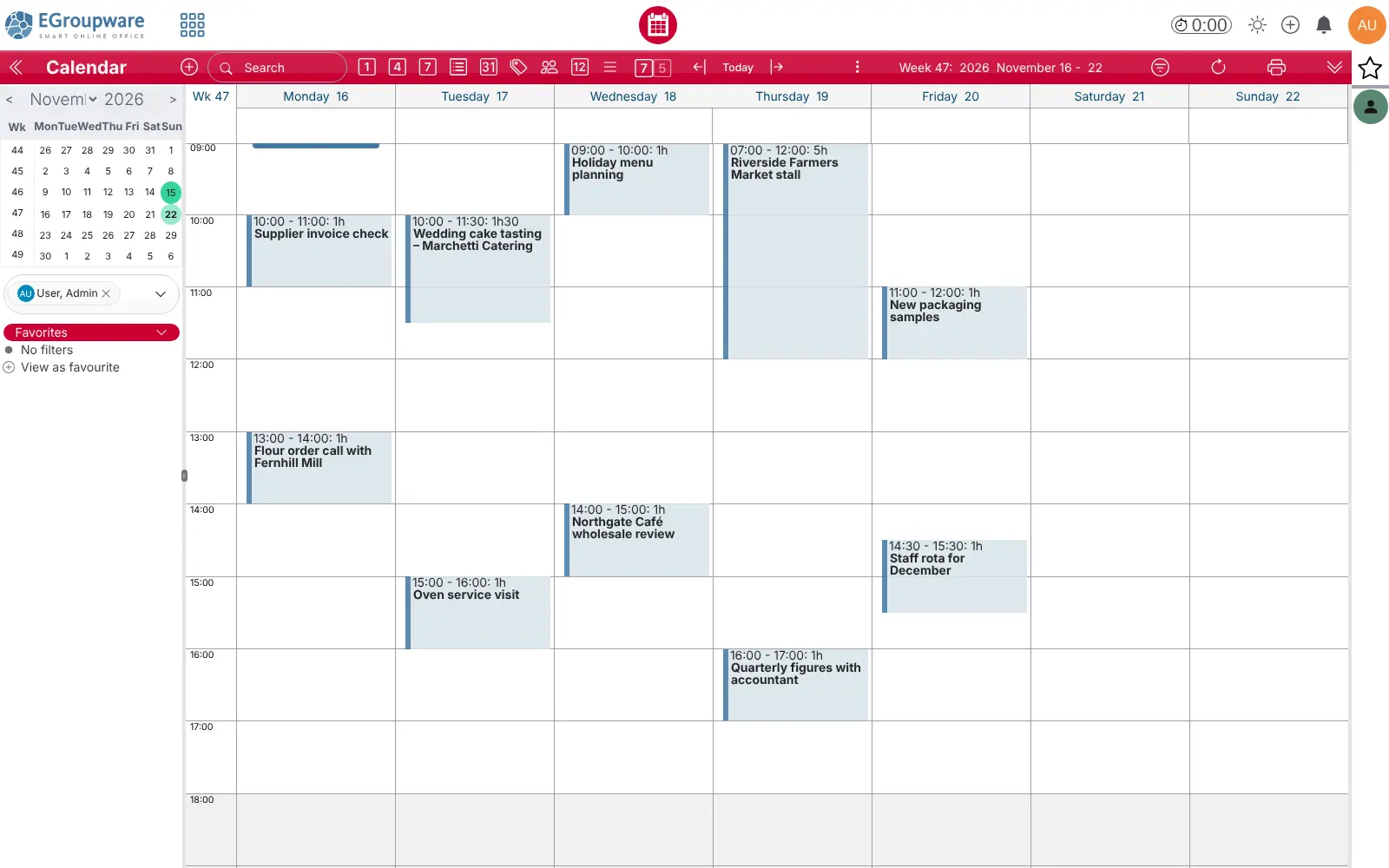
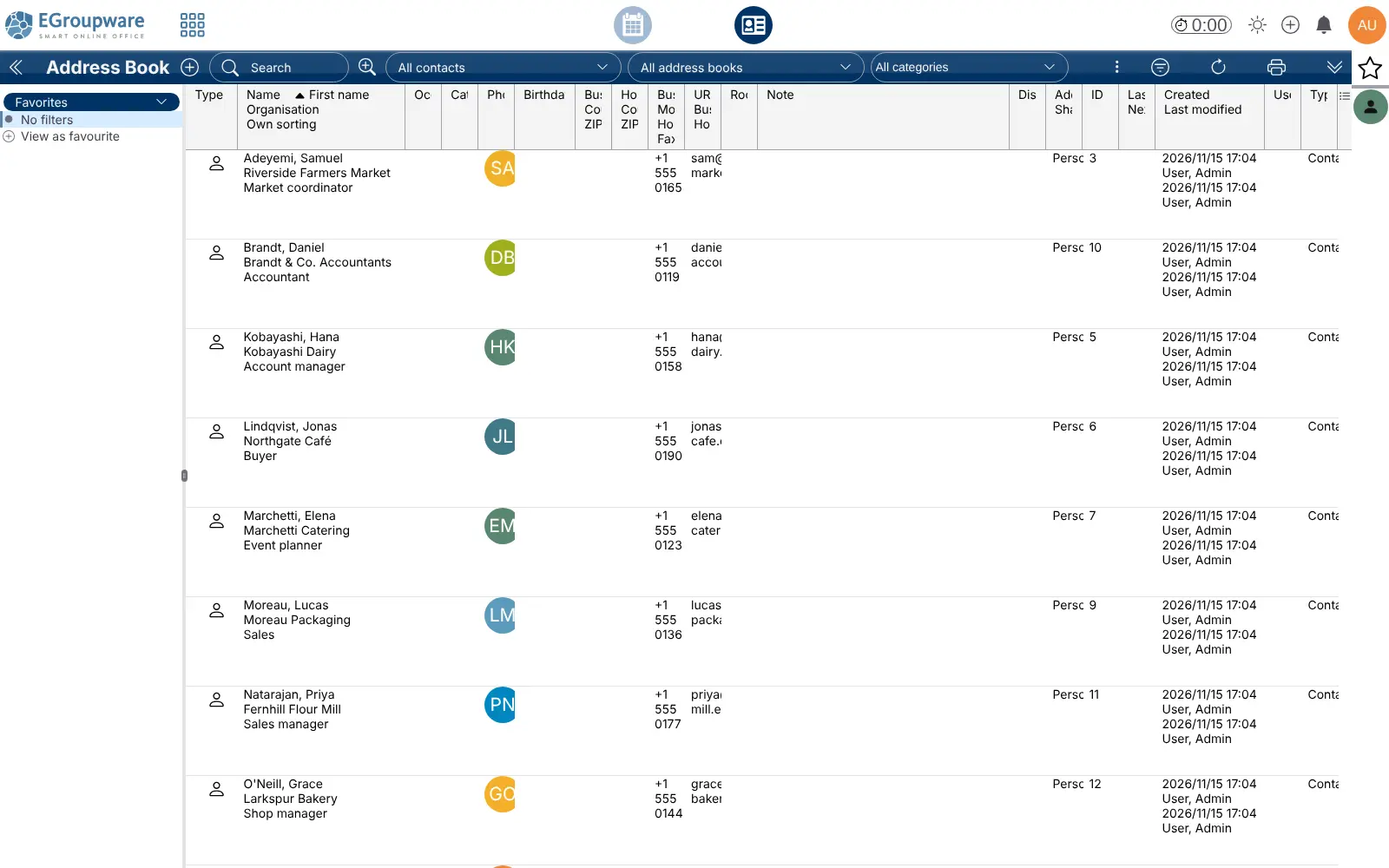
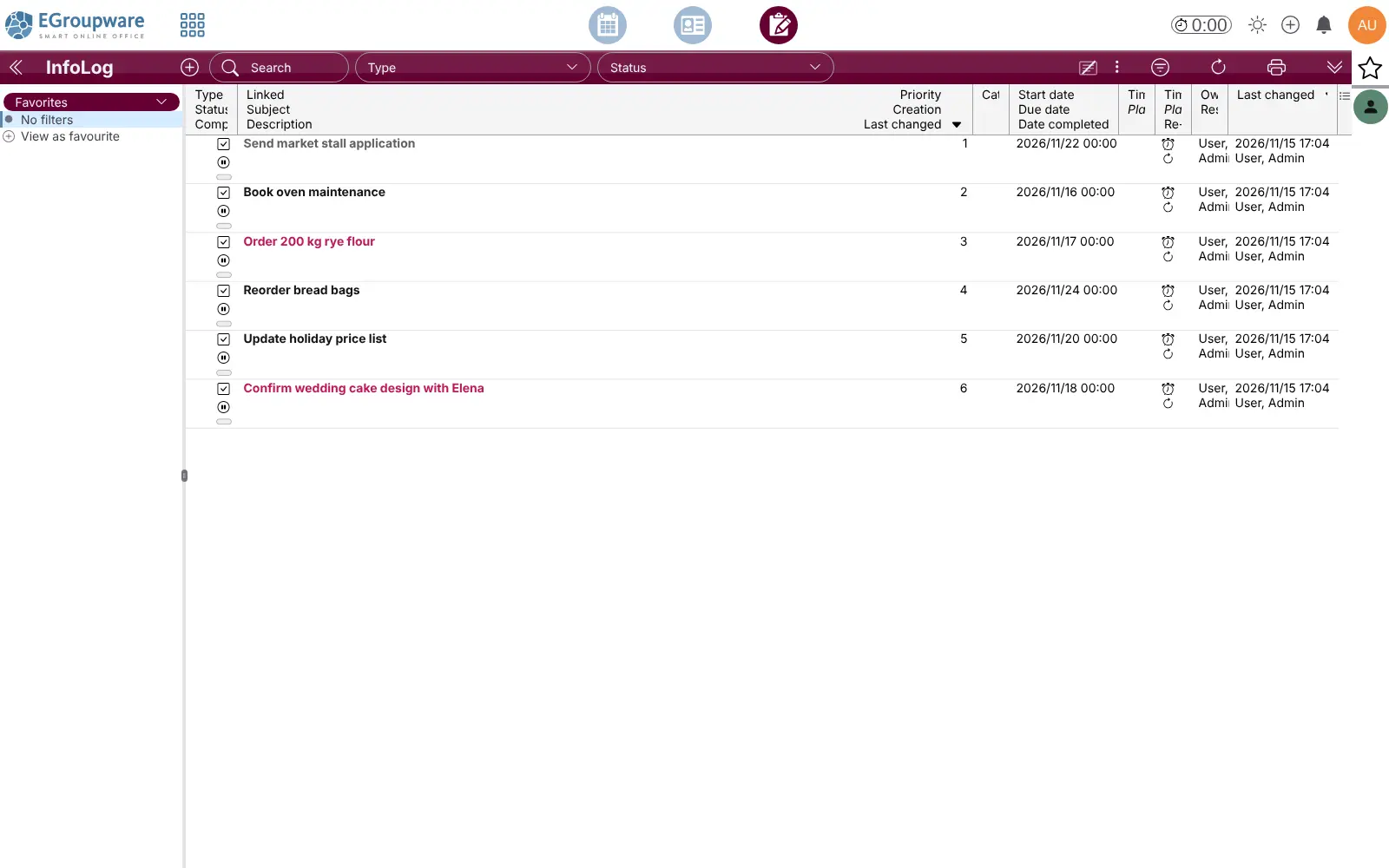
Each person sees their own week and the team's in the same calendar, books rooms and equipment, and links appointments, tasks and files to the contacts they belong to. A bakery, for example, can keep supplier and wholesale customer contacts in one shared address book, plan the wedding cake tasting and the market stall in the team calendar, and track the flour order as a task with a due date.
Calendars and contacts sync over CalDAV and CardDAV to iPhone, Android, Thunderbird and Outlook, and Windows, Mac or Linux can open the files as a network drive. EGroupware includes a mail client, not a mail server, so you connect the mailboxes you already have. Kanban boards, e-invoices and single sign-on are in the paid EPL edition.
Cloudgate installs EGroupware on a server Cloudgate provides or one you connect, together with the database it needs, and gives it a secure web address. Sign in as sysop with the password Cloudgate shows you, then add your team.
What you can do with EGroupware
- Plan the week together A shared calendar with invitations, reminders, room and equipment bookings, and day, week, month and planner views for the whole team.
- Keep one address book Personal and shared address books with categories and distribution lists, and a CRM view that shows each contact's linked tasks and notes.
- Track tasks and calls Shared to-dos, phone-call notes and notes with priorities and due dates, linked to the contacts and projects they belong to.
- Run projects and time sheets Projects with members, budgets and a Gantt chart, plus time sheets your team fills in for each task or project.
- Read email next to your work A web mail client for the mailboxes you already have, with filters, out-of-office replies and PGP or S/MIME encryption.
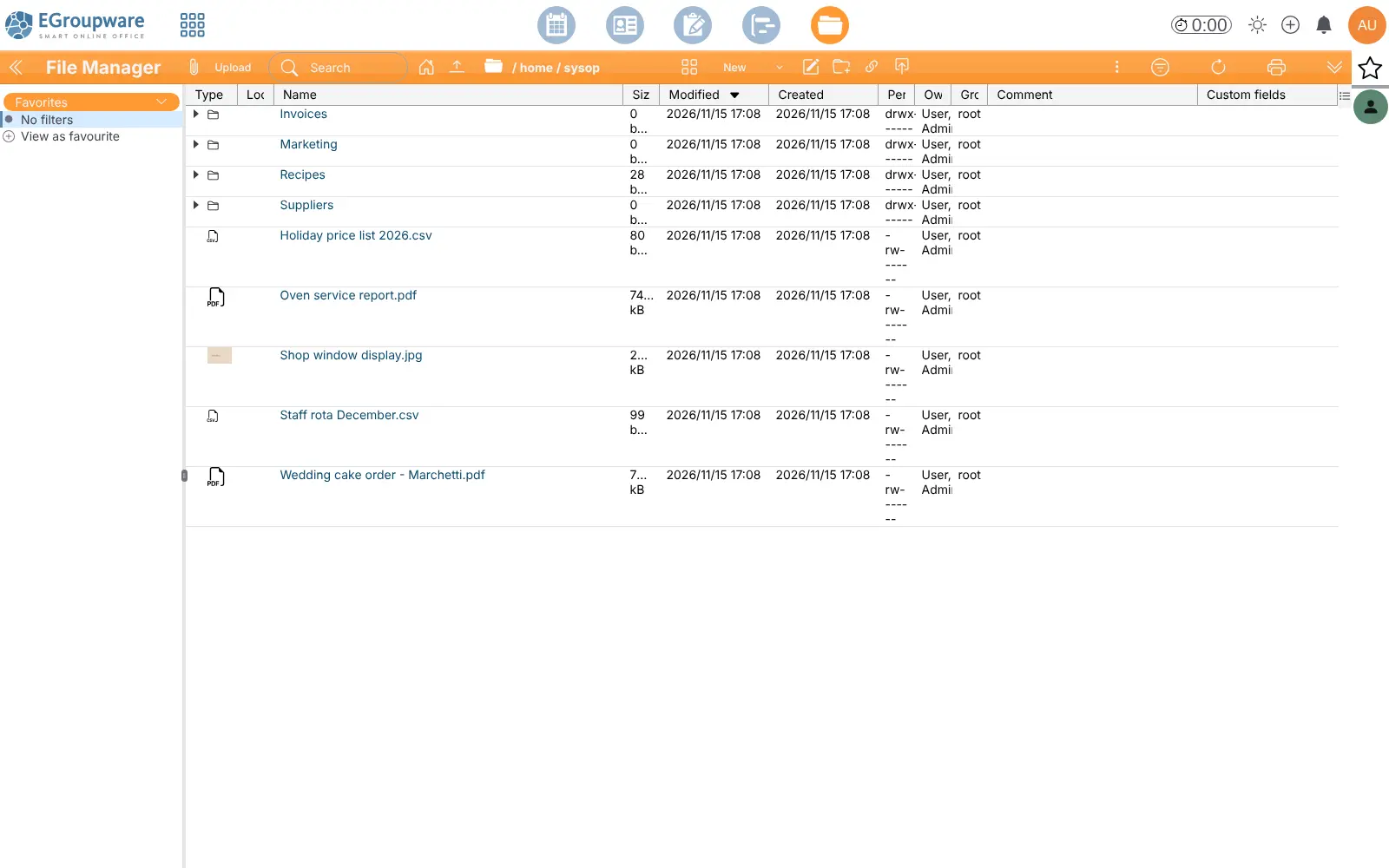
- Share files with rights Personal and group folders with detailed permissions, share links for outside partners, and access as a drive from Windows, Mac or Linux.
- Sync phones and desktop apps Calendars and contacts sync over CalDAV and CardDAV to Thunderbird, Apple apps, Android with DAVx5, and Outlook with a free add-in.
- Answer requests in a help desk A ticket tracker for customer or internal requests, linked to contacts, tasks and time sheets.
Replaces Microsoft Exchange, Microsoft 365, Google Workspace and Zoho Workplace
EGroupware does the same job as Microsoft Exchange, Microsoft 365, Google Workspace and Zoho Workplace. Here is what changes when you switch.
- No fee per user, with your calendars, contacts and files on your own server
- Calendar, contacts, tasks, projects, time sheets and files in one web app
- Open standards (CalDAV, CardDAV, WebDAV) instead of one vendor's apps
- The code is open source under the GPL
- It is not a mail server; email needs a mailbox provider or mail server you already have
- No app-store phone app; phones use the mobile web view or sync into their own calendar and contacts apps
- Kanban boards, e-invoices, Active Directory or single sign-on, and an audit log are in the paid EPL edition
- Online editing of Office files, chat and video calls need separate servers
What happens when you click Deploy?
You do not need a server or any technical knowledge. Four steps, and EGroupware is running at its own web address.
- Step 1 Click Deploy and create your account
Deploy takes you to Cloudgate. Create an account, or log in if you have one. EGroupware itself is free.
- Step 2 Choose a server
No server? Get one from Cloudgate: pick a size and a country, and Cloudgate gets it ready. Already have one? Connect it instead.
- Step 3 Cloudgate sets up EGroupware
It prepares the server, makes the passwords the app needs and starts it. There is nothing to install and nothing to write down.
- Step 4 Open your app and sign in
Your app gets a free web address to start, without https. Add your own domain, like app.yourshop.com, and Cloudgate secures it with https for you.
New to Cloudgate? See what Cloudgate is
Run Cloudgate yourself? Deploy from your own console
In your Cloudgate console, open Templates and choose EGroupware.
Questions
Is EGroupware free?
Yes, the EGroupware Community Edition is free and open source under the GPL (version 2 or later), with no fee per user; you pay only for your server. EGroupware GmbH also sells a paid EPL edition and hosting, which add Kanban boards, e-invoices, Active Directory and single sign-on, and an audit log.
Is EGroupware a good alternative to Microsoft Exchange or Microsoft 365?
Yes, EGroupware covers the shared calendars, contacts, tasks and files, if your team is happy to work in the browser and sync phones over open standards. It does not replace the mail server itself or Word and Excel online, and Outlook connects through a free CalDAV add-in rather than as an Exchange account.
Does EGroupware include email?
Yes, a mail client, but not a mail server. You connect the IMAP and SMTP details of the mailboxes you already have, for example from your web host or email provider, and then read and send mail inside EGroupware next to your contacts and tasks.
How do I sign in to EGroupware the first time?
Sign in to EGroupware with the username sysop and the password Cloudgate creates, shown on the app's variables page in Cloudgate. There is no default password. Add your team's accounts under Admin, and change the sysop password if you like.
Can I sync EGroupware with my phone and Outlook?
Yes, calendars and contacts sync over CalDAV and CardDAV to iPhone, Mac and Thunderbird, to Android with the DAVx5 app, and to Outlook with the free Outlook CalDAV Synchronizer. Basic ActiveSync is included too. There is no EGroupware app in the app stores, but the web app has a mobile view.
Can I move my contacts and calendars from Google or Outlook?
Partly. EGroupware imports contacts from vCard and CSV files and calendars from iCal (.ics) files, which Google and Outlook can export. There is no one-click migration tool, and old email stays on your mail server.
What server size do I need for EGroupware?
A medium server is a good start for a small team, because EGroupware runs as a web app with a MariaDB database and a small server for live updates. Cloudgate sets these up together, and you can move to a bigger server as your team grows.
Do I need technical skills to run EGroupware?
No. Click Deploy, create your Cloudgate account and choose a server, and Cloudgate sets up EGroupware and gives it a web address. You use it in your browser like any other online tool.
Do I need my own server for EGroupware?
No. When you deploy EGroupware, hosted Cloudgate can provide a server. If you already rent one, you can connect it instead.
Related apps

Shared email, calendars and contacts for your office.

Calendar and contacts sync, managed from one admin page.

Online office for Word, Excel and PowerPoint files.
Write and edit documents together, end-to-end encrypted.