


Self-hosted alternatives to HubSpot

Twenty is a free, open-source HubSpot alternative for the CRM and sales side: companies, contacts, a deal pipeline and email sync. HubSpot’s paid seats and tiers cost more as a team grows; self-hosted Twenty has no per-user price, and Mautic covers the marketing tools Twenty leaves out.

5 alternatives Free apps Our pick: Twenty

At a glance

App Good for Code Import from HubSpot Ease of use
Twenty Sales and account teams who want their own CRM without per-user fees Code Open source Import from HubSpot Partly Easy
erxes Small teams that want contacts, a shared customer inbox and a sales pipeline in one self-hosted system Code Source-available Import from HubSpot Partly Some setup
Mautic Businesses and agencies that want email campaigns and automation without paying per contact Code Open source Import from HubSpot Partly Some setup
Relaticle Small sales teams and agencies who want a simple CRM their AI assistant can work in Code Open source Import from HubSpot Partly Some setup
EspoCRM Small businesses that want one CRM for sales, support cases and email, shaped to their own records Code Open source Import from HubSpot Partly Easy

Why look for an alternative to HubSpot?

HubSpot is a customer platform for growing businesses. Its free CRM tracks contacts, companies and deals, and paid hubs add marketing (forms, email campaigns, landing pages), sales tools, a help desk and more.

Teams look for an alternative because the price climbs quickly once the free CRM isn't enough: paid seats, higher tiers for automation and reporting, and marketing plans priced by the number of contacts. For a team that mainly needs a sales CRM, a self-hosted app such as Twenty covers contacts, companies and a deal pipeline with no per-user price, and keeps customer data on your own server. EspoCRM adds support cases and a customer portal to the CRM. For the marketing side, Mautic does forms, landing pages, email campaigns and automation with no limit on contacts.

The alternatives, compared

Twenty

Our pick

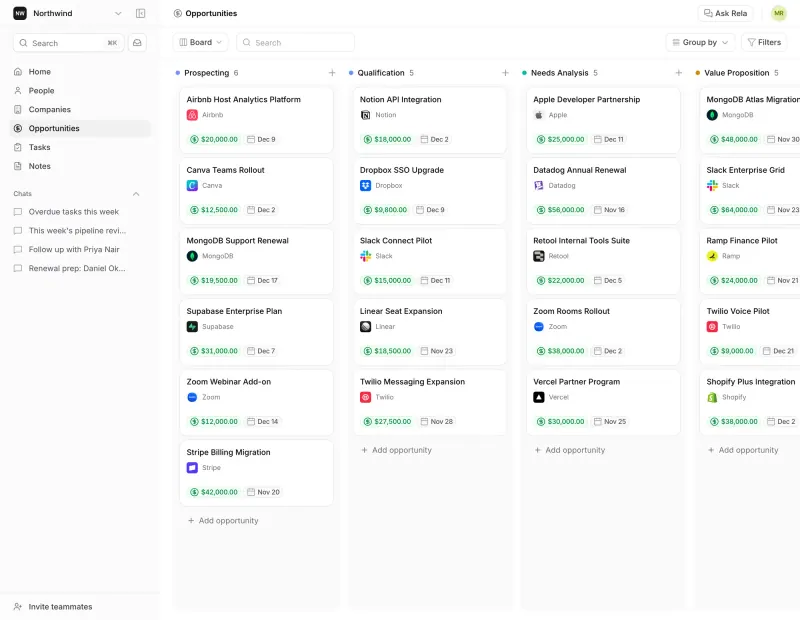
A self-hosted CRM for your companies, contacts and sales deals.

Matches the CRM and Sales Hub side of HubSpot: contacts, companies, a deal pipeline, email and calendar sync, tasks and workflow automation. It does not replace Marketing Hub (forms, landing pages, ads and marketing email at scale) or Service Hub. It is open core: SSO, row-level permissions and audit logs need a paid key.
Easy Open source

CRM, shared customer inbox and sales pipeline in one system.

Puts HubSpot's CRM, a shared customer inbox and tickets in one app: contacts and companies with your own fields and segments, deals on a pipeline board, and messages from Facebook, Instagram, Telegram and other channels in one team inbox. This template leaves out erxes' website chat widget, automations and marketing tools, it needs a larger server, and its licence makes it source-available rather than open source.

What you gain
  • No price per seat, so adding a colleague costs nothing extra
  • Contacts, a shared inbox and a sales pipeline in one app instead of several subscriptions
  • Your customer records stay on your own server
What is different
  • Its licence forbids offering erxes as a competing hosted service, so it is source-available, not open source
  • This template includes the inbox and sales plugins only; the website chat widget, tasks, automations and accounting are not set up
  • Plugin screens load from erxes' own servers, so your browser needs internet access
Some setup Source-available

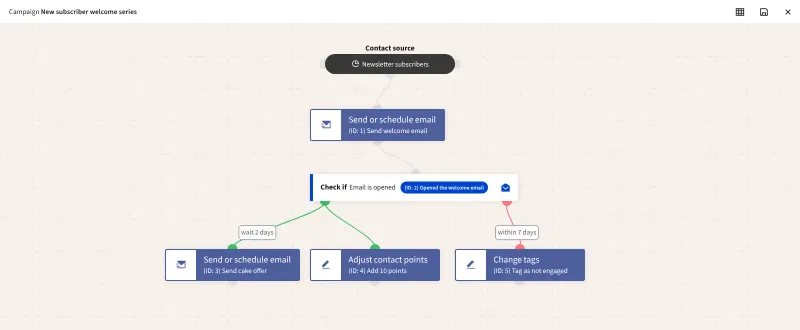
Email campaigns, lead scoring and automation, no per-contact fee.

Matches the Marketing Hub side of HubSpot: contacts and companies, segments, lead scoring, forms, landing pages, newsletters and automated emails, website tracking and a visual campaign builder, with no contact limit. Its CRM is light, with no deal pipeline or help desk, so pair it with a CRM such as Twenty for sales. It needs your own email sending service.

What you gain
  • No price per contact and no feature tiers; every feature is included
  • Your contact list and its history stay in your own database
  • Campaigns, forms, landing pages and lead scoring in one free tool
What is different
  • You need your own email sending service, such as an SMTP server or Amazon SES, and must set it up for good delivery
  • Its contact records are lighter than HubSpot's CRM; pair it with a CRM for sales
  • It takes longer to learn than Mailchimp, and the screens are plainer
Some setup Open source

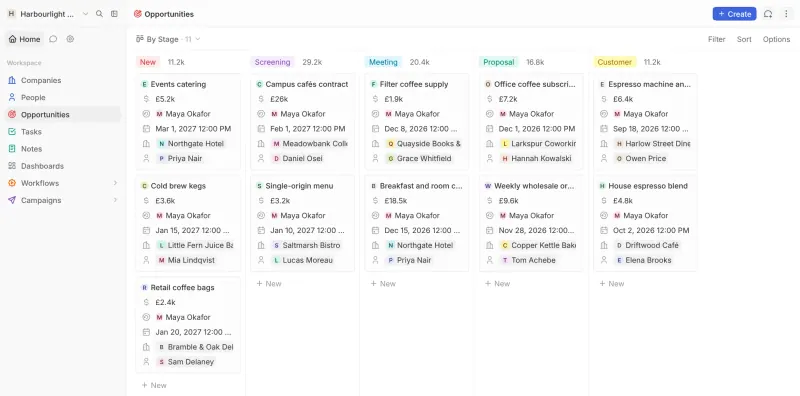
A self-hosted CRM for your deals, with an AI assistant you approve.

Covers a small team's sales CRM: companies, people, deals on a pipeline board, tasks and notes, with a built-in AI assistant whose changes you approve and an MCP server for Claude, ChatGPT and other AI tools. It has no marketing tools, help desk, workflow automation or phone apps, and its set of record types is fixed, with your own fields added to them.

What you gain
  • No fee per user and no limit on records
  • Every feature is free on your own server, including the AI assistant and API
  • Customer data stays on your server, and the AI only talks to the provider you choose
What is different
  • A smaller CRM, with companies, people, deals, tasks and notes but no custom record types
  • No marketing tools, workflow automation, invoicing or phone app
  • The AI assistant needs your own Claude or OpenAI key, or a model you run yourself
Some setup Open source

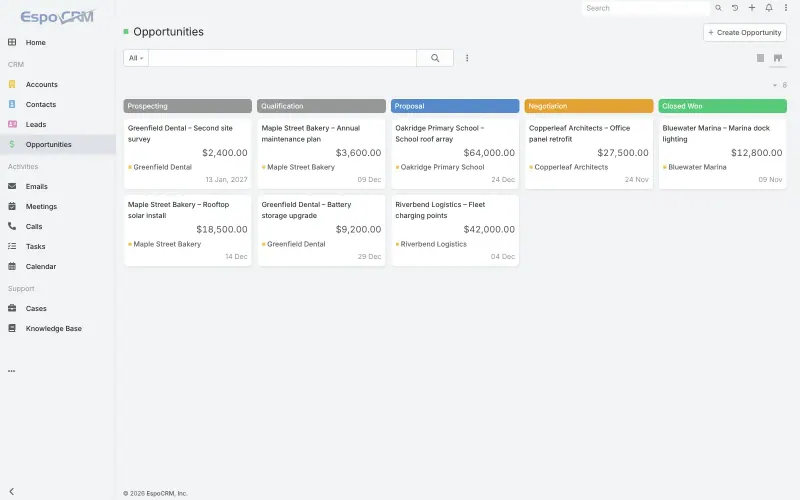
A self-hosted CRM for sales, email, support cases and campaigns.

Covers HubSpot's CRM basics and part of its service side: contacts, companies, deals on a kanban board, email sync, support cases, a knowledge base and a customer portal, plus simple marketing campaigns and mass email. It has no marketing automation suite like HubSpot's, and reports, workflows and Google or Outlook sync are paid extensions.

Easy Open source

Moving from HubSpot

There is no HubSpot importer, so you move the data as CSV or Excel files. Export companies, contacts and deals from HubSpot, invite your team to Twenty first so owners can be matched, delete Twenty's example records, and import companies, then people, then opportunities, mapping each column as you go. Each file can hold up to 10,000 records. Add custom properties as fields in Twenty before importing. Deal stages, views, workflows and reports need setting up again. For HubSpot's marketing tools, move to Mautic: export your marketing contacts as a CSV file and import them, mapping each column, then rebuild your forms, landing pages, emails and workflows in Mautic's builders, and connect an email sending service such as Amazon SES before the first send. EspoCRM imports CSV files too, under Administration > Import, in the same order of companies, contacts, then deals. Relaticle's import wizard takes the same CSV files, companies first, then people, then opportunities, up to 10,000 rows per file, and Relaticle publishes a checklist for moving from HubSpot. erxes imports contacts, companies and products from CSV files too: export them from HubSpot, import them in erxes, then set up your pipeline stages and connect your inbox channels.

Questions

What is the best self-hosted alternative to HubSpot?

Start with Twenty. All 5 are free to self-host. Twenty, Mautic, Relaticle and EspoCRM are open source; erxes (source-available) publishes its code under a licence with conditions an open-source licence does not have, such as limits on reselling it, keeping the maker's branding or a paid key for some features.

Should I choose Twenty or Mautic?

It depends which part of HubSpot you use. Choose Twenty for the CRM and sales pipeline, and Mautic for marketing: forms, landing pages, email campaigns and automation. Teams that use both sides of HubSpot can run both apps.

Where does Relaticle fit?

It suits a small sales team that wants a simple CRM its AI assistant can work in. Relaticle has a built-in assistant and an MCP server for Claude or ChatGPT, but no marketing, help desk or workflow tools.

Where does EspoCRM fit?

It suits teams that use HubSpot's CRM together with its help desk. EspoCRM keeps deals, support cases, a knowledge base and a customer portal in one app; its reports and workflows are paid extensions.

Is Twenty a full HubSpot replacement?

No. Twenty replaces HubSpot's CRM and sales tools, but not its marketing tools, such as forms, landing pages, ads and large email campaigns, or its help desk. Mautic covers most of the marketing side, apart from ads.

Can I sync Gmail or Outlook with Twenty?

Yes. Twenty syncs Gmail and Google Calendar, Microsoft 365, or any IMAP and CalDAV account, and shows emails and meetings on the matching records. On a self-hosted copy you set up your own Google or Microsoft app once.

Where does erxes fit?

It suits teams that use HubSpot's CRM together with its shared inbox and help desk and want them in one app. erxes keeps contacts, deals, a team inbox and tickets together, with no price per seat, but its licence makes it source-available, and this template has no website chat or automations.

Are these HubSpot alternatives really free?

Yes, Twenty, erxes, Mautic, Relaticle and EspoCRM are free. To run them you need Cloudgate and a server. Use hosted Cloudgate, which can also provide the server, or install Cloudgate on a server of your own for free. Cloudgate's plans and prices are at cloudgate.octabyte.io/pricing. One server can run several apps.

Do I need a developer to replace HubSpot?

No. Cloudgate installs the app you choose on your server and gives it a secure web address, and you use it in your browser instead of HubSpot.