
A

Open-source alternatives to Apple Notes

flatnotes is a free, open-source Apple Notes alternative that works in any browser, on Windows, Android and Linux as well as Apple devices, with every note kept as a plain Markdown file on your own server. Apple Notes is free but tied to Apple devices and iCloud; flatnotes is not, though it has no folders, no shared notes and no phone app that works offline.

2 alternatives Free apps Our pick: flatnotes

At a glance

App Good for Code Ease of use
flatnotes One person who wants a simple, private notes site, with notes kept as plain Markdown files Code Open source Easy
DumbPad One person or a small team that wants a quick shared notepad behind a PIN, with no accounts to manage Code Open source Easy

Why look for an alternative to Apple Notes?

Apple Notes is the free notes app built into iPhone, iPad and Mac. It syncs through iCloud, and adds folders, checklists, sketches, scanned documents, locked notes and notes shared with other people.

People look for an alternative when they also use Windows or Android, where Apple Notes is only available through the iCloud website, or when they want their notes on a server they control rather than in iCloud. A self-hosted flatnotes opens in any browser on any device and keeps every note as a plain Markdown file you can move to another app at any time, in exchange for fewer features and no offline app.

The alternatives, compared

flatnotes

Our pick

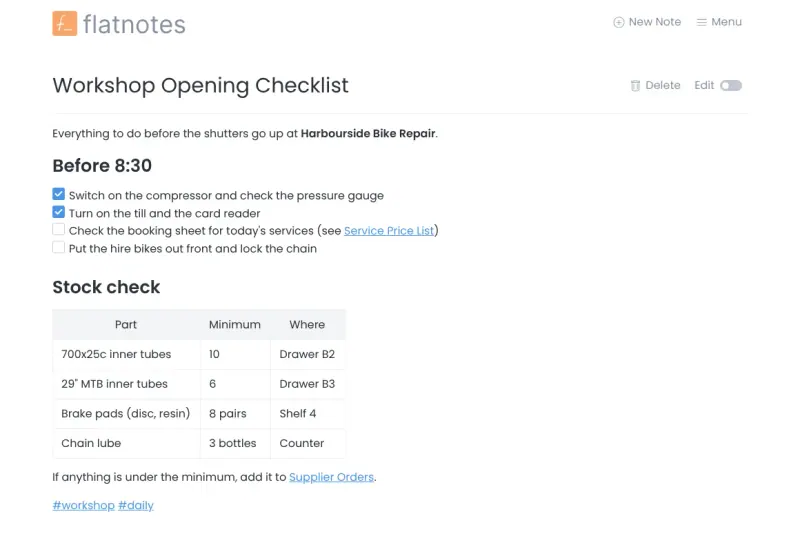
Markdown notes you find by search and tags, not folders.

Gives you the same notes in any browser, on a Windows laptop, an Android phone or a Mac, with checklists, tables, pictures, links between notes and quick search, stored as plain Markdown files on your server. Apple Notes has folders, shared notes, locked notes, drawing and an offline app on every Apple device; flatnotes has none of these and one account.
Easy Open source

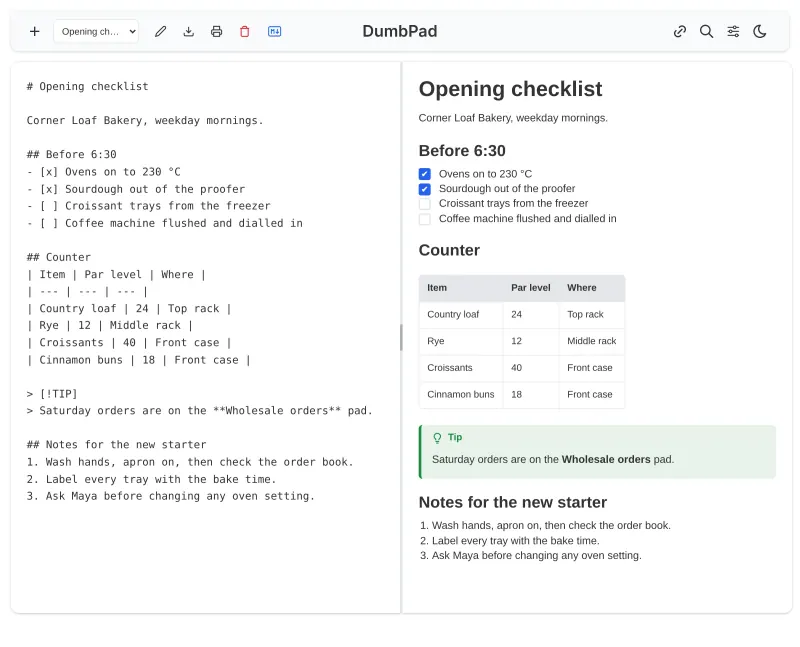
A simple self-hosted notepad that saves as you type, behind a PIN.

A plain notepad that opens in any browser: named notepads that save as you type, Markdown with checklists and a preview, search across every notepad, and one shared PIN, with live editing when two people open the same notepad. It has no folders, pictures, drawing, locked notes or offline app.

Easy Open source

Moving from Apple Notes

There is no Apple Notes import. Open each note you want to keep, copy its text and paste it into a new note in flatnotes, or drag its pictures in. Instead of folders, add a hashtag to each note, such as #home or #work, and use tag search to see a group of notes together; pin the notes you open most to the home page. On your iPhone or Android phone, add flatnotes to the home screen from the browser so it opens like an app. Leave the old notes in Apple Notes as an archive until you are sure everything has moved. DumbPad has no import either: create a notepad for each topic you kept in a folder and paste the text in, then add it to your phone's home screen from the browser.

Questions

What is the best open-source alternative to Apple Notes?

Start with flatnotes. Both are free and open source.

Can I use flatnotes on an iPhone and a Windows PC?

Yes. flatnotes runs in any browser, so the same notes open on an iPhone, an Android phone, a Windows or Linux PC and a Mac.

Does flatnotes have folders like Apple Notes?

No. flatnotes has no folders; you group notes with hashtags and find them by search, and you can pin a set of notes to the home page.

Does flatnotes work offline?

No. It is a website on your server, so you need a connection to open your notes. Apple Notes keeps a copy on each device.

Should I choose flatnotes or DumbPad?

Choose flatnotes to keep many notes with tags, pictures and links between them. Choose DumbPad for a few shared notepads behind one PIN that several people can edit at the same time.

Are these Apple Notes alternatives really free?

Yes, flatnotes and DumbPad are free. To run them you need Cloudgate and a server. Use hosted Cloudgate, which can also provide the server, or install Cloudgate on a server of your own for free. Cloudgate's plans and prices are at cloudgate.octabyte.io/pricing. One server can run several apps.

Do I need a developer to replace Apple Notes?

No. Cloudgate installs the app you choose on your server and gives it a secure web address, and you use it in your browser instead of Apple Notes.