


Open-source alternatives to Apple Music

Koel is a free, open-source Apple Music alternative for the music you already own: it plays your own song files in a polished web player, with playlists, podcasts and internet radio. Apple Music rents you its catalogue for a monthly fee; self-hosted Koel has no subscription, but it has no catalogue, so you bring the music.

5 alternatives Free apps Our pick: Koel

At a glance

App Good for Code Import from Apple Music Ease of use
Koel People and families who own their music as files and want a rich web player, with podcasts and radio too Code Open source Import from Apple Music No Easy
Ampache Music collectors, families and groups who want one server for their own music that many different apps can play Code Open source Import from Apple Music Partly Easy
Black Candy People and families who own their music as files and want a simple server with free official phone apps Code Open source Import from Apple Music No Some setup
LMS (Lightweight Music Server) Music collectors with well-tagged libraries who want smart suggestions Code Open source Import from Apple Music No Some setup
mStream Households and small groups who own their music as files and want light streaming with official phone apps Code Open source Import from Apple Music No Easy

Why look for an alternative to Apple Music?

Apple Music is Apple's music streaming service: for a monthly fee you play songs from its catalogue on Apple devices, Android, the web and speakers, and it can also keep your own song files in the same library.

People look for an alternative for a few reasons. The subscription never ends, the catalogue is rented, so songs can disappear when a licence runs out, and the music you own sits next to it in Apple's service. Collectors and families with their own files want to hear them in the quality they ripped or bought them, on any device. A self-hosted music server such as Koel or Black Candy streams that collection to every browser and phone with no subscription, though it can't replace Apple Music's catalogue or its recommendations. LMS suits a carefully tagged collection, with browsing by mood or composer and suggestions drawn from your own library.

The alternatives, compared

Koel

Our pick

A self-hosted music server with a rich web player for your own songs.

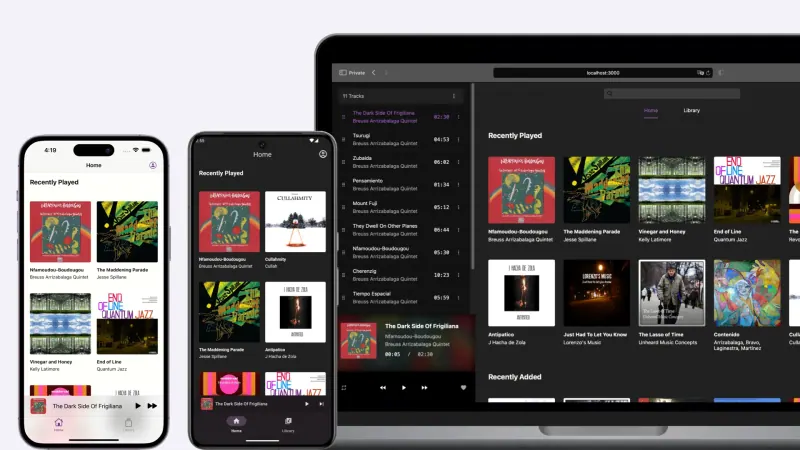
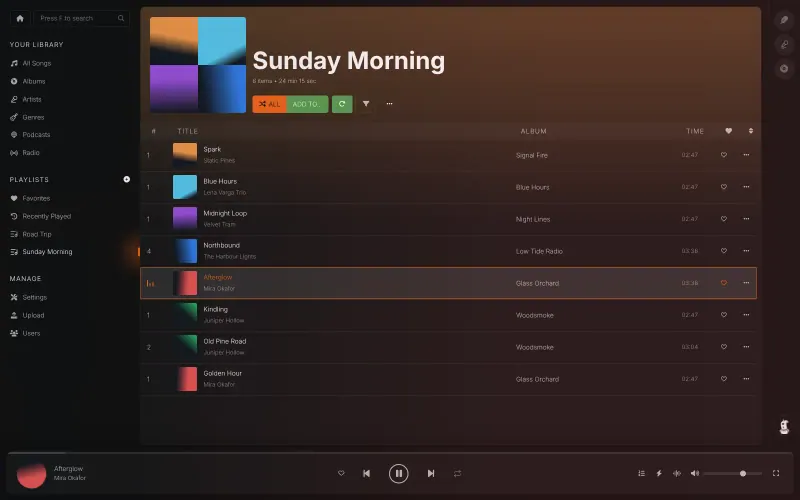
Plays the music files you own in a polished web player, with playlists, smart playlists, podcasts, internet radio and offline listening in the browser, and you upload songs straight in the app. It has no catalogue, radio stations made for you or editorial playlists. The official phone app is paid; free Subsonic-compatible apps also connect.
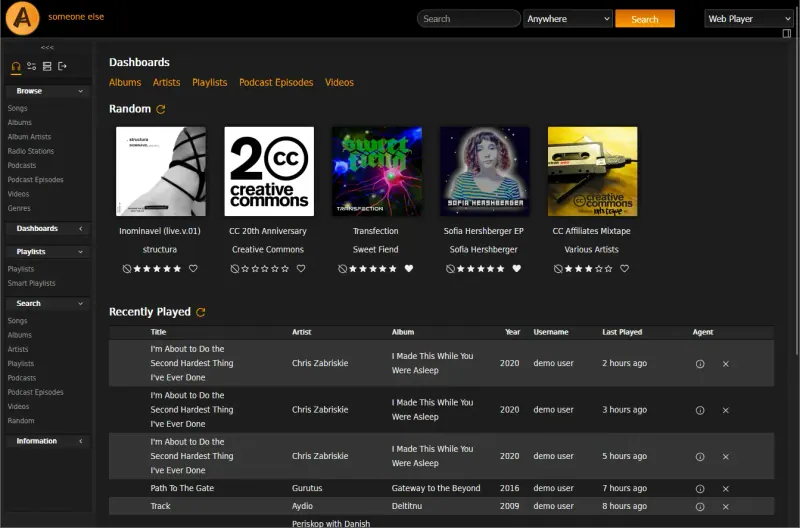
Easy Open source

A self-hosted music server that works with almost any music app.

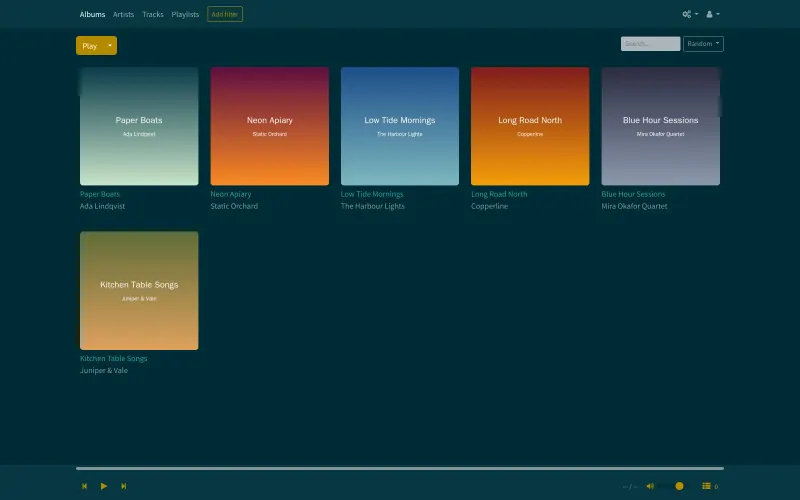
Serves your own music, and video if you like, to a web player and to many apps at once, including DAAP apps that show it like a shared iTunes library, with smart playlists, podcasts and internet radio. It imports playlist files such as .m3u. It has no catalogue or recommendations, and its web page looks older than Koel's.

Easy Open source

A self-hosted music server with its own free iPhone and Android apps.

Plays the music files you own in a clean web player and in its own free iPhone and Android apps, with playlists, favourites and an account for each person, and it can stream lossless files as smaller MP3s. Koel's web player does more, with podcasts, radio and uploads in the browser. It has no catalogue or recommendations, so music from Apple Music's catalogue can't be added.

Some setup Open source

Stream the music you own to your browser and phone, no subscription.

Plays the music files you own in the browser and in Subsonic-compatible apps, with playlists, podcasts, lyrics and a radio mode, and suggests similar artists and albums from your own library. It reads detailed tags such as mood, release type and composer or conductor, so a well-tagged collection is easy to browse. It has no catalogue, no phone app of its own and a plainer interface than Koel.

Some setup Open source

A light, self-hosted music server with its own phone apps.

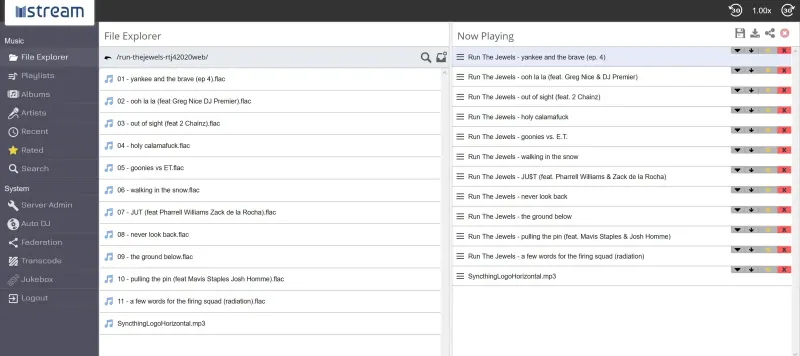
Streams the music files you own to a web player and to mStream's own free iPhone and Android apps, which connect by scanning a QR code, with an Auto DJ, lyrics and playlists you can share by link. It has no catalogue or recommendations, and it is plainer to look at than Koel.

Easy Open source

Moving from Apple Music

Koel, Black Candy, mStream and Ampache play music files, so start with the ones you have: ripped CDs, songs you bought as downloads, or a family collection. Songs bought from the iTunes Store without copy protection can be uploaded too; Apple Music streams and downloads can't. Open Koel's Upload screen and drag in your files or whole folders. Koel has no playlist import, so rebuild your favourite playlists by hand or let smart playlists fill by rules such as genre or year. For Black Candy, upload the same files at the File Browser address Cloudgate sets up, press Sync in Black Candy's Settings, then install the free Black Candy app on your iPhone and sign in with your server's address. With Koel, open it in your phone's browser, or sign in to a Subsonic-compatible app with your email and Koel's Subsonic key. In mStream, sign in as admin, upload files or whole folders in its File Explorer, and scan its Quick Connect QR code with the mStream app on each phone. In Ampache, add songs on its Upload page, and import playlist files such as .m3u from its Playlist menu once their songs are in the library.

For LMS, upload your files through the File Browser address Cloudgate sets up, add the music folder as a library and run the first scan; it also reads .m3u playlist files you put in the music folder. Then open LMS in your phone's browser, or sign in to a Subsonic-compatible app with an API key you create in its settings.

Questions

What is the best open-source alternative to Apple Music?

Start with Koel. All 5 are free and open source.

Should I choose Koel or Black Candy?

Choose Koel for the richer web player, with smart playlists, podcasts, internet radio and uploads in the browser. Choose Black Candy if you mostly listen on your phone and want a free official iPhone and Android app.

Can Koel play songs from the Apple Music catalogue?

No. Koel has no music catalogue; it plays only the files you upload. It replaces Apple Music for the music you already own.

Is there a Koel app for iPhone?

Yes, the official Koel Player app, but it is paid. For free, use Koel's web player in Safari or a Subsonic-compatible app such as Amperfy or substreamer.

Can the whole family share Koel?

Yes. Each person gets their own sign-in with private playlists, favourites and listening stats. In the free edition everyone shares one music library; separate libraries for each person come with the paid Koel Plus licence.

Which of these apps is free on iPhone?

mStream: its official iPhone and Android apps are free and open source. Koel's official app is paid, and Ampache works with Subsonic-compatible and other apps made by others.

Should I choose Koel, mStream or Ampache?

Koel for the most polished web player. mStream for a light server with free official phone apps. Ampache for the widest choice of apps and extras such as video, smart playlists built in the browser and playlist import.

Should I choose Koel or LMS?

Choose Koel for a polished web player with uploads in the browser and internet radio. Choose LMS if your files are carefully tagged and you want to browse by mood or composer and get suggestions from your own library, with every feature free.

Are these Apple Music alternatives really free?

Yes, Koel, Ampache, Black Candy, LMS (Lightweight Music Server) and mStream are free. To run them you need Cloudgate and a server. Use hosted Cloudgate, which can also provide the server, or install Cloudgate on a server of your own for free. Cloudgate's plans and prices are at cloudgate.octabyte.io/pricing. One server can run several apps.

Do I need a developer to replace Apple Music?

No. Cloudgate installs the app you choose on your server and gives it a secure web address, and you use it in your browser instead of Apple Music.