
mStream
A light, self-hosted music server with its own phone apps.
No server needed to start: Cloudgate can provide one. What happens when you click Deploy
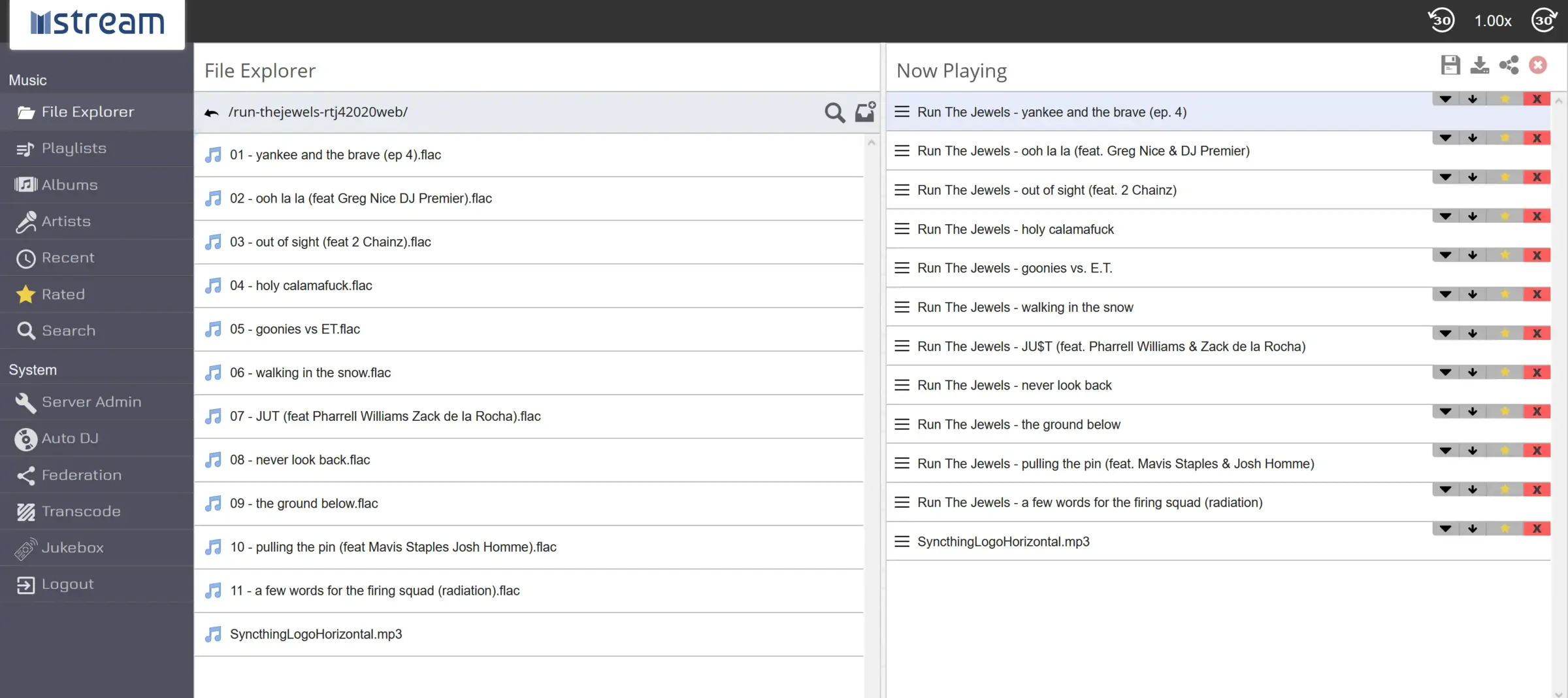

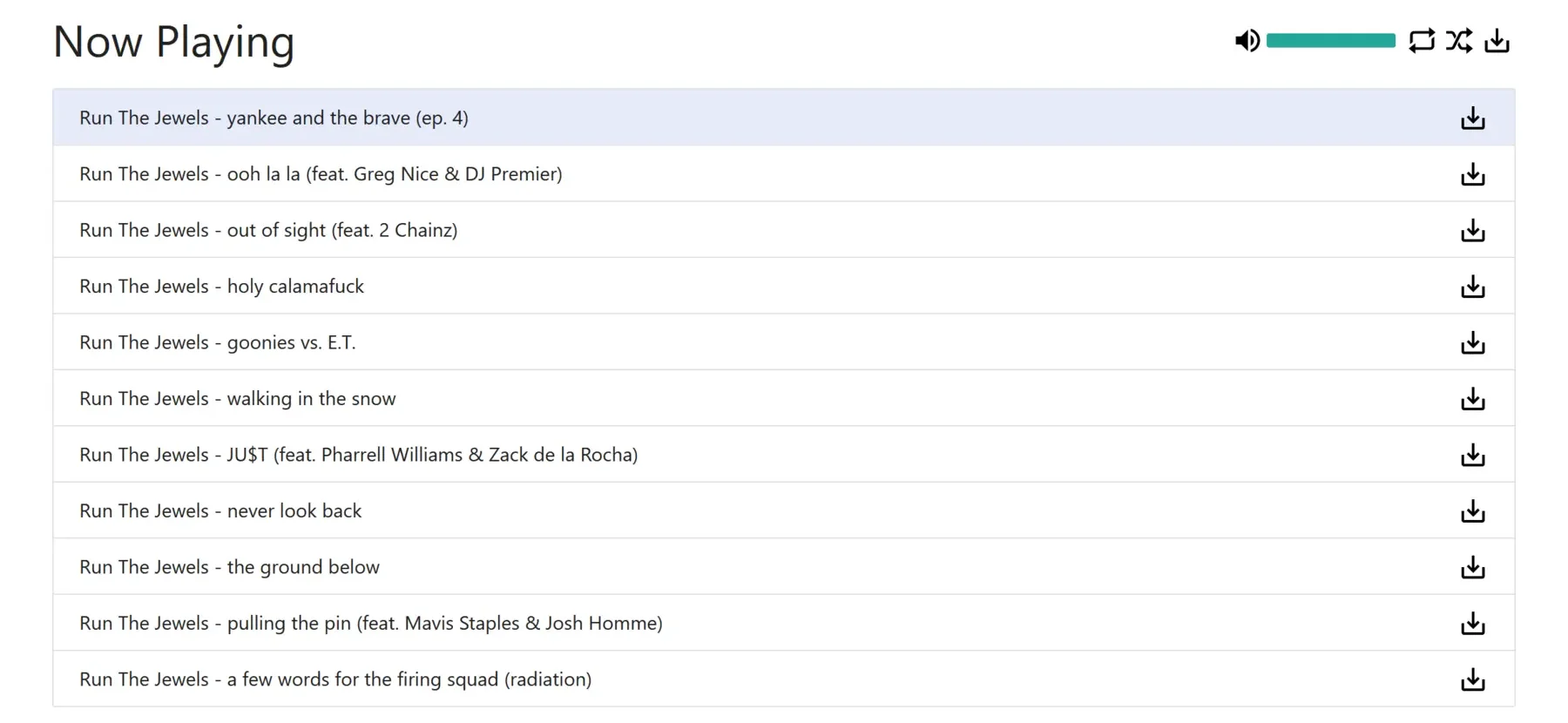

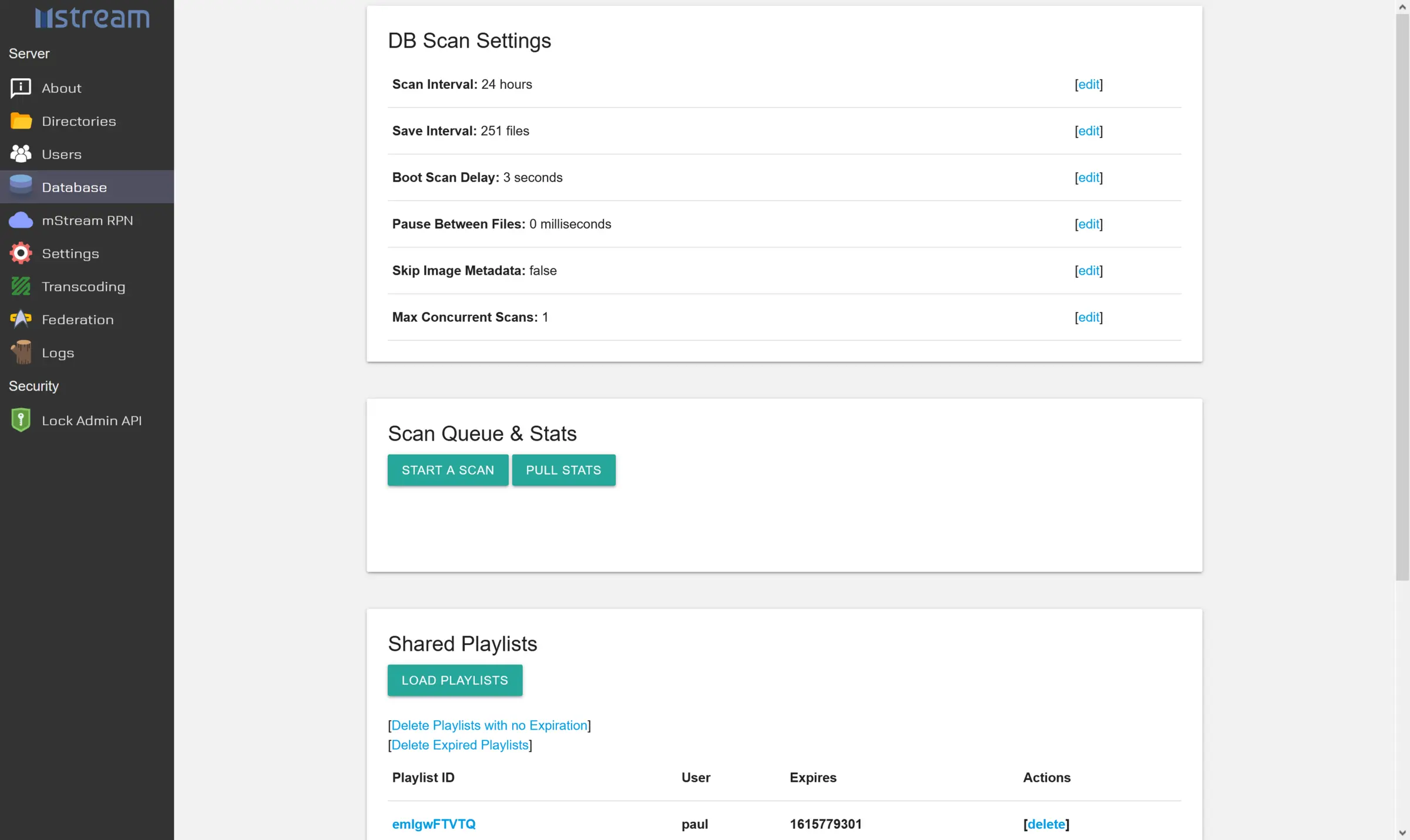

What is mStream?
mStream is a self-hosted music server that streams the music you own to any browser, with official Android and iPhone apps and an Auto DJ.
mStream is a free, open-source, self-hosted music server that streams the music you own to any web browser or phone, an alternative to Spotify for your own files. You upload your MP3, FLAC and other music files, and mStream lets you browse them by folder, album or artist, with album art it finds for you.
It is light and simple. Each person gets their own account, and the admin chooses which music folders they can see. A dance studio, for example, could keep its class music on mStream, give each teacher an account, and send a playlist link to students so they can practise at home.
mStream has its own free apps for Android and iPhone, which pair with your server by scanning a QR code, and its web player also works on phones. It adds an Auto DJ, lyrics, playlists you can share by link and Last.fm scrobbling. It has no music catalogue and no longer works with Subsonic apps: you bring your own music and use mStream's apps.
Cloudgate installs mStream on a server Cloudgate provides or one you connect, gives it a secure web address and creates the admin account for you. Sign in as admin with the password Cloudgate shows, then upload your music from the File Explorer.
What you can do with mStream
- Stream your own music Play your MP3, FLAC and other music files in any web browser, by folder, album or artist, with search and a play queue.
- Upload music in the browser Add songs from the File Explorer, and mStream adds new files to your library on its own and looks up album art.
- Official phone apps mStream has its own free, open-source apps for Android and iPhone, which pair with your server by scanning a QR code.
- Auto DJ Press play once and Auto DJ keeps queuing songs from your library.
- Share playlists by link Send someone a link to a playlist, and they can listen in their browser without an account.
- An account for each person The admin adds users and chooses which music folders each one can see.
- Lyrics and lighter streams Read lyrics as you listen, search songs by their lyrics, and shrink files as they stream to save mobile data.
- Scrobble to Last.fm Each person can link a Last.fm account so their listening is logged there.
Replaces Spotify and Apple Music
mStream does the same job as Spotify and Apple Music. Here is what changes when you switch.
- No monthly subscription and no ads
- You hear your own files in the quality you chose, and nothing disappears from your library
- The household can have separate accounts at no extra cost
- Your listening history stays on your own server
- You bring the music; there is no catalogue to stream from and no editorial playlists
- Music must be uploaded to your server, and storage is limited by its disk
- The web player is plain and functional rather than polished
- Spotify playlists can't be moved into mStream
What happens when you click Deploy?
You do not need a server or any technical knowledge. Four steps, and mStream is running at its own web address.
- Step 1 Click Deploy and create your account
Deploy takes you to Cloudgate. Create an account, or log in if you have one. mStream itself is free.
- Step 2 Choose a server
No server? Get one from Cloudgate: pick a size and a country, and Cloudgate gets it ready. Already have one? Connect it instead.
- Step 3 Cloudgate sets up mStream
It prepares the server, makes the passwords the app needs and starts it. There is nothing to install and nothing to write down.
- Step 4 Open your app and sign in
Your app gets a free web address to start, without https. Add your own domain, like app.yourshop.com, and Cloudgate secures it with https for you.
New to Cloudgate? See what Cloudgate is
Run Cloudgate yourself? Deploy from your own console
In your Cloudgate console, open Templates and choose mStream.
Questions
Is mStream free?
Yes. mStream is free, open-source software under the GPL-3.0 licence, and so are its official phone apps. There is no paid edition; you pay only for your server and its storage.
Is mStream a good alternative to Spotify?
Yes, for a household that owns its music as files and wants something light with official phone apps. There is no subscription and no ads, and Auto DJ keeps queuing songs for you, but mStream has no catalogue to stream from, so it plays only the songs you upload.
How do I sign in to mStream the first time?
You sign in to mStream with the username admin and the password Cloudgate shows after setup. Cloudgate creates this admin account for you, so the server is never open to strangers, and the admin can then add an account for everyone else.
How do I add my music to mStream?
You upload it in mStream's web app. Open the File Explorer, go to your music folder and upload your files; mStream adds them to the library on its own and looks up their album art.
Is there an mStream app for iPhone or Android?
Yes. mStream has official, open-source apps for Android and iPhone, and you pair them with your server by scanning a QR code. The web player also works in a phone's browser.
Does mStream work with Subsonic apps?
No. mStream removed its Subsonic support in version 6.26, so apps such as DSub or Symfonium can't connect. Use mStream's own apps or the web player instead.
What server size do I need for mStream?
A small server is enough for mStream; it is light and the project says it runs on old hardware and a Raspberry Pi. Plan the disk for the size of your music collection.
Do I need technical skills to run mStream?
No. Click Deploy, create your Cloudgate account and choose a server, and Cloudgate sets up mStream and gives it a web address. You use it in your browser like any other online tool.
Do I need my own server for mStream?
No. When you deploy mStream, hosted Cloudgate can provide a server. If you already rent one, you can connect it instead.
Can I move my data from Spotify to mStream?
Most people export from Spotify and import into mStream. The official guides at github.com walk through it.
Related apps

A self-hosted music server with its own free iPhone and Android apps.

A self-hosted music server with a rich web player for your own songs.

A self-hosted music server that works with almost any music app.

Stream the music you own to your browser and phone, no subscription.