Termix
SSH, files and remote desktop for all your servers in a browser tab.
No server needed to start: Cloudgate can provide one. What happens when you click Deploy



What is Termix?
Self-hosted Termix puts SSH terminals, SFTP files and remote desktop for all your servers in one browser tab, replacing Termius.
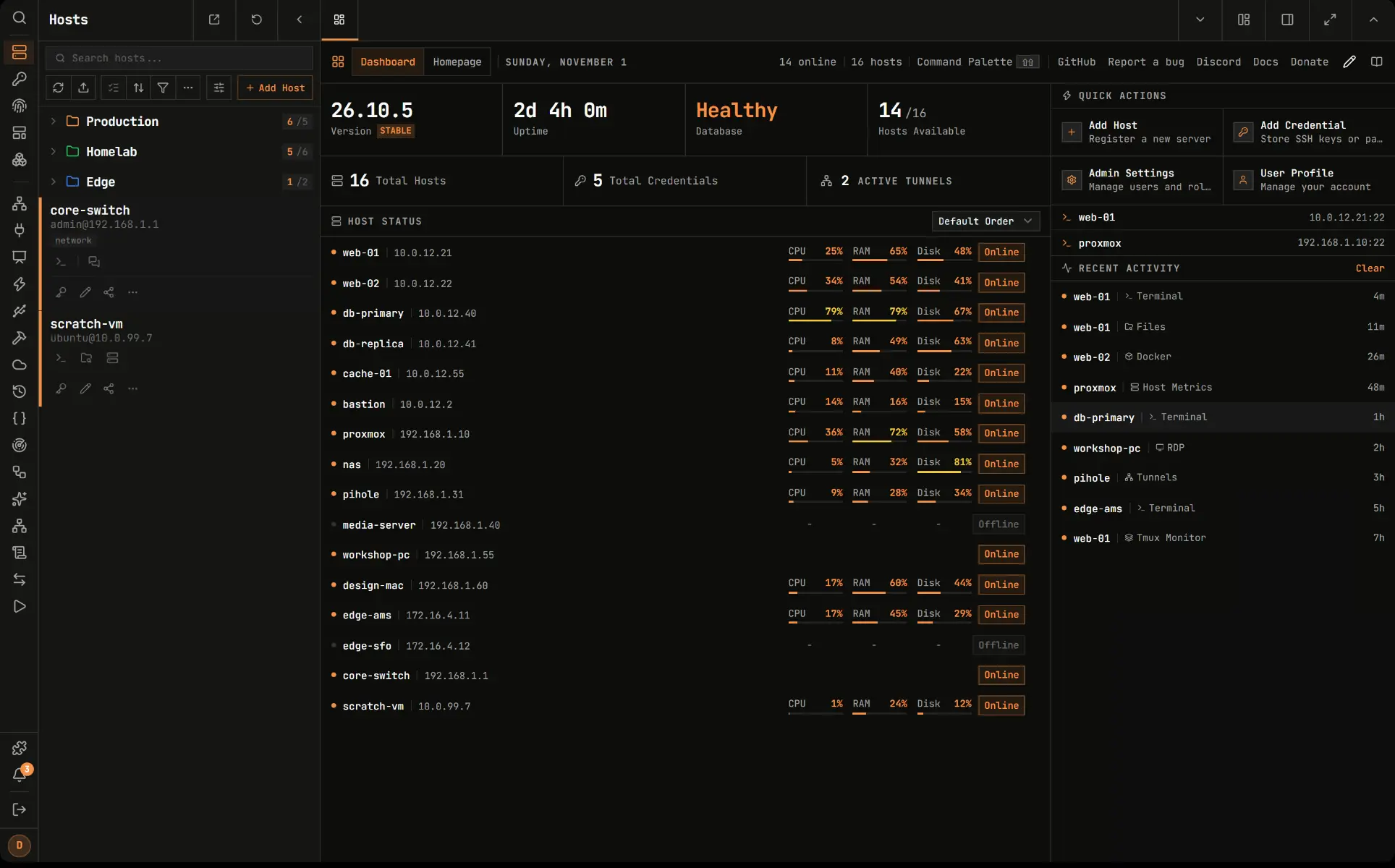
Termix is a free, open-source, self-hosted server manager and web SSH client, an alternative to Termius: your saved servers, terminals, file transfers and remote desktops in one browser tab. Your server list, keys and passwords live on your own Termix server, so they follow you to any computer or phone.
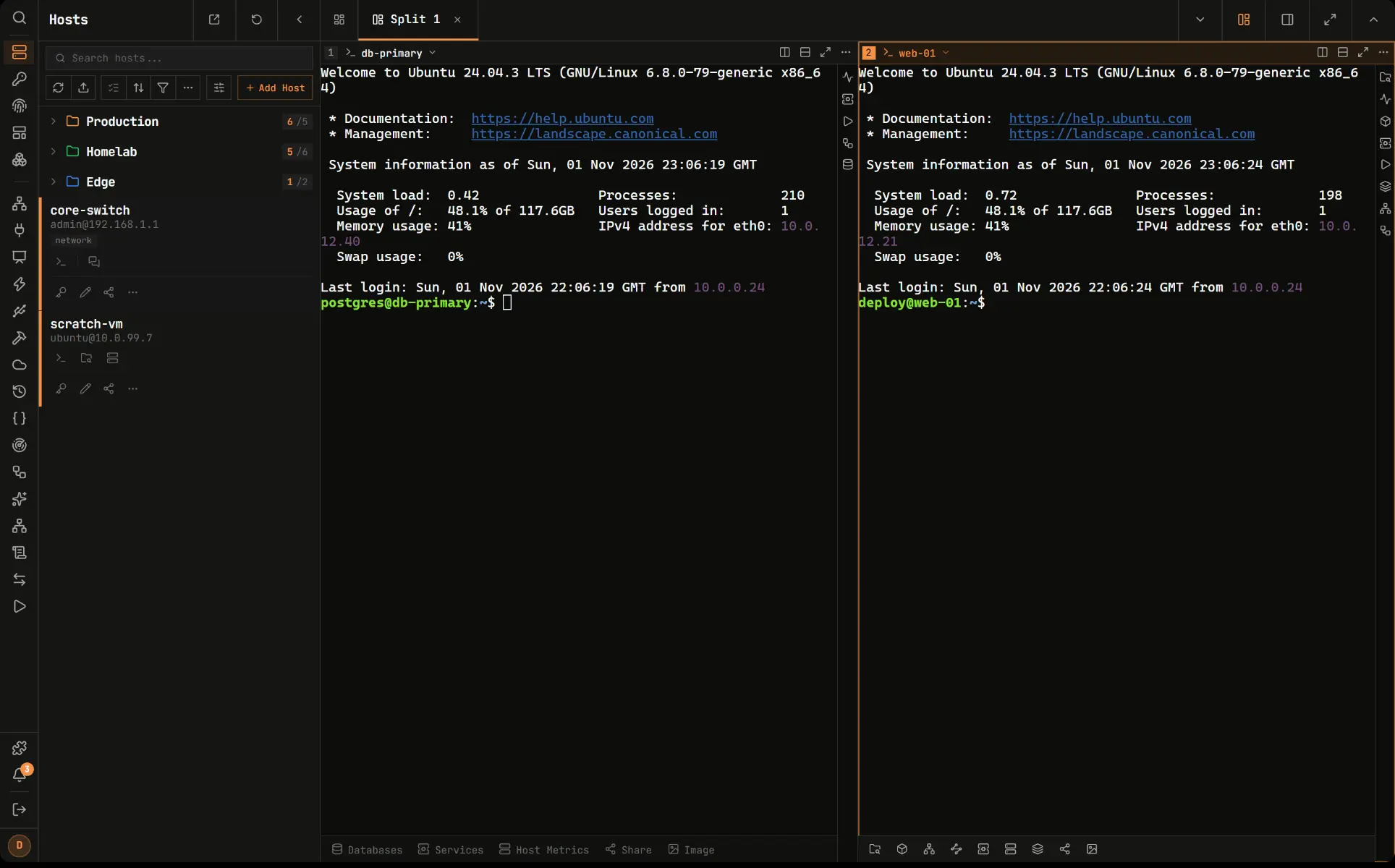
You open SSH terminals with tabs and split screen, move files over SFTP, open RDP or VNC desktops, and see each server's CPU, memory and Docker containers. Passwords and keys are saved once, encrypted, and you can share servers with colleagues and choose whether each person may only connect or also change settings. A two-person IT company, for example, could keep every client's servers in folders, share them with each other, and open any of them from a laptop at a client's office.
Termix has apps for Windows, macOS, Linux, iPhone and Android that link to your server, and its features come as plugins that are all included. Connections start from the Termix server, so it needs to be able to reach the servers you manage.
Cloudgate installs Termix on a server Cloudgate provides or one you connect and gives it a secure web address. Open it, create your account, which becomes the admin, and turn off sign-up for others.
What you can do with Termix
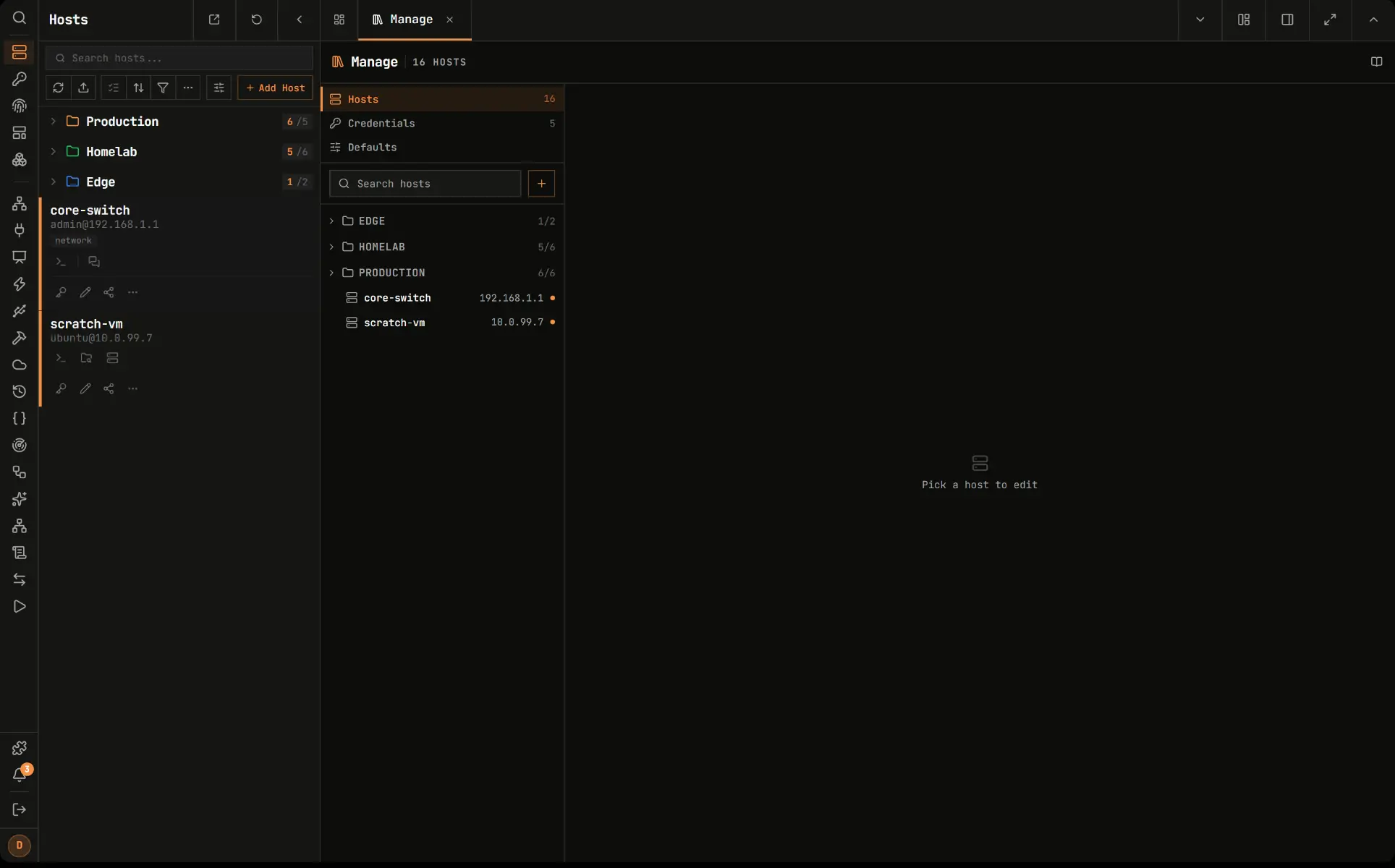
- Keep every server in one list Save servers in folders with tags, see which are online, and import them from an SSH config file.
- Open terminals in your browser SSH sessions with tabs, split screen and saved commands you can run on many servers at once.
- Move files without another app Browse, edit and move files over SFTP, even straight from one server to another.
- Reach desktops too Open RDP, VNC and Telnet sessions in the same window as your terminals.
- Watch your servers Live CPU, memory, disk and network use, and your Docker containers with their logs.
- Share access safely Store passwords and keys once, encrypted, and share servers with colleagues as connect-only, view, edit or manage.
- Sign in securely Two-step sign-in with an authenticator app, passkeys, or single sign-on with Google, GitHub or your own provider.
Replaces Termius
Termix does the same job as Termius. Here is what changes when you switch.
- No subscription, with sync and team sharing included
- Your servers' addresses, keys and passwords stay on your own server
- Works in any browser, with desktop and phone apps that link to it
- Remote desktop, file transfer and container views in the same app
- Connections start from the Termix server, so it must be able to reach the servers you manage
- No direct import from Termius; hosts come in from an SSH config or JSON file
- A young project that changes quickly, so expect the odd rough edge
- It holds the keys to your servers, so protect it with two-step sign-in
What happens when you click Deploy?
You do not need a server or any technical knowledge. Four steps, and Termix is running at its own web address.
- Step 1 Click Deploy and create your account
Deploy takes you to Cloudgate. Create an account, or log in if you have one. Termix itself is free.
- Step 2 Choose a server
No server? Get one from Cloudgate: pick a size and a country, and Cloudgate gets it ready. Already have one? Connect it instead.
- Step 3 Cloudgate sets up Termix
It prepares the server, makes the passwords the app needs and starts it. There is nothing to install and nothing to write down.
- Step 4 Open your app and sign in
Your app gets a free web address to start, without https. Add your own domain, like app.yourshop.com, and Cloudgate secures it with https for you.
New to Cloudgate? See what Cloudgate is
Run Cloudgate yourself? Deploy from your own console
In your Cloudgate console, open Templates and choose Termix.
Questions
Is Termix free?
Yes, Termix is free and open source under the Apache 2.0 licence and has no paid plans; donations fund it. You pay only for your server.
Is Termix a good alternative to Termius?
Yes, if you want your saved servers, keys and terminal sessions on your own server, shared with your team at no cost. The main difference is that Termix connects to your servers from the Termix server, while Termius connects from your own device.
How do I sign in to Termix the first time?
Open your Termix web address and create an account; the first account becomes the admin. Then turn off sign-up in the admin settings so nobody else can register, and turn on two-step sign-in.
Does Termix have phone and desktop apps?
Yes, Termix has apps for iPhone and iPad, Android, Windows, macOS and Linux, and they can link to your Termix server. It also works in any modern browser.
Can I import my servers into Termix?
Yes, Termix imports hosts from an SSH config file or a JSON file. There is no direct import from Termius.
Can Termix reach servers on my home or office network?
Only if the Termix server can reach them, for example through a VPN or a public address, because connections start from where Termix runs.
What server size do I need for Termix?
Termix runs on a small server with 1 GB of memory, which is enough for a few people. Cloudgate sets it up with everything it needs.
Do I need technical skills to run Termix?
No. Click Deploy, create your Cloudgate account and choose a server, and Cloudgate sets up Termix and gives it a web address. You use it in your browser like any other online tool.
Do I need my own server for Termix?
No. When you deploy Termix, hosted Cloudgate can provide a server. If you already rent one, you can connect it instead.
Related apps

Open your office computers and servers in a browser, from anywhere.

Build internal tools and admin panels on your own databases.

A self-hosted low-code platform for your own CRM or records apps.

Host your team's code and reviews on your own server.