
Roundcube
Modern webmail for the email address you already have at your host.
No server needed to start: Cloudgate can provide one. What happens when you click Deploy
What is Roundcube?
Roundcube is self-hosted webmail: read, write and file email from the mailbox you already have, in a modern browser inbox. It is not a mail server.
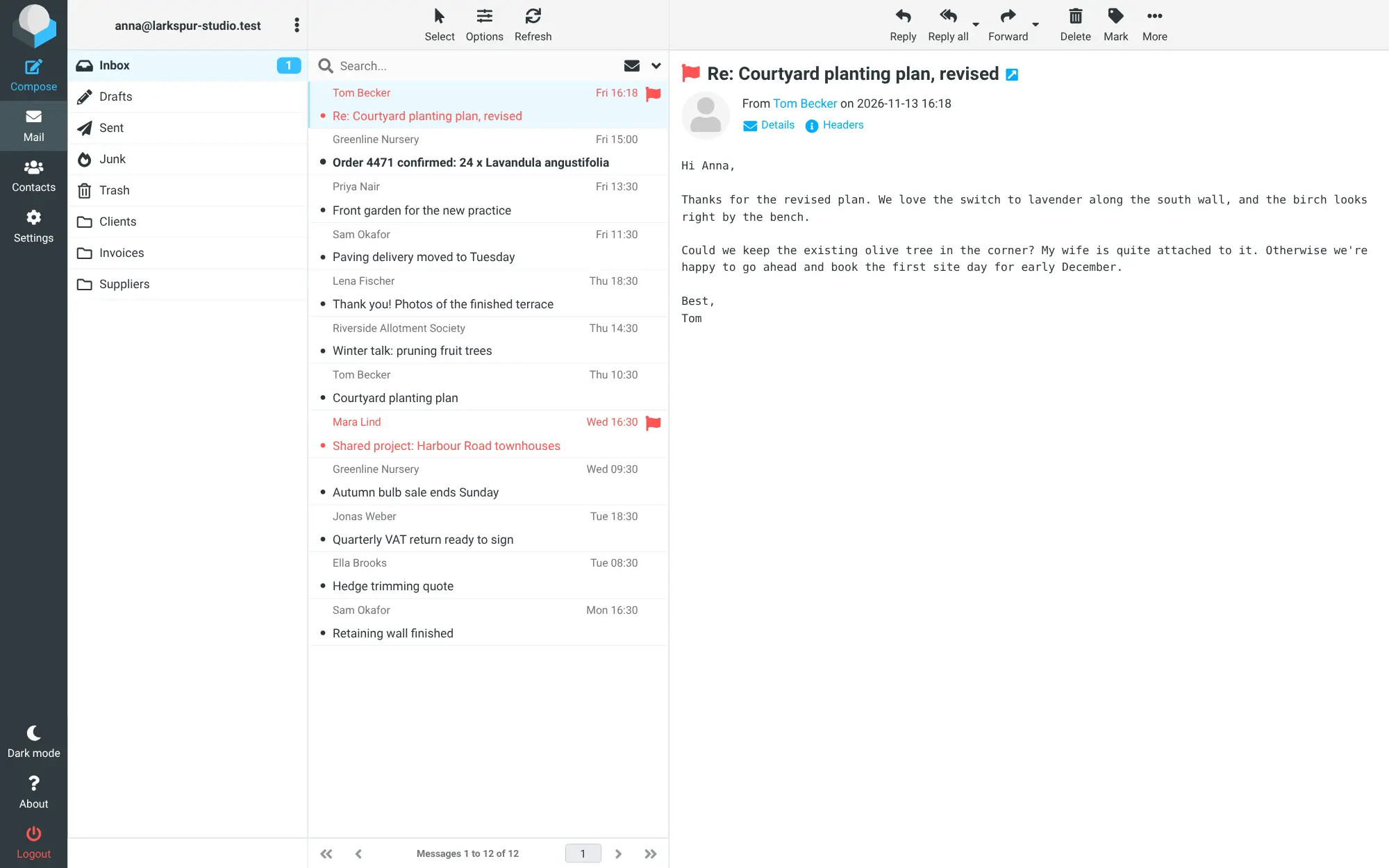
Roundcube is free, open-source webmail: a modern inbox in your web browser for the email address you already have. It is not a mail server and does not give you a new address. It connects to your existing mailbox at your web host or email provider, reading mail through IMAP and sending it through SMTP, and gives you a clean alternative to the basic webmail many hosts include, close to what people know from Gmail or Outlook on the web.
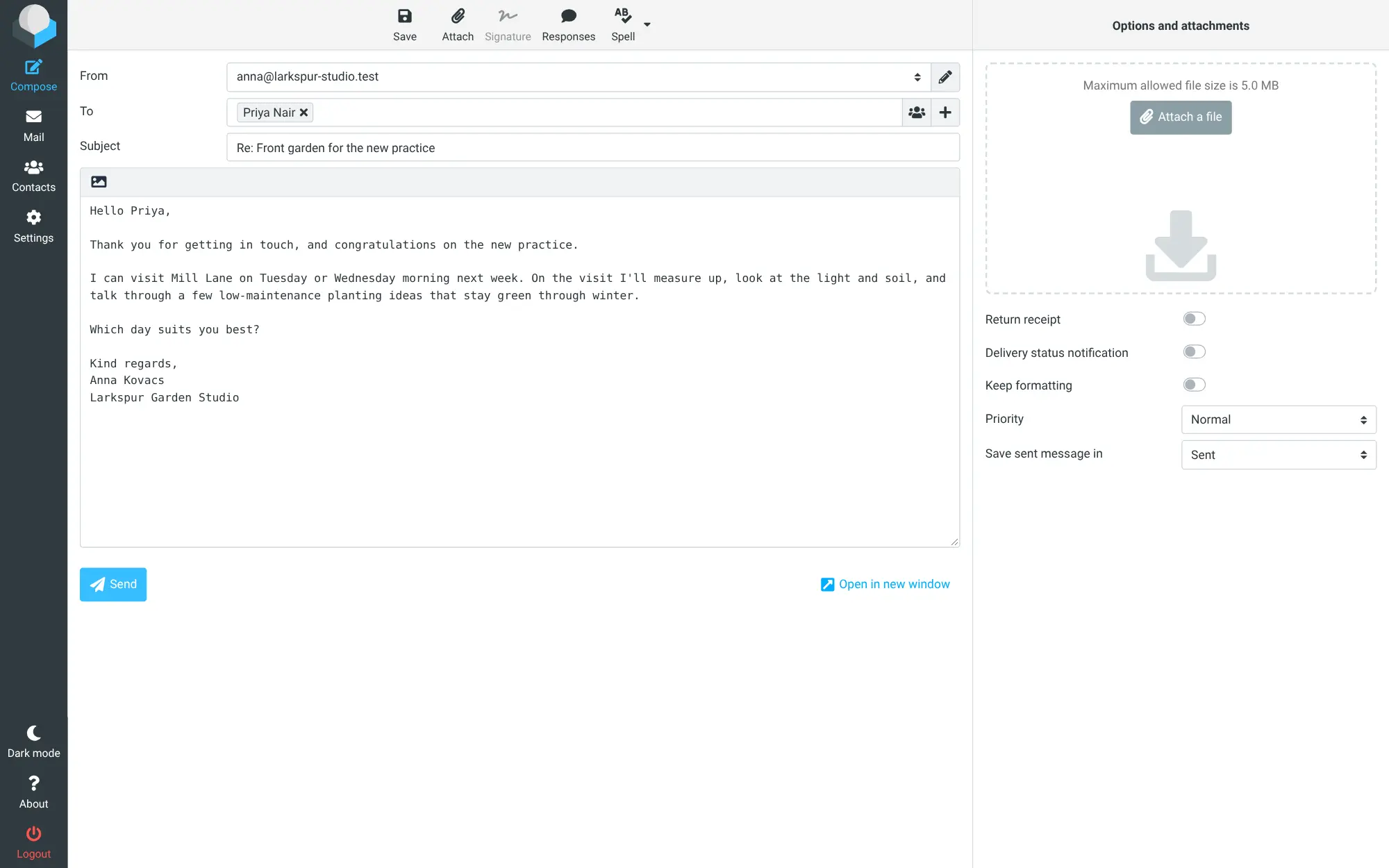
You get folders, a three-column view, formatted emails with attachments, several sender addresses, saved replies and an address book. A garden design studio, for example, can keep client, supplier and invoice emails in their own folders, send from both the owner's address and info@, and answer enquiries from a phone between site visits.
Your mail stays where it is now, so desktop and phone mail apps keep working alongside it. Roundcube adapts to phones and tablets in the browser, and has a dark mode.
Cloudgate installs Roundcube on a server Cloudgate provides or one you connect, with a secure web address. During setup you enter your provider's mail server addresses; then everyone signs in with their own email address and password.
What you can do with Roundcube
- Read and file mail in three columns Folders, the message list and the open email side by side, with drag and drop, flags and threaded conversations.
- Write proper emails Plain text or formatted mail with attachments, spell checking, signatures and saved responses for replies you send often.
- Send from more than one address Add several sender identities, such as your own address and info@, and pick one each time you write.
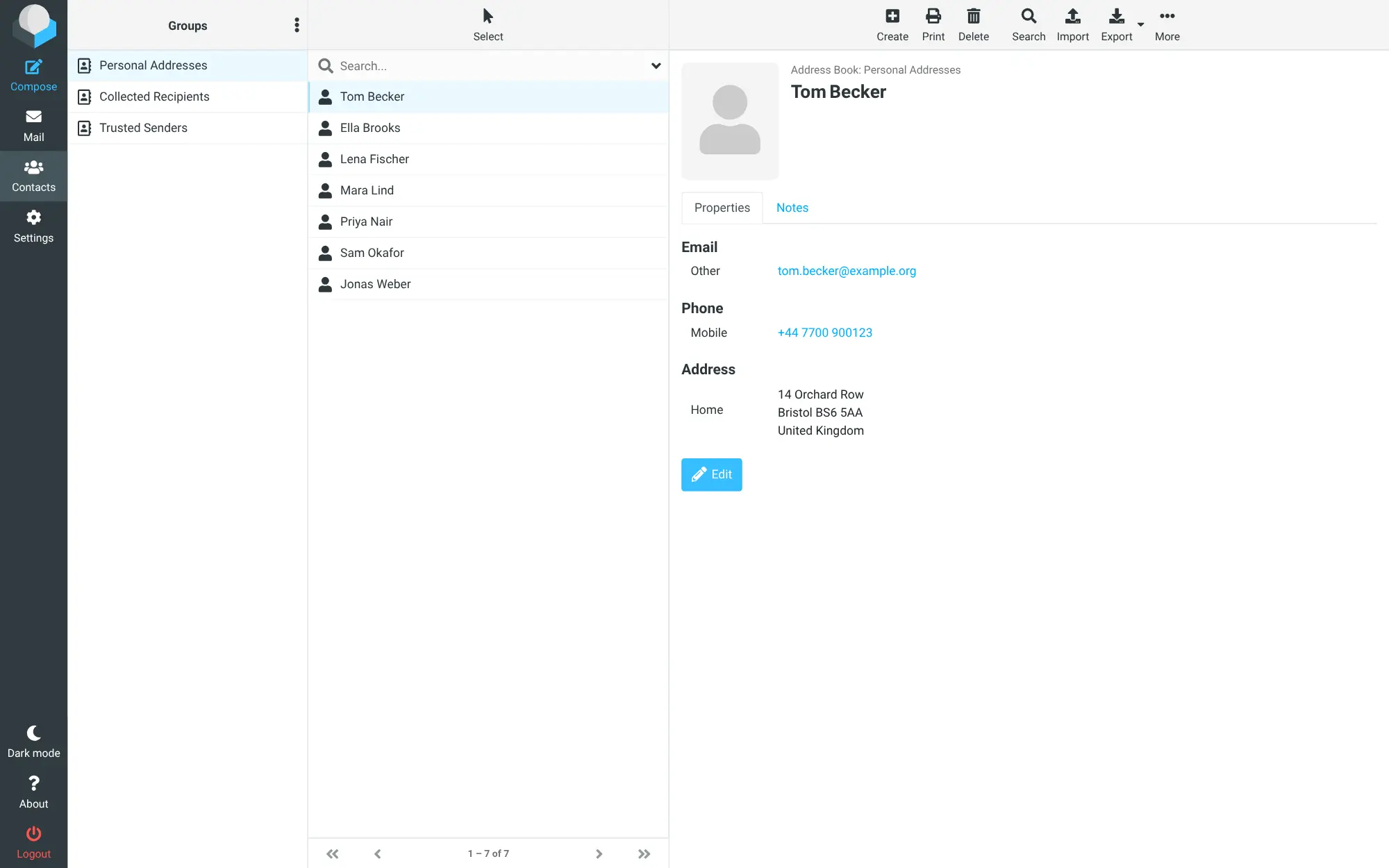
- Keep an address book Contacts with groups and find-as-you-type in the To field, and import or export them as vCard or CSV files.
- Find any email Search messages and contacts, and use folders, archive and mark-as-junk to keep the inbox tidy.
- Use it on any screen The same inbox adapts to phones and tablets, with a dark mode and over 80 languages.
Replaces Gmail and Outlook
Roundcube does the same job as Gmail and Outlook. Here is what changes when you switch.
- A clean web inbox on your own domain's email, without moving to a new provider
- No fee per person for the inbox itself
- Settings and contacts kept on your server, with your mail staying where it already is
- Import old emails from mbox or .eml files and contacts from vCard or CSV
- It is only the inbox screen; you still need an email provider or host with IMAP and SMTP
- No calendar, chat or online documents like Gmail or Outlook have
- No phone app of its own; on a phone you use the browser or your phone's mail app
- Gmail and Microsoft 365 mailboxes are not a simple fit, because they need extra sign-in setup
What happens when you click Deploy?
You do not need a server or any technical knowledge. Four steps, and Roundcube is running at its own web address.
- Step 1 Click Deploy and create your account
Deploy takes you to Cloudgate. Create an account, or log in if you have one. Roundcube itself is free.
- Step 2 Choose a server
No server? Get one from Cloudgate: pick a size and a country, and Cloudgate gets it ready. Already have one? Connect it instead.
- Step 3 Cloudgate sets up Roundcube
It prepares the server, makes the passwords the app needs and starts it. There is nothing to install and nothing to write down.
- Step 4 Open your app and sign in
Your app gets a free web address to start, without https. Add your own domain, like app.yourshop.com, and Cloudgate secures it with https for you.
New to Cloudgate? See what Cloudgate is
Run Cloudgate yourself? Deploy from your own console
In your Cloudgate console, open Templates and choose Roundcube.
Questions
Is Roundcube free?
Yes, Roundcube is free and open source under the GPL-3.0 licence, with no paid edition. You pay only for the server it runs on and for your existing email hosting.
Is Roundcube a mail server?
No, Roundcube is a webmail client, not a mail server. It connects to a mailbox you already have through IMAP to read mail and SMTP to send it, so you still need an email host or provider that gives you those.
Is Roundcube a good alternative to Gmail or Outlook on the web?
Yes, if your email is on your own domain at a web host or mail provider and you want a modern inbox in the browser. Roundcube covers mail, folders, contacts and search, but it has no calendar, chat or documents, and it does not replace the email service itself.
How do I sign in to Roundcube the first time?
You sign in to Roundcube with your existing email address and its password; there is no separate admin account. Cloudgate asks for your provider's incoming and outgoing mail server addresses during setup, and anyone with a mailbox there can then use the same web address.
Can I bring my old emails and contacts into Roundcube?
Yes, mostly. The mail already in your mailbox appears in Roundcube straight away, contacts can be imported from vCard or CSV files, and old messages saved as mbox or .eml files can be imported into a folder.
Does Roundcube work on a phone?
Yes, Roundcube works in a phone or tablet browser with a layout made for small screens. It has no app of its own, but your phone's mail app can still connect to the same mailbox at the same time.
What server size do I need for Roundcube?
A small server is enough, because Roundcube only shows your mail and keeps settings and contacts in a small database. The emails themselves stay with your mail provider.
Do I need technical skills to run Roundcube?
No. Click Deploy, create your Cloudgate account and choose a server, and Cloudgate sets up Roundcube and gives it a web address. You use it in your browser like any other online tool.
Do I need my own server for Roundcube?
No. When you deploy Roundcube, hosted Cloudgate can provide a server. If you already rent one, you can connect it instead.
Can I move my data from Gmail to Roundcube?
Most people export from Gmail and import into Roundcube. The official guides at github.com walk through it.
Related apps
Webmail that reads all your email accounts in one inbox.

Calendar and contacts sync, managed from one admin page.

Groupware for shared calendars, contacts and tasks.

Shared email, calendars and contacts for your office.