Cypht
Webmail that reads all your email accounts in one inbox.
No server needed to start: Cloudgate can provide one. What happens when you click Deploy
What is Cypht?
Cypht is self-hosted webmail that reads Gmail, Outlook, Exchange and any IMAP account in one combined inbox, with search across them all.
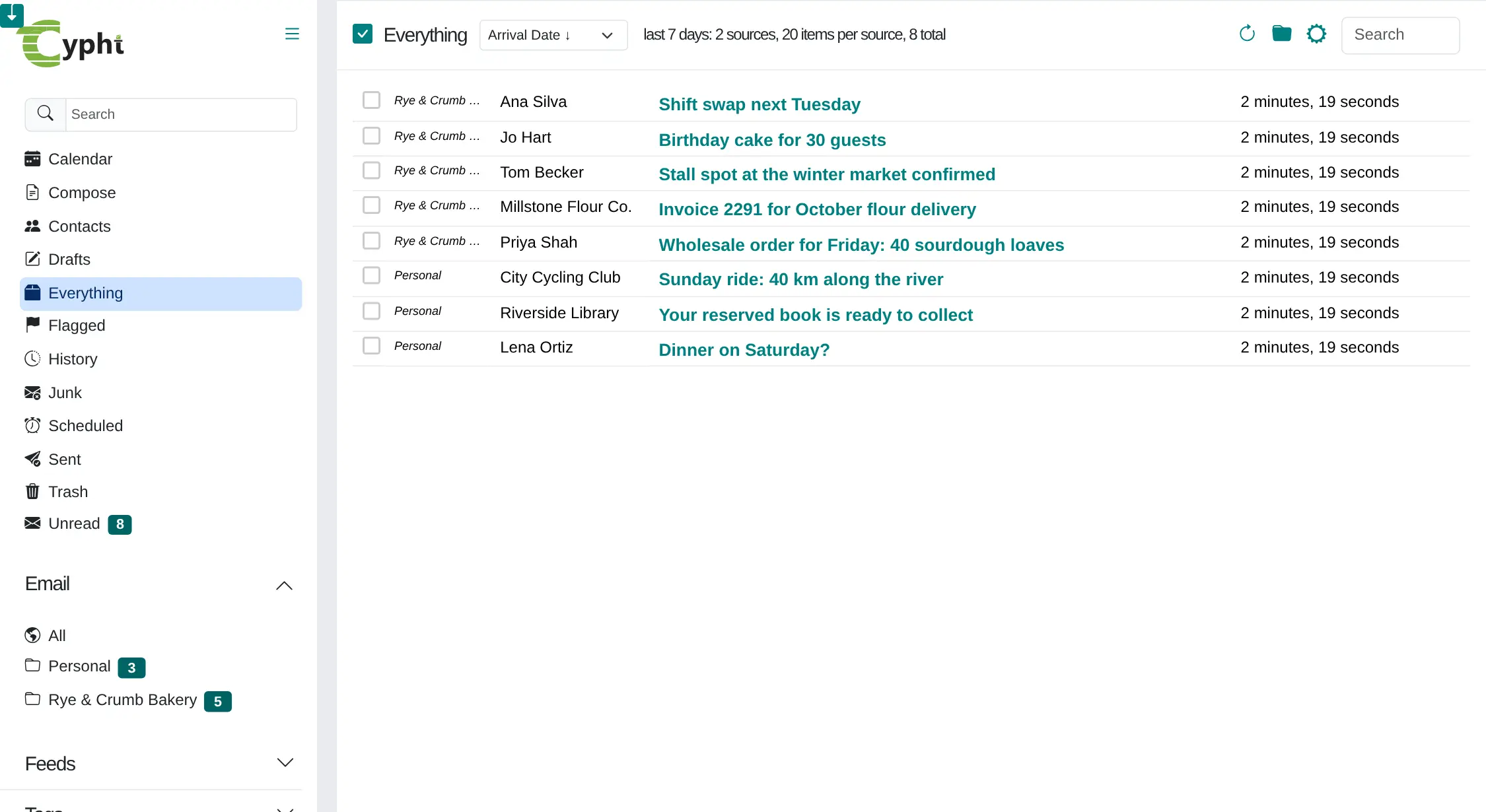
Cypht is a free, open-source, self-hosted webmail app that shows the email from all your accounts in one inbox. It does not replace your email provider: you connect the accounts you already have, such as Gmail, Outlook, Yahoo, your web host's mail or Microsoft Exchange, and read, search, answer and sort them from one page in your browser.
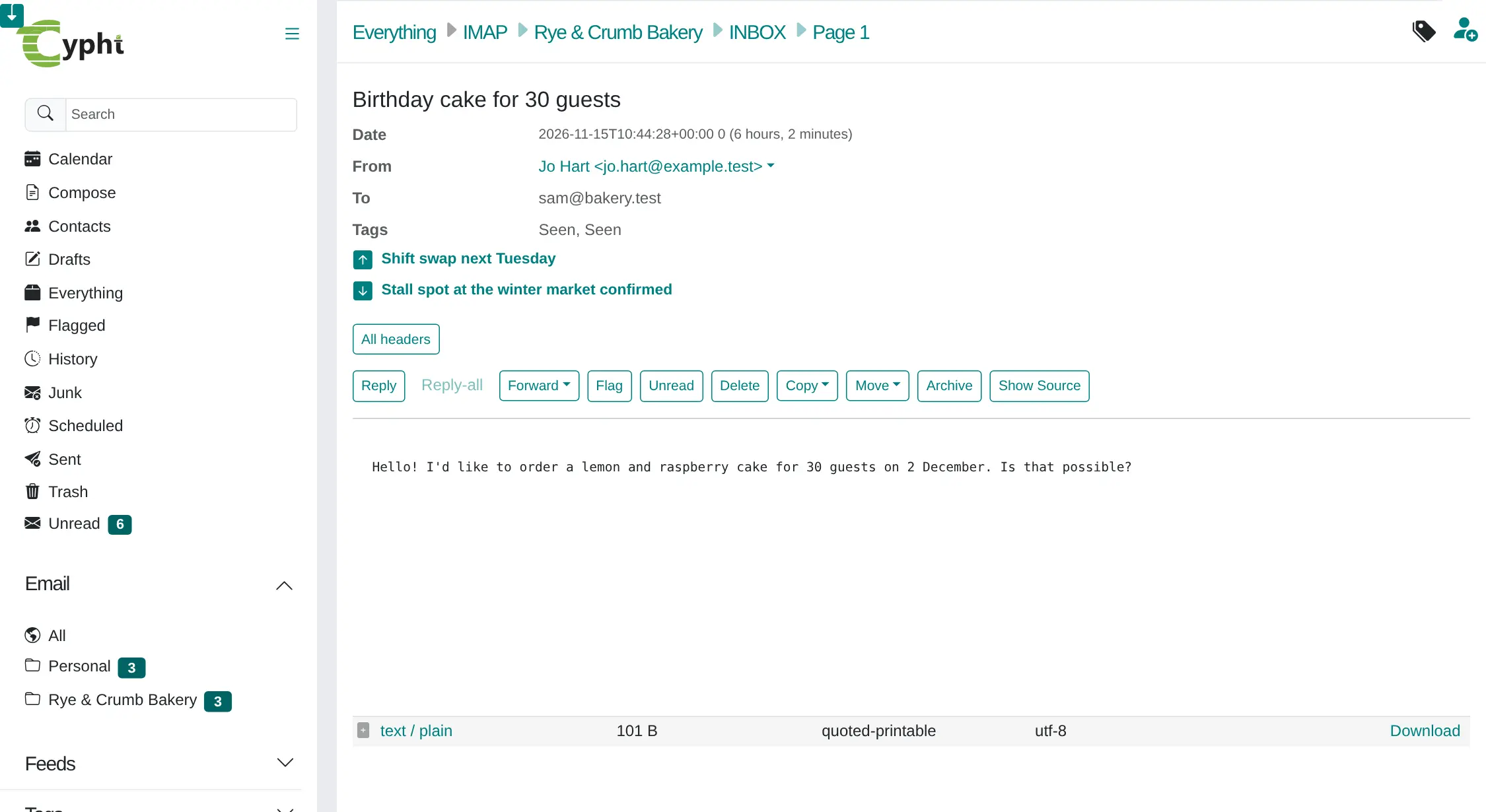
A bakery owner, for example, can see the shop's wholesale orders and supplier invoices next to personal mail in a single list, open a cake order from a customer and reply from the bakery address without switching between tabs or logins. Search looks through every account at once, and filters can sort new mail on services that support them.
Cypht also includes an address book, a calendar, tags, scheduled sending and an RSS feed reader, and several people can share one Cypht, each with their own accounts. It is a good replacement for paid unified-inbox apps like Mailbird, or for Gmail's fading feature that collected mail from other accounts. There are no phone apps, and the screens are made for a computer.
Cloudgate installs Cypht on a server Cloudgate provides or one you connect and gives it a secure web address. Sign in as the admin, add your email accounts, and your settings stay on your server.
What you can do with Cypht
- Read every account in one inbox One combined view shows new, unread, sent and flagged mail from all your accounts, with each message labelled by account.
- Connect almost any email Add Gmail, Outlook.com, Office 365, Yahoo, iCloud, Fastmail, your web host's mail or Microsoft Exchange, with ready-made settings for common providers.
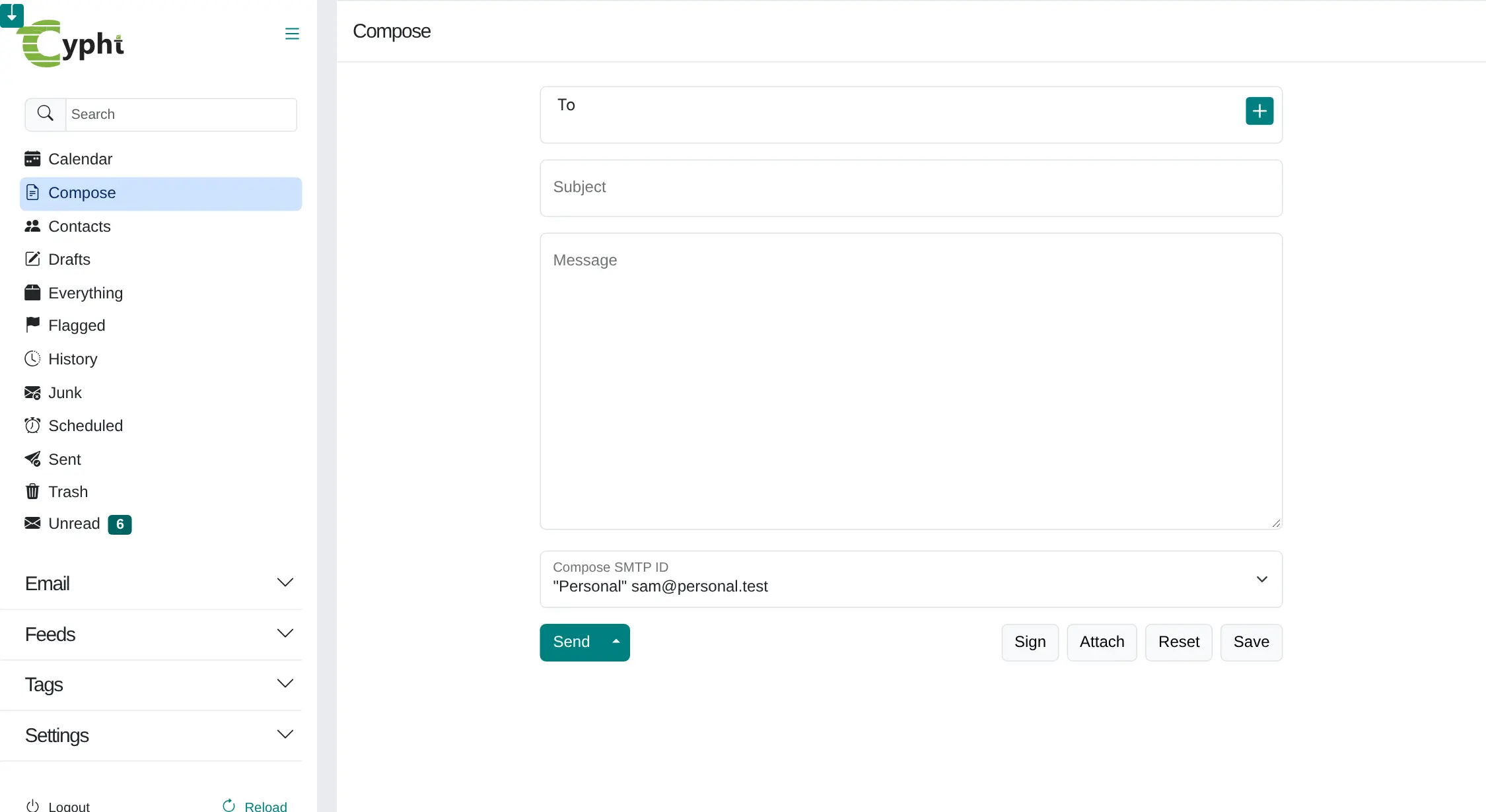
- Reply from the right address Pick which account sends each message, and give each one its own signature and reply-to address.
- Search all your mail at once Look for a name or subject across every account instead of searching each inbox in turn.
- Move mail between accounts Move or copy messages from one account or folder to another, and manage your folders from the browser.
- Sort mail automatically Create filters that file or delete messages by sender, subject or keyword, on mail services that support them.
- Keep contacts, a calendar and news together An address book, a calendar, tags, scheduled sending and an RSS feed reader sit next to your mail.
- Share it with others Several people can use one Cypht, each with their own login and their own email accounts.
Replaces Mailbird
Cypht does the same job as Mailbird. Here is what changes when you switch.
- One inbox for all your accounts, in any browser, with no app to install
- Free, with no subscription or per-account fee
- Your account settings and saved passwords stay on your own server
- Works with any IMAP mail service, plus Exchange
- Cypht is not an email provider, so you keep your existing mailboxes
- The design is plain and functional, and it is not built for small phone screens
- There are no phone or desktop apps
- Gmail and Outlook accounts usually need an app password to connect
What happens when you click Deploy?
You do not need a server or any technical knowledge. Four steps, and Cypht is running at its own web address.
- Step 1 Click Deploy and create your account
Deploy takes you to Cloudgate. Create an account, or log in if you have one. Cypht itself is free.
- Step 2 Choose a server
No server? Get one from Cloudgate: pick a size and a country, and Cloudgate gets it ready. Already have one? Connect it instead.
- Step 3 Cloudgate sets up Cypht
It prepares the server, makes the passwords the app needs and starts it. There is nothing to install and nothing to write down.
- Step 4 Open your app and sign in
Your app gets a free web address to start, without https. Add your own domain, like app.yourshop.com, and Cloudgate secures it with https for you.
New to Cloudgate? See what Cloudgate is
Run Cloudgate yourself? Deploy from your own console
In your Cloudgate console, open Templates and choose Cypht.
Questions
Is Cypht free?
Yes, Cypht is free and open source under the LGPL-2.1 licence. There is no paid edition and no limit on accounts; you pay only for your server.
Does Cypht replace my email provider?
No, Cypht reads the email accounts you already have and does not host any mail itself. Your messages stay with Gmail, Outlook or your web host, and Cypht shows them all in one place.
Can Cypht read Gmail, Outlook and Exchange accounts?
Yes, Cypht connects to any mail service that offers IMAP and SMTP, to JMAP services, and to Microsoft Exchange. It has ready-made settings for Gmail, Outlook.com, Office 365, Yahoo, iCloud and others; Gmail and Outlook usually ask for an app password.
Is Cypht a good alternative to Mailbird or Gmail's "check mail from other accounts"?
Yes, if what you want is one inbox for several accounts. Cypht does that in a browser on your own server, for free, while Gmail is retiring the feature that fetched mail from other accounts. It is plainer than Mailbird and has no desktop or phone apps.
How do I sign in to Cypht the first time?
Cloudgate creates the Cypht admin account for you, with the username you chose and a strong password shown on the app's variables page. Sign in, then add your email accounts under Settings, Servers.
Is there a Cypht phone app?
No, Cypht has no phone or desktop apps. It opens in any web browser, including on a phone, but its screens are made for a computer.
Can several people use one Cypht?
Yes, Cypht supports several users. Each person has their own login and connects their own email accounts, which the others cannot see.
Do I need technical skills to run Cypht?
No. Click Deploy, create your Cloudgate account and choose a server, and Cloudgate sets up Cypht and gives it a web address. You use it in your browser like any other online tool.
Do I need my own server for Cypht?
No. When you deploy Cypht, hosted Cloudgate can provide a server. If you already rent one, you can connect it instead.
Can I move my data from Mailbird to Cypht?
Most people export from Mailbird and import into Cypht. The official guides at www.cypht.org walk through it.
Related apps

Modern webmail for the email address you already have at your host.

Calendar and contacts sync, managed from one admin page.

Groupware for shared calendars, contacts and tasks.

Shared email, calendars and contacts for your office.