PodFetch
A self-hosted podcast manager that downloads and keeps every episode.
No server needed to start: Cloudgate can provide one. What happens when you click Deploy
What is PodFetch?
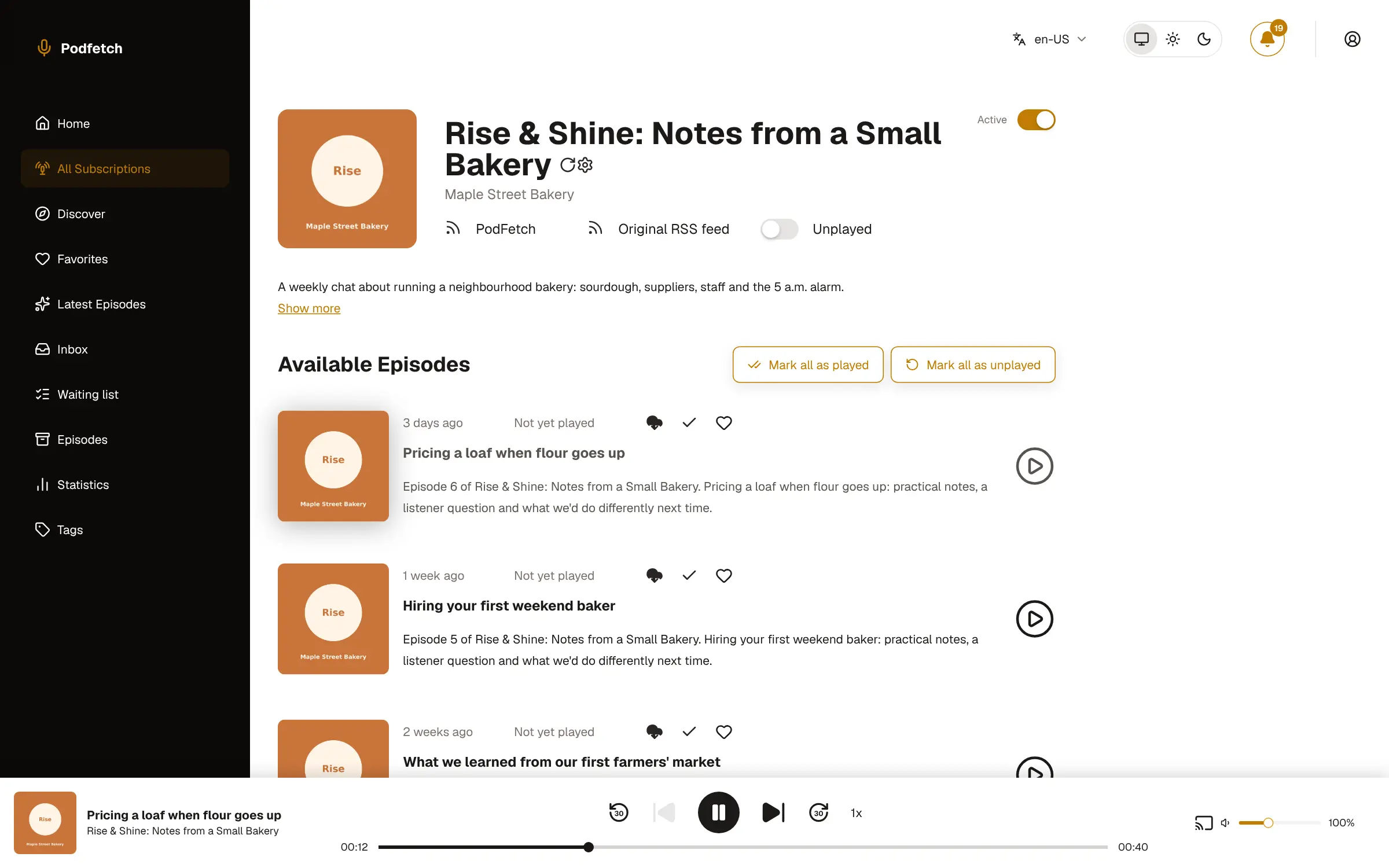
PodFetch is a self-hosted podcast manager that downloads every new episode to your server, plays it in the browser and syncs with AntennaPod.
PodFetch is a free, open-source, self-hosted podcast manager: it follows the shows you subscribe to, downloads each new episode to your own server and lets you listen in any browser, much like Pocket Casts but with your podcasts and progress kept on a server you control. Every episode stays on your disk as a file, so it is still there if a show takes it down.
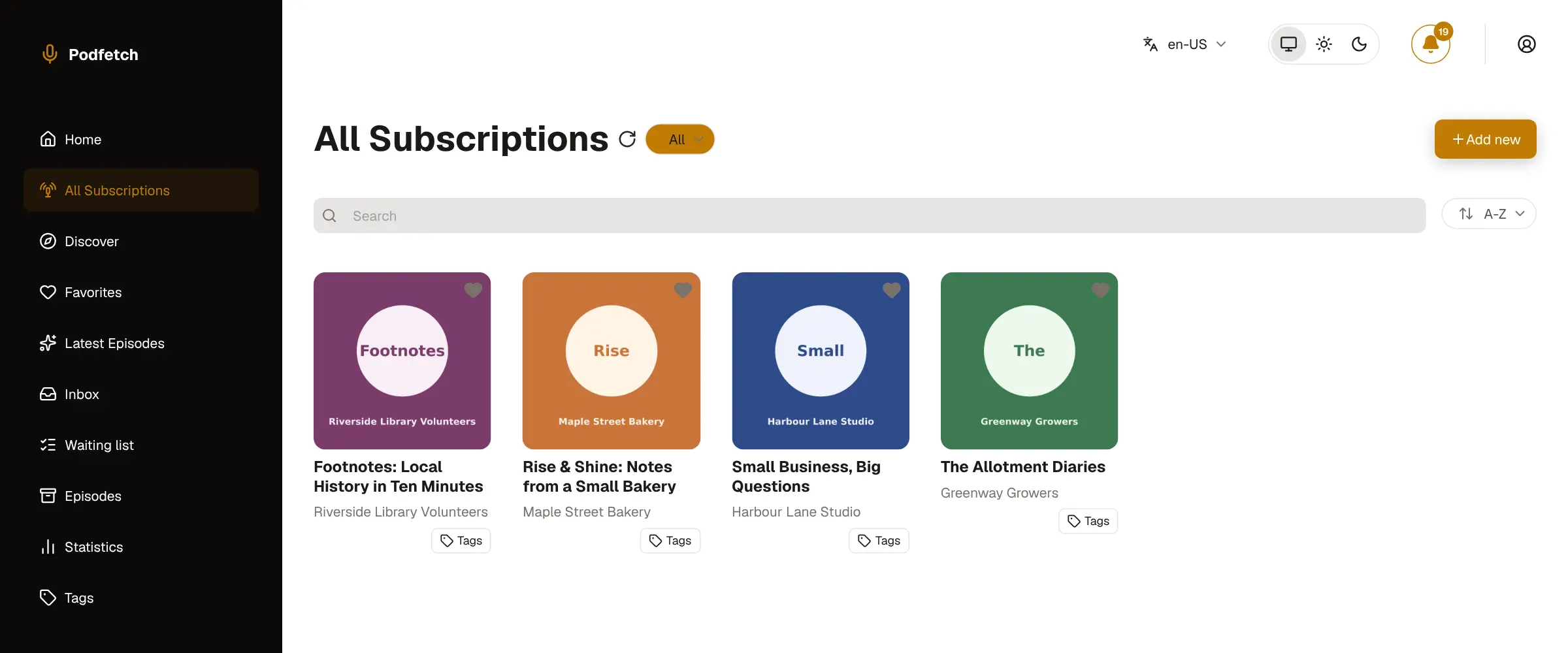
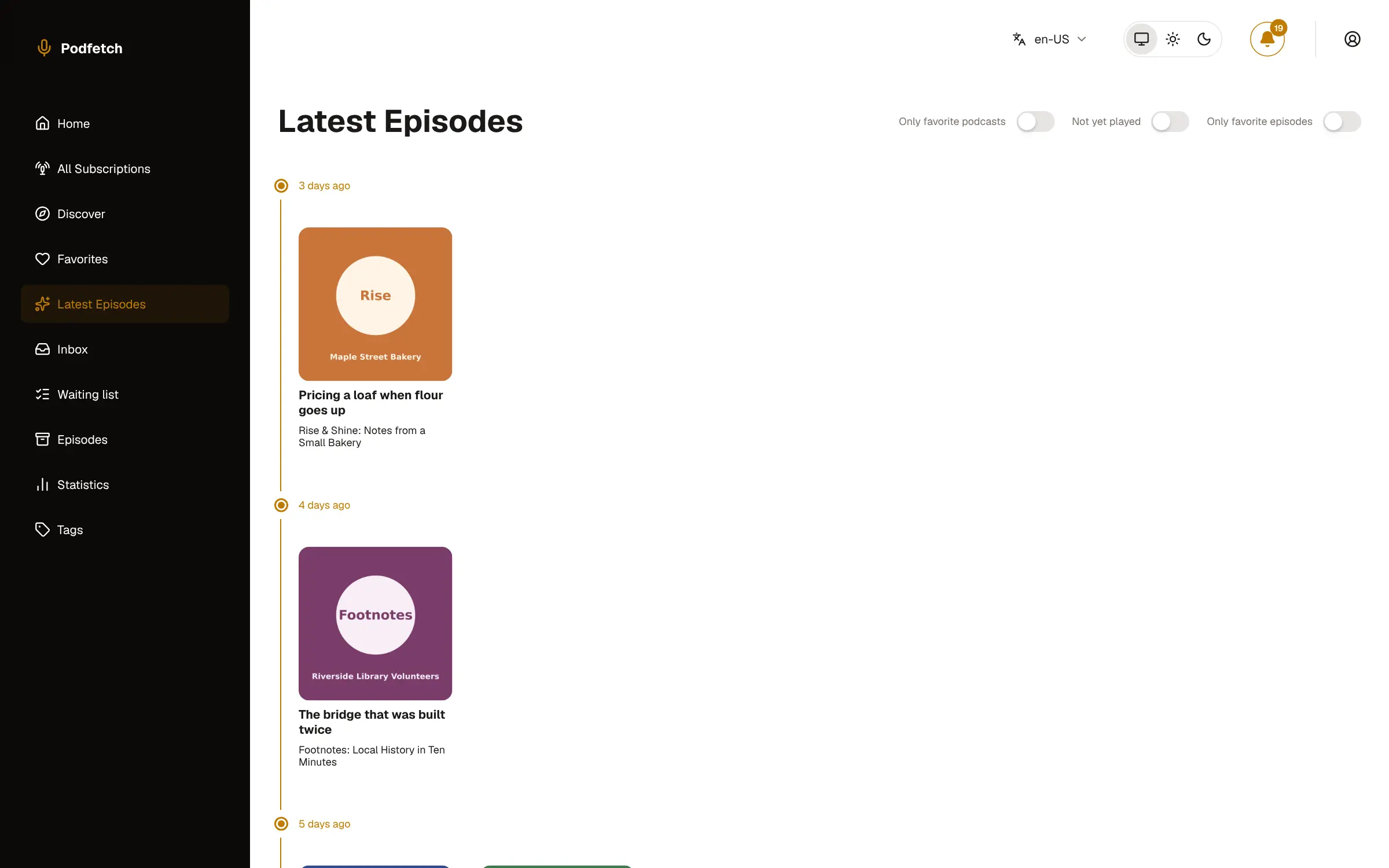
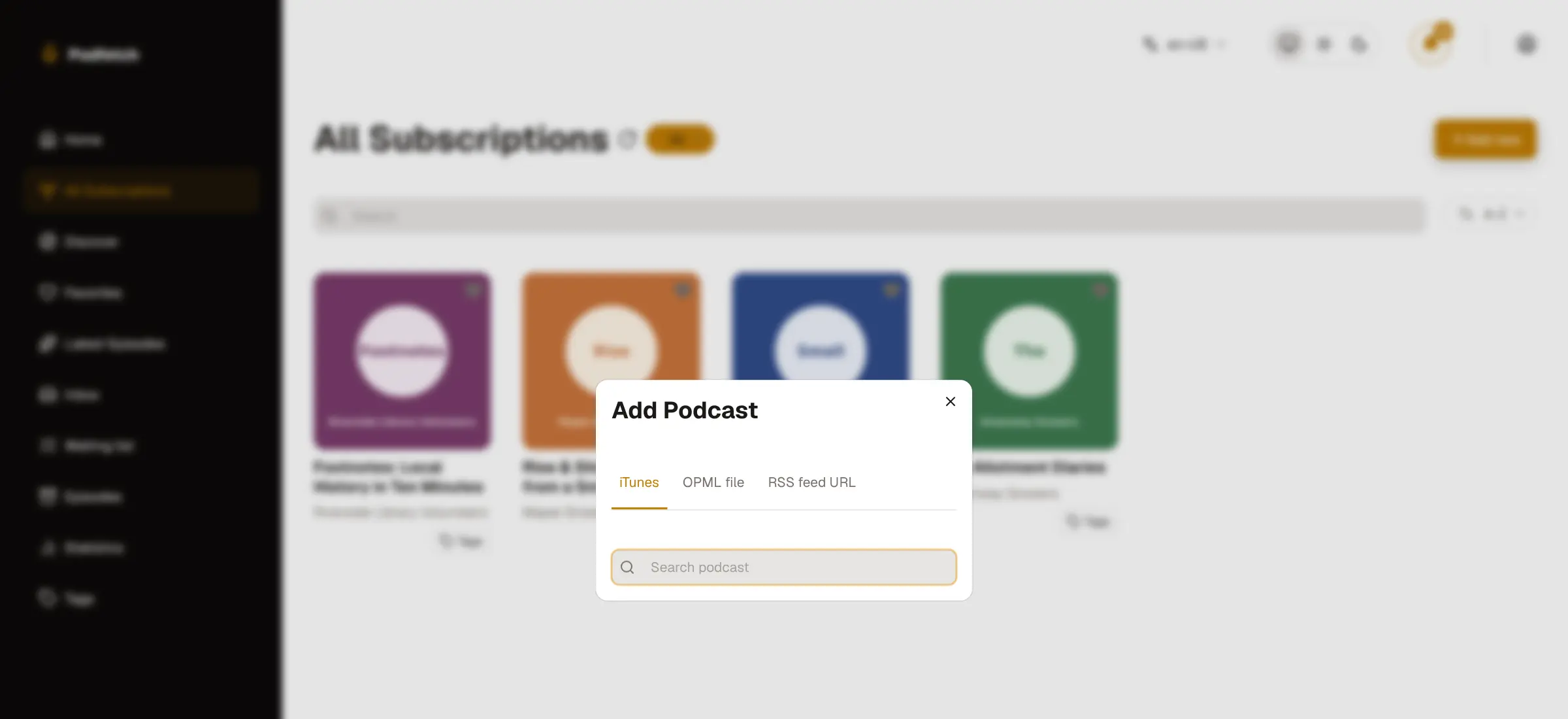
You add shows by searching the iTunes directory, pasting a feed address or uploading the OPML list from your old app. A timeline shows what is new, your place in each episode is saved, and favourites, tags, playlists and chapters help you find your way. A café owner, for example, could follow a few trade podcasts, have new episodes waiting each morning, and finish one on the phone that was started at the counter.
PodFetch works with AntennaPod and other gPodder apps, and has its own Android app; on an iPhone you use the web app from the home screen. Cloudgate installs PodFetch on a server Cloudgate provides or one you connect, gives it a secure web address, and creates the admin account, so the app is never open to strangers.
What you can do with PodFetch
- Subscribe in seconds Search the iTunes podcast directory, paste any RSS feed address, or upload an OPML list from your old app.
- New episodes download themselves PodFetch checks your shows every hour and saves new episodes to your server, with clean-up rules so the disk does not fill up.
- Pick up where you stopped Your place in each episode is saved, so you can start on one device and carry on from the home page on another.
- Keep using AntennaPod A built-in gPodder sync server keeps AntennaPod and other gPodder apps in step with PodFetch, signed in with your PodFetch username and password.
- Find your way around A timeline of the latest episodes, favourites, tags, playlists, chapters and a statistics page of what you have listened to.
- Search what was said When a show publishes transcripts, PodFetch saves them and lets you search every spoken word and jump to that moment.
- Share with the household Invite family or colleagues with a link, each with their own sign-in, and decide who may hear explicit shows.
Replaces Pocket Casts
PodFetch does the same job as Pocket Casts. Here is what changes when you switch.
- Every episode is saved on your own server, even if a show later removes it
- No podcast-app account; your subscriptions and listening stay with you
- Keep listening in AntennaPod or another gPodder app on your phone
- Several people share one server, each with their own sign-in
- There is no PodFetch app for iPhone; iPhone users listen in the browser or add it to the home screen
- The PodFetch Android app is installed from its GitHub releases, not Google Play
- Only your subscriptions move across; listening history stays in the old app
- Downloaded episodes take up disk space on your server
What happens when you click Deploy?
You do not need a server or any technical knowledge. Four steps, and PodFetch is running at its own web address.
- Step 1 Click Deploy and create your account
Deploy takes you to Cloudgate. Create an account, or log in if you have one. PodFetch itself is free.
- Step 2 Choose a server
No server? Get one from Cloudgate: pick a size and a country, and Cloudgate gets it ready. Already have one? Connect it instead.
- Step 3 Cloudgate sets up PodFetch
It prepares the server, makes the passwords the app needs and starts it. There is nothing to install and nothing to write down.
- Step 4 Open your app and sign in
Your app gets a free web address to start, without https. Add your own domain, like app.yourshop.com, and Cloudgate secures it with https for you.
New to Cloudgate? See what Cloudgate is
Run Cloudgate yourself? Deploy from your own console
In your Cloudgate console, open Templates and choose PodFetch.
Questions
Is PodFetch free?
Yes. PodFetch is free, open-source software under the Apache-2.0 licence, with no paid tier or locked features. You pay only for the server it runs on and the disk your episodes use.
Is PodFetch a good alternative to Pocket Casts?
Yes, if you want your podcasts and listening progress on your own server instead of a Pocket Casts account, and every episode kept as a file you own. PodFetch is web-first, though, with no iPhone app of its own, so it suits people who listen in the browser, on Android or in AntennaPod.
Can I move my podcasts from Pocket Casts or Overcast to PodFetch?
Yes, your subscriptions. Export an OPML file from your old podcast app and upload it in PodFetch's Add Podcast window. Listening history and play positions do not come across.
Does PodFetch have a phone app?
Yes, for Android, installed from the project's GitHub releases with Obtainium, and it can download episodes for offline listening. There is no iPhone app; on an iPhone you add the PodFetch web app to your home screen, which gives lock-screen playback controls.
Can I keep using AntennaPod with PodFetch?
Yes. PodFetch has a gPodder sync server, switched on in this template, so AntennaPod signs in with your PodFetch web address, username and password and keeps your subscriptions and play position in step.
How do I sign in to PodFetch the first time?
Sign in to PodFetch with the username admin and the password Cloudgate creates, shown on the app's variables page in Cloudgate. There is no open sign-up page; you add other people from User administration with an invite link that lasts a week.
What server size do I need for PodFetch?
A small server is enough, because PodFetch is one light app with a built-in database. Plan the disk for the episodes you keep; an optional setting converts downloads to the smaller Opus format to save space.
Do I need technical skills to run PodFetch?
No. Click Deploy, create your Cloudgate account and choose a server, and Cloudgate sets up PodFetch and gives it a web address. You use it in your browser like any other online tool.
Do I need my own server for PodFetch?
No. When you deploy PodFetch, hosted Cloudgate can provide a server. If you already rent one, you can connect it instead.
Related apps

A self-hosted podcast player that syncs every device you own.
A self-hosted audiobook and podcast server with synced progress.
A self-hosted music server that works with almost any music app.

Sound-based playlists and music discovery for your music server.