
AudioMuse-AI
Sound-based playlists and music discovery for your music server.
No server needed to start: Cloudgate can provide one. What happens when you click Deploy
What is AudioMuse-AI?
Self-hosted AudioMuse-AI analyses how your songs sound and builds playlists for Navidrome, Jellyfin, Emby, Plex or Lyrion.
Self-hosted AudioMuse-AI adds Spotify-style discovery to the music server you already run: it analyses how every song in your library sounds and builds playlists from that, not from tags or an outside service. It is free and open source, and it does not store or play music itself, so you need Navidrome, Jellyfin, Emby, Plex, Lyrion or LMS first.
A café owner with a few thousand albums on Navidrome, for example, could pick one calm track and get an hour of songs that sound like it, draw a path from morning jazz to afternoon soul, or search for "acoustic guitar, relaxed", then find the playlists ready in the Navidrome app on the shop's tablet.
Before any of this works, AudioMuse-AI runs a first analysis of your whole library. It is heavy on the processor and can take from a few hours to several days on a large collection, which is why it needs a server with at least 4 CPU cores and 8 GB of memory. Typing a request in plain words, called Instant Playlists, also needs an AI model, either your own or a paid AI service; everything else runs on your server.
Cloudgate installs AudioMuse-AI on a server Cloudgate provides or one you connect, with a secure web address and an admin sign-in. Connect your music server in the setup wizard and start the analysis.
What you can do with AudioMuse-AI
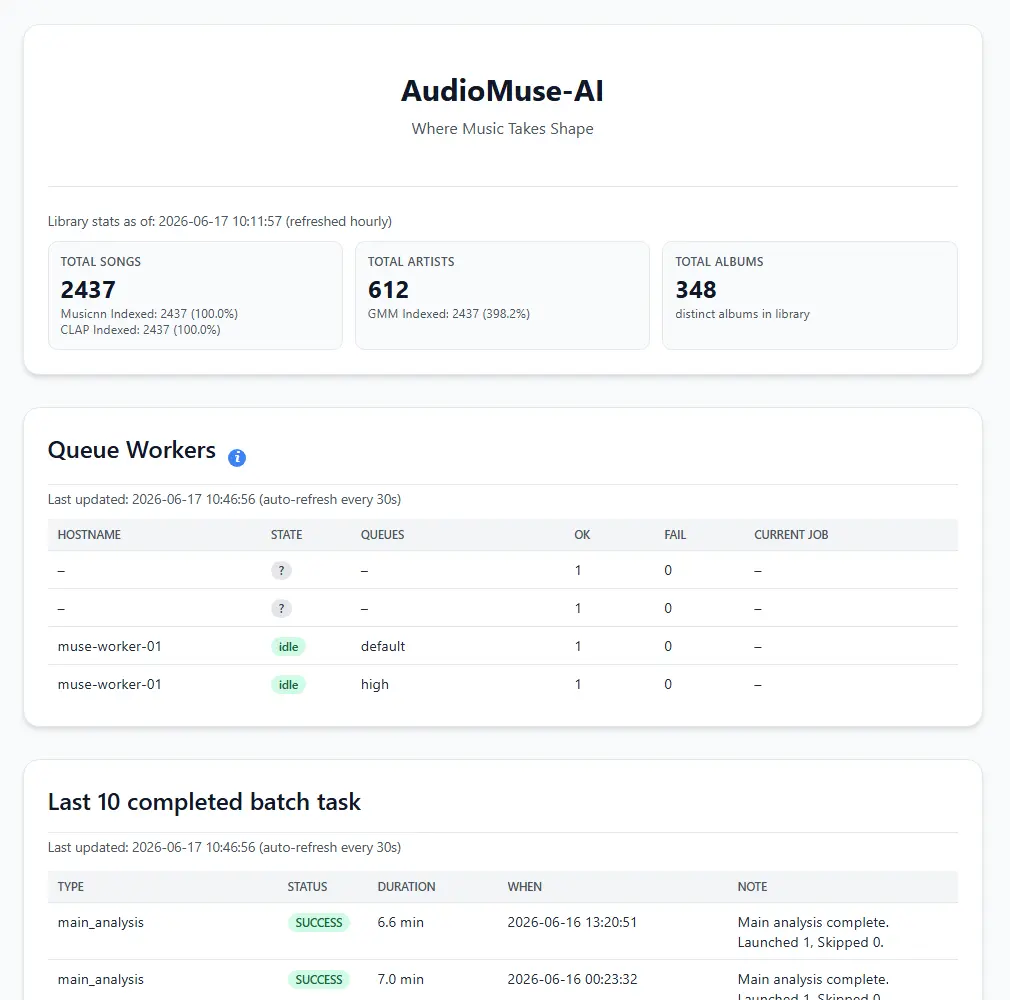
- Analyse your library by sound AudioMuse-AI listens to every song on your own server, so playlists follow how music sounds, not just its tags.
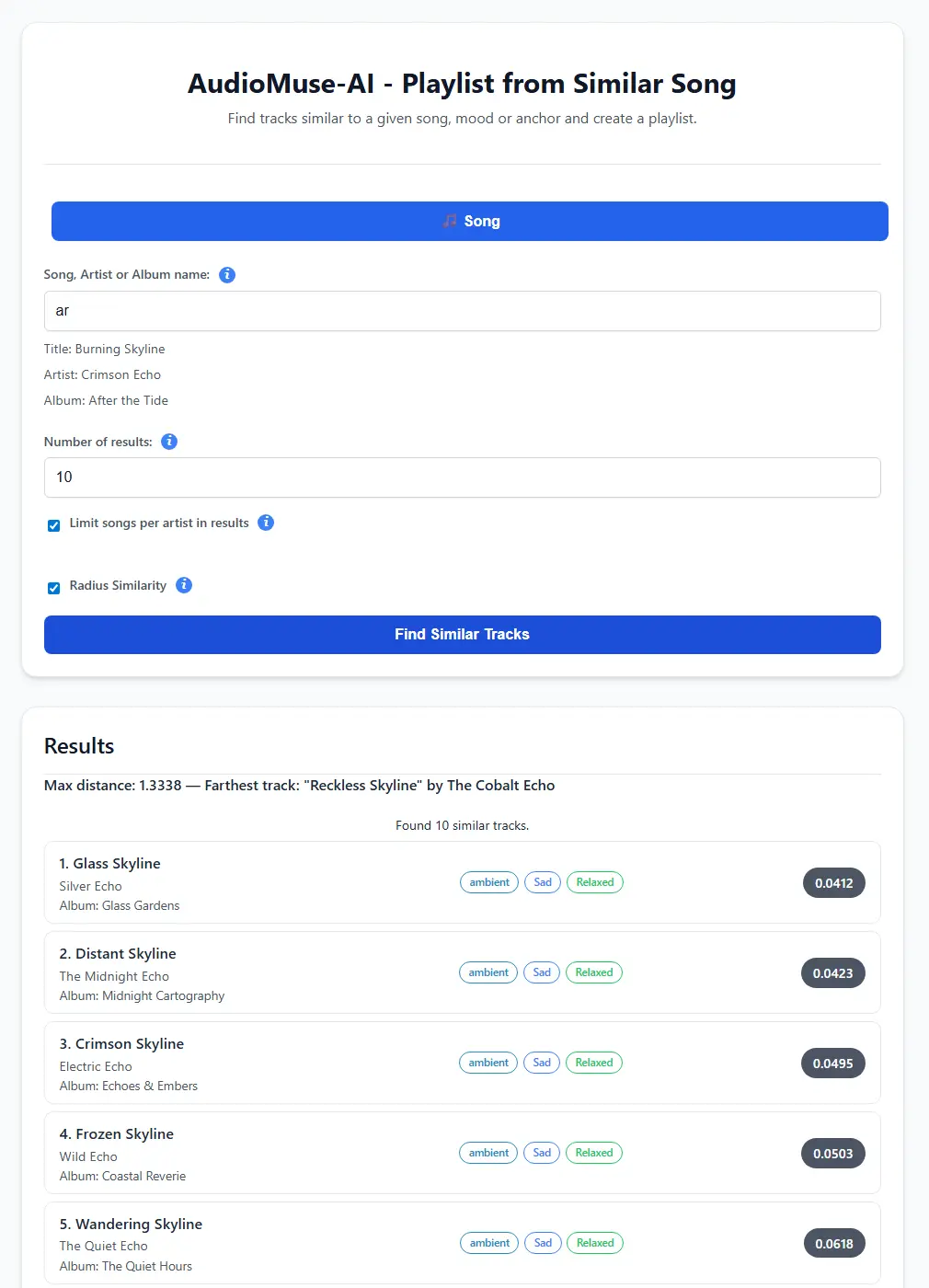
- Get a playlist from one song Pick a track you love and get the songs in your library that sound most like it.
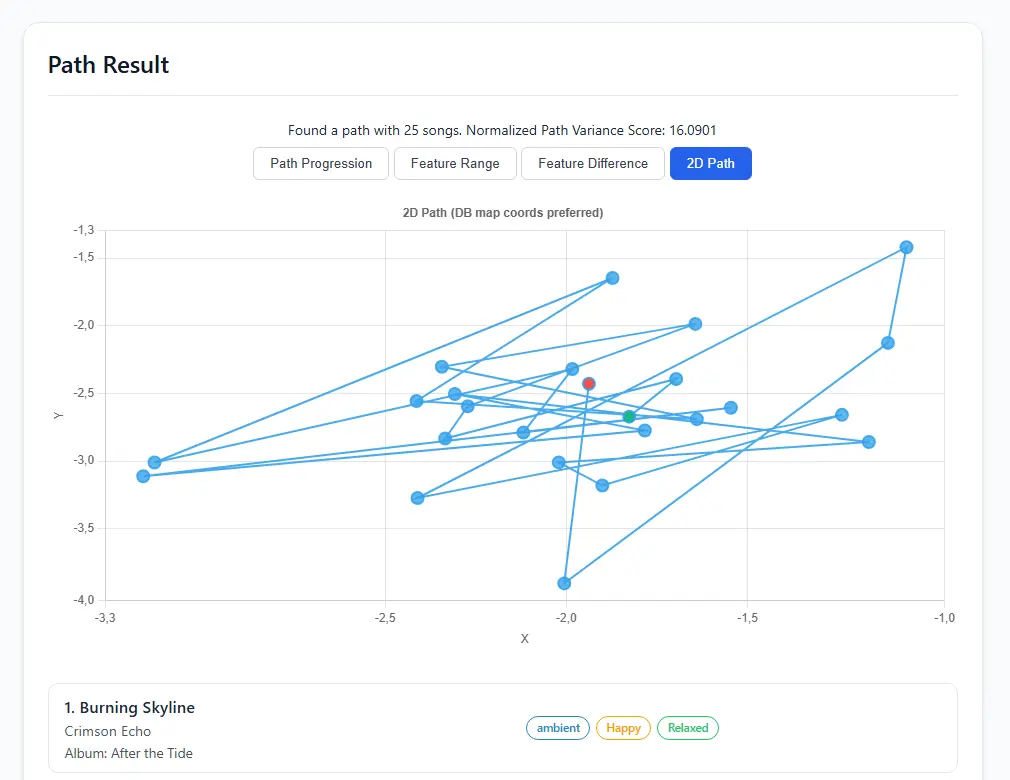
- Build a path between two songs Choose a start and an end song and it fills the gap with tracks that move smoothly from one to the other.
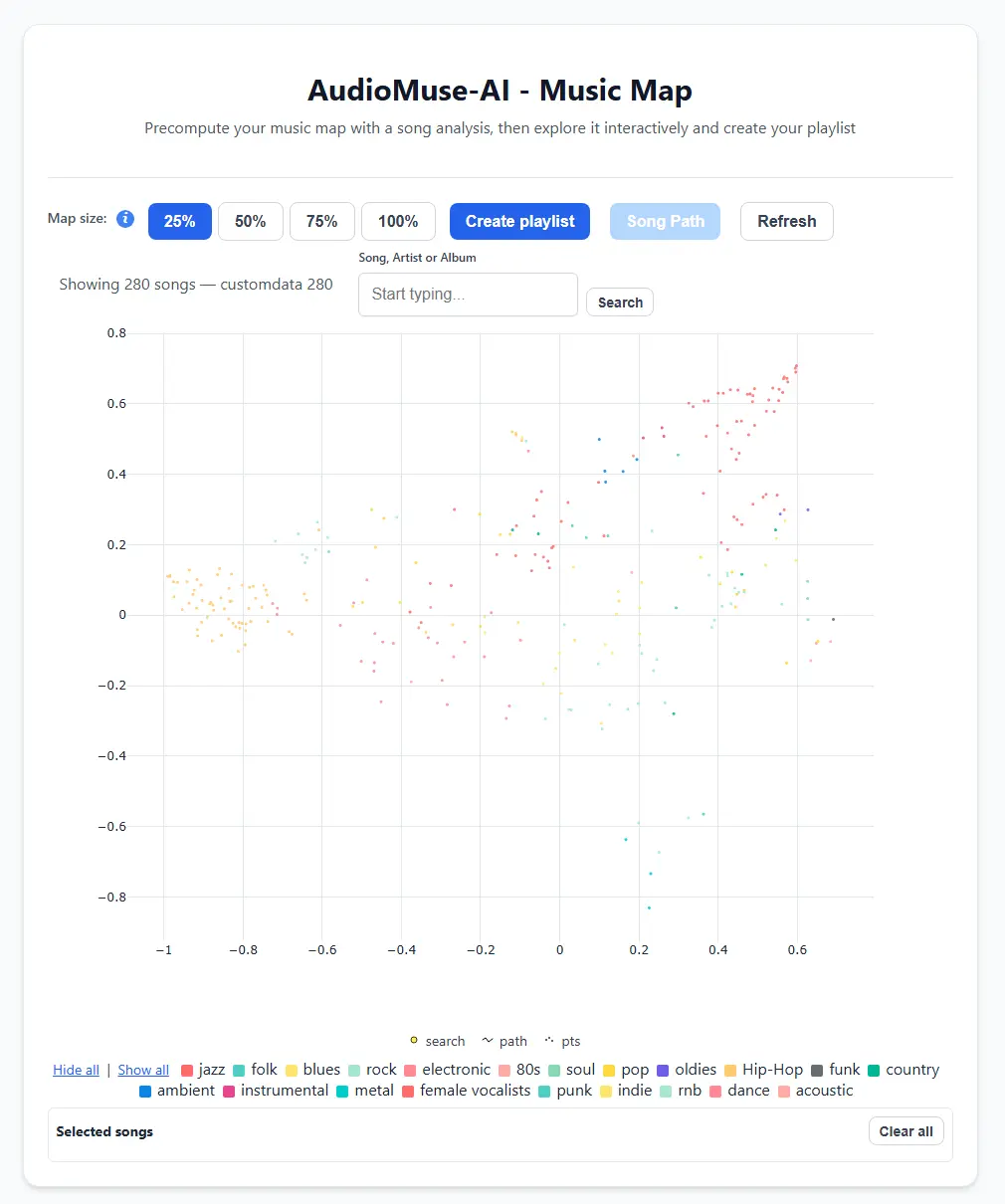
- Explore a map of your music See your whole collection on a map coloured by genre, pick songs on it and turn them into a playlist.
- Group similar songs automatically Clustering sorts your library into playlists of songs that sound alike, across genres.
- Search by mood, lyrics or a recording Find songs with words like "calm piano", by a lyric theme such as love songs, or from a 20-second recording.
- Send playlists to your music server Finished playlists appear in Navidrome, Jellyfin, Emby, Plex or Lyrion, so you play them in the apps you already use.
Replaces Spotify
AudioMuse-AI does the same job as Spotify. Here is what changes when you switch.
- Recommendations come from the music you own, not a streaming catalogue
- Your listening data and library stay on your own server
- No subscription; it works with the music server you already run
- One install can serve several music servers at once
- It does not store or play music; you need a music server such as Navidrome or Jellyfin
- The first analysis keeps the server's processor busy and can take hours to days on a large library
- Typing a request in plain words needs an AI model, either your own or a paid AI service
- It has no music catalogue, so it only suggests songs you already have
What happens when you click Deploy?
You do not need a server or any technical knowledge. Four steps, and AudioMuse-AI is running at its own web address.
- Step 1 Click Deploy and create your account
Deploy takes you to Cloudgate. Create an account, or log in if you have one. AudioMuse-AI itself is free.
- Step 2 Choose a server
No server? Get one from Cloudgate: pick a size and a country, and Cloudgate gets it ready. Already have one? Connect it instead.
- Step 3 Cloudgate sets up AudioMuse-AI
It prepares the server, makes the passwords the app needs and starts it. There is nothing to install and nothing to write down.
- Step 4 Open your app and sign in
Your app gets a free web address to start, without https. Add your own domain, like app.yourshop.com, and Cloudgate secures it with https for you.
New to Cloudgate? See what Cloudgate is
Run Cloudgate yourself? Deploy from your own console
In your Cloudgate console, open Templates and choose AudioMuse-AI.
Questions
What is AudioMuse-AI?
AudioMuse-AI is a free, open-source tool that analyses how the songs in your own music library sound and builds playlists from that. It works alongside Navidrome, Jellyfin, Emby, Plex, Lyrion or LMS and sends its playlists back to them.
Do I need a music server to use AudioMuse-AI?
Yes, AudioMuse-AI does not store or play music itself. It reads your library from Navidrome, Jellyfin, Emby, Plex, Lyrion or LMS; Navidrome and Jellyfin are both in this catalogue if you don't have a server yet.
Is AudioMuse-AI free?
Yes, AudioMuse-AI is free and open source under the AGPL-3.0 licence, with no paid edition. You pay only for the server it runs on.
What server size does AudioMuse-AI need?
AudioMuse-AI asks for at least 4 CPU cores and 8 GB of memory, so Cloudgate gives it a large server. The first analysis is heavy on the processor and can take from a few hours to several days, depending on the size of your library; if it stops, it carries on where it left off.
Is AudioMuse-AI a good alternative to Spotify's AI DJ and radio?
Yes, AudioMuse-AI is a good alternative to Spotify's AI DJ and radio for music you own. AudioMuse-AI makes similar-song, mood and song-path playlists from your own library on your own server, with no subscription. It has no catalogue, so it cannot suggest new music you don't already have.
Does AudioMuse-AI need OpenAI or another AI service?
No. In AudioMuse-AI, analysis, similar songs, song paths, the music map and search all run on your server. Only Instant Playlists, where you describe what you want in words, and AI playlist names need an AI model, either your own Ollama or a paid key for OpenAI, Gemini or Mistral.
How do I sign in to AudioMuse-AI the first time?
Sign in to AudioMuse-AI with the admin username you chose during setup and the password Cloudgate shows on the app's variables page. The setup wizard then asks for your music server's address and account, and you start the first analysis.
Do I need technical skills to run AudioMuse-AI?
No. Click Deploy, create your Cloudgate account and choose a server, and Cloudgate sets up AudioMuse-AI and gives it a web address. You use it in your browser like any other online tool.
Do I need my own server for AudioMuse-AI?
No. When you deploy AudioMuse-AI, hosted Cloudgate can provide a server. If you already rent one, you can connect it instead.
Can I move my data from Spotify to AudioMuse-AI?
Most people export from Spotify and import into AudioMuse-AI. The official guides at github.com walk through it.
Related apps

A self-hosted music server that streams your own music anywhere.

A self-hosted music server that works with almost any music app.

A self-hosted music server with its own free iPhone and Android apps.

A Spotify-style web player for your Navidrome or Jellyfin music.