
Orchard Core
Self-hosted .NET CMS for websites, blogs and headless content
No server needed to start: Cloudgate can provide one. What happens when you click Deploy
What is Orchard Core?
Self-hosted Orchard Core is an open-source .NET CMS for websites, blogs and headless GraphQL content, with workflows and multilingual, multi-site support.
Orchard Core is a free, open-source, self-hosted content management system built on .NET, and an alternative to Sitecore, Contentful and Umbraco Cloud. It runs a website, a blog or a headless content API from your own server, with no licence fee and no paid tier.
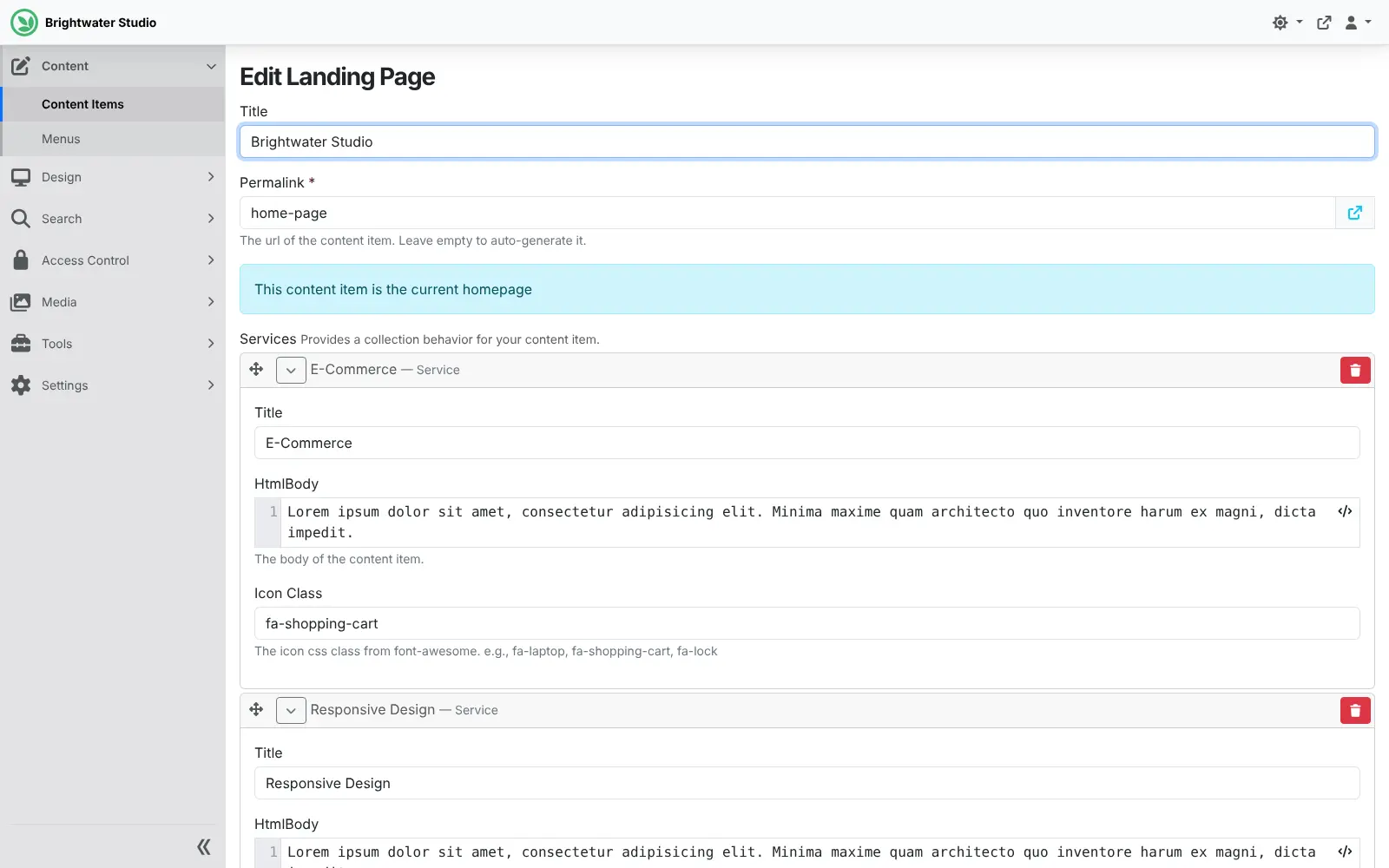
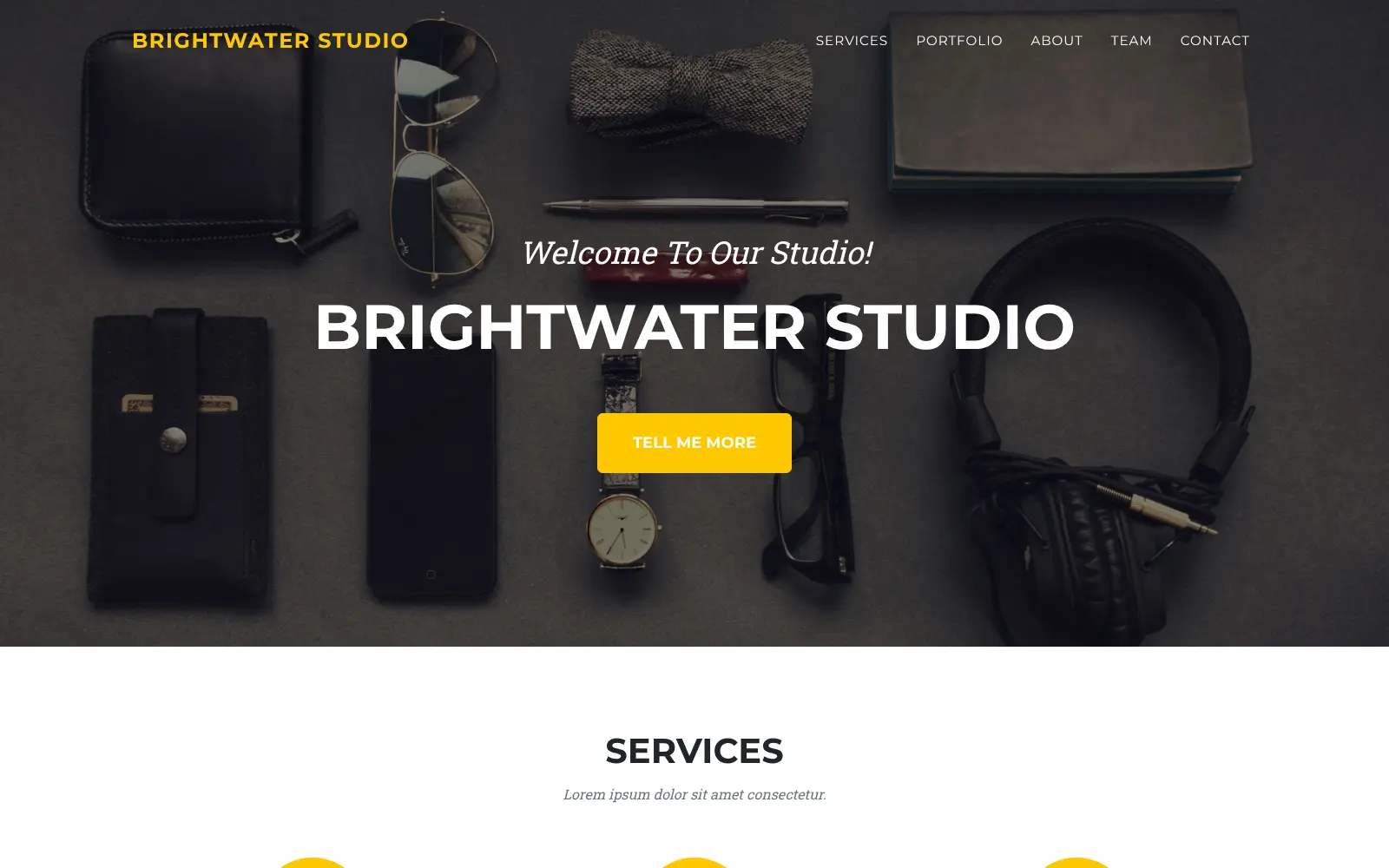
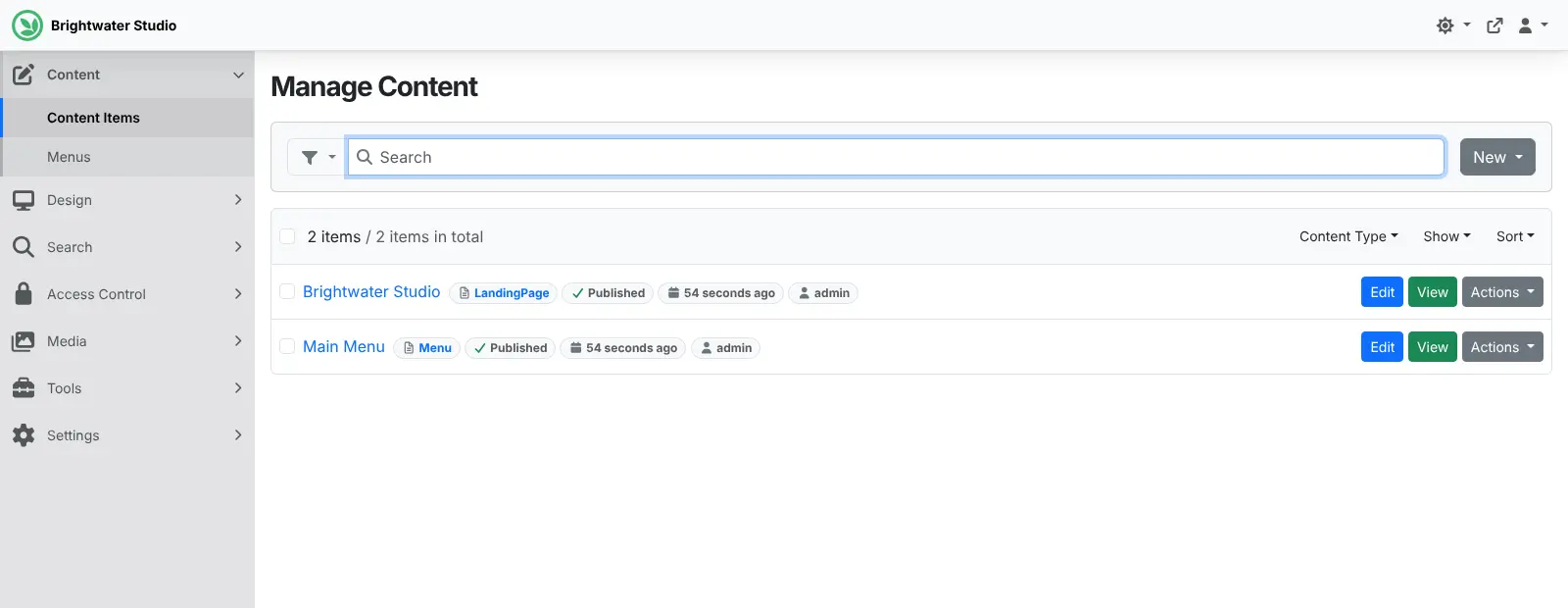
At install you choose a starting recipe: a blog, a company website, a coming-soon page, a headless site that serves content over GraphQL, or a blank site. Editors then work in a browser admin, writing pages, managing menus and media, and saving drafts to publish later. A design studio, for example, could run its own website in two languages and a separate site for each client from one Orchard Core, each with its own editors.
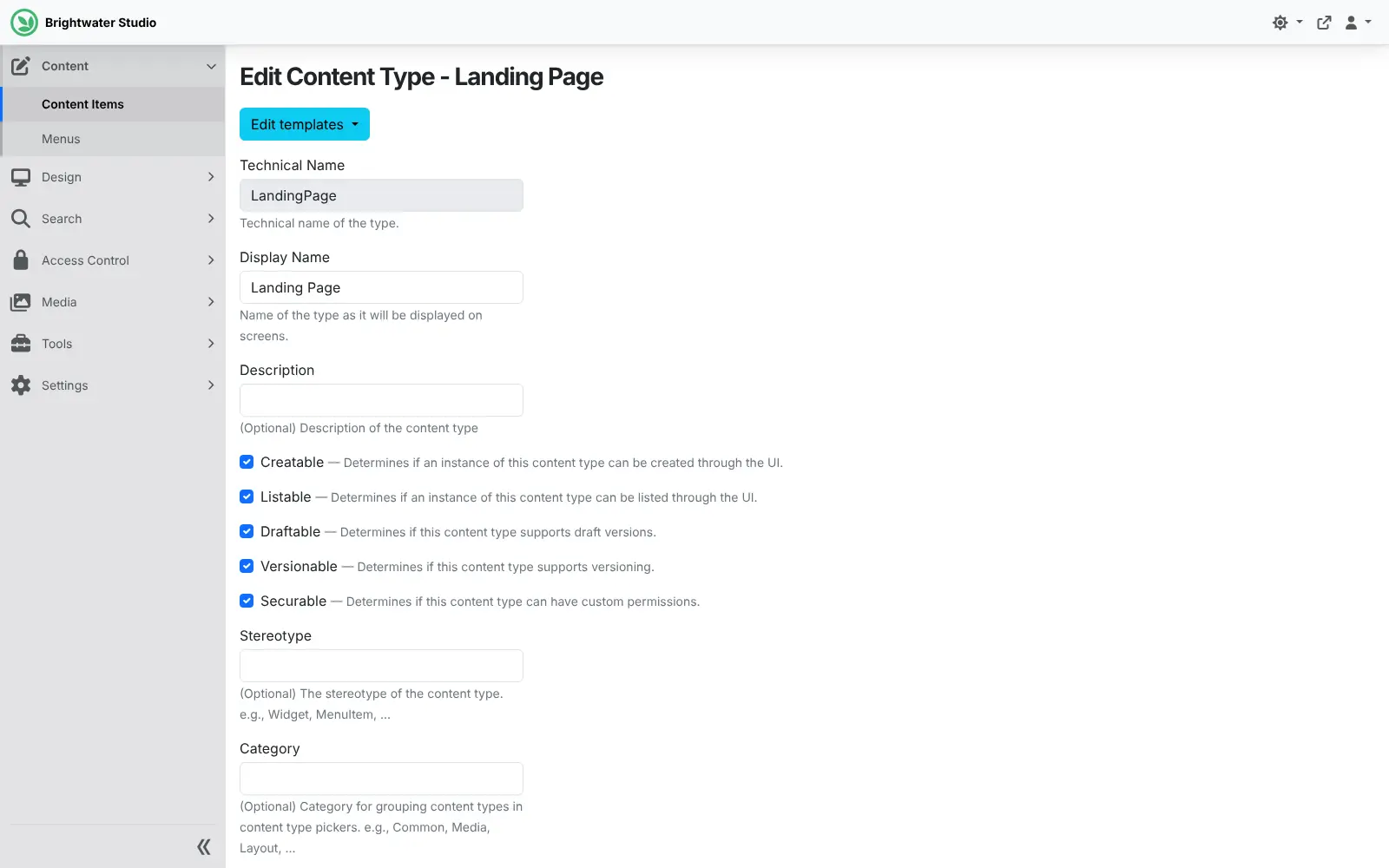
Content types are defined in the admin, so a shop could add a "product" or "event" with the fields it needs, without code. Changing the design or adding new features is work for a .NET developer, using Liquid or Razor templates. Workflows, roles and permissions, multilingual content and sign-in with Microsoft, Google or GitHub are included.
Cloudgate installs Orchard Core on a server Cloudgate provides or one you connect, sets it up with the recipe you pick and gives it a secure web address. Sign in at /admin with the password Cloudgate shows you.
What you can do with Orchard Core
- Start from a ready-made site Pick a starting recipe at install, such as a blog, a company website, a coming-soon page or a headless content API.
- Shape your own content Define content types, such as products, events or team members, with their own fields in the admin, without code.
- Draft, preview and schedule Save drafts, keep earlier versions, preview changes and set a time for content to be published or archived.
- Feed apps and other front ends A GraphQL API serves your content to a mobile app or a separate website, so Orchard Core can run as a headless CMS.
- Run several sites from one install Each site gets its own content, users and settings, all managed from the same Orchard Core.
- Publish in several languages Translate content and switch the admin into another language for each editor.
- Automate routine work A visual workflow editor reacts to content events, web requests or timers, for example to send an email when a page is published.
- Control who does what Roles and detailed permissions decide what each editor can change, with two-factor sign-in and single sign-on available.
Replaces Sitecore, Contentful, Umbraco Cloud and Adobe Experience Manager
Orchard Core does the same job as Sitecore, Contentful, Umbraco Cloud and Adobe Experience Manager. Here is what changes when you switch.
- No licence fee and no paid tier; every module is included
- Website and headless content API in one system
- Several sites and languages from one installation
- Your content and visitor data stay on your own server
- No built-in personalisation or marketing suite like Sitecore or Adobe Experience Manager
- Custom designs and new features need a .NET developer
- A smaller community and fewer add-ons than WordPress or Umbraco
- No importer, so moving from another CMS means rebuilding the site
What happens when you click Deploy?
You do not need a server or any technical knowledge. Four steps, and Orchard Core is running at its own web address.
- Step 1 Click Deploy and create your account
Deploy takes you to Cloudgate. Create an account, or log in if you have one. Orchard Core itself is free.
- Step 2 Choose a server
No server? Get one from Cloudgate: pick a size and a country, and Cloudgate gets it ready. Already have one? Connect it instead.
- Step 3 Cloudgate sets up Orchard Core
It prepares the server, makes the passwords the app needs and starts it. There is nothing to install and nothing to write down.
- Step 4 Open your app and sign in
Your app gets a free web address to start, without https. Add your own domain, like app.yourshop.com, and Cloudgate secures it with https for you.
New to Cloudgate? See what Cloudgate is
Run Cloudgate yourself? Deploy from your own console
In your Cloudgate console, open Templates and choose Orchard Core.
Questions
Is Orchard Core free?
Yes, Orchard Core is free and open source under the BSD-3-Clause licence. It has no paid tier and no paid modules; you pay only for the server.
Is Orchard Core a good alternative to Sitecore?
Yes, for teams that work in .NET. Orchard Core runs several sites and languages from one installation, with workflows and detailed permissions, and has no licence fee. It has no built-in personalisation or marketing suite like Sitecore's.
Can Orchard Core be a headless CMS like Contentful?
Yes. Choose the Headless recipe at install and Orchard Core manages your content types and serves the content over a GraphQL API to your own website or app. Unlike Contentful, it can also render the website itself.
How is Orchard Core different from Umbraco?
Both are open-source content management systems built on .NET. Orchard Core includes several sites in one install, workflows and a GraphQL API out of the box, while Umbraco has a larger community; Umbraco Cloud is Umbraco's paid hosting, whereas a self-hosted Orchard Core runs on your own server.
How do I sign in to Orchard Core the first time?
Open your Orchard Core site's address followed by /admin and sign in with the admin username you chose at install. Cloudgate creates the password and shows it on the app's variables page as ADMIN_PASSWORD. The site is installed automatically, so there is no setup wizard to finish.
Do I need a developer to use Orchard Core?
Not for editing. Orchard Core editors write pages, posts and menus in the browser. Changing the design or adding new features means editing Liquid or Razor templates or writing C#, which is work for a .NET developer.
Can I move my existing website to Orchard Core?
Not automatically. Orchard Core has no importer for WordPress, Umbraco, Sitecore or Contentful, so moving means rebuilding the site and copying the content across.
Do I need my own server for Orchard Core?
No. When you deploy Orchard Core, hosted Cloudgate can provide a server. If you already rent one, you can connect it instead.
Related apps

A headless CMS with visual, on-page editing, and content kept in Git.

A self-hosted headless CMS with a drag-and-drop page editor.
Edit pages right on your website, for many sites and languages.

A CMS for large, multilingual sites with many editors.