
Miniflux
A minimalist RSS reader that is fast, quiet and free of clutter.
No server needed to start: Cloudgate can provide one. What happens when you click Deploy
What is Miniflux?
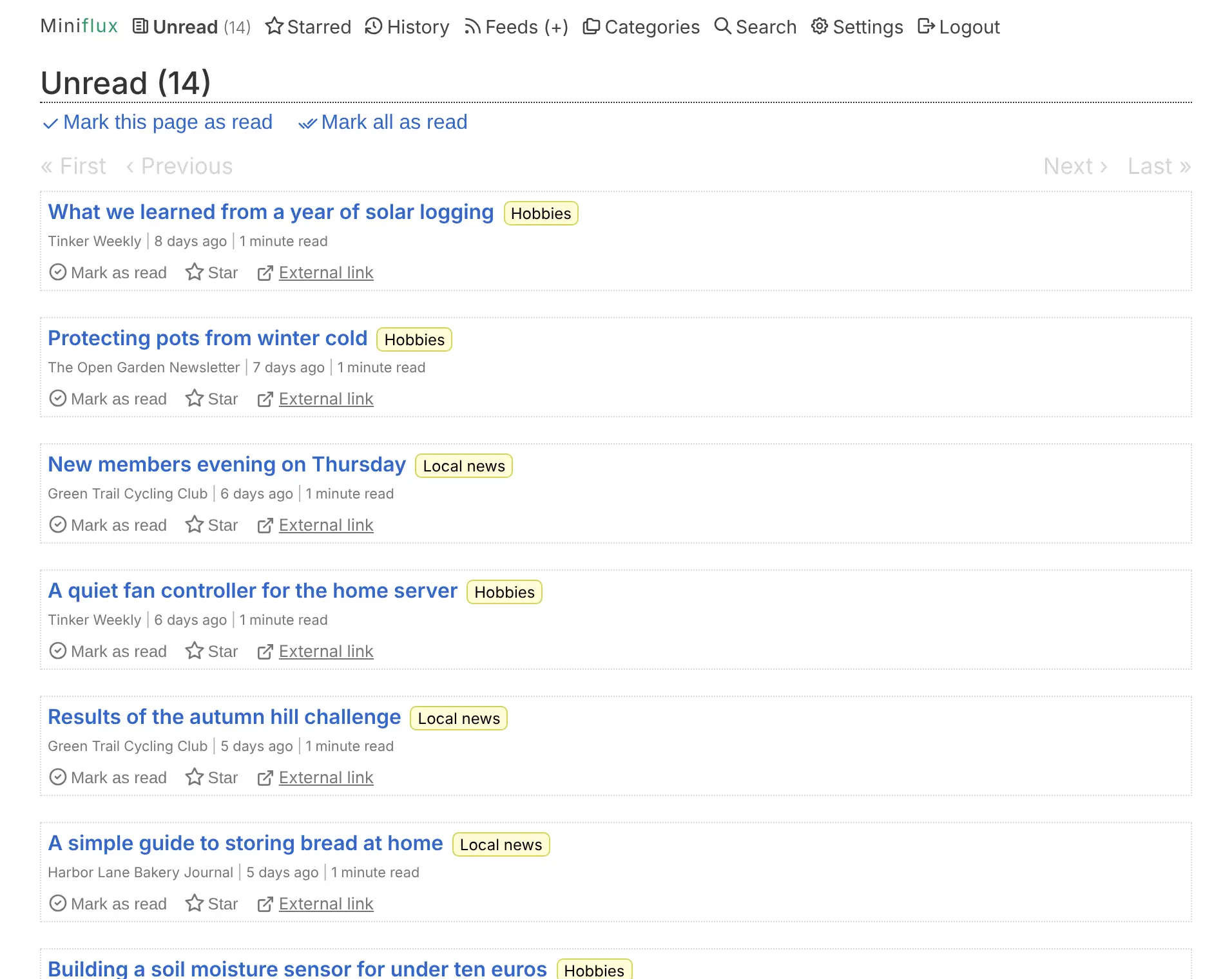
Miniflux is a minimalist, self-hosted RSS reader: one fast, quiet list for the news sites, blogs and podcasts you follow, with no plugins or clutter.
Miniflux is a free, open-source, self-hosted RSS reader that keeps things minimal: one fast, quiet list of new articles from the news sites, blogs, podcasts and YouTube channels you follow, in place of Feedly or Inoreader. It is small on purpose, with no plugins, no ads and no tracking, so there is little to set up and little to go wrong.
Miniflux removes tracking pixels and tracking tags from links before you read, and for feeds that send only a summary it can fetch the full article. A bakery owner, for example, could follow supplier news, the local paper and a few food blogs, read them in five minutes with the keyboard each morning, and send the useful ones to the team's Slack channel. Several people can share one Miniflux, each with their own account and feeds.
It works in any modern browser, can be added to a phone's home screen, and connects to reader apps such as NetNewsWire and Reeder Classic. Bring your feeds from Feedly or Inoreader with an OPML file.
Cloudgate installs Miniflux on a server Cloudgate provides or one you connect, with the database it needs, and gives it a secure web address. Sign in with your admin username and the password Cloudgate shows you, then add accounts for the people you read with.
What you can do with Miniflux
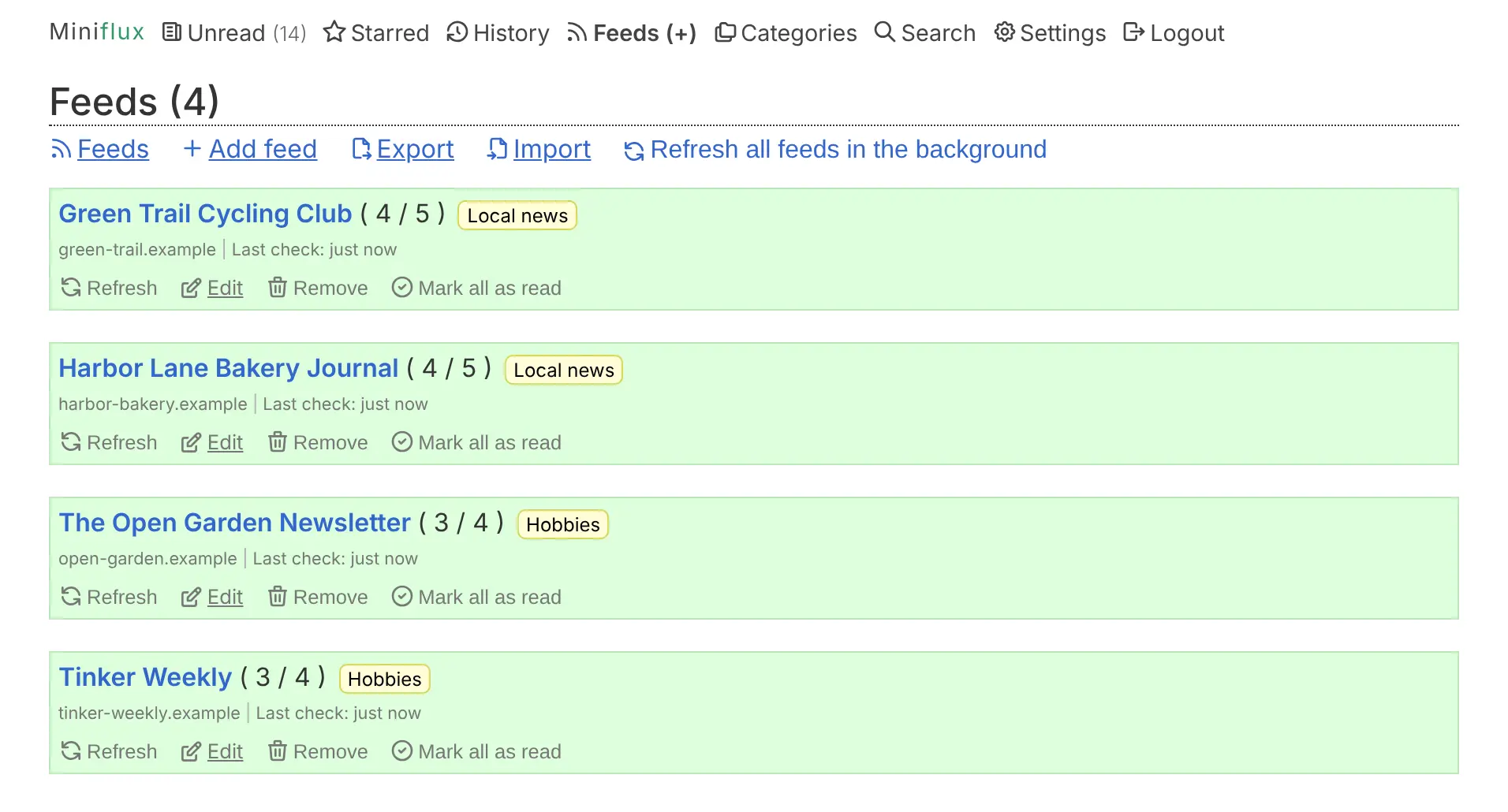
- One quiet list of new articles Follow news sites, blogs, podcasts and YouTube channels, and read every new article in one plain list sorted into your categories.
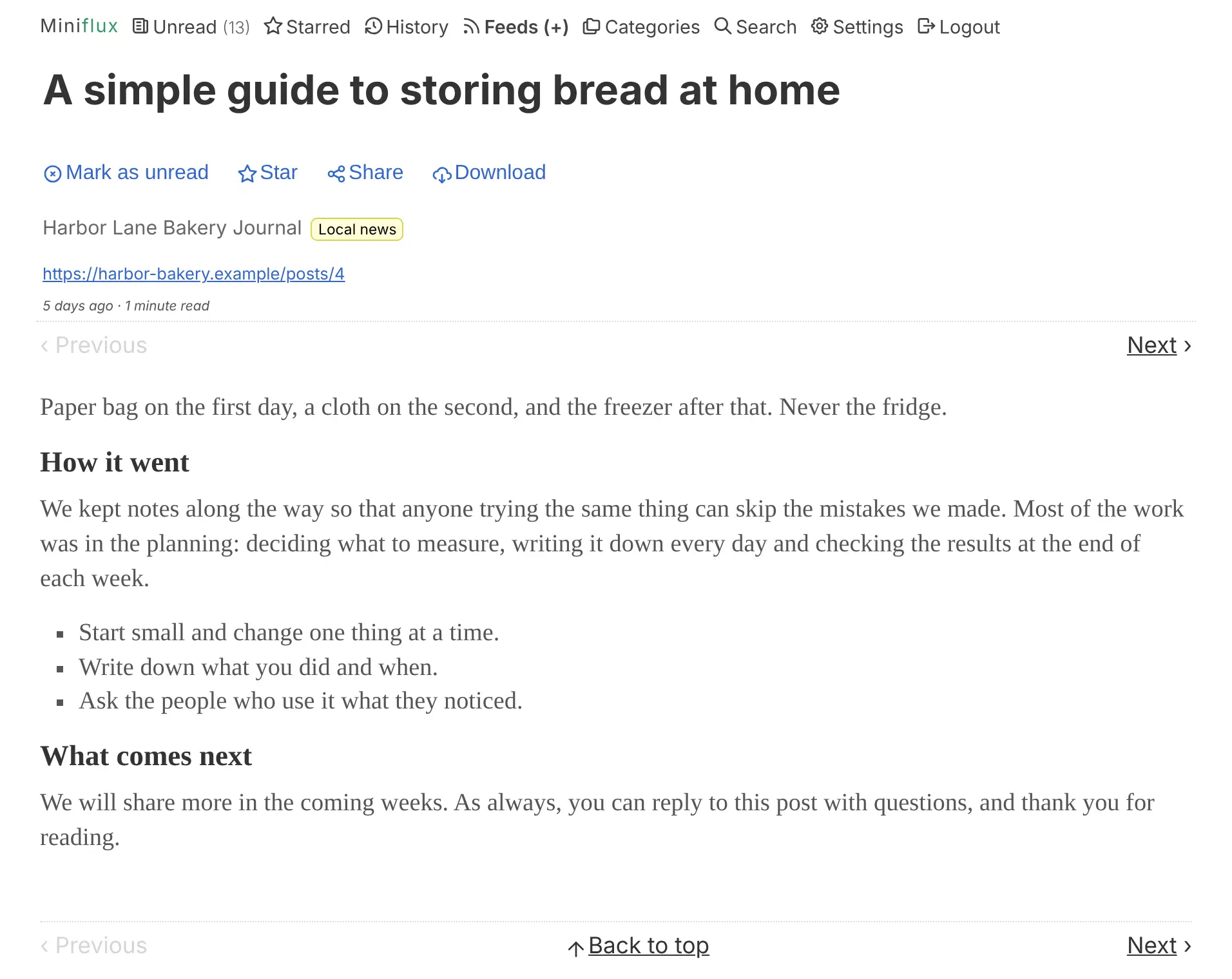
- Read the whole article For feeds that send only a summary, Miniflux fetches the full text from the original page so you can finish reading without leaving.
- Keep trackers out Tracking pixels and tracking tags in links are removed before you read, and outside scripts are blocked.
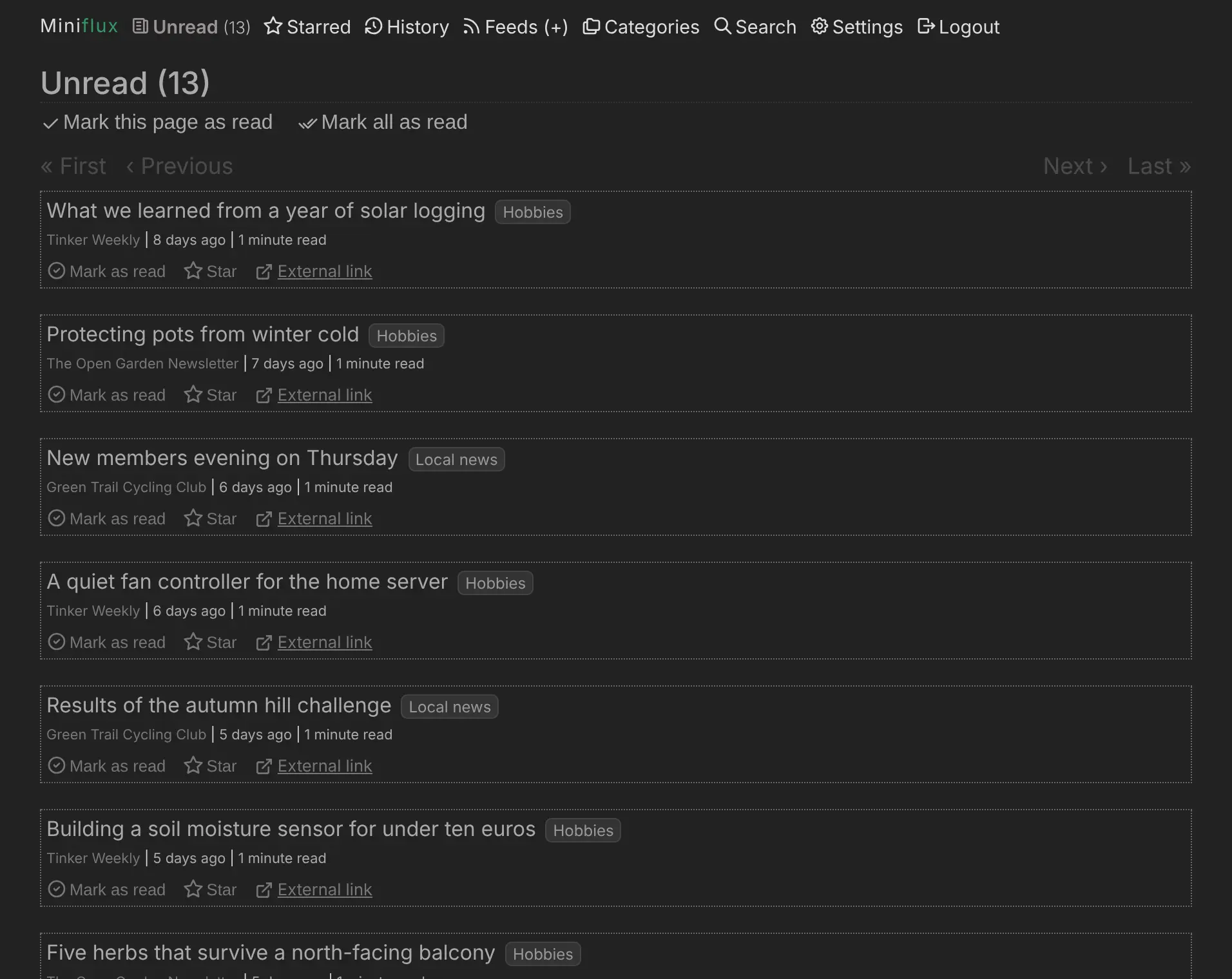
- Fast with the keyboard Move through articles, star them and mark them read with keyboard shortcuts, in a light, dark or serif theme.
- Send articles where you need them Save articles to read-later apps such as Wallabag, Instapaper or Readwise Reader, or post them to Slack, Discord, Matrix or Telegram.
- Read on your phone Add Miniflux to your phone's home screen, or connect reader apps such as NetNewsWire, Reeder Classic or Capy Reader.
- Accounts for everyone The admin adds people under Settings, and each person gets their own feeds, sign-in and reading history.
- Move in with OPML Import the list of feeds you already follow from a file or a web address, and export it whenever you like.
Replaces Feedly and Inoreader
Miniflux does the same job as Feedly and Inoreader. Here is what changes when you switch.
- No limit on how many feeds you follow, and no subscription
- What you read stays on your own server, with trackers removed
- A simple, fast page with no ads and no telemetry
- One install for your family or team
- Small on purpose, with no plugins or extensions to add features
- No AI summaries, AI ranking or boards
- No official phone app; you use the web app or a third-party one
- A plain, text-first look with no magazine view or thumbnails
What happens when you click Deploy?
You do not need a server or any technical knowledge. Four steps, and Miniflux is running at its own web address.
- Step 1 Click Deploy and create your account
Deploy takes you to Cloudgate. Create an account, or log in if you have one. Miniflux itself is free.
- Step 2 Choose a server
No server? Get one from Cloudgate: pick a size and a country, and Cloudgate gets it ready. Already have one? Connect it instead.
- Step 3 Cloudgate sets up Miniflux
It prepares the server, makes the passwords the app needs and starts it. There is nothing to install and nothing to write down.
- Step 4 Open your app and sign in
Your app gets a free web address to start, without https. Add your own domain, like app.yourshop.com, and Cloudgate secures it with https for you.
New to Cloudgate? See what Cloudgate is
Run Cloudgate yourself? Deploy from your own console
In your Cloudgate console, open Templates and choose Miniflux.
Questions
Is Miniflux free?
Yes, Miniflux is free and open source under the Apache 2.0 licence, with no paid edition or paid features. You pay only for your server, and there is no limit on how many feeds you follow.
Should I choose Miniflux or FreshRSS?
Choose Miniflux if you want the simplest, fastest reader with privacy filtering built in, and FreshRSS if you want extensions, more ways to view your feeds and feeds made from web pages. Miniflux is small by design and has no plugin system. Both are free and both sync with phone reader apps.
Is Miniflux a good alternative to Feedly or Inoreader?
Yes, if you mainly want to follow and read feeds without a subscription or a feed limit. Inoreader's free plan stopped at 150 feeds when we checked in November 2026, and Miniflux has none. It has no AI features, boards or official phone app, which Feedly and Inoreader offer.
Can I import my feeds from Feedly or Inoreader?
Yes. Export your subscriptions from Feedly or Inoreader as an OPML file, then open Feeds, Import in Miniflux and upload it. Your feeds and their folders come across as categories; starred articles and boards do not.
Does Miniflux have a phone app?
No, there is no official Miniflux app, but the web app works on a phone and can be added to the home screen. Reader apps such as NetNewsWire, Reeder Classic, Capy Reader and FluxNews connect to it once you turn on the Fever or Google Reader API under Settings, Integrations.
How do I sign in to Miniflux the first time?
Sign in to Miniflux with the admin username you chose during setup and the password Cloudgate generated, which is shown on the app's variables page. There is no sign-up page; the admin adds other people under Settings, Users.
What server size do I need for Miniflux?
The smallest server is enough. Miniflux is a single small program with a PostgreSQL database and uses little memory, so Cloudgate gives it the smallest size.
Do I need technical skills to run Miniflux?
No. Click Deploy, create your Cloudgate account and choose a server, and Cloudgate sets up Miniflux and gives it a web address. You use it in your browser like any other online tool.
Do I need my own server for Miniflux?
No. When you deploy Miniflux, hosted Cloudgate can provide a server. If you already rent one, you can connect it instead.
Related apps

A self-hosted RSS reader in the style of Google Reader.

A self-hosted RSS reader for every news site and blog you follow.

A self-hosted RSS reader with a Smart feed, read later and bookmarks.

Turn email newsletters into RSS feeds for any reader.