
CommaFeed
A self-hosted RSS reader in the style of Google Reader.
No server needed to start: Cloudgate can provide one. What happens when you click Deploy
What is CommaFeed?
CommaFeed is a self-hosted RSS reader inspired by Google Reader: follow news sites and blogs in categories, on the web or in phone apps.
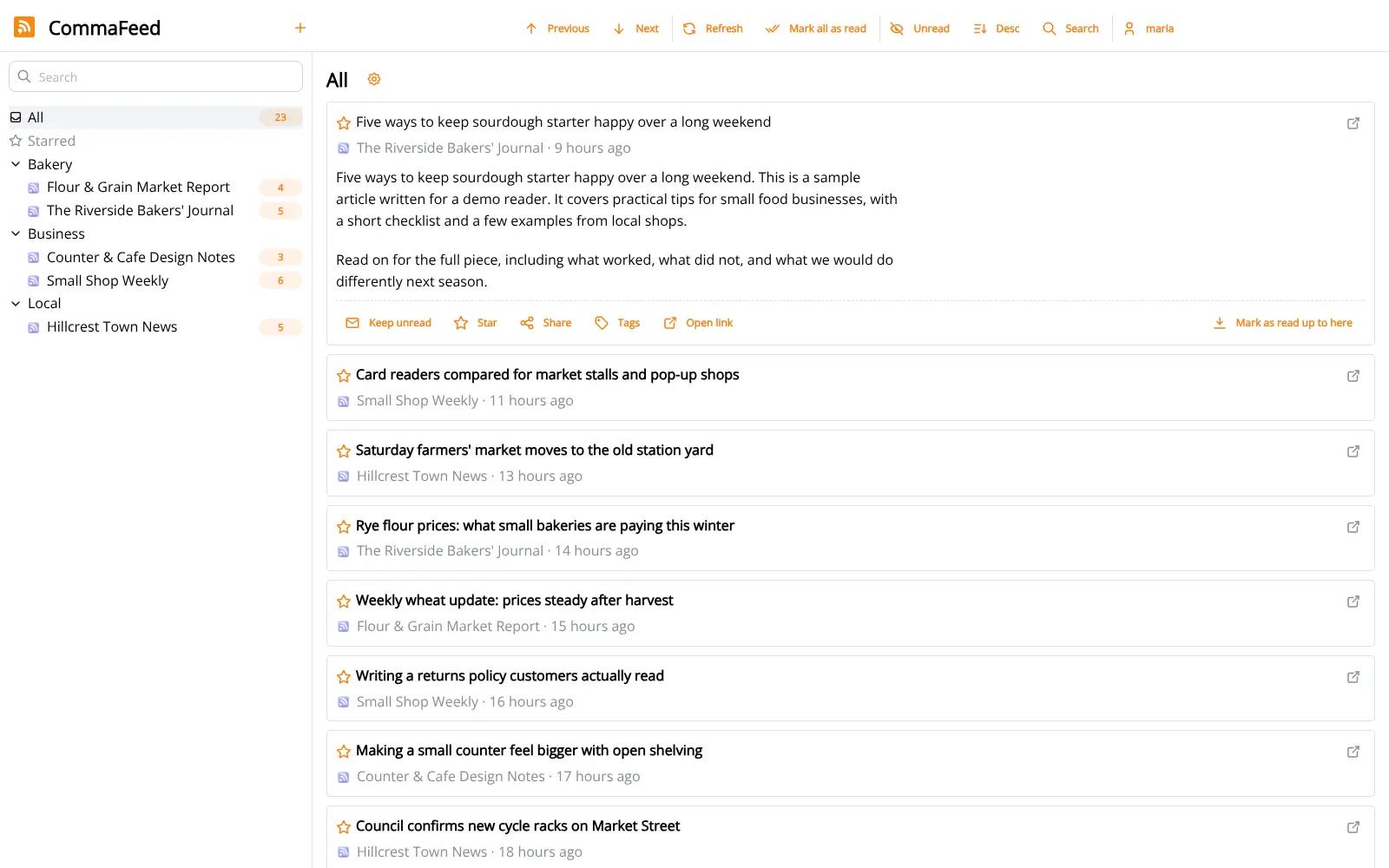
CommaFeed is a free, open-source, self-hosted RSS reader inspired by Google Reader, and an alternative to Feedly and Inoreader. You subscribe to the news sites and blogs you follow, sort them into categories, and read every new article in one list on your own server, with no subscription and no limit on feeds.
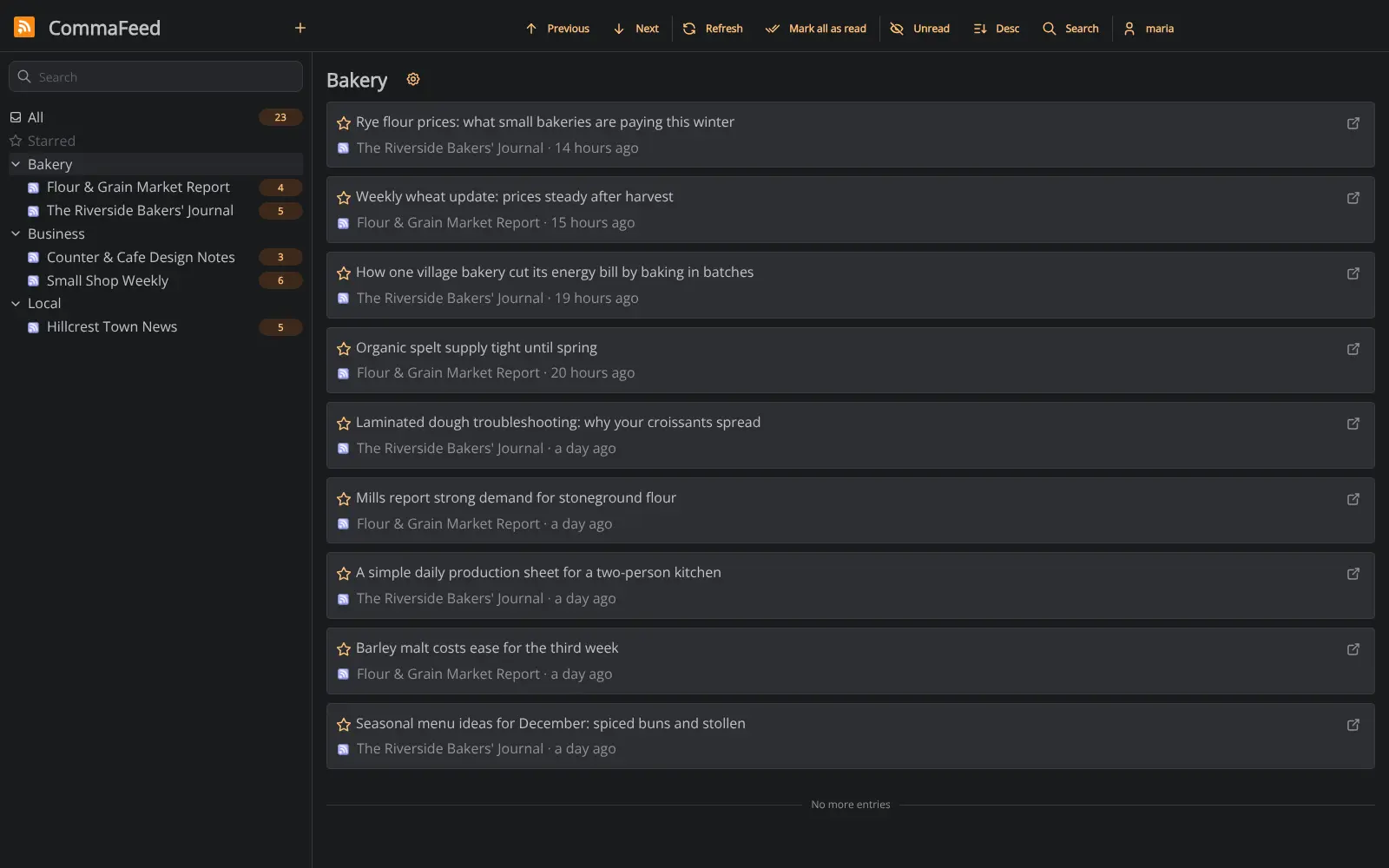
It keeps the classic reader layout: folders on the left, headlines on the right, unread counts, starred articles and keyboard shortcuts. A bakery owner, for example, could keep supplier price reports, trade news and the local paper in three folders and check them all in a few minutes each morning.
You can bring your feeds from Feedly or Inoreader in one OPML file. There is no official phone app, but apps that support the Fever or Google Reader API sync with it, and the web app works in a phone's browser. Each person gets their own account.
Cloudgate installs CommaFeed on a server Cloudgate provides or one you connect and gives it a secure web address. The first person to open that address creates the admin account, so do it right after setup.
What you can do with CommaFeed
- Follow every site in one place Subscribe to news sites and blogs and read all their new articles in one list, with unread counts for each feed.
- Sort feeds into categories Group feeds into folders such as Suppliers, Industry news or Local, and read one folder at a time.
- Read the way you like Choose from four layouts, a light or dark theme, and keyboard shortcuts for almost everything.
- Bring your feeds with you Import an OPML file from Feedly, Inoreader or another reader, and export yours at any time.
- Read on your phone Phone apps that support the Fever or Google Reader API sync with CommaFeed, and the web app works in a phone's browser.
- Skip what you don't need Set rules that mark articles as read automatically, and get push notifications when a feed publishes.
- Star and share articles Star articles to read later, or send them by email or to apps such as Instapaper and Buffer.
Replaces Feedly and Inoreader
CommaFeed does the same job as Feedly and Inoreader. Here is what changes when you switch.
- No subscription and no limit on feeds
- Your feed list and reading history stay on your server
- A plain, fast reader with a classic folder layout
- Several people can each have their own account
- No AI summaries, boards or team newsletters like Feedly
- No official phone app; you use a third-party app that syncs
- Starred articles and boards from Feedly do not move across, only your feeds
What happens when you click Deploy?
You do not need a server or any technical knowledge. Four steps, and CommaFeed is running at its own web address.
- Step 1 Click Deploy and create your account
Deploy takes you to Cloudgate. Create an account, or log in if you have one. CommaFeed itself is free.
- Step 2 Choose a server
No server? Get one from Cloudgate: pick a size and a country, and Cloudgate gets it ready. Already have one? Connect it instead.
- Step 3 Cloudgate sets up CommaFeed
It prepares the server, makes the passwords the app needs and starts it. There is nothing to install and nothing to write down.
- Step 4 Open your app and sign in
Your app gets a free web address to start, without https. Add your own domain, like app.yourshop.com, and Cloudgate secures it with https for you.
New to Cloudgate? See what Cloudgate is
Run Cloudgate yourself? Deploy from your own console
In your Cloudgate console, open Templates and choose CommaFeed.
Questions
Is CommaFeed free?
Yes, CommaFeed is free and open source under the Apache-2.0 licence, with no paid edition and no limit on feeds. You pay only for the server it runs on.
Is CommaFeed a good alternative to Feedly?
Yes, if you want a plain reader for the sites and blogs you follow. CommaFeed covers feeds, folders, starred articles, rules and phone sync, but it has no AI features, boards or team newsletters like Feedly Pro.
Can I move my feeds from Feedly or Inoreader to CommaFeed?
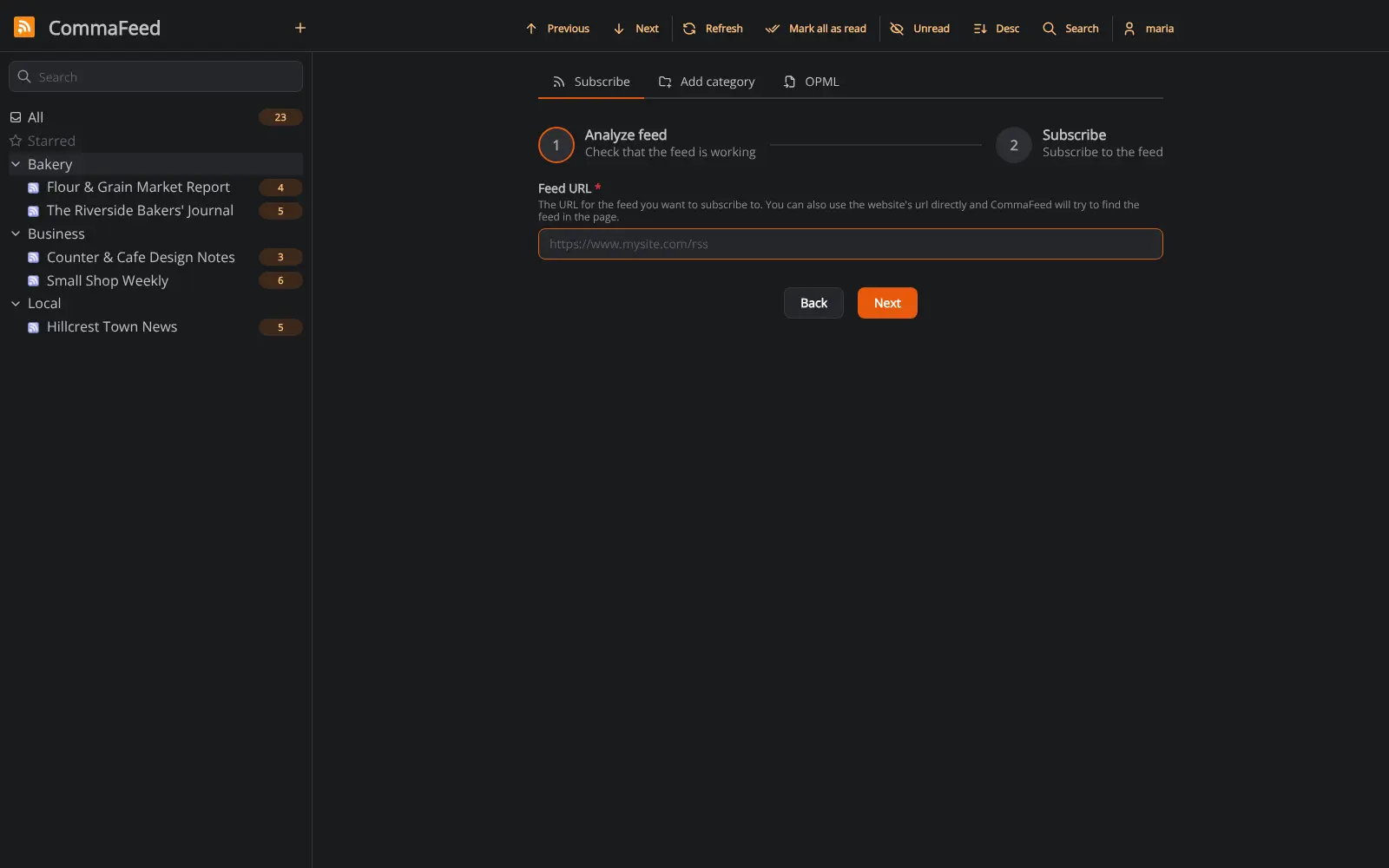
Yes. Export your feeds from Feedly or Inoreader as an OPML file and import it in CommaFeed's Subscribe screen; your feeds arrive with their folders. Starred articles and boards do not move with the file.
Is there a CommaFeed phone app?
No, there is no official app, but phone apps that support the Fever or Google Reader API can sync with CommaFeed. The web app also works well in a phone's browser.
How do I sign in to CommaFeed the first time?
The first person to open CommaFeed's web address sees an Initial Setup page and creates the admin account, so do this right after setup. There is no default password.
Can several people use one CommaFeed?
Yes. The CommaFeed admin adds an account for each person, and each person has their own feeds and unread counts. Public sign-up is off, so strangers cannot create accounts.
What server size do I need for CommaFeed?
The smallest server is enough, because CommaFeed is one light app with a built-in database. It uses around 100 MB of memory when idle.
Do I need technical skills to run CommaFeed?
No. Click Deploy, create your Cloudgate account and choose a server, and Cloudgate sets up CommaFeed and gives it a web address. You use it in your browser like any other online tool.
Do I need my own server for CommaFeed?
No. When you deploy CommaFeed, hosted Cloudgate can provide a server. If you already rent one, you can connect it instead.
Related apps

A self-hosted RSS reader for every news site and blog you follow.

A self-hosted RSS reader with a Smart feed, read later and bookmarks.

A minimalist RSS reader that is fast, quiet and free of clutter.

Turn email newsletters into RSS feeds for any reader.