Maxun
A no-code web scraper that collects website data on a schedule.
No server needed to start: Cloudgate can provide one. What happens when you click Deploy
What is Maxun?
Self-hosted Maxun is a no-code web scraper: train a robot by clicking on a website, then collect its data on a schedule, as CSV or through an API.
Maxun is a self-hosted, open-source no-code web scraper, an alternative to Browse AI, Octoparse and Apify: you train a robot by clicking on a website, and it collects that data whenever you run it, on a schedule or through an API. It can also save pages as clean text, crawl a whole site, collect web search results and pull data out of PDFs and spreadsheets.
It suits marketers, researchers and small teams who check the same websites again and again. A bakery could train one robot on a supplier's price list, run it every Monday, and download the prices as a spreadsheet to compare with last week. AI Mode can build a robot from a plain sentence instead, using your own OpenAI or Anthropic key or a local model through Ollama.
Results download as CSV, JSON or Markdown, or go to a webhook or your own apps through the API, and AI assistants can use your robots through MCP. Maxun is young software at version 0.1.0, and it has no built-in way past sites that block scrapers.
Cloudgate installs Maxun on a server Cloudgate provides or one you connect, with everything it needs, and gives it a secure web address. Register your account on that address and train your first robot.
What you can do with Maxun
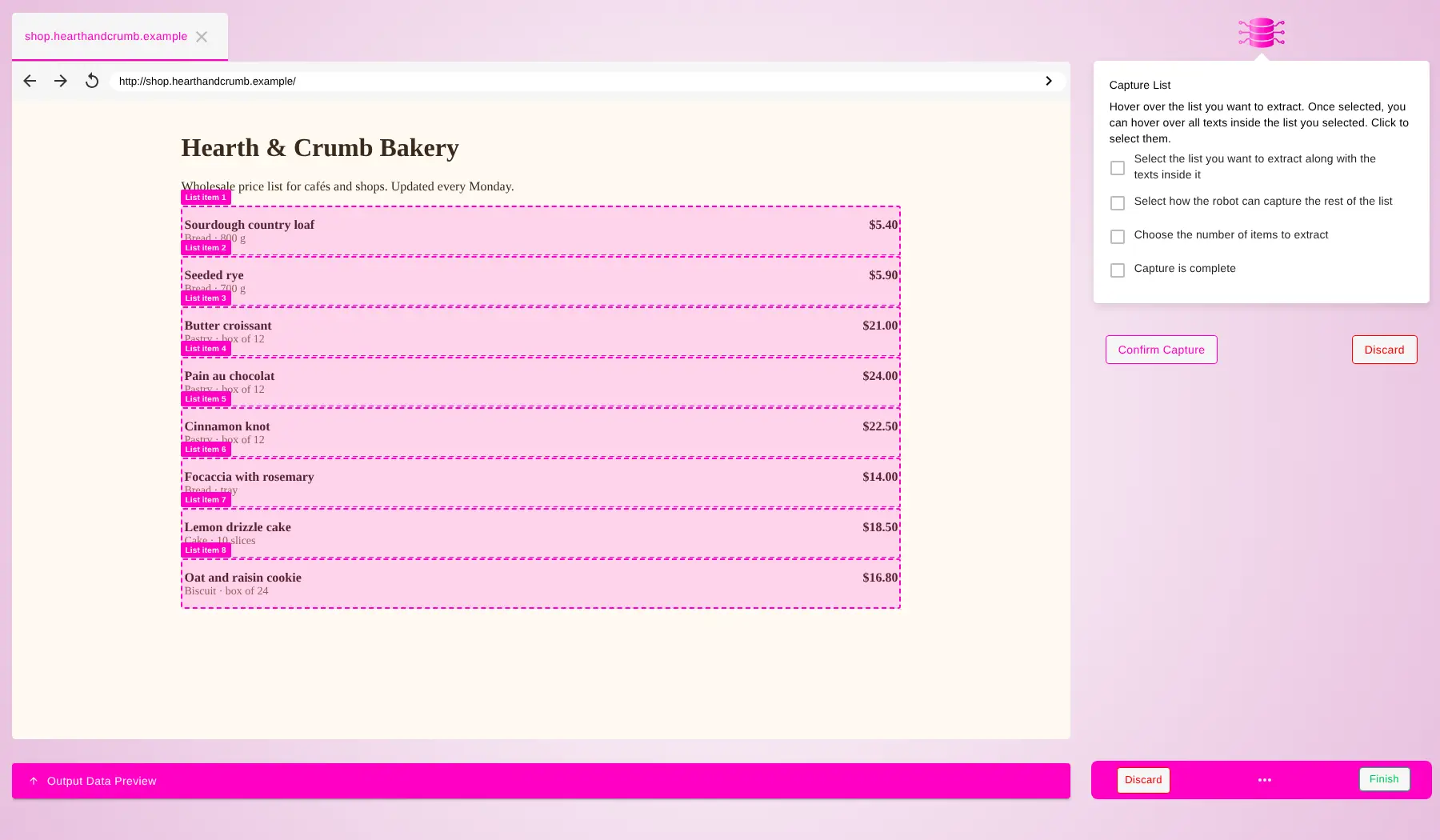
- Train a robot by clicking Open a website in the built-in recorder, click the list or text you want, and save the steps as a robot you can run again.
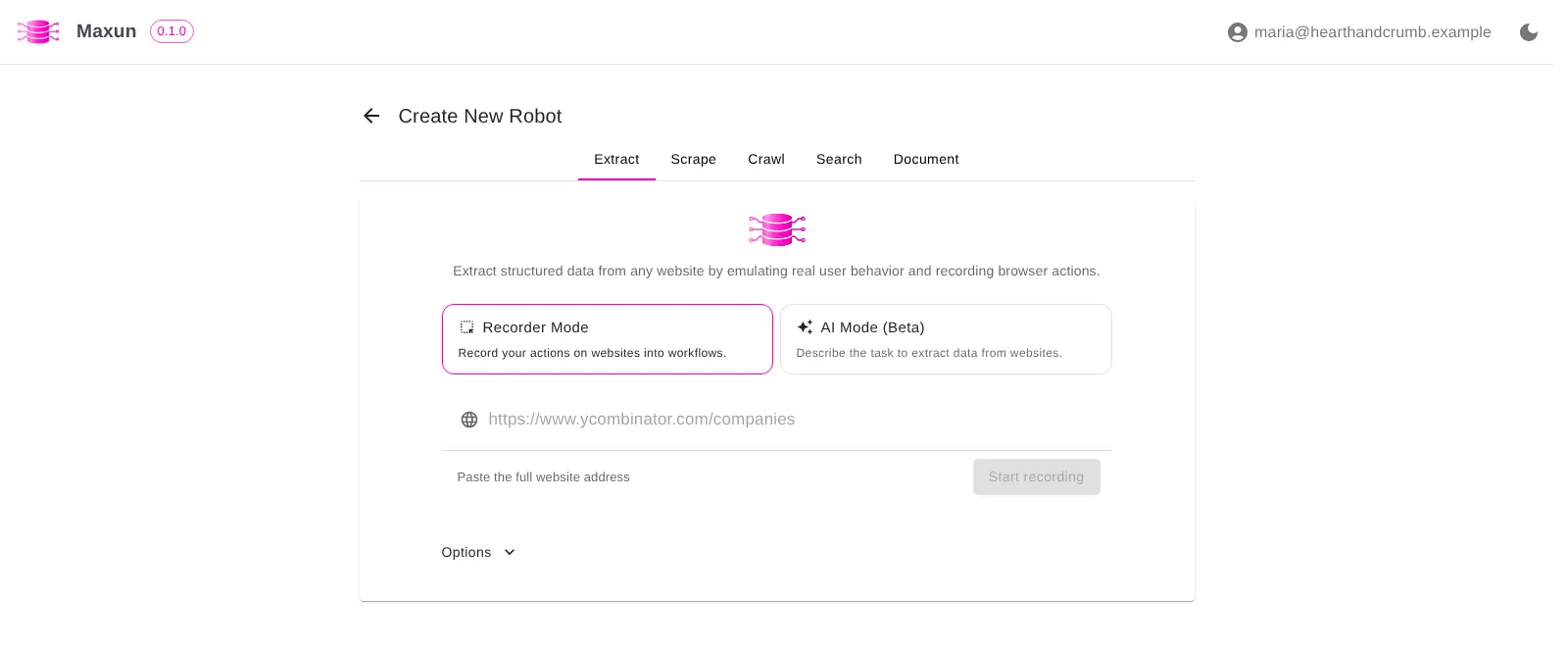
- Describe it in plain words AI Mode builds a robot from a sentence such as "list every product and its price", using your own OpenAI or Anthropic key or a local Ollama model.
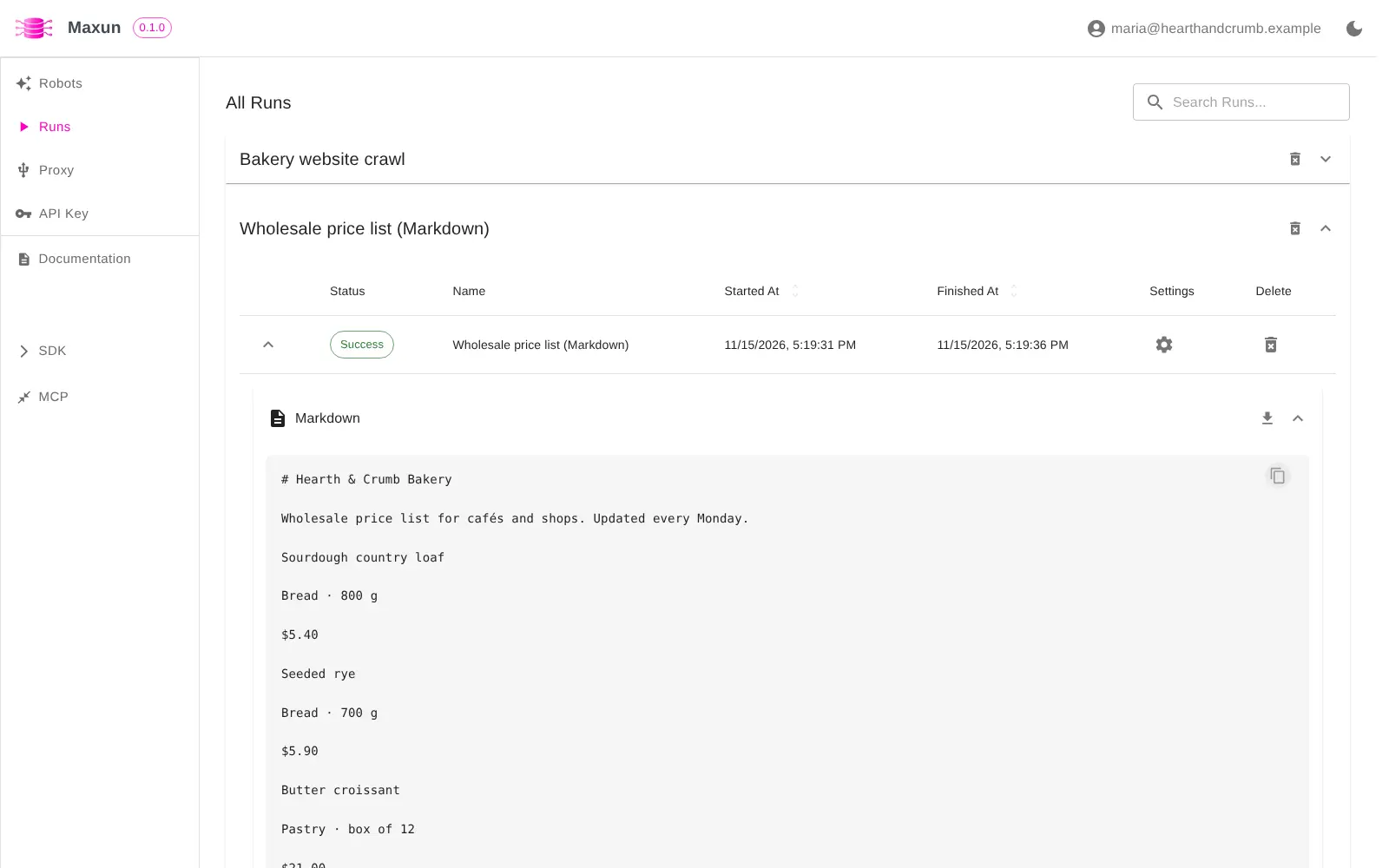
- Turn pages into clean text Scrape robots save a page as Markdown, HTML or a screenshot, and crawl robots collect content from every page of a site.
- Search the web and read documents Search robots collect web search results, and document robots pull data out of PDF, Word, Excel, CSV and image files.
- Run robots on a schedule Run a robot every few minutes, hours, days, weeks or months, and compare each run with the last one to spot changes.
- Get the data where you need it Download results as CSV, JSON or Markdown, send them to a webhook, or fetch them from your own apps through the API.
- Connect AI agents An MCP server, a command-line tool and a Node SDK let AI assistants and scripts run your robots and read their data.
Replaces Browse AI, Octoparse and Apify
Maxun does the same job as Browse AI, Octoparse and Apify. Here is what changes when you switch.
- No credits or page limits, only the cost of your server
- The data you collect stays on your own server
- Robots, schedules and the API are included free
- AI features work with the AI provider you choose, including a local model
- No built-in anti-bot protection, CAPTCHA solving or rotating proxies, so heavily protected sites may block it (you can add your own proxy)
- No ready-made robots for popular sites; you train each one yourself
- No email alerts or shared team workspaces, which are part of the paid Maxun Cloud
- Maxun is young software, at version 0.1.0
What happens when you click Deploy?
You do not need a server or any technical knowledge. Four steps, and Maxun is running at its own web address.
- Step 1 Click Deploy and create your account
Deploy takes you to Cloudgate. Create an account, or log in if you have one. Maxun itself is free.
- Step 2 Choose a server
No server? Get one from Cloudgate: pick a size and a country, and Cloudgate gets it ready. Already have one? Connect it instead.
- Step 3 Cloudgate sets up Maxun
It prepares the server, makes the passwords the app needs and starts it. There is nothing to install and nothing to write down.
- Step 4 Open your app and sign in
Your app gets a free web address to start, without https. Add your own domain, like app.yourshop.com, and Cloudgate secures it with https for you.
New to Cloudgate? See what Cloudgate is
Run Cloudgate yourself? Deploy from your own console
In your Cloudgate console, open Templates and choose Maxun.
Questions
Is Maxun free?
Yes, self-hosted Maxun is free and open source under the AGPL-3.0 licence, with no credits or page limits. You pay only for your server, and for an AI provider if you use the AI features. The paid Maxun Cloud adds extras such as anti-bot protection, CAPTCHA solving, email alerts and team workspaces.
Is Maxun a good alternative to Browse AI?
Yes, if you want Browse AI's way of working, training a robot by clicking on a website and running it on a schedule, without paying for credits. Maxun does not include anti-bot protection, CAPTCHA solving, rotating proxies or ready-made robots, so it suits sites that do not try hard to block scrapers.
Do I need to know how to code to use Maxun?
No. You open a website in Maxun's recorder and click the list or text you want, or describe the data in a sentence with AI Mode. The API, SDK and command-line tool are there for people who do code.
Does Maxun need an OpenAI key?
No, not for robots you train by clicking. AI Mode and other AI features need your own key for OpenAI or Anthropic, or an Ollama server running a local model, which you enter in Maxun.
How do I sign in to Maxun the first time?
Open your Maxun web address, choose Register and create your account with your email and a password. There is no default admin. Sign-up stays open in version 0.1.0 and cannot be switched off, so anyone who can reach the address can create their own account with its own robots.
Can Maxun send scraped data to Google Sheets?
Yes, Maxun can send results to Google Sheets or Airtable, but those connections need Google or Airtable app credentials that this template does not set up. Downloading CSV or JSON, webhooks and the API work straight away.
What server size do I need for Maxun?
A medium server suits most small teams. Maxun opens a real web browser for each robot that runs, so memory use grows with how many robots run at the same time.
Do I need my own server for Maxun?
No. When you deploy Maxun, hosted Cloudgate can provide a server. If you already rent one, you can connect it instead.
Can I move my data from Browse AI to Maxun?
Most people export from Browse AI and import into Maxun. The official guides at docs.maxun.dev walk through it.
Related apps

AI that fills in forms and gathers data on websites.

A self-hosted AI agent with its own computer that does tasks for you.

Private AI chat over your own documents, for staff and your website.

One private AI chat for many models, using your own API keys.