
LimeSurvey
Survey software for detailed questionnaires.
No server needed to start: Cloudgate can provide one. What happens when you click Deploy
What is LimeSurvey?
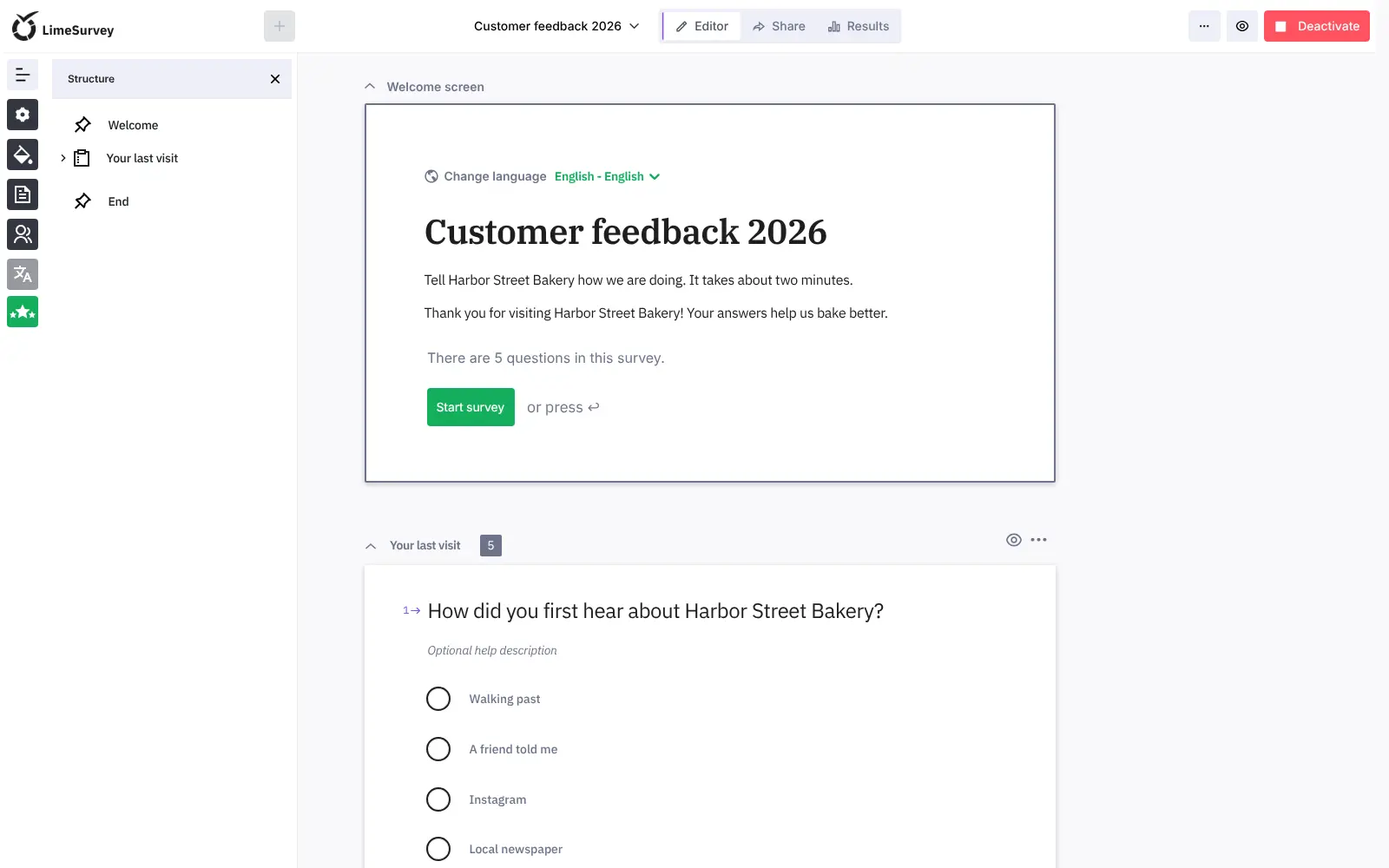
LimeSurvey is self-hosted survey software: build detailed questionnaires with logic and quotas, invite participants and export answers to SPSS.
LimeSurvey Community Edition is free, open-source, self-hosted survey software for building detailed questionnaires and collecting answers on your own server, instead of paying for SurveyMonkey, Qualtrics or Typeform. It has more than 30 question types, skip logic, quotas and surveys in several languages, with no limit on surveys or responses.
You can share a survey by public link or QR code, or send each person on a participant list a personal invitation link with email reminders, and keep answers anonymous if you choose. A town council, for example, could survey residents about a new park in two languages, invite everyone on its mailing list, and send the results to a researcher in SPSS.
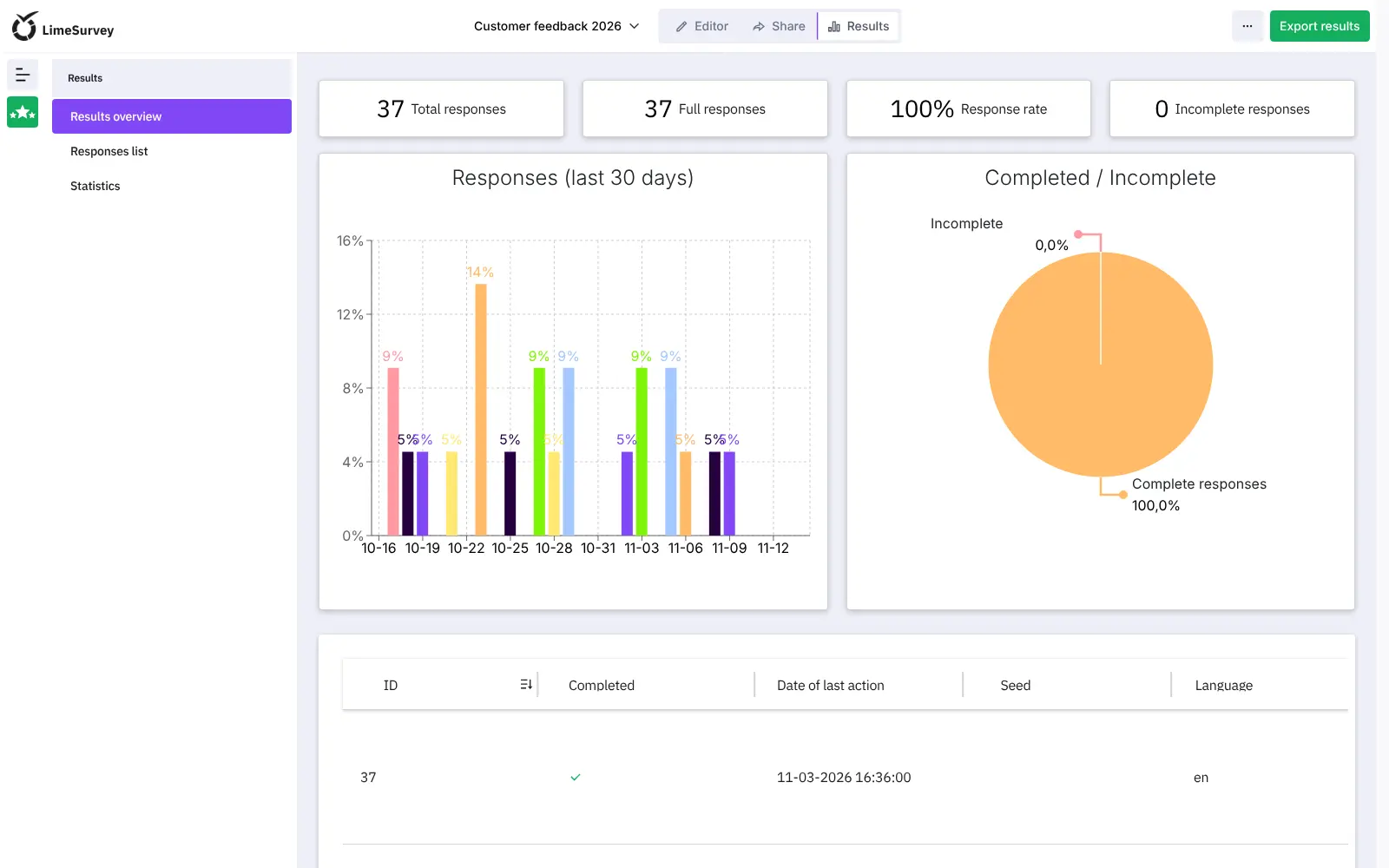
Results appear as counts, charts and statistics in LimeSurvey, and you can export every answer to Excel, CSV, PDF, SPSS or R. Surveys work in any browser on a computer or phone, and there are APIs for connecting other software.
Cloudgate installs LimeSurvey 7.9.1 on a server Cloudgate provides or one you connect, with its database, and gives it a secure web address. Add your email server's details before you send invitations.
What you can do with LimeSurvey
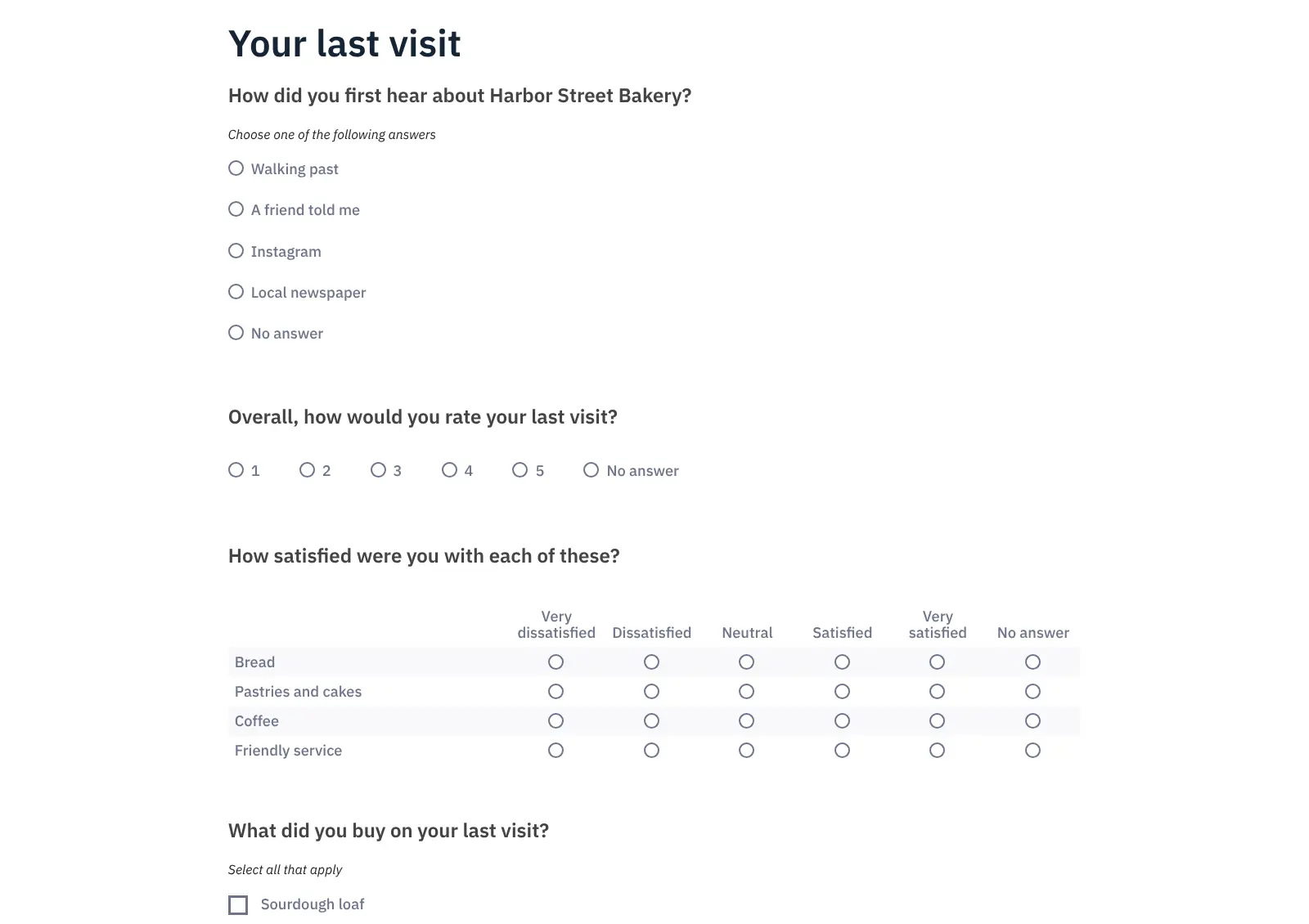
- Build surveys with 30+ question types Use lists, rating scales, grids, ranking, numbers, dates, text and file uploads, with no limit on surveys, questions or responses.
- Ask only the questions that apply Skip and show questions based on earlier answers, set quotas, randomise the order and score answers.
- Survey in many languages Offer one survey in several languages at once, from more than 80 available.
- Invite a list of participants Upload a participant list and send each person a personal link, with email invitations and reminders, or close the survey to everyone else.
- Share a link or a QR code Publish a survey by public link, QR code or on your website, and collect answers anonymously if you choose.
- See and export the results View response counts, charts and statistics in LimeSurvey, or export the answers to Excel, CSV, PDF, SPSS or R.
- Make it look like yours Change the survey theme with your logo, colours and fonts; the themes follow WCAG 2.0 accessibility guidelines.
Replaces SurveyMonkey, Qualtrics, Google Forms and Typeform
LimeSurvey does the same job as SurveyMonkey, Qualtrics, Google Forms and Typeform. Here is what changes when you switch.
- No limit on surveys, responses or admin accounts, and no monthly plan
- Answers stay in your own database on your own server
- Quotas, participant lists and SPSS or R export are included at no extra cost
- Each survey can run in several languages at once
- The admin area takes longer to learn than Google Forms or Typeform
- Sending invitations and reminders needs an email server set up first
- There is no paid respondent panel or benchmark data, as SurveyMonkey and Qualtrics offer
- Existing SurveyMonkey and Qualtrics surveys cannot be imported, so you rebuild them
What happens when you click Deploy?
You do not need a server or any technical knowledge. Four steps, and LimeSurvey is running at its own web address.
- Step 1 Click Deploy and create your account
Deploy takes you to Cloudgate. Create an account, or log in if you have one. LimeSurvey itself is free.
- Step 2 Choose a server
No server? Get one from Cloudgate: pick a size and a country, and Cloudgate gets it ready. Already have one? Connect it instead.
- Step 3 Cloudgate sets up LimeSurvey
It prepares the server, makes the passwords the app needs and starts it. There is nothing to install and nothing to write down.
- Step 4 Open your app and sign in
Your app gets a free web address to start, without https. Add your own domain, like app.yourshop.com, and Cloudgate secures it with https for you.
New to Cloudgate? See what Cloudgate is
Run Cloudgate yourself? Deploy from your own console
In your Cloudgate console, open Templates and choose LimeSurvey.
Questions
Is LimeSurvey free?
Yes. LimeSurvey Community Edition is free, open-source software under the GPL-2.0-or-later licence, with no limit on surveys or responses. You pay only for your server; LimeSurvey's makers also sell a hosted LimeSurvey Cloud and some paid add-ons.
What is the difference between LimeSurvey Community Edition and LimeSurvey Cloud?
The Community Edition is the free version you run on your own server, which is what Cloudgate installs. LimeSurvey Cloud is the makers' paid hosted service, with plans that limit admins, responses and storage.
Is LimeSurvey a good alternative to SurveyMonkey or Qualtrics?
Yes, especially for research and public-sector surveys. LimeSurvey has skip logic, quotas, randomisation, participant lists, many languages and SPSS and R export at no licence cost. SurveyMonkey is easier to learn, and Qualtrics has far more dashboards and analysis tools.
Can LimeSurvey import my surveys from SurveyMonkey or Qualtrics?
No. SurveyMonkey does not export a survey's structure, and LimeSurvey does not read Qualtrics files, so you rebuild the questions in LimeSurvey. LimeSurvey's own survey files import and export between LimeSurvey sites.
How do I sign in to LimeSurvey the first time?
Open your LimeSurvey web address followed by /index.php/admin and sign in with the user name admin and the password Cloudgate created, shown on the app's variables page. There is no public sign-up; the admin adds other admin accounts, and people answering surveys need no account.
Can LimeSurvey send survey invitations by email?
Yes, LimeSurvey sends invitations once you add your email server's details under Configuration, Global settings, Email settings. Until then, invitations, reminders and password-reset emails are not sent, but public survey links still work.
What server size do I need for LimeSurvey?
A small server is enough for most LimeSurvey surveys, so Cloudgate uses a small size. Choose a medium one if you run large surveys with many responses.
Do I need technical skills to run LimeSurvey?
No. Click Deploy, create your Cloudgate account and choose a server, and Cloudgate sets up LimeSurvey and gives it a web address. You use it in your browser like any other online tool.
Do I need my own server for LimeSurvey?
No. When you deploy LimeSurvey, hosted Cloudgate can provide a server. If you already rent one, you can connect it instead.
Related apps

Surveys and feedback forms with unlimited responses.

Conversational forms, quizzes and surveys, no limits.

Forms and surveys with logic and unlimited answers.

Let clients book time with you from a simple link.