

Open-source alternatives to Typeform

HeyForm is a free, open-source Typeform alternative for conversational forms that ask one question at a time, with logic, your own themes and payments through your own Stripe account. Typeform’s plans cap how many responses you collect each month; self-hosted HeyForm has no response limit and keeps the answers on your server, though it has far fewer built-in integrations.

4 alternatives Free apps Our pick: HeyForm

At a glance

App Good for Code Import from Typeform Ease of use
HeyForm Small businesses and teachers who want Typeform-style forms with no response limits Code Open source Import from Typeform No Easy
Formbricks Product and customer teams running surveys, NPS and website feedback Code Open source Import from Typeform No Easy
OpnForm Small teams of one or two who want Typeform- or Tally-style forms with unlimited answers Code Open source Import from Typeform Partly Easy
LimeSurvey Researchers, public bodies and teams running detailed surveys with logic, quotas and several languages Code Open source Import from Typeform No Some setup

Why look for an alternative to Typeform?

Typeform is an online form and survey builder known for its conversational style: one question at a time, with smooth transitions, logic that skips questions, and forms you share as a link or embed on a website.

People look for an alternative because Typeform's plans limit how many responses you collect each month, so a popular survey pushes you onto a higher plan, and every answer is stored on Typeform's servers. A self-hosted HeyForm keeps the same one-question-at-a-time style with no response limit and the answers on your own server, Formbricks suits surveys and pop-ups inside your website, and OpnForm offers both layouts and imports your Typeform forms. In return, you run the server yourself and have fewer built-in integrations.

The alternatives, compared

HeyForm

Our pick

Conversational forms, quizzes and surveys, no limits.

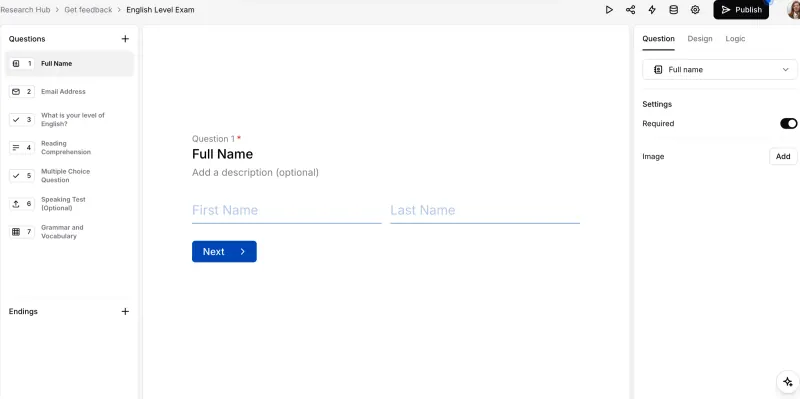
The closest match to Typeform's style: forms that ask one question at a time, with 25+ field types, logic, hidden fields, answer piping, themes and custom CSS, payments through your own Stripe account and reports on completion and drop-off, with no response limit. Typeform has far more native integrations and a larger template gallery; HeyForm connects through webhooks and Google Sheets.

What you gain
  • No monthly response limit and no cap on forms
  • Answers stay on your own server
  • Payments go through your own Stripe account, with no HeyForm commission on top of Stripe's fees
What is different
  • Few built-in integrations; Zapier, Make and other tools connect through webhooks
  • Fewer ready-made templates than Typeform or Jotform
  • Your existing Typeform, Google Forms or Jotform forms do not move across
Easy Open source

Surveys and feedback forms with unlimited responses.

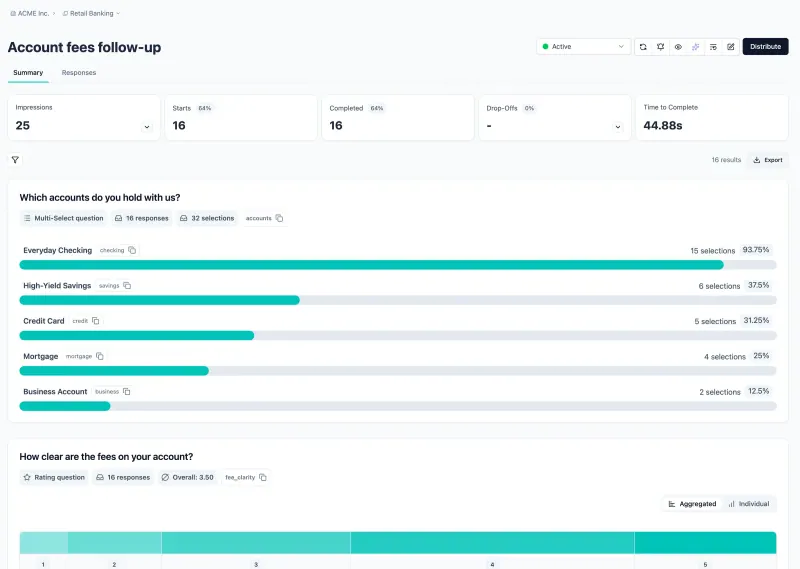
Covers the same job: one-question-at-a-time link surveys with logic, hidden fields, your own colours and CSS, and many question types, with unlimited responses on a self-hosted copy. Typeform has more polished conversational form design and features such as taking payments; Formbricks adds pop-up surveys inside your own website or web app. The free edition shows a small "Powered by Formbricks" line and has one workspace.

What you gain
  • Unlimited surveys, responses and team members, with no per-response plan
  • Answers stay on your own server
  • Pop-up surveys inside your own website or web app, not just survey links
What is different
  • The free edition has one workspace and no sign-in with Google or company SSO, two-step sign-in or team roles; those need a paid licence
  • Surveys show a small "Powered by Formbricks" line unless you buy a licence
  • Your existing Typeform, Google Forms or SurveyMonkey surveys do not move across
Easy Open source

Forms and surveys with logic and unlimited answers.

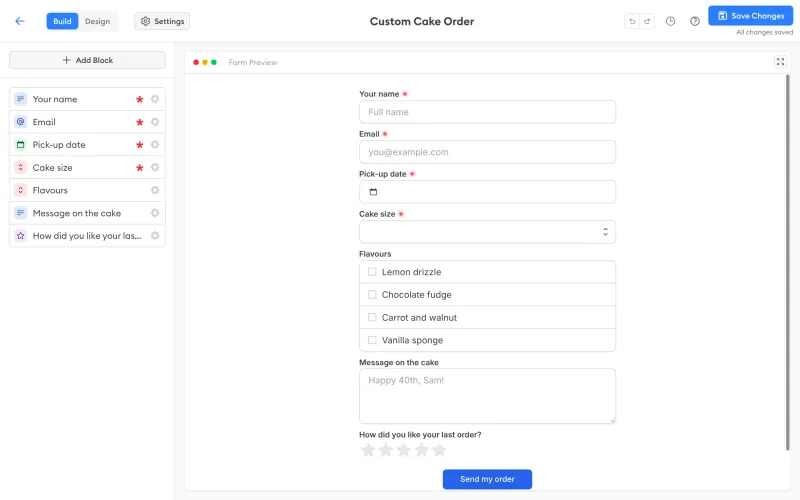
Builds forms in either a classic layout or Typeform's one-question-at-a-time style, with logic, calculations, hidden fields, file uploads, signatures, a custom domain and integrations from Slack to Zapier and n8n, and no limit on answers. It can import a Typeform form from its public link, bringing the questions and screens but not logic or responses. The free self-hosted edition allows only 2 users and keeps OpnForm's branding on forms.

What you gain
  • No monthly answer limit and no cap on forms
  • Answers stay on your own server
  • Custom domains, logic, captcha and closing dates are included at no cost
What is different
  • The free self-hosted edition allows 2 users and one workspace; more needs a paid licence
  • Forms always show a "Made with OpnForm" badge unless you buy a licence
  • Imports bring questions only, not past answers and mostly not logic
Easy Open source

Survey software for detailed questionnaires.

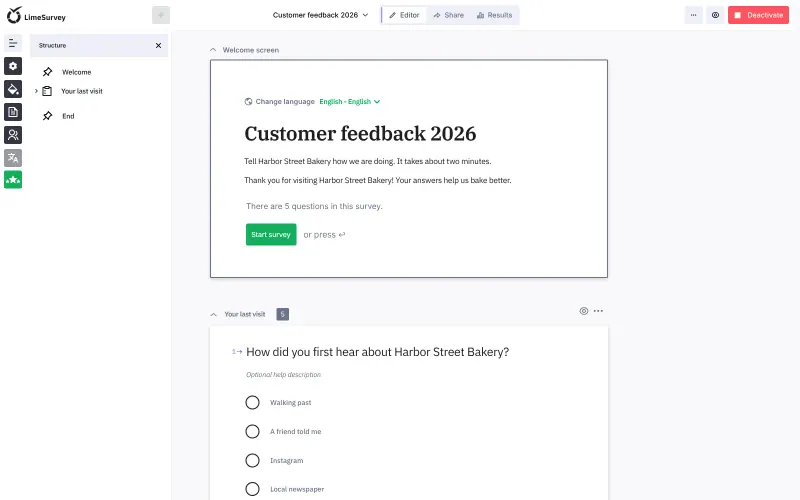
A different style of tool for longer surveys: many question types, skip logic, quotas, several languages per survey and export to SPSS or R, with no response limit. Surveys can show one question per page, but the feel is more of a classic questionnaire than Typeform's conversational forms, and the admin area takes longer to learn.

Some setup Open source

Moving from Typeform

Export your existing Typeform responses first and keep the file, because past answers do not come across to any of these apps. OpnForm is the only one that imports forms: paste a form's public typeform.com link and it rebuilds the questions and the welcome and thank-you screens, then you add the logic again yourself. With HeyForm, Formbricks and LimeSurvey you rebuild each form in the new editor. In HeyForm, recreate logic in each question's Logic settings, add your own Stripe keys before you publish a payment form, and connect a webhook or Google Sheets where answers went to other apps. In Formbricks, recreate logic in its Flow view; in this template, file-upload questions and logo or image uploads need S3-compatible storage added first, and teammates join through a copyable invite link. In LimeSurvey, rebuild each form as a survey and set it to show one question at a time if you want something close to Typeform's flow. Then replace the Typeform links and embeds on your website and in emails, and keep Typeform open until the last forms that use it have closed.

Questions

What is the best open-source alternative to Typeform?

Start with HeyForm. All 4 are free and open source.

Should I choose HeyForm or Formbricks?

HeyForm for Typeform-style forms, quizzes and payment forms that you share as a link or embed. Formbricks for surveys and feedback, especially pop-up surveys inside your own website or web app.

Can I import my Typeform forms?

Into OpnForm, partly: it imports a form from its public link, with the questions and the welcome and thank-you screens, but not logic or past responses. HeyForm, Formbricks and LimeSurvey have no Typeform importer, so there you rebuild each form.

How many people can use OpnForm for free?

Two. The free self-hosted edition allows 2 users in one workspace, and more users, removing the OpnForm branding and custom CSS need its paid Enterprise licence. HeyForm has no such user cap.

Do these apps limit how many responses I can collect?

No. Self-hosted, none of them limits forms or responses; you pay only for your server.

Can I put a form on my website like a Typeform embed?

Yes. HeyForm embeds inline, as a pop-up or as a side panel, or you share a link. Formbricks can also pop a survey up on chosen pages or after a certain action in your web app.

Are these Typeform alternatives really free?

Yes, HeyForm, Formbricks, OpnForm and LimeSurvey are free. To run them you need Cloudgate and a server. Use hosted Cloudgate, which can also provide the server, or install Cloudgate on a server of your own for free. Cloudgate's plans and prices are at cloudgate.octabyte.io/pricing. One server can run several apps.

Do I need a developer to replace Typeform?

No. Cloudgate installs the app you choose on your server and gives it a secure web address, and you use it in your browser instead of Typeform.