
Docmost
An open-source team wiki with spaces, live editing and diagrams.
No server needed to start: Cloudgate can provide one. What happens when you click Deploy
What is Docmost?
Docmost is a self-hosted, open-source team wiki with spaces, live editing, permissions and diagrams, replacing Confluence and Notion for team docs.
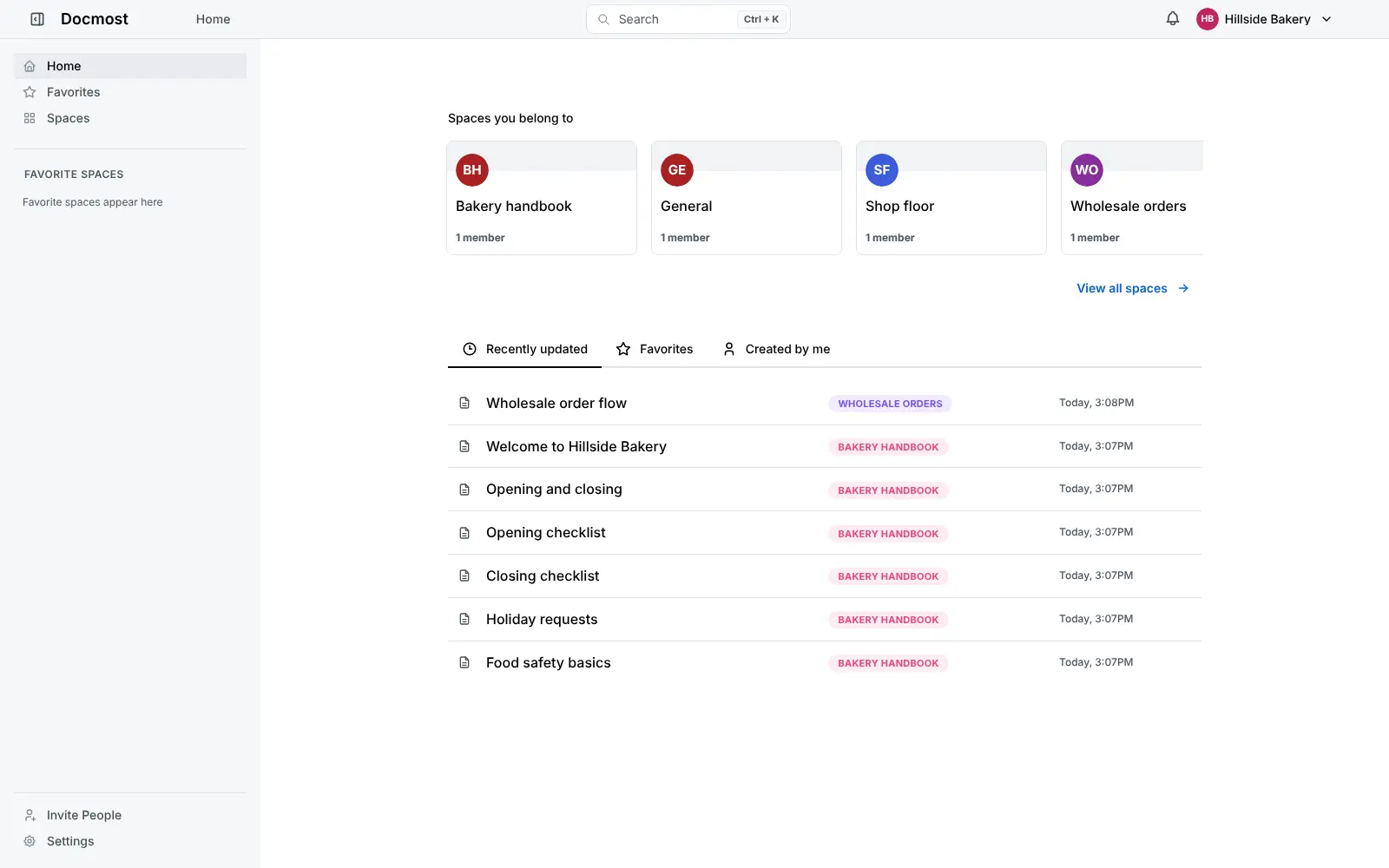
Docmost is a free, open-source team wiki and Confluence alternative that you can self-host: a place where your team writes, organises and finds its handbook, how-to guides, policies and meeting notes. Pages live in spaces, one for each team or department, and can be nested inside each other.
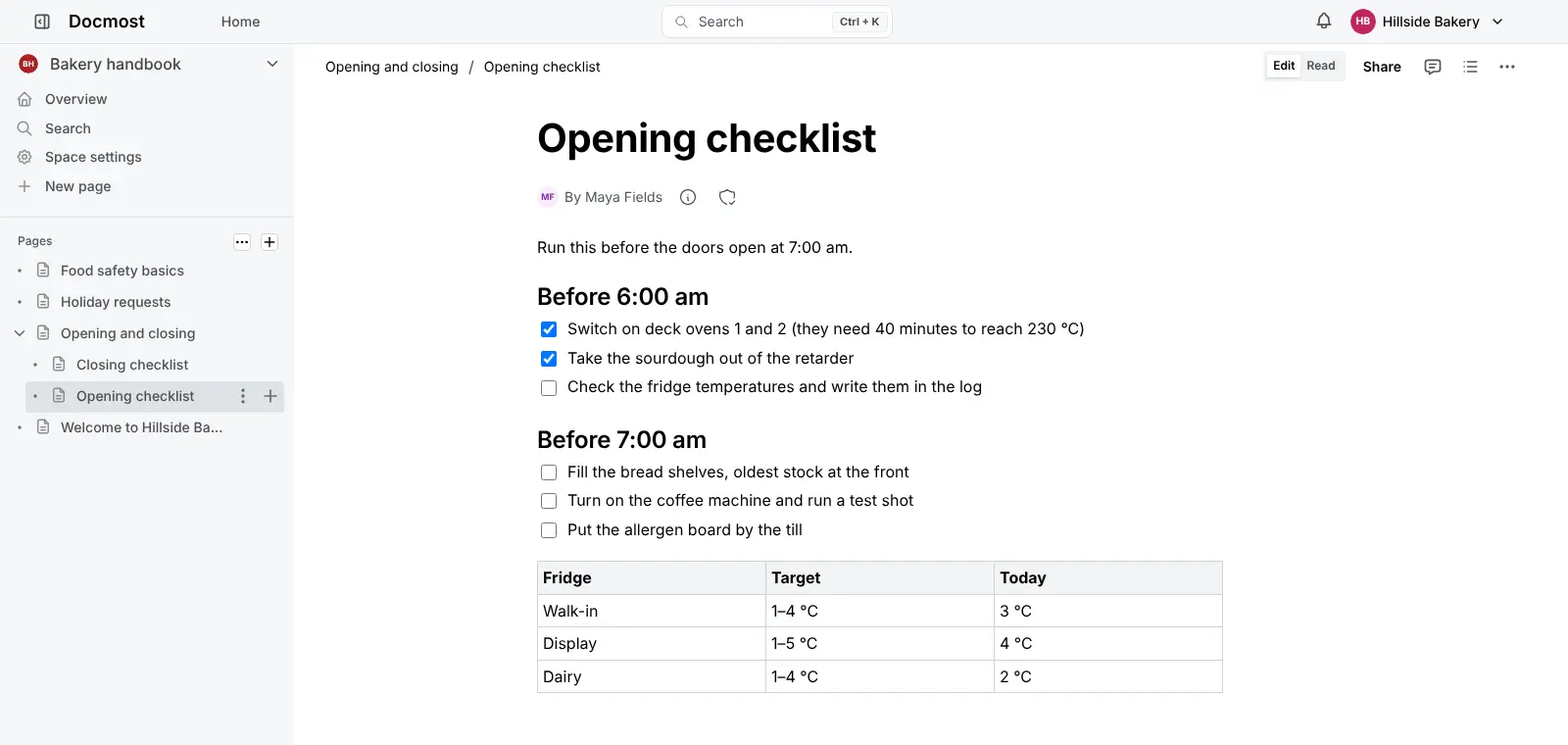
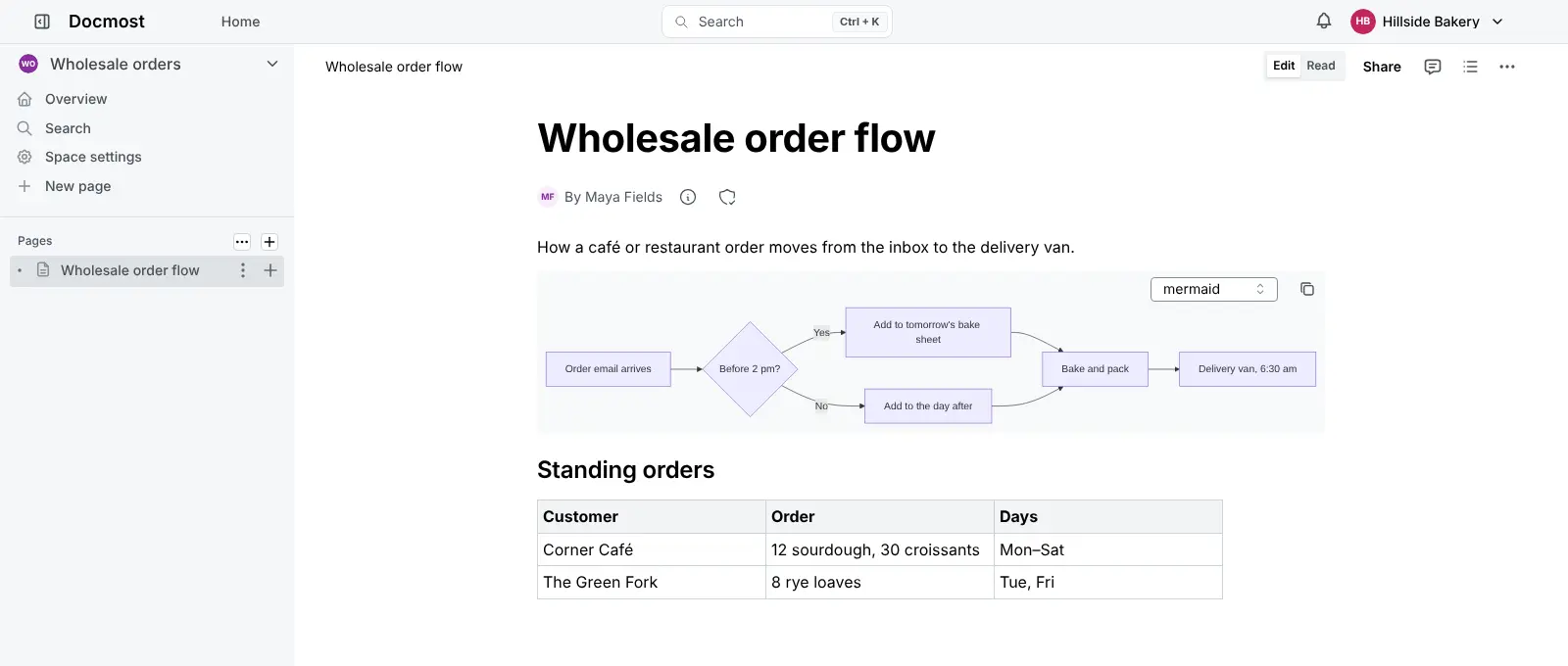
Several people can edit the same page at once. Pages can hold checklists, tables, images, attachments and diagrams drawn with Draw.io, Excalidraw or Mermaid, and every page keeps a history of earlier versions. A bakery, for example, could keep its opening checklist, food safety rules and wholesale order process in one handbook space and send each new starter a single link.
You decide who sees what by putting people in groups and giving each group access to the spaces it needs. Docmost works in any web browser and imports Notion exports, Markdown and HTML files. The free edition is open source; single sign-on, two-step sign-in, audit logs, templates and the Confluence importer are part of Docmost's paid licences.
Cloudgate installs Docmost and its database on a server Cloudgate provides or one you connect, and gives it a secure web address. The first person to open that address creates the owner account and names the workspace, with no outside sign-in service to set up.
What you can do with Docmost
- Write together Several people can edit the same page at once and see each other's changes as they type.
- A space for every team Give each team or department its own space, with pages nested inside pages.
- Choose who sees what Put people in groups and decide who can view or edit each space.
- Draw diagrams in your pages Add flowcharts and sketches with Draw.io, Excalidraw and Mermaid without leaving the page.
- Find and restore Search every page in the wiki, and go back to an earlier version from the page history.
- Comment and share Discuss a page in comments, and publish chosen pages on the web while the rest stays private.
- Bring your docs with you Import a Notion export, Markdown and HTML files, and export any page or whole space again.
Replaces Confluence and Notion
Docmost does the same job as Confluence and Notion. Here is what changes when you switch.
- No price per user in the free edition, however big the team gets
- Your pages and files stay on your own server
- Open source, so you can see and keep the code
- People sign in with an email and password, with no separate sign-in service to set up
- Far fewer add-ons and integrations than Confluence
- No Notion-style databases or boards in the free edition
- Single sign-on, two-step sign-in, audit logs, templates and the Confluence and Word importers come only with a paid licence
What happens when you click Deploy?
You do not need a server or any technical knowledge. Four steps, and Docmost is running at its own web address.
- Step 1 Click Deploy and create your account
Deploy takes you to Cloudgate. Create an account, or log in if you have one. Docmost itself is free.
- Step 2 Choose a server
No server? Get one from Cloudgate: pick a size and a country, and Cloudgate gets it ready. Already have one? Connect it instead.
- Step 3 Cloudgate sets up Docmost
It prepares the server, makes the passwords the app needs and starts it. There is nothing to install and nothing to write down.
- Step 4 Open your app and sign in
Your app gets a free web address to start, without https. Add your own domain, like app.yourshop.com, and Cloudgate secures it with https for you.
New to Cloudgate? See what Cloudgate is
Run Cloudgate yourself? Deploy from your own console
In your Cloudgate console, open Templates and choose Docmost.
Questions
Is Docmost free?
Yes, Docmost's core is free and open source under the AGPL-3.0 licence, and you pay only for hosting. Docmost also sells Business and Enterprise licences that add features such as single sign-on, two-step sign-in, audit logs, an API, AI and templates; this page describes only the free edition.
Is Docmost a good alternative to Confluence or Notion?
Yes, for a team wiki. Docmost covers spaces, nested pages, live editing, comments, page history, search and diagrams, much like Confluence. It has far fewer add-ons than Confluence, and none of Notion's databases or boards in the free edition.
How is Docmost different from Outline?
Docmost has its own email-and-password accounts, so you don't need a sign-in service such as Google Workspace or Microsoft, and it is open source rather than source-available. It also has Confluence-style spaces with permissions and built-in diagrams. Both Outline and Docmost keep their Confluence importers for paid editions.
Can I import my pages from Notion or Confluence?
From Notion, yes. Docmost imports a Notion export, as well as Markdown and HTML files. Its Confluence importer, and importing Word and PDF files, need a paid licence.
How do I sign in to Docmost the first time?
The first person to open Docmost's web address creates the owner account and names the workspace, so do this right after setup. There is no default password. The owner then invites colleagues by sending each one an invite link.
Is my data private with Docmost?
Yes. Your pages, images and attachments are stored on your own server, not with Docmost. Only the pages you choose to share are visible on the web.
Do I need technical skills to run Docmost?
No. Click Deploy, create your Cloudgate account and choose a server, and Cloudgate sets up Docmost and gives it a web address. You use it in your browser like any other online tool.
Do I need my own server for Docmost?
No. When you deploy Docmost, hosted Cloudgate can provide a server. If you already rent one, you can connect it instead.
Related apps

A simple self-hosted wiki, organised like books on a shelf.

A self-hosted Markdown wiki your team and AI assistants can share.

A self-hosted Markdown wiki with live co-writing and Git sync.

A simple self-hosted wiki in Markdown, with every change kept.