
CourseLit
Sell online courses and downloads from your own website.
No server needed to start: Cloudgate can provide one. What happens when you click Deploy




What is CourseLit?
CourseLit is a self-hosted course platform to sell online courses and digital downloads from your own website, with your own Stripe checkout.
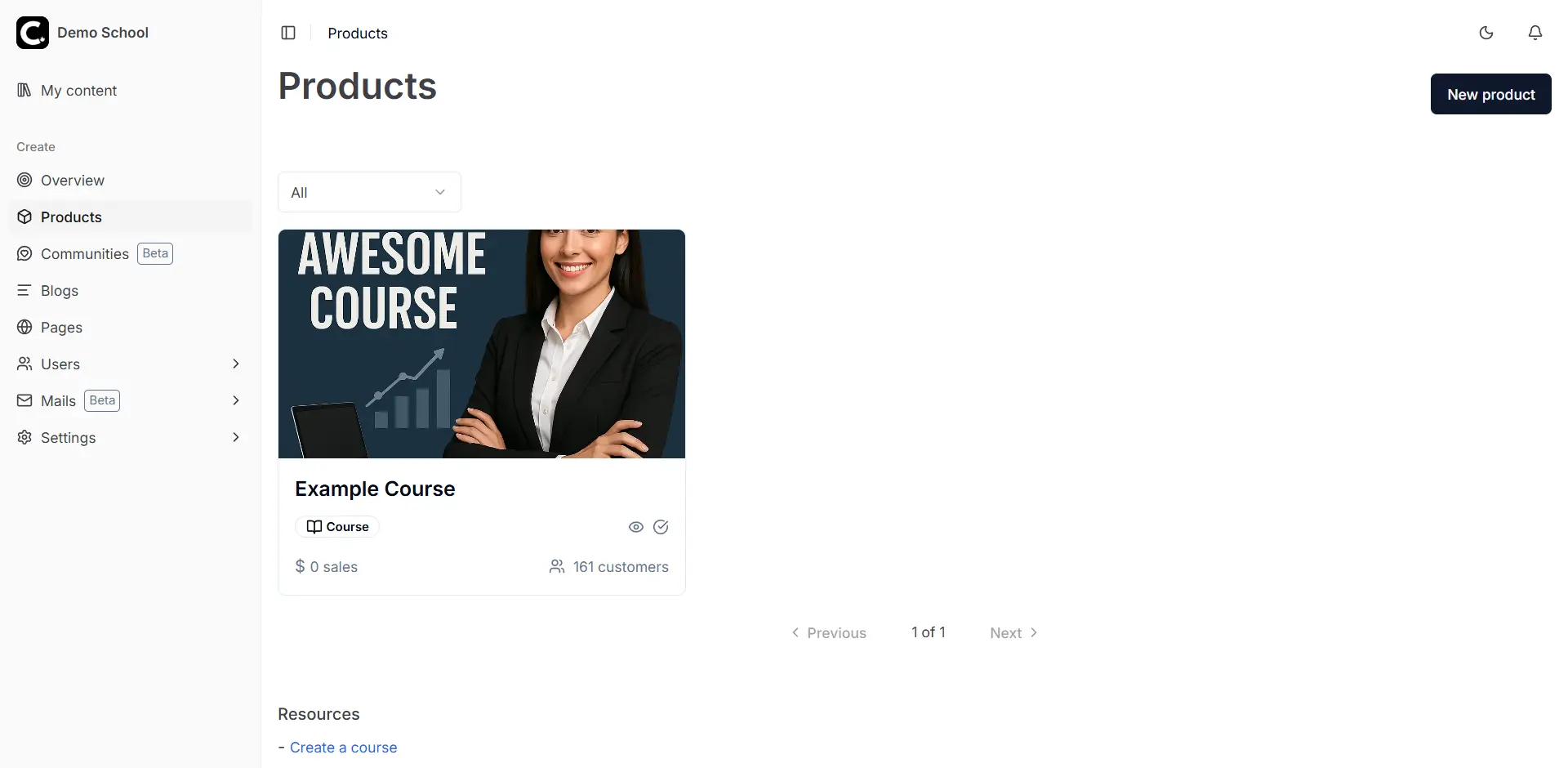
CourseLit is a free, open-source, self-hosted course platform for selling online courses and digital downloads from your own website, in place of Teachable, Thinkific, Podia or Kajabi. One dashboard holds your courses, your school's website and blog, your students, your email list and your checkout.
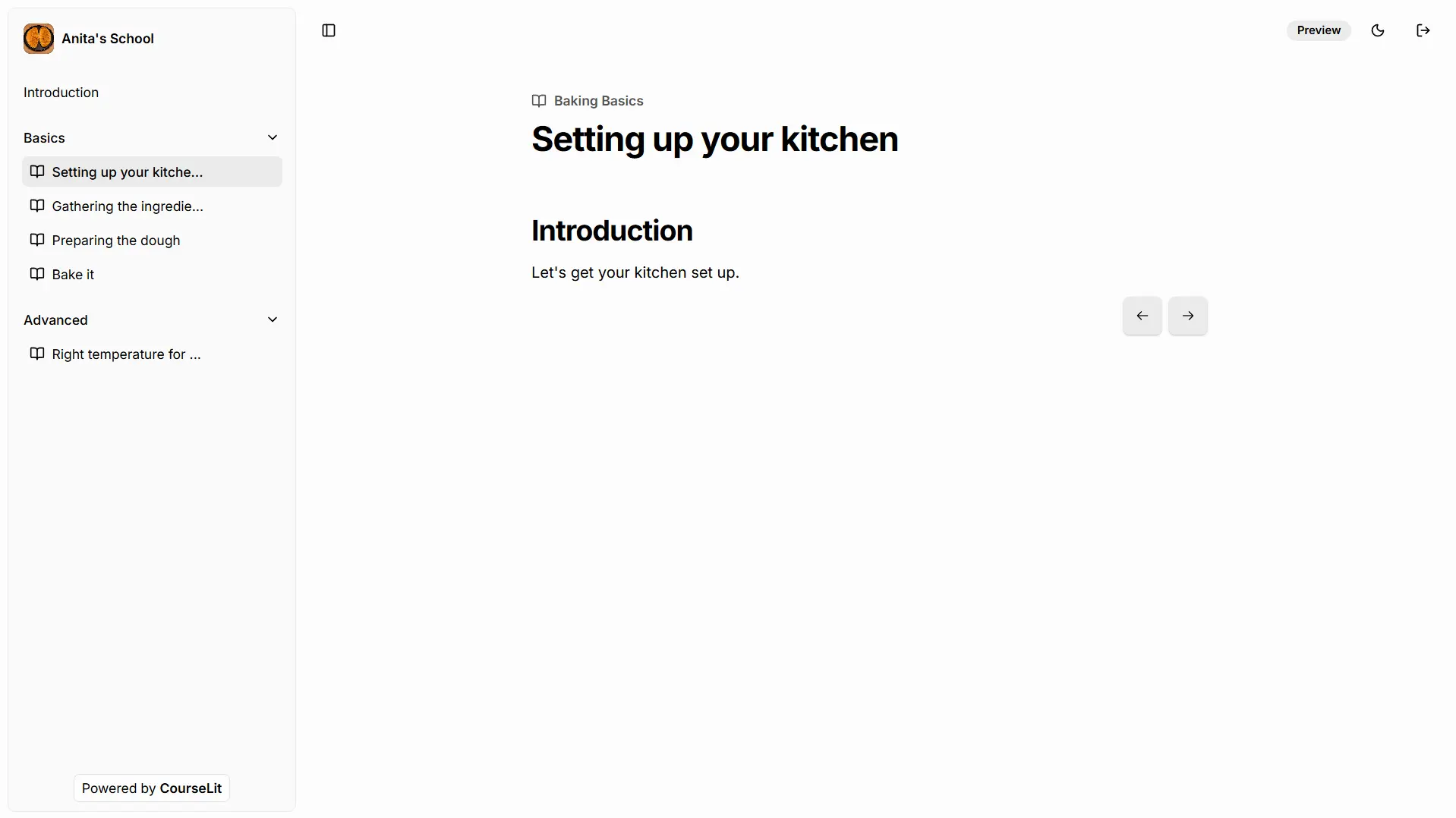
You build a course from sections and lessons with text, video, files and quizzes, set a price or make it free, and publish a sales page for it with the page builder. Students pay through your own Stripe, Razorpay or Lemon Squeezy account, follow their progress lesson by lesson and get a certificate at the end. A baker, for example, could sell a "Baking Basics" course with lessons released weekly, give away a free recipe e-book to collect email addresses, and send new students a welcome email sequence.
Students learn in their web browser, on a computer or a phone; there is no separate app. CourseLit signs people in with a one-time code sent by email, so Cloudgate asks for your email sending service when it installs it.
Cloudgate installs CourseLit on a server Cloudgate provides or one you connect, with the database it needs, and gives it a secure web address. Your courses, students and sales records stay on your server. Uploading videos and files needs CourseLit's separate file service, which you set up yourself.
What you can do with CourseLit
- Build courses your way Organise lessons into sections, with text, video, files, embeds and graded quizzes, or upload SCORM packages.
- Release lessons over time Drip sections by date or a set number of days after a student joins, and issue certificates when they finish.
- Sell digital downloads Sell e-books, templates and other files once, or give them away to grow your email list.
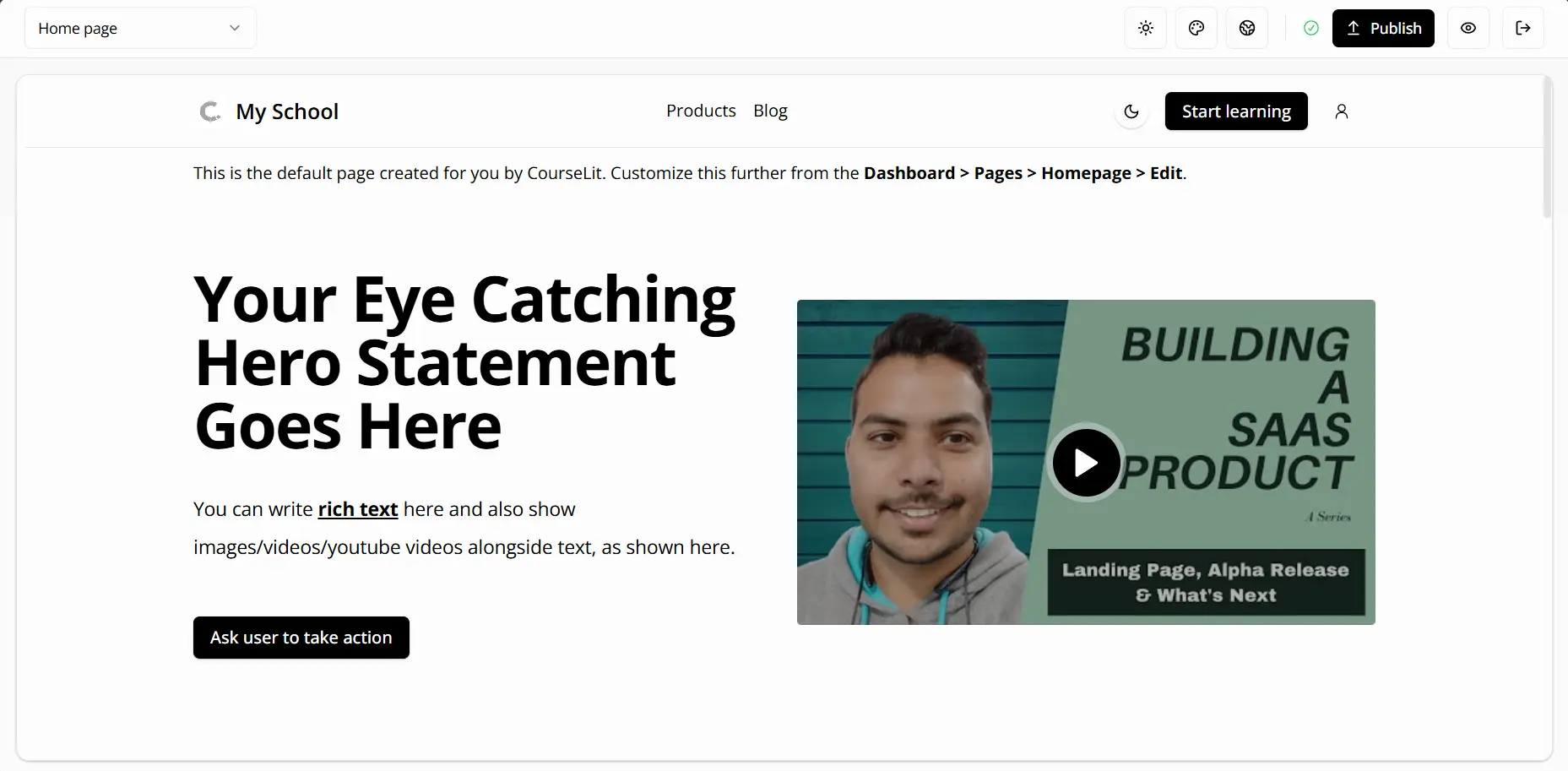
- Run your school's website Edit your home page, sales pages and blog with a no-code page builder and themes, on your own domain.
- Take payments directly Connect your own Stripe, Razorpay or Lemon Squeezy account for one-off prices and subscriptions.
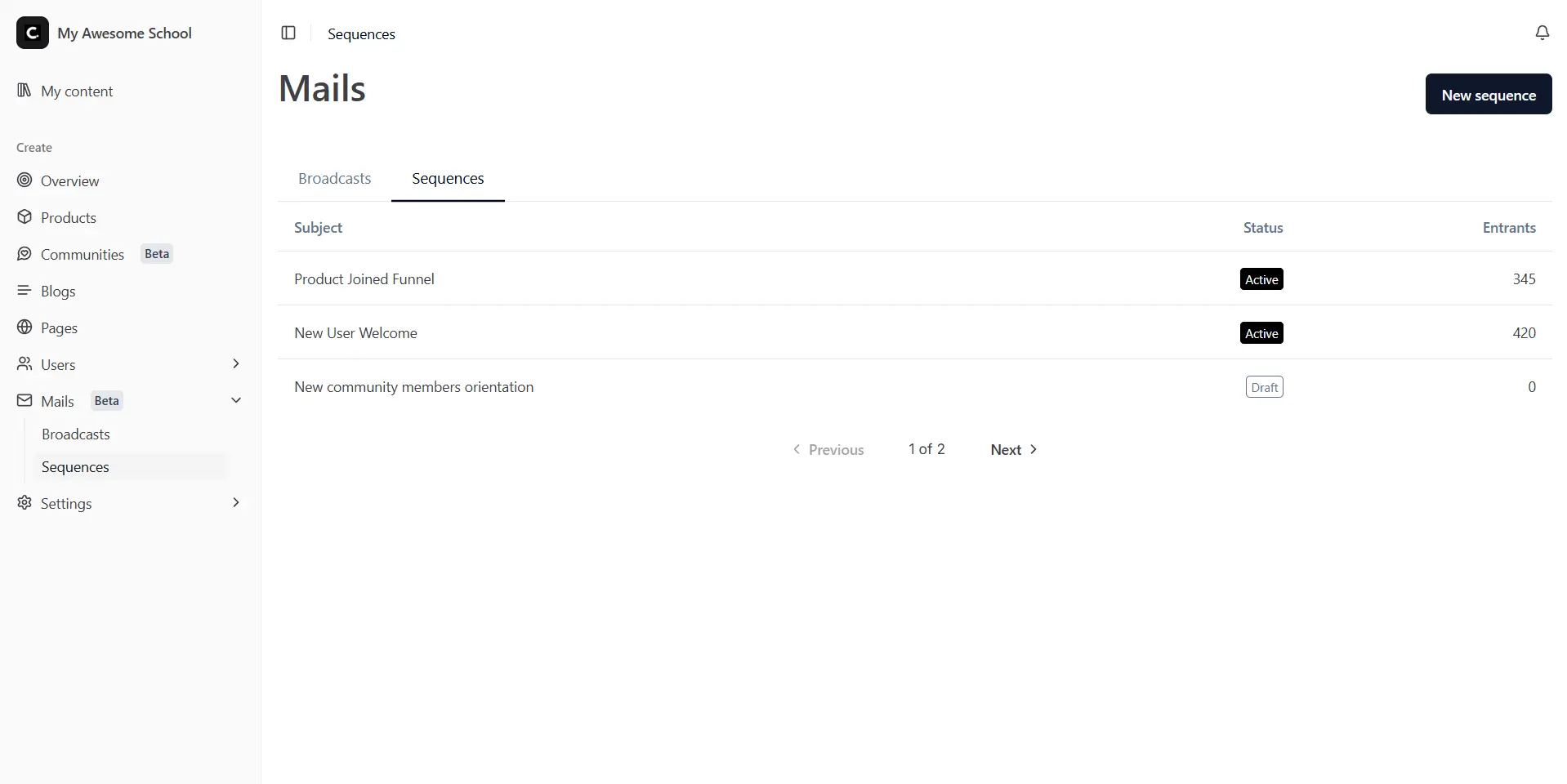
- Email your students Send broadcasts and automatic email sequences to your audience from the same dashboard.
- Host a community Run free or paid communities where members post, comment and report content for you to review.
- Track students and your team See each student's progress, invite customers and give your team only the permissions they need.
Replaces Teachable, Thinkific, Podia, Kajabi and Skool
CourseLit does the same job as Teachable, Thinkific, Podia, Kajabi and Skool. Here is what changes when you switch.
- No monthly plan and no limit on courses, students or pages
- Payments go straight to your own Stripe, Razorpay or Lemon Squeezy account
- Courses, students and email list stay on your server
- Single sign-on and the API are included, with no higher plan to buy
- No phone app for students; they learn in the web browser
- Email marketing and communities are still marked beta
- No import tool, so courses from another platform must be rebuilt
- No support team or automatic updates, unlike the hosted plans
- Uploading videos and files needs CourseLit's separate file service and S3-compatible storage
What happens when you click Deploy?
You do not need a server or any technical knowledge. Four steps, and CourseLit is running at its own web address.
- Step 1 Click Deploy and create your account
Deploy takes you to Cloudgate. Create an account, or log in if you have one. CourseLit itself is free.
- Step 2 Choose a server
No server? Get one from Cloudgate: pick a size and a country, and Cloudgate gets it ready. Already have one? Connect it instead.
- Step 3 Cloudgate sets up CourseLit
It prepares the server, makes the passwords the app needs and starts it. There is nothing to install and nothing to write down.
- Step 4 Open your app and sign in
Your app gets a free web address to start, without https. Add your own domain, like app.yourshop.com, and Cloudgate secures it with https for you.
New to Cloudgate? See what Cloudgate is
Run Cloudgate yourself? Deploy from your own console
In your Cloudgate console, open Templates and choose CourseLit.
Questions
Is CourseLit free?
Yes, CourseLit is free and open source under the AGPL-3.0 licence. Self-hosted, it has no monthly fee and takes no cut of your sales; you pay only for your server and your payment provider's usual fees.
Is CourseLit a good alternative to Teachable or Thinkific?
Yes, if you want to sell courses from your own website without a monthly plan. CourseLit covers courses, quizzes, certificates, sales pages and checkout, but it has no phone app and its email and community features are still in beta.
How do I sign in to CourseLit the first time?
You sign in with a one-time code sent by email, not a password. The admin email address is set when CourseLit is installed; enter it on the login page and type the code you receive to reach the dashboard.
Can I upload videos and files to CourseLit?
Yes, once you set up MediaLit, CourseLit's separate file service, with S3-compatible storage or a MediaLit cloud key. Cloudgate's install does not include it, so until then you can build text lessons, quizzes, pages and emails and embed videos hosted elsewhere.
Which payment providers does CourseLit work with?
CourseLit works with Stripe, Razorpay and Lemon Squeezy, one at a time. You connect your own account, so students' payments go straight to you, for one-off prices or subscriptions.
Can I move my courses from Teachable, Thinkific or Podia?
No, CourseLit has no import tool for other course platforms, so you recreate your courses and upload your videos again. It can import SCORM packages made with tools such as Articulate Rise or iSpring.
Can students take courses on their phones?
Yes, in the phone's web browser. CourseLit has no phone or tablet app, but the course viewer and your school's website work on small screens.
Do I need technical skills to run CourseLit?
No. Click Deploy, create your Cloudgate account and choose a server, and Cloudgate sets up CourseLit and gives it a web address. You use it in your browser like any other online tool.
Do I need my own server for CourseLit?
No. When you deploy CourseLit, hosted Cloudgate can provide a server. If you already rent one, you can connect it instead.
Related apps

Sell courses and memberships, with a community, on your own server.

Online courses with assignments and certificates.

Live polls, Q&A and quizzes on your own slides, self-hosted.

LMS for staff training, compliance and customer courses.