Scriberr
Audio transcription that keeps recordings private.
No server needed to start: Cloudgate can provide one. What happens when you click Deploy




What is Scriberr?
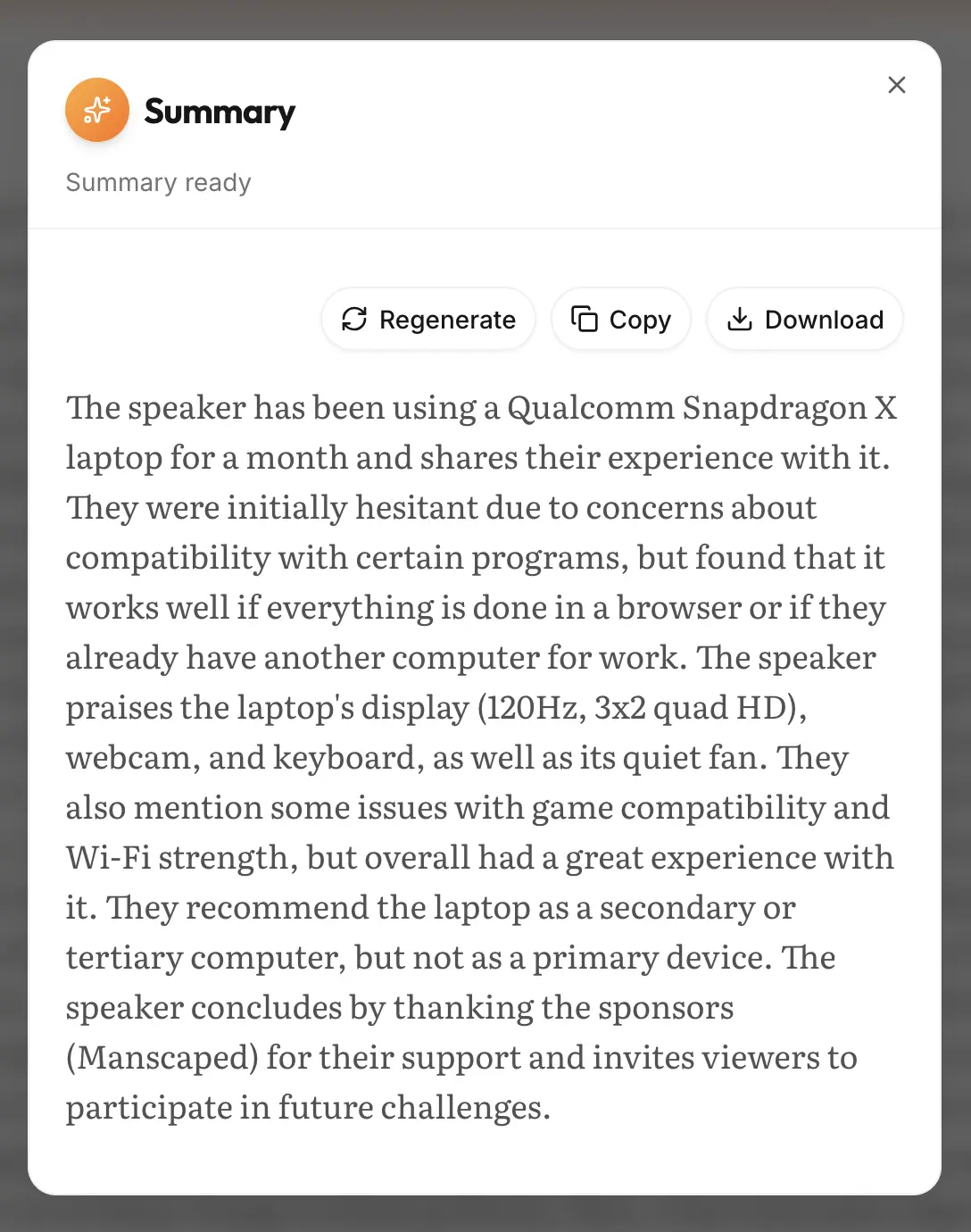
Scriberr is a self-hosted transcription app that turns audio and video recordings into text on your own server, with speaker labels and AI summaries.
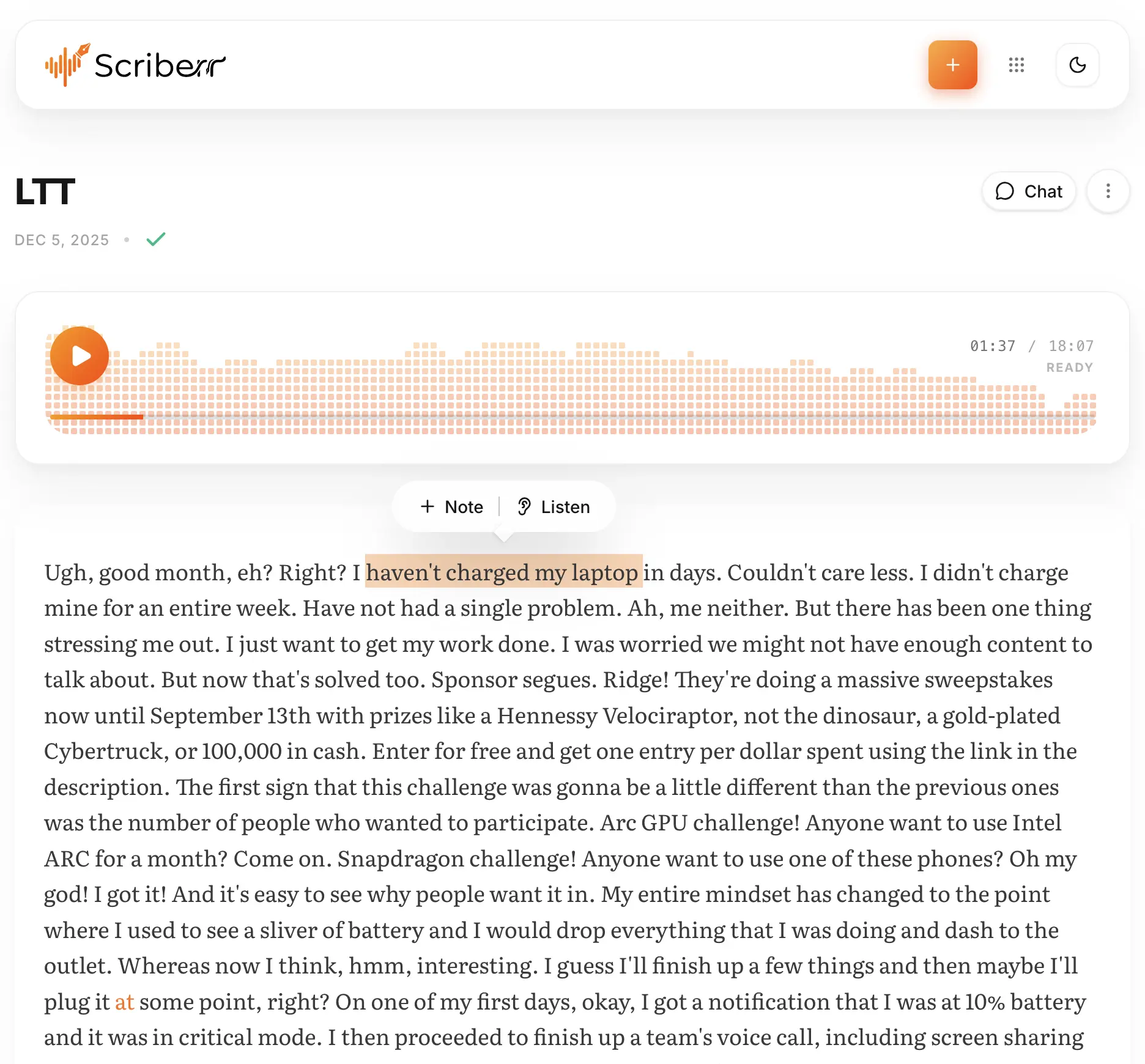
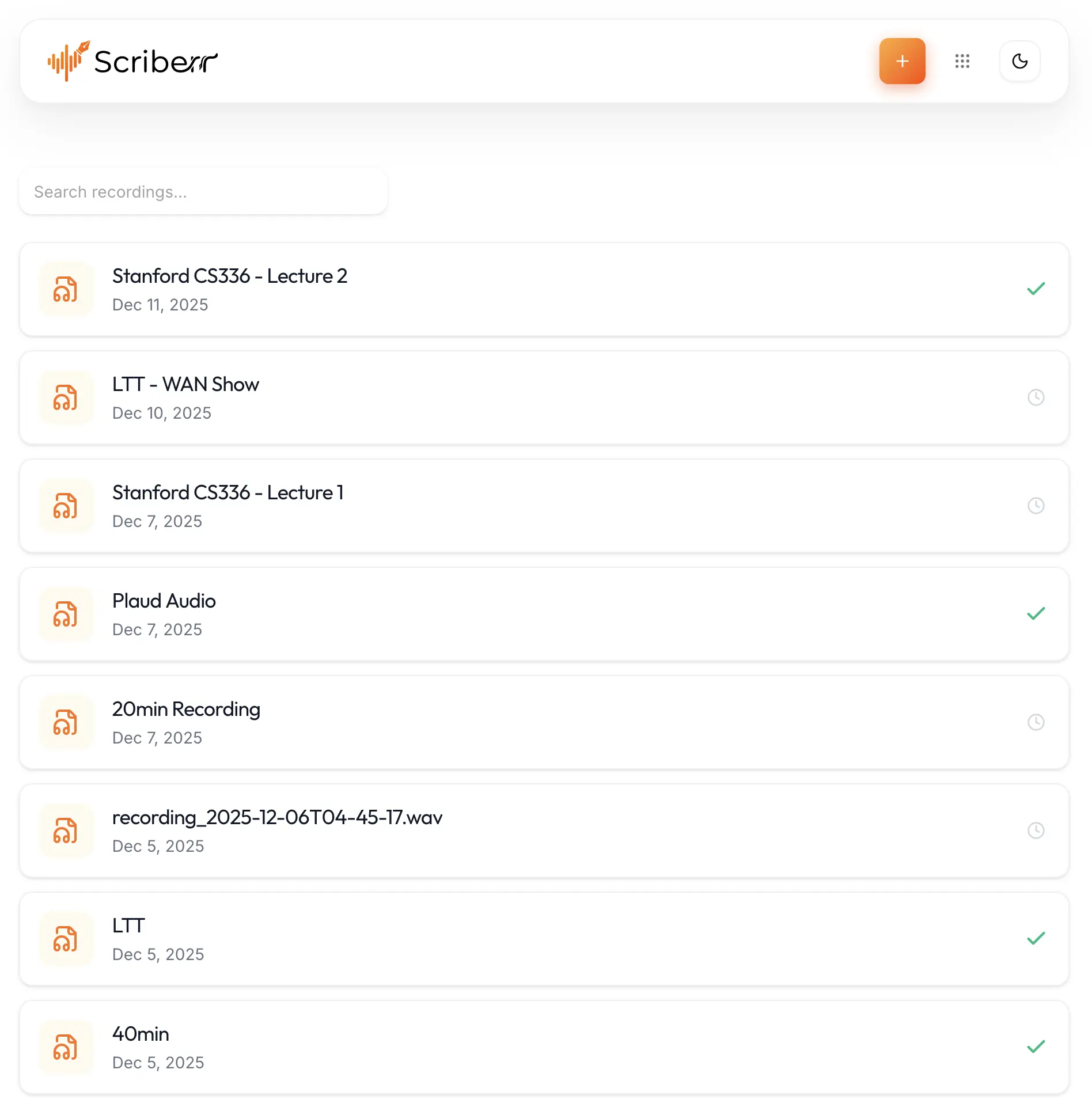
Scriberr is a free, open-source, self-hosted transcription app that turns audio and video recordings into text, and a private alternative to Otter.ai, Rev and Descript's transcription. You upload a recording or record in the browser, and it transcribes it on your own server with open models such as Whisper, so the audio never goes to a transcription company and there are no per-minute fees.
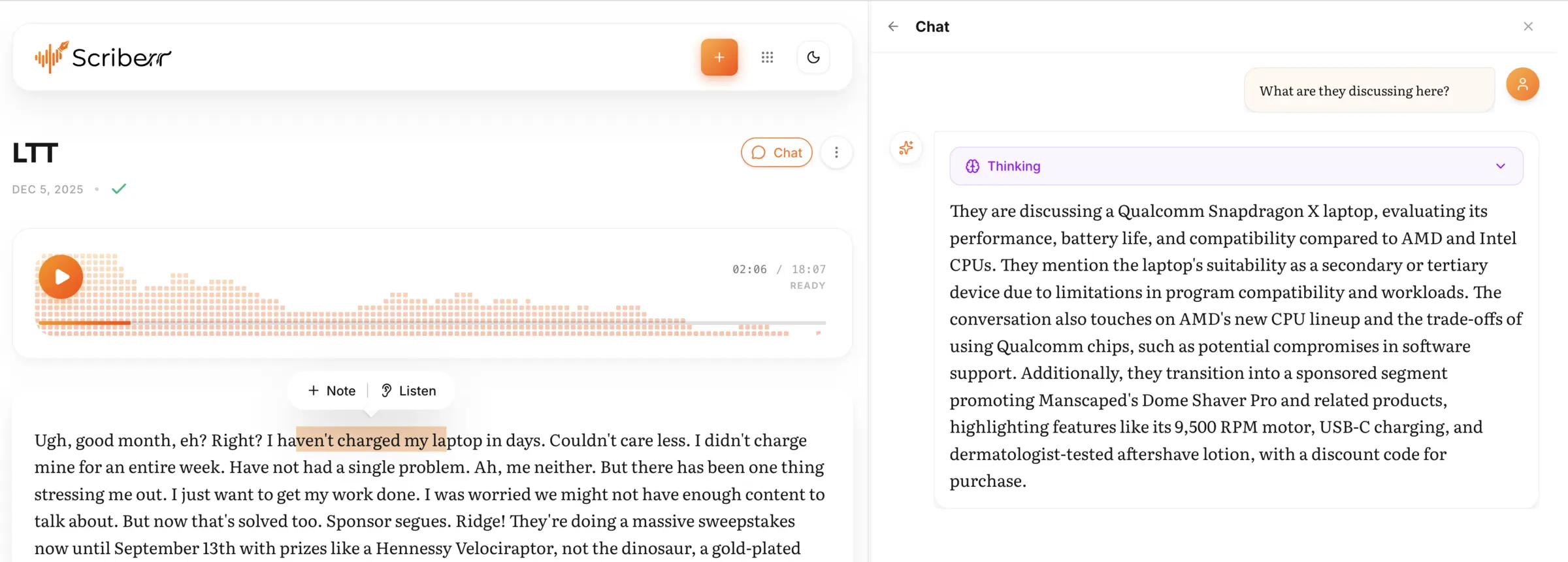
Each transcript plays along with its audio, labels who is speaking, and lets you highlight passages, add notes and export the text as plain text, subtitles or JSON. Connect Ollama or another OpenAI-compatible AI service and Scriberr can also summarize a recording or answer questions about it. A small market research firm, for example, could transcribe its customer interviews, label the interviewer and the customer, and pull a summary of each call without sending the recordings outside the company.
Scriberr is made for one person: the first visitor creates the only account. It transcribes recordings, not live calls, and works in any browser, including on phones. One volunteer maintains it and plans a rewrite that may change things, so keep your original recordings. Cloudgate installs Scriberr on a server Cloudgate provides or one you connect and gives it a secure web address; the first start downloads the speech models and takes a few minutes.
What you can do with Scriberr
- Transcribe recordings privately Upload audio or video, or paste a YouTube link, and open speech models turn it into text on your own server.
- See who said what Speaker detection labels each speaker in the transcript once you add a free Hugging Face token.
- Read along with the audio The transcript follows playback word by word, and clicking a word jumps the player to that moment.
- Highlight and take notes Mark important passages and add notes to them while you listen.
- Summarize and ask questions Connect Ollama or an OpenAI-compatible AI service to get summaries and chat with a transcript.
- Record in the browser Record straight from the web page or upload many files at once, and they wait in a queue.
- Export your transcripts Download transcripts as plain text, SRT subtitles or JSON.
Replaces Otter.ai and Rev
Scriberr does the same job as Otter.ai and Rev. Here is what changes when you switch.
- No per-minute or monthly fees, however much you transcribe
- Recordings are transcribed on your own server and never uploaded to a transcription company
- Summaries and chat can use an AI model you run yourself, through Ollama
- It transcribes recordings only; there is no meeting bot and no live captions
- Machine transcription only, with no human transcribers, and speed and accuracy depend on your server
- One account only, so there are no shared team workspaces
- One volunteer maintains it, there has been no release since December 2025, and a rewrite with breaking changes is planned
What happens when you click Deploy?
You do not need a server or any technical knowledge. Four steps, and Scriberr is running at its own web address.
- Step 1 Click Deploy and create your account
Deploy takes you to Cloudgate. Create an account, or log in if you have one. Scriberr itself is free.
- Step 2 Choose a server
No server? Get one from Cloudgate: pick a size and a country, and Cloudgate gets it ready. Already have one? Connect it instead.
- Step 3 Cloudgate sets up Scriberr
It prepares the server, makes the passwords the app needs and starts it. There is nothing to install and nothing to write down.
- Step 4 Open your app and sign in
Your app gets a free web address to start, without https. Add your own domain, like app.yourshop.com, and Cloudgate secures it with https for you.
New to Cloudgate? See what Cloudgate is
Run Cloudgate yourself? Deploy from your own console
In your Cloudgate console, open Templates and choose Scriberr.
Questions
Is Scriberr free?
Yes, Scriberr is free and open source under the MIT licence, with no paid edition and no paid features. You pay only for your server, plus any AI service you choose to connect for summaries.
Is Scriberr a good alternative to Otter.ai?
Yes, for recordings. Scriberr transcribes audio and video files you upload or record, labels speakers and summarizes them, all on your own server. Unlike Otter.ai, it has no bot that joins Zoom, Meet or Teams calls and no live transcription, so you record the meeting first and upload the file.
Can Scriberr replace Rev?
Yes, for machine transcription only. Scriberr uses open speech models such as Whisper and charges nothing per minute, but it has no human transcribers, so its accuracy is that of the model you pick and the quality of the audio.
How do I sign in to Scriberr the first time?
The first person to open Scriberr's web address creates its only account, so do this right after setup. After that, registration closes, and other tools connect with API keys instead.
Can Scriberr tell who is speaking?
Yes, Scriberr labels each speaker once you add a free Hugging Face token in its settings and accept the terms of the speaker model on the Hugging Face website.
Do my recordings leave my server?
No, Scriberr transcribes on your own server with models it downloads once. Text is sent elsewhere only if you connect an outside AI service for summaries and chat; with Ollama on your own server, everything stays private.
Is Scriberr still maintained?
Yes, but slowly. Scriberr has one maintainer, the latest release is v1.2.0 from December 2025, and he has said development is restarting with a planned rewrite that would likely bring breaking changes. Scriberr works today, but expect few updates until then.
Do I need technical skills to run Scriberr?
No. Click Deploy, create your Cloudgate account and choose a server, and Cloudgate sets up Scriberr and gives it a web address. You use it in your browser like any other online tool.
Do I need my own server for Scriberr?
No. When you deploy Scriberr, hosted Cloudgate can provide a server. If you already rent one, you can connect it instead.
Can I move my data from Otter.ai to Scriberr?
Most people export from Otter.ai and import into Scriberr. The official guides at github.com walk through it.
Related apps
Meeting transcripts, AI summaries and action items.

A self-hosted AI agent with its own computer that does tasks for you.

Private AI chat over your own documents, for staff and your website.

One private AI chat for many models, using your own API keys.